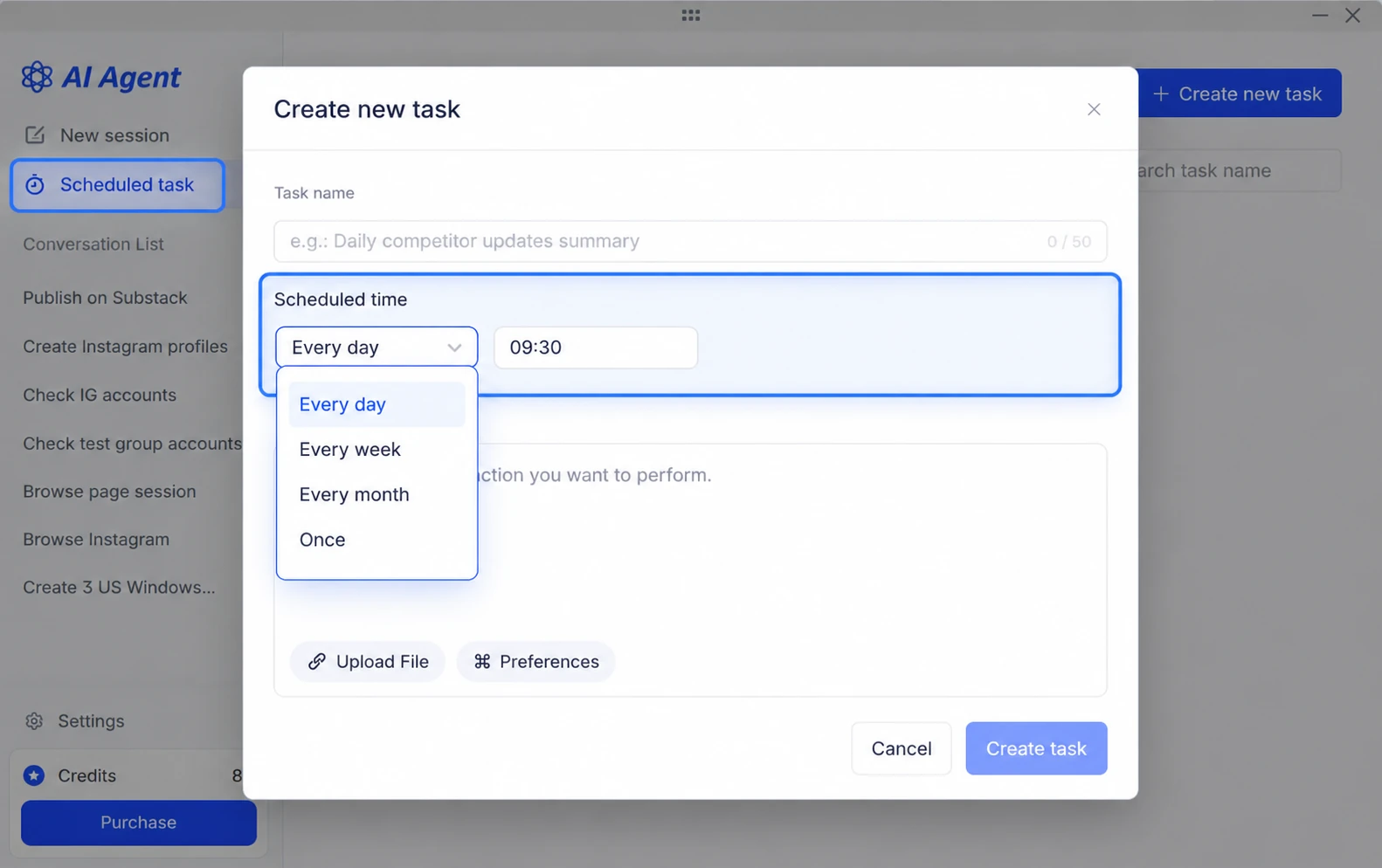
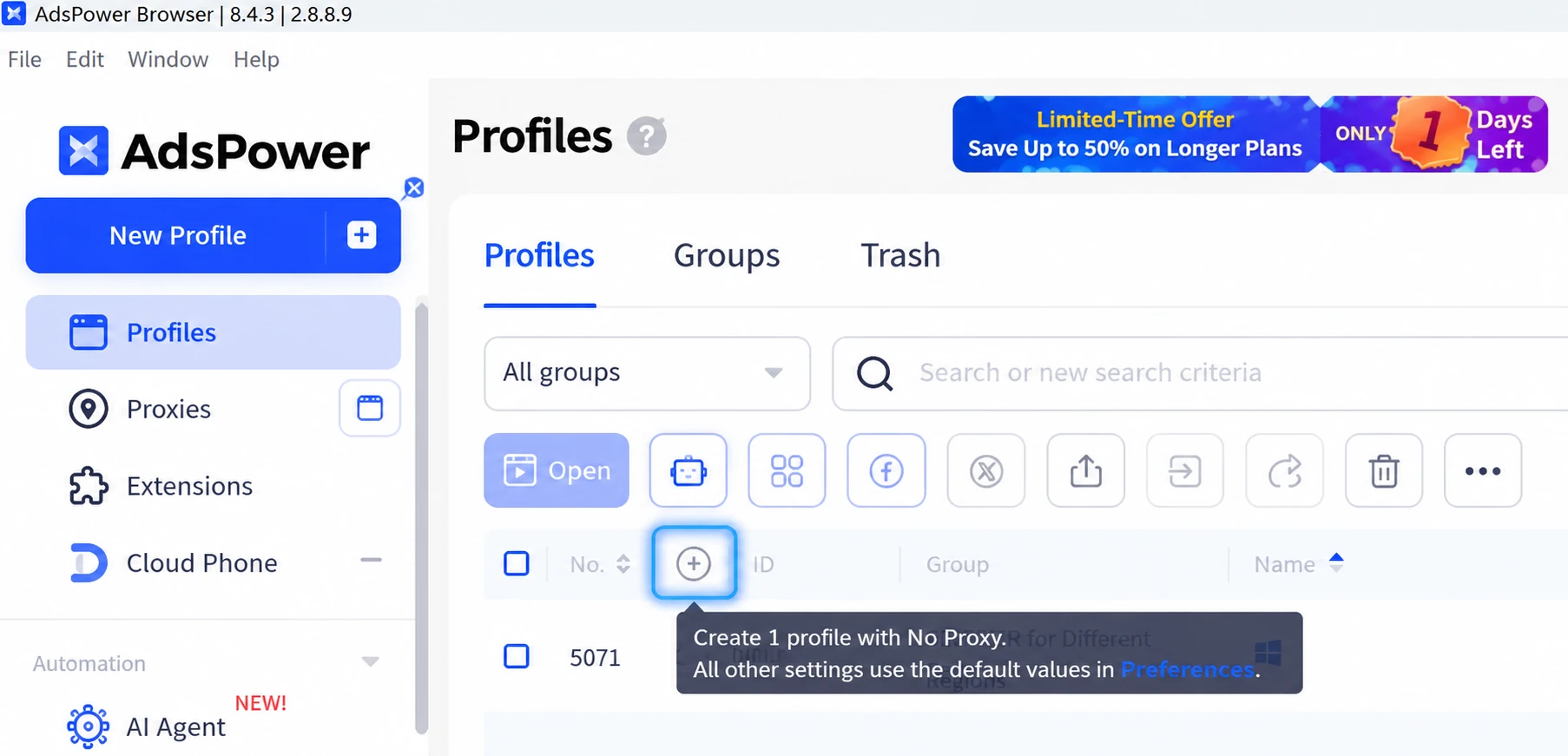
[Customizable Proxy List]
Show or hide columns in Proxy Management, including proxy ID, details, status, type, tags, and linked profiles. Drag columns to reorder them. Layout preferences are saved separately for each user and team.
[SunBrowser Improvements]
Optimized SunBrowser on Windows and macOS with virtual camera hot-swapping, audio playback from uploaded videos, and fixes for videos with non-standard dimensions. Improved audio device and iOS hardware fingerprints, mobile touch emulation, and iframe screen parameter consistency for better compatibility and stability.
[Mobile App Update (v2.1.3)]
Improved WebGL fingerprint settings and time zone compatibility. Fixed issues with opening links, back/forward navigation, and copy/paste. Refined the bottom toolbar, floating button dragging, and tab controls, and added a dedicated Account & Settings page.
[Earlier Proxy Auto-Renewal]
Proxies now auto-renew 72 hours before expiration, up from 24 hours, with a reminder sent one day before renewal. This gives you more time to resolve insufficient balances or renewal issues. Each successful renewal adds 30 days to the original expiration date. Auto-renewal can only be enabled for existing proxies with more than 96 hours remaining.
[AI Agent: Skill Creation & Prompt Refinement]
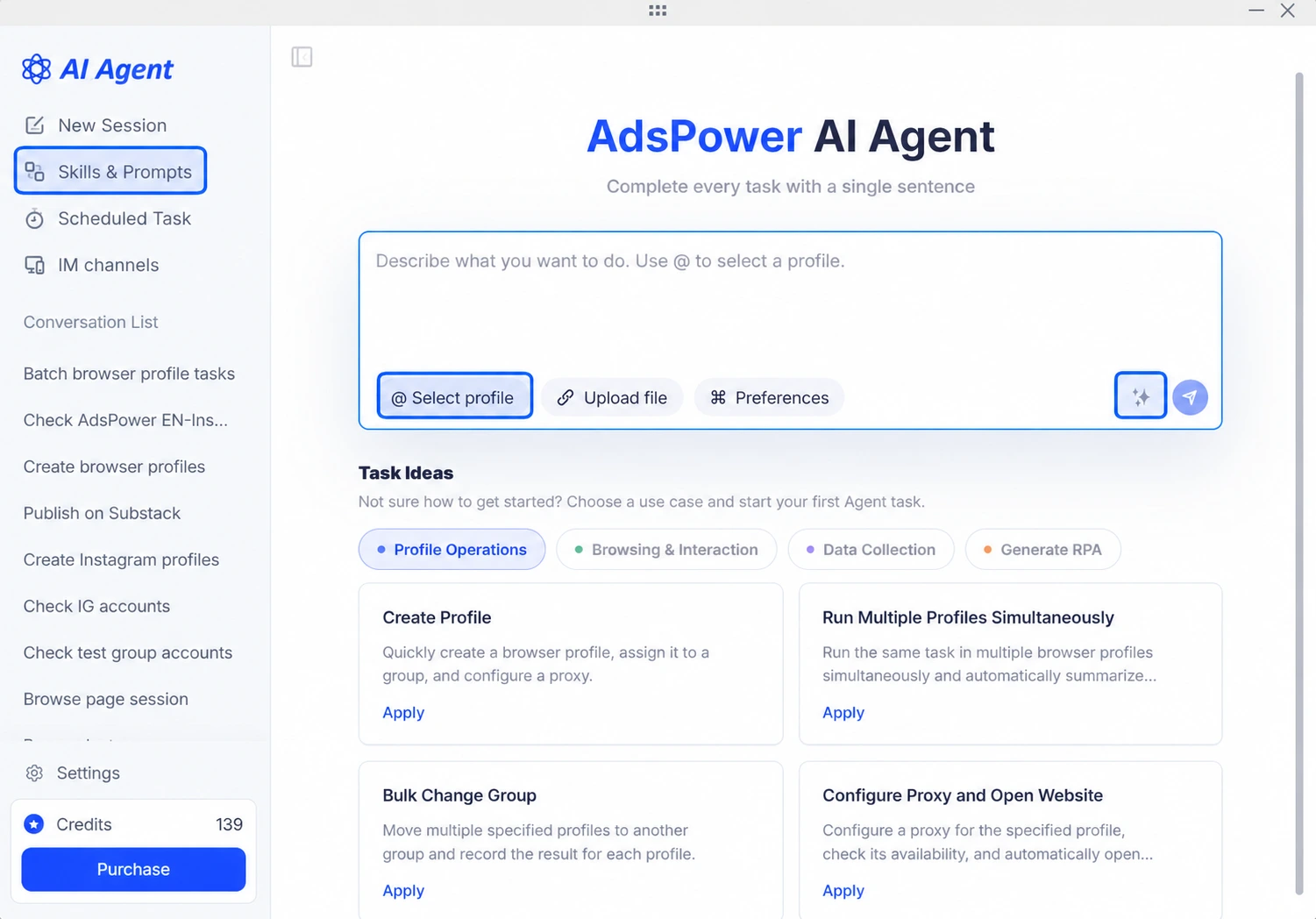
Save reusable workflows from completed tasks as Skills, then run them from the Skill Library or invoke them with “/” in a chat. The new AI Polish feature improves prompt clarity while preserving your intent. A new profile selection shortcut also makes task setup easier.
[AI Agent: Desktop Pet]
Track task status and session progress with the new Desktop Pet. Quickly open AI Agent, view parallel sessions, and pause running tasks. Enable or disable it under Settings > General, and drag it anywhere on your desktop.