AdsPower
AdsPower
Release Notes

AdsPower Changelog and Release Notes

View new features, UX improvements, kernel updates, and bug fixes for the AdsPower software by date.

[Chrome 152 Kernel Upgrade]

The browser kernel has been upgraded to Chrome 152, now supported on Windows, Mac, and Linux. Browser fingerprints stay aligned with the latest Chrome version, providing a more realistic browsing environment.


[AI Agent: Credits and More Capabilities]

AI Agent now supports credit purchases, with multiple credit packages available to suit different needs. Eligible existing paid teams can also receive trial credits.


Model capabilities have been expanded with dynamic model selection and multimodal configurations, allowing AI Agent to handle a wider range of tasks. If it is not yet visible, please wait for further rollout or upgrade to the latest version.


[Limited-Time Annual Sale]

The Annual Sale is now live. Enjoy limited-time discounts when renewing or subscribing to an official plan. The longer the plan, the greater the savings, with the 360-day plan available for as little as 50% off. The offer is applied at checkout during the campaign and can be used repeatedly. Please refer to the campaign page for the specific discounts and terms.


[AdsPower iOS App Update (v2.1.1)]

Version 2.1.1 is now available on the App Store. Google, Facebook, and VK quick login have been added, with support for linking these login methods to existing accounts for easier sign-in and account switching.


Verification codes can now be pasted and submitted automatically. Up to 10 historical accounts can be saved, selected, or deleted.


The built-in browser now features a floating toolbar that automatically collapses or reappears as you scroll, providing a more spacious browsing experience. Other improvements include better configuration display when creating or editing environments, as well as enhancements to dark mode and interaction details.


[Access Restrictions for Member Groups]

Access restrictions can now be applied to specific member groups instead of the entire team. For example, you can restrict certain members from accessing sensitive websites such as email or payment platforms, while keeping access unchanged for administrators and trusted members.


This makes it easier to manage access permissions based on different roles and responsibilities. Update the JS component for the changes to take effect.


[New Android 16 UserAgent]

Android 16 has been added to the mobile UserAgent options. When simulating Android devices, you can now select the latest system UserAgent for a fingerprint that more closely matches real devices.


[Improved Proxy Renewal Failure Handling]

Proxy renewal status is now updated more accurately. After a renewal request is submitted, the proxy will show as “Renewing” until the renewal is completed. The expiration time will only be updated once the renewal is successful.


If a renewal fails due to upstream resource issues, the original expiration time will be retained, the payment will be automatically refunded, and auto-renewal will be disabled for the proxy. This prevents incorrect expiration times or renewal statuses when a renewal fails.

[AI Agent Now Officially Available]

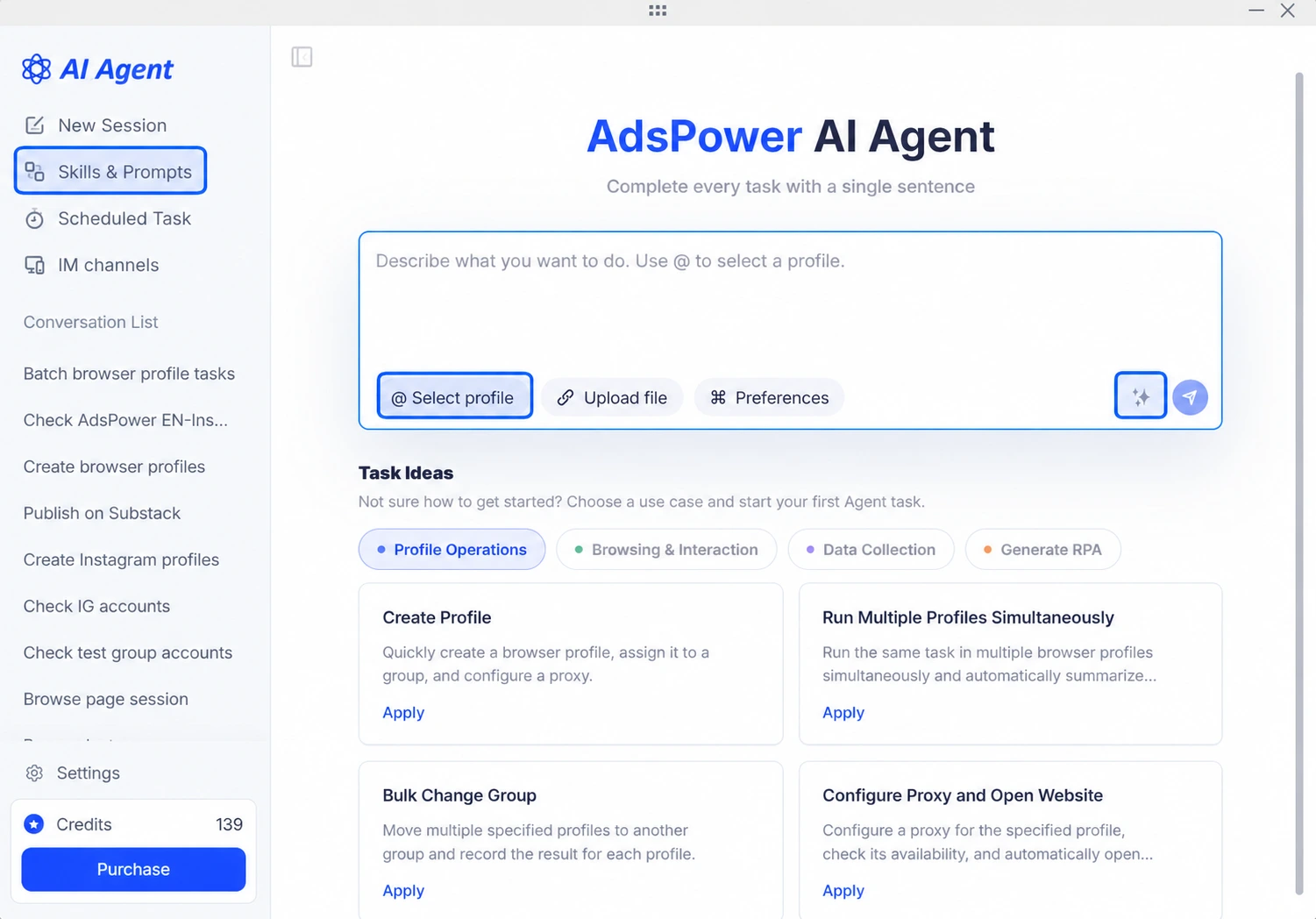
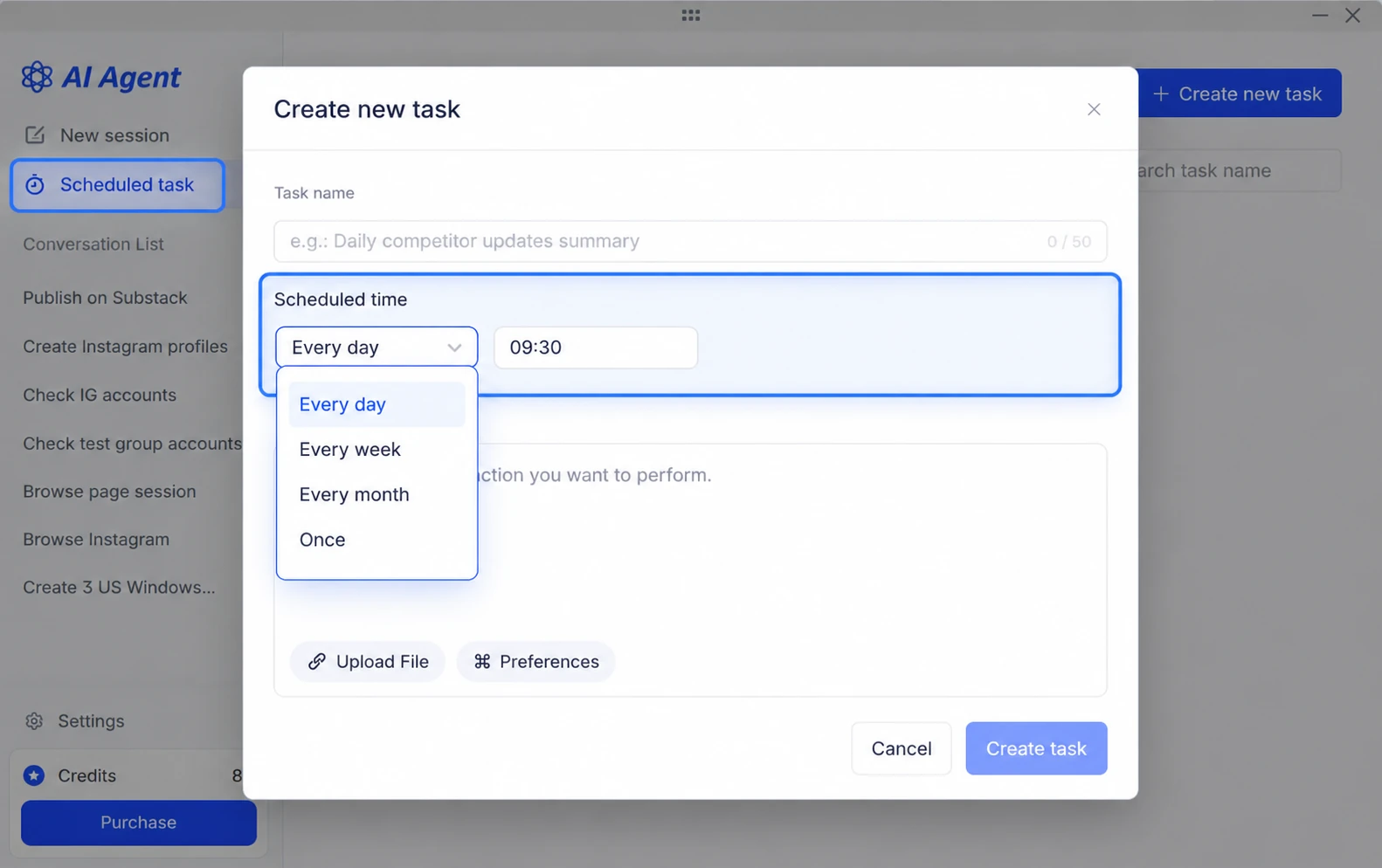
AI Agent is now officially live and being rolled out to users. You can use natural-language conversations to create browser profiles, publish content to accounts, and more. You can also connect your own MCPs and Skills.


adspower ai agent


AI Agent uses a credit-based billing model, with credits deducted based on actual task usage. Eligible existing paid teams can claim 100 free credits to try it out.


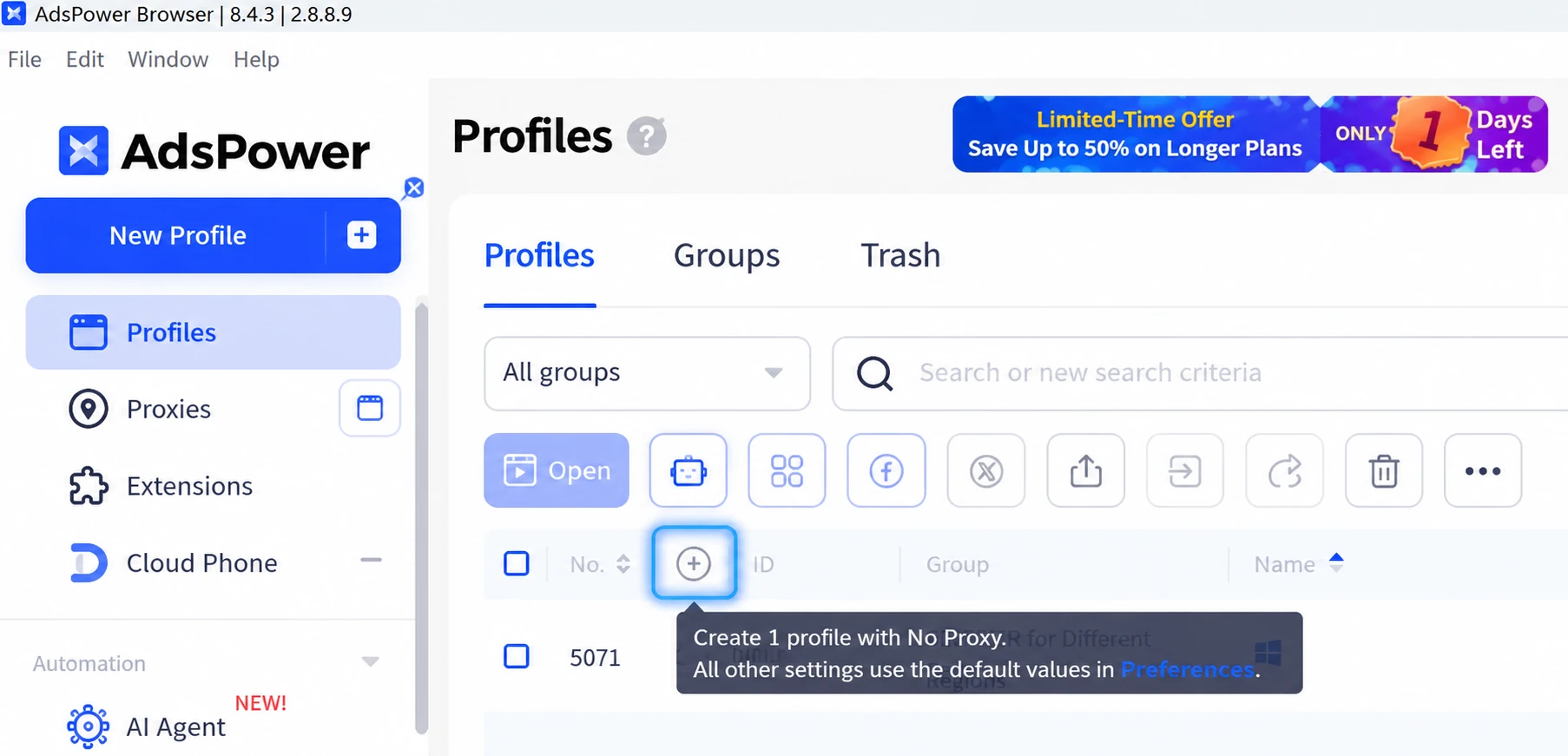
You can access AI Agent from the navigation bar. If it’s not available yet, please check back later as the rollout continues, or update your client to the latest version.


[AdsPower iOS App Update (v2.1.0)]

This update brings a major upgrade to the mobile app. When creating or editing a profile, you can now choose between a Rotating Proxy and Saved Proxies. Custom proxies support four protocols: HTTP, HTTPS, SOCKS5, and SSH.


The environment list now supports searching by environment ID and filtering by groups. Profiles that can’t be opened on mobile are labeled PC Only.


We’ve also improved configuration display on the create/edit pages, refined the overall layout, and optimized dark mode for a smoother experience.


[New Network Troubleshooting Feature]

Network Diagnostics now includes a new troubleshooting feature. When a proxy connection fails or the exit IP doesn’t match the expected IP, Network Diagnostics can automatically identify the issue, determine whether it’s caused by system proxy settings or a local proxy/VPN tool, and provide actionable troubleshooting steps.


Previously, proxy connection issues often had to be diagnosed manually or with help from customer support. Now, you can identify and resolve many common issues yourself, step by step.


[Improved Static Proxy Count Display]

The static proxy count in the Billing Center now uses an updated counting method. It includes all assigned proxies that have not been deleted, including proxies that are active, expiring soon, or expired.
This provides a more complete and accurate view of your static proxy usage.

[More Convenient IP Updating for Dynamic Proxies]

For profiles with dynamic proxies, you can now update your IP directly on the start page. Click "Update IP" to get a new IP address without restarting the profile or returning to the profile list. Switching IPs is now faster and more convenient.


[Save More When Buying Proxies]

You can now use promo codes when purchasing or manually renewing static proxies. Promo codes are supported for both static datacenter proxies and static ISP residential proxies. Simply enter a promo code at checkout to receive a discount. If you’re purchasing proxies in bulk, contact your account manager to get a promo code and enjoy even greater savings.


Start efficient multi-account management

Try 2 browser profiles for free · No credit card required