How to Manage Walmart Seller Accounts and Dropshipping Operations as a Team
Learn how to manage Walmart seller accounts, team access, inventory, orders, and dropshipping workflows with AdsPower and Doba.
Read more

Run multiple online stores on Shopify, Amazon, eBay, and more, with dedicated browser profiles for each account. Reduce account linking risks and keep your store operations running smoothly as your business grows.











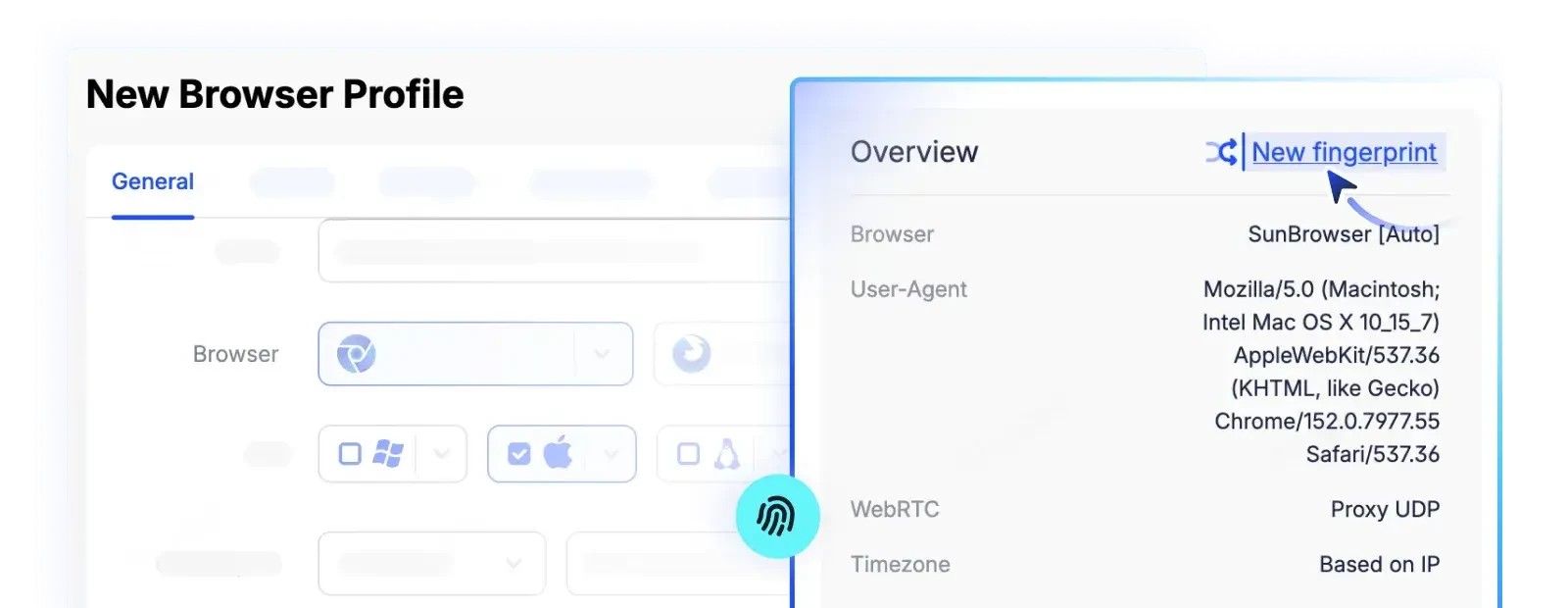
Platforms use fingerprints, cookies, proxy IPs, login locations, and activity to identify linked stores. Sharing browsers, proxies, or sessions leaves similar traces, increasing account linking and restriction risks.
With AdsPower, you can manage multiple stores using dedicated browser profiles and reusable settings. Spend less time on setup and repetitive tasks, and more time growing your e-commerce business.
Sign up for freeNo shared cookies, fingerprints, or login sessions between stores. Your settings and account data stay in their own profiles, ready whenever you need them.
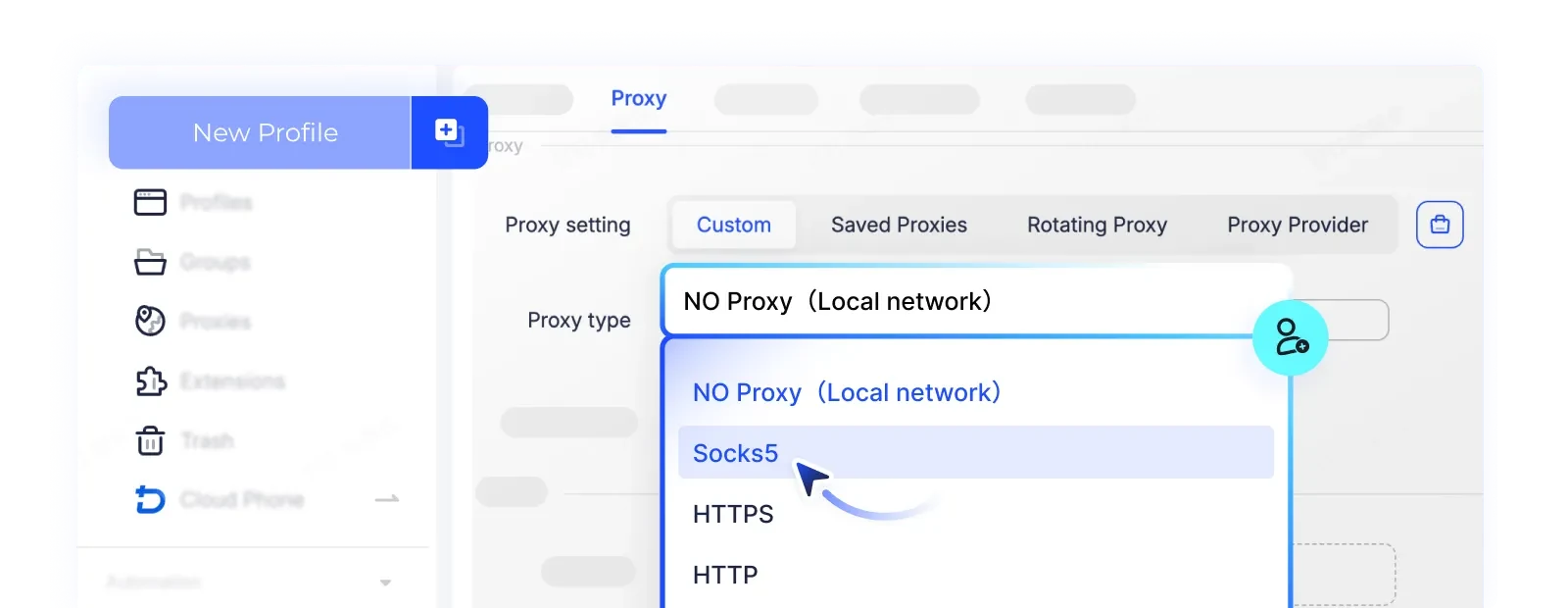
Bring your own proxies or buy them directly in AdsPower. Match your store's IP location, time zone, and language to its target market for a consistent browser setup.
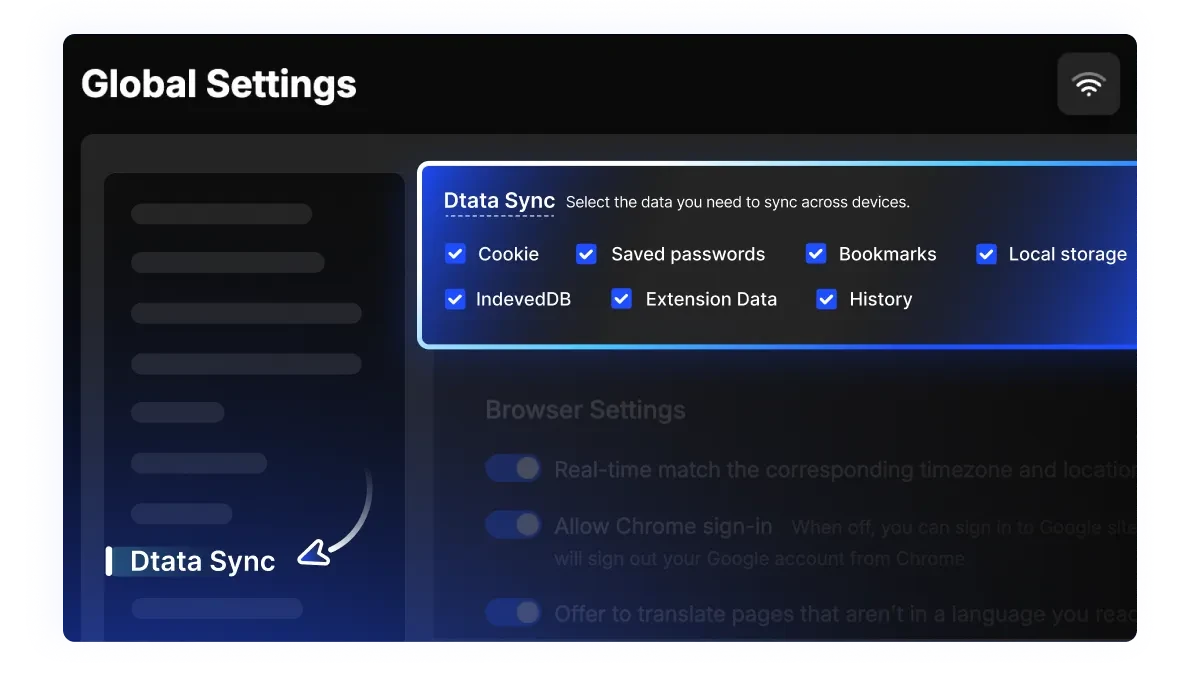
Continue managing your stores from the office, home, or on the go. With Cloud Data Sync enabled, your saved sessions and browser data are available across devices, reducing setup time and repeated logins.
Cut down on repetitive work with AdsPower's Synchronizer, RPA, and API. Automate store checks, browser actions, and data entry, so your team can focus on sales, marketing, and customer support.
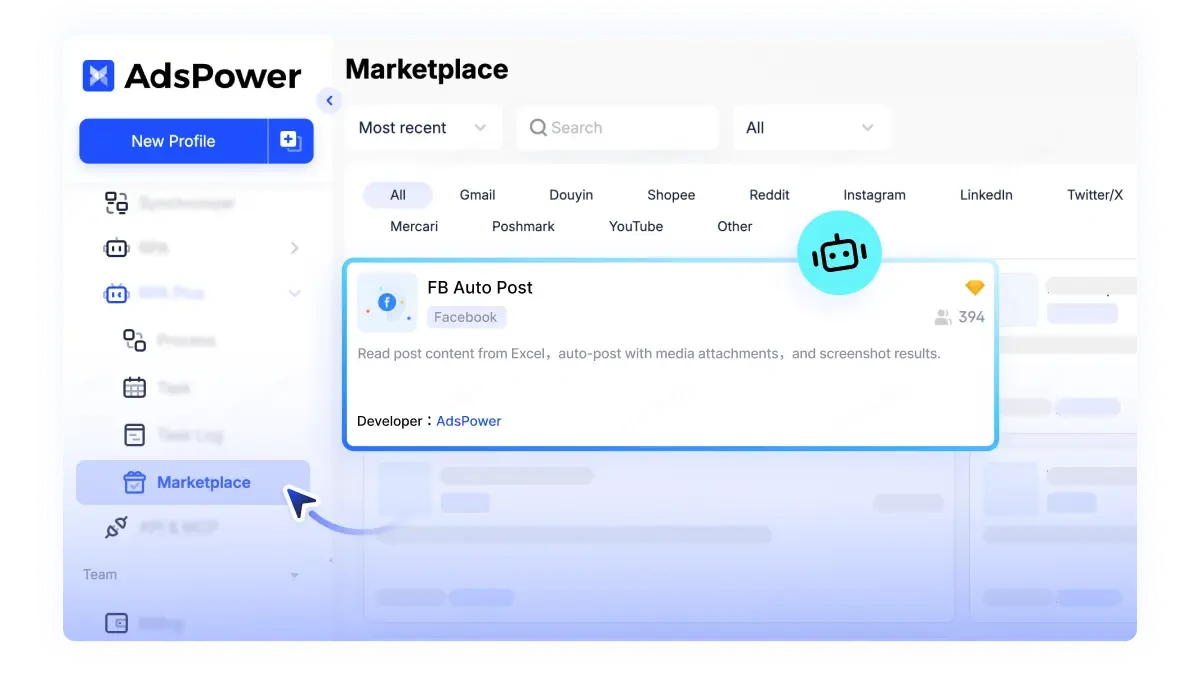
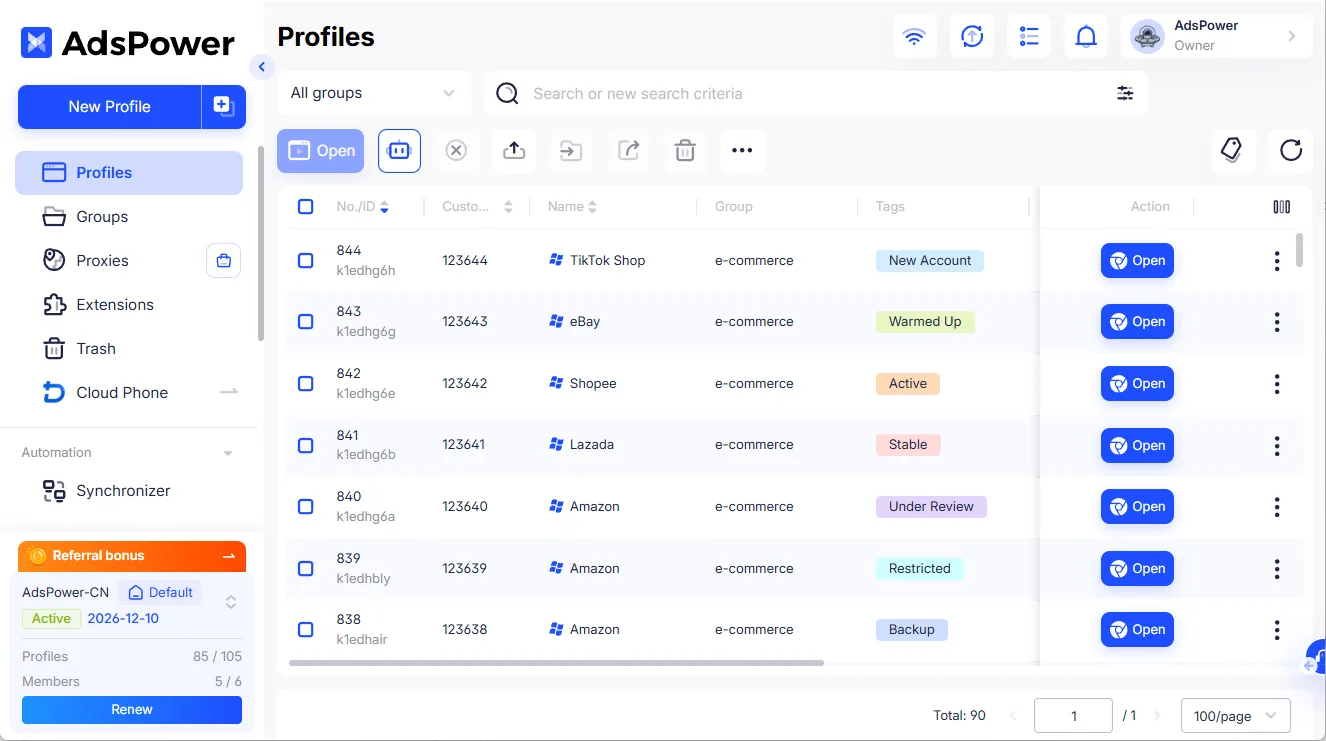
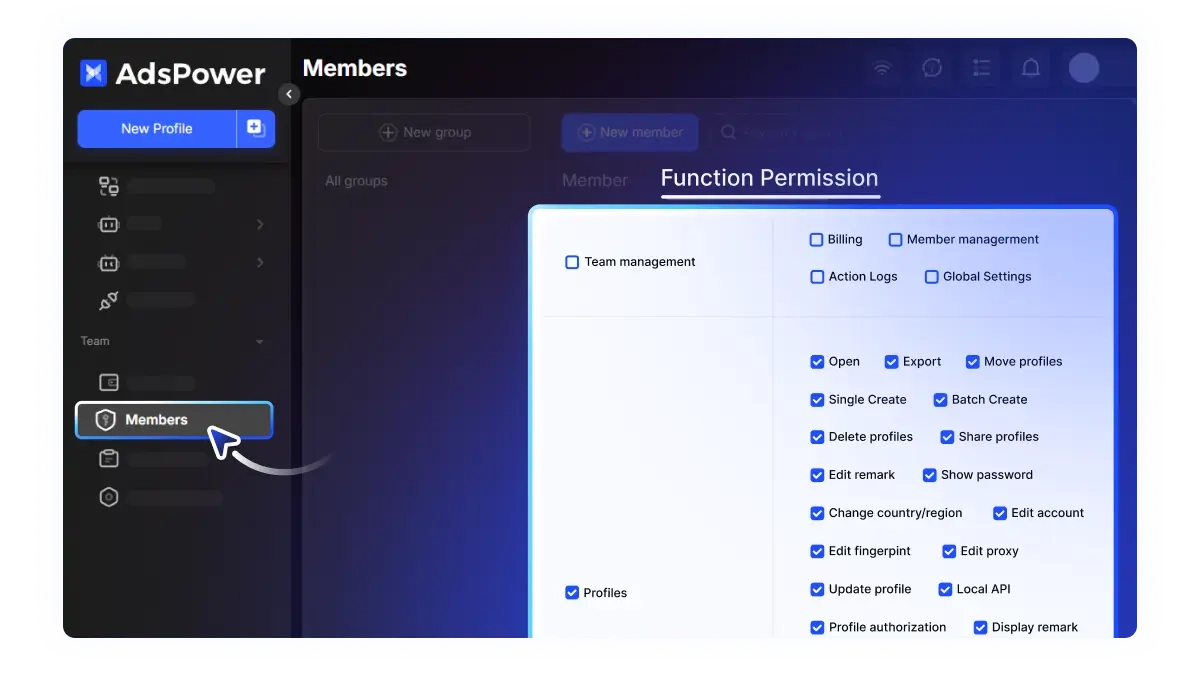
Give team members access to assigned store profiles with the right permissions. New members can pick up where others left off, using existing settings, notes, and activity logs.
From checking orders to testing products and running ad campaigns, online sellers handle different tasks every day. AdsPower helps organize these workflows across stores and teams.
Sign up for free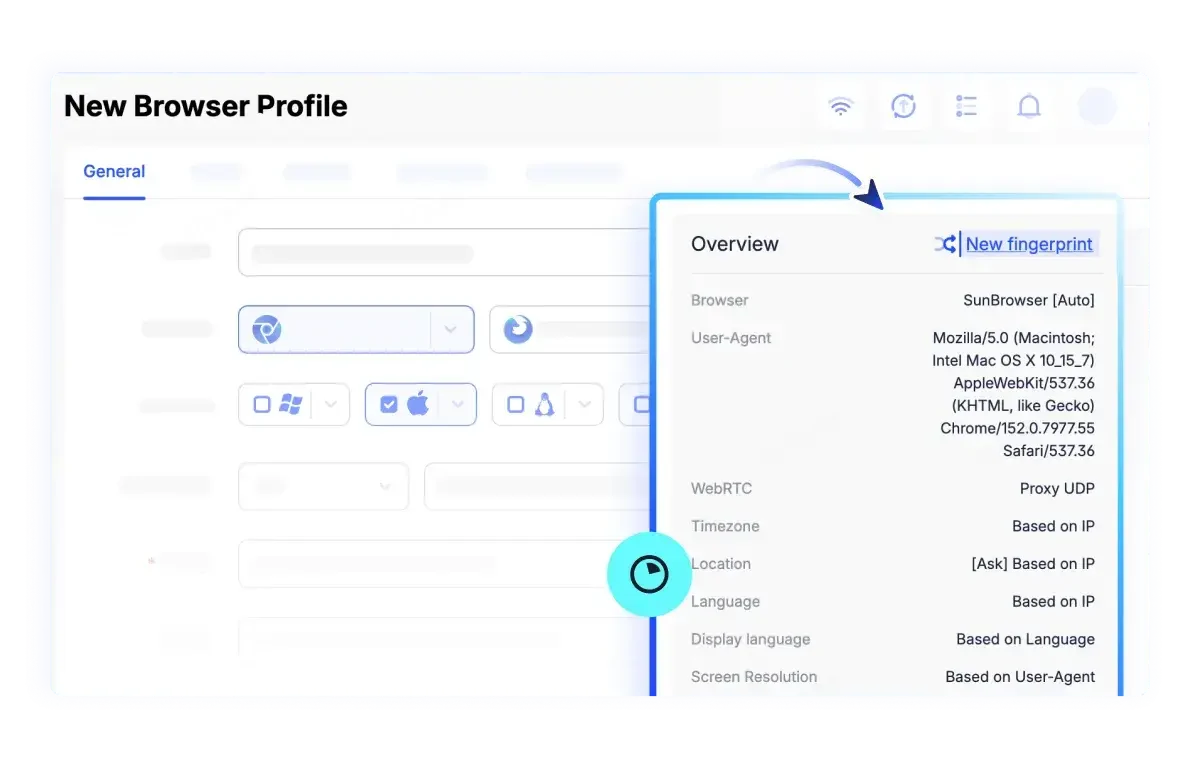
Check orders, customer messages, and store activity without constantly switching logins.
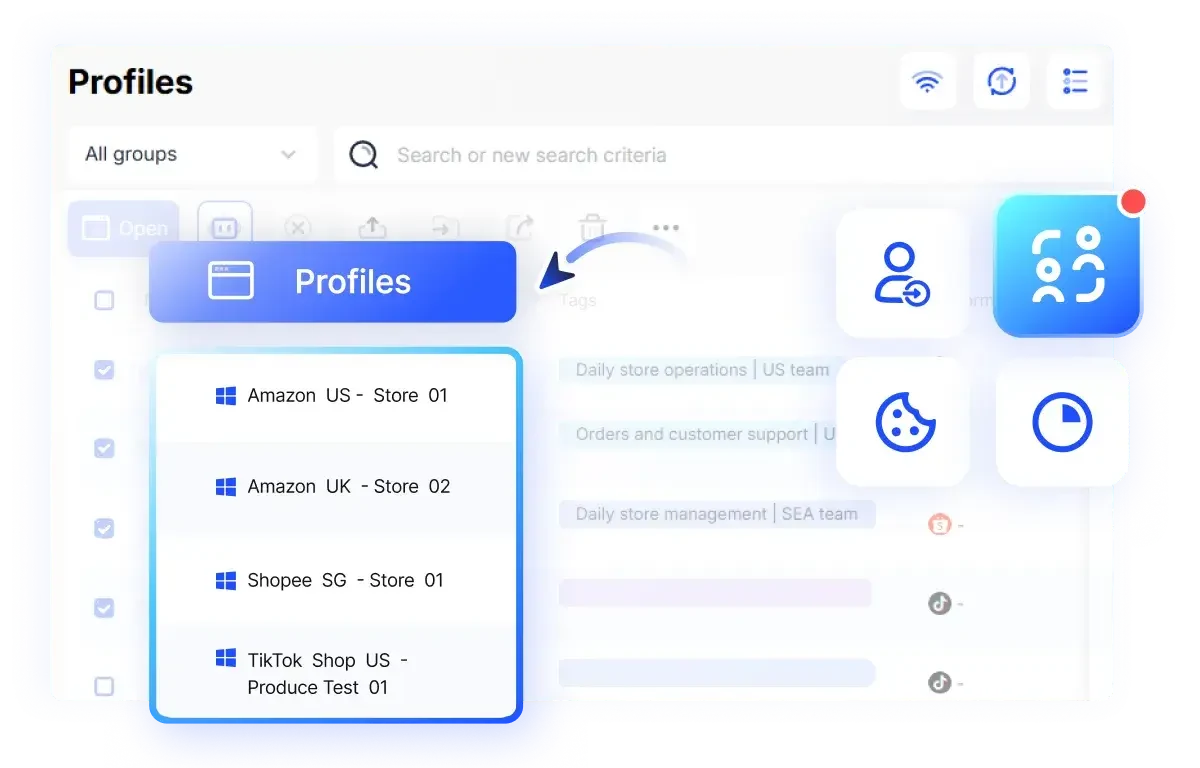
Test new products across stores and regions while keeping account data and results organized.
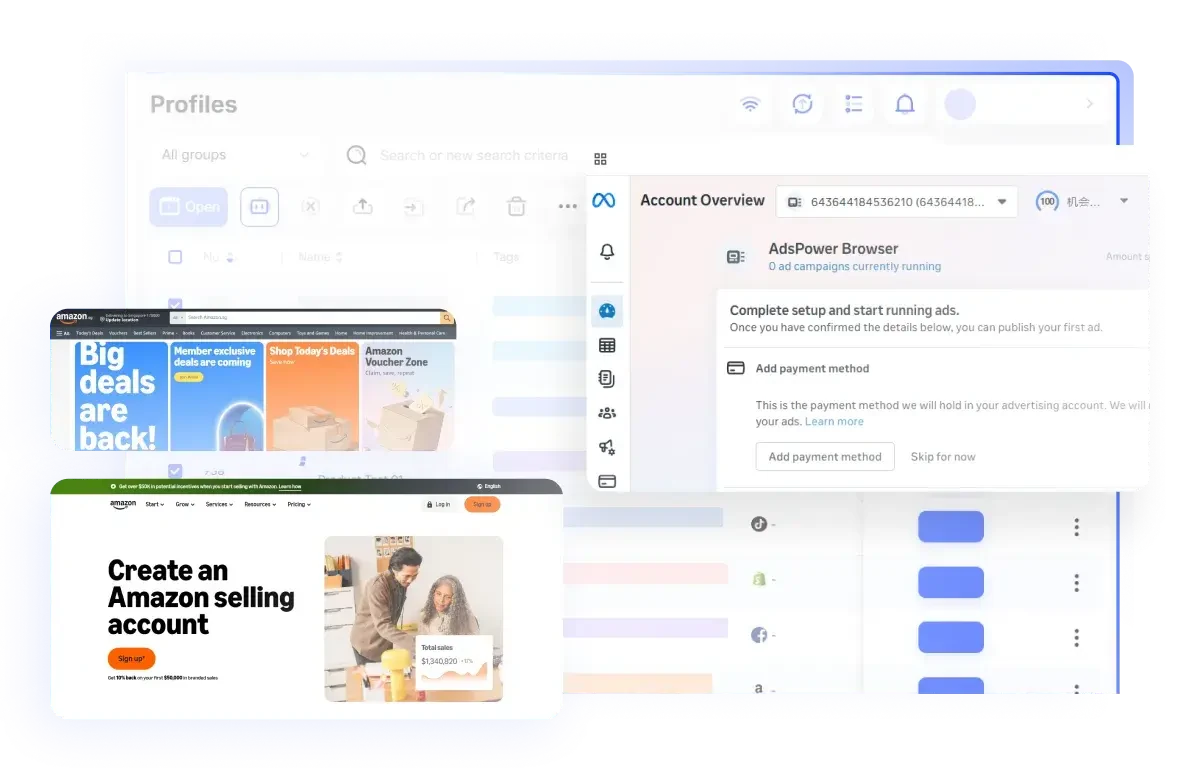
Handle different account roles with less confusion across your team.

I've been using AdsPower for over a year, and it's made managing multiple stores much easier. Creating profiles, setting up accounts in bulk, and syncing data are all straightforward.
Support is quick too, especially Artur, who always helps me figure out what's wrong.

AdsPower is one of the most stable multi-account browsers I've tried. Having proxies, fingerprints, and account settings in one place makes managing ad campaigns easier.
Logins stay consistent, and sharing access with my team is simple.

I use AdsPower RPA to download product images, organize reviews, and automate repetitive tasks. It's saved me a lot of manual work.
Store profiles are easy to manage, and support is always quick to respond when I need help.
How to Manage Walmart Seller Accounts and Dropshipping Operations as a Team
Try 2 browser profiles for free · No credit card required
