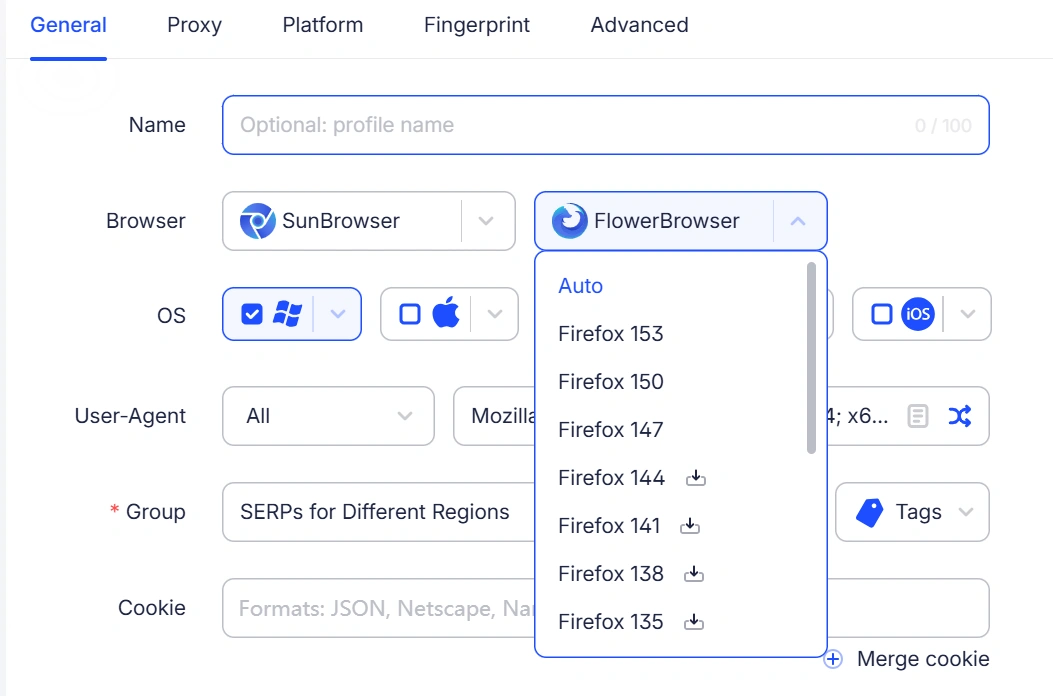
[Chrome 153 Kernel Upgrade]
Upgraded the browser kernel to Chrome 153 on Windows, Mac, and Linux. Website compatibility has been updated for the new kernel.
[Firefox 153 Support on Linux]
Added Firefox 153 kernel support for Linux, with corresponding website compatibility updates.
[AI Agent: Parallel Sessions]
AI Agent now supports multiple sessions running at the same time. Start new tasks without waiting for an active session to finish.
[AI Agent: RPA Template Generation]
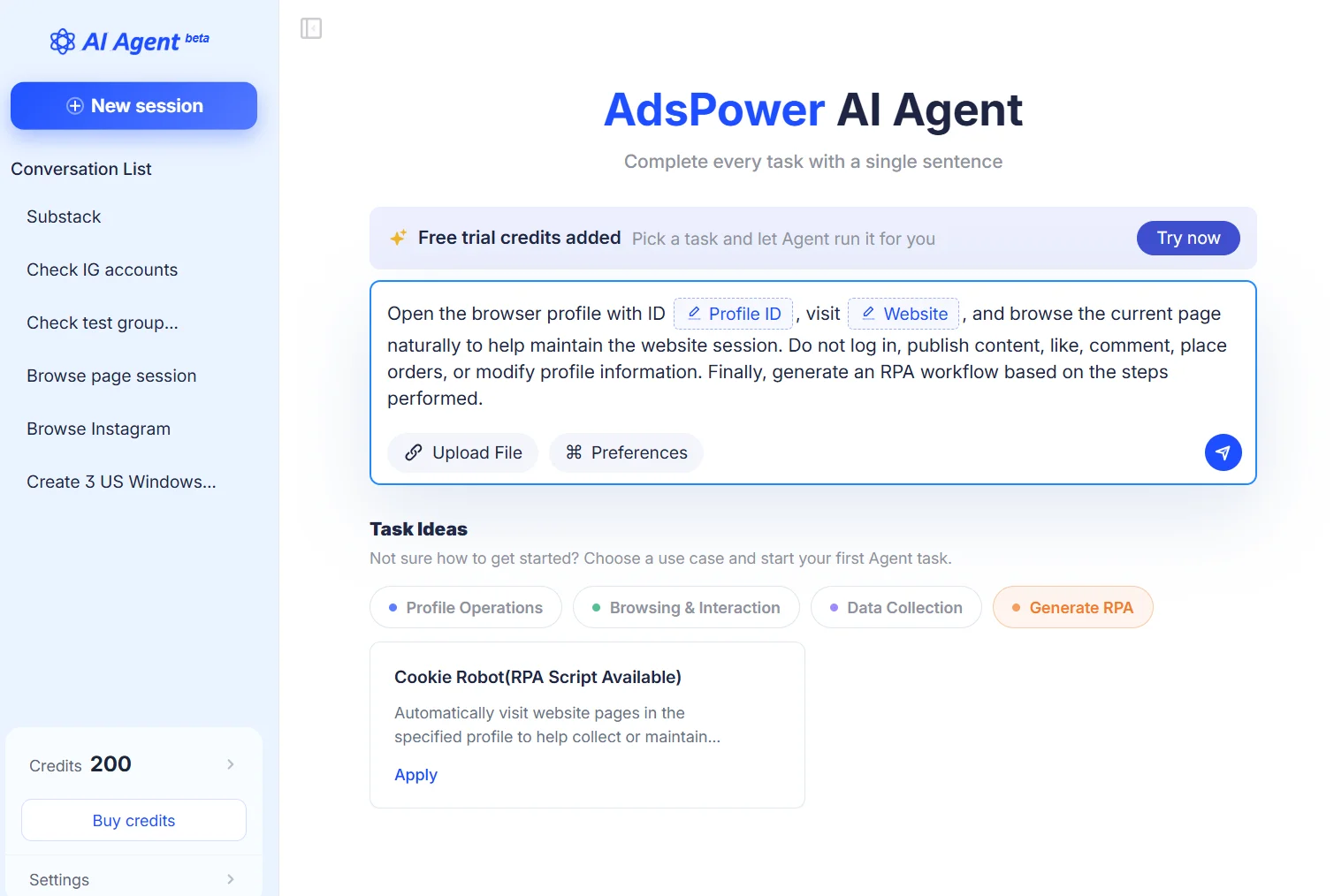
Added built-in RPA template generation to AI Agent. Select a preset scenario, and AI Agent will complete the task and generate an RPA workflow from the steps performed.
[Higher API Request Rates]
Increased API request rate limits based on the number of environments in a team:
- 2 → 5 requests/second
- 5 → 15 requests/second
- 10 → 25 requests/second
This improves efficiency for bulk environment management and automated tasks.
[Random Fingerprints via API]
Added support for random fingerprint settings when creating or updating browser environments through the API. Random fingerprint configurations can now be generated directly through API requests.
[Optimized Rotating Proxy Lookup]
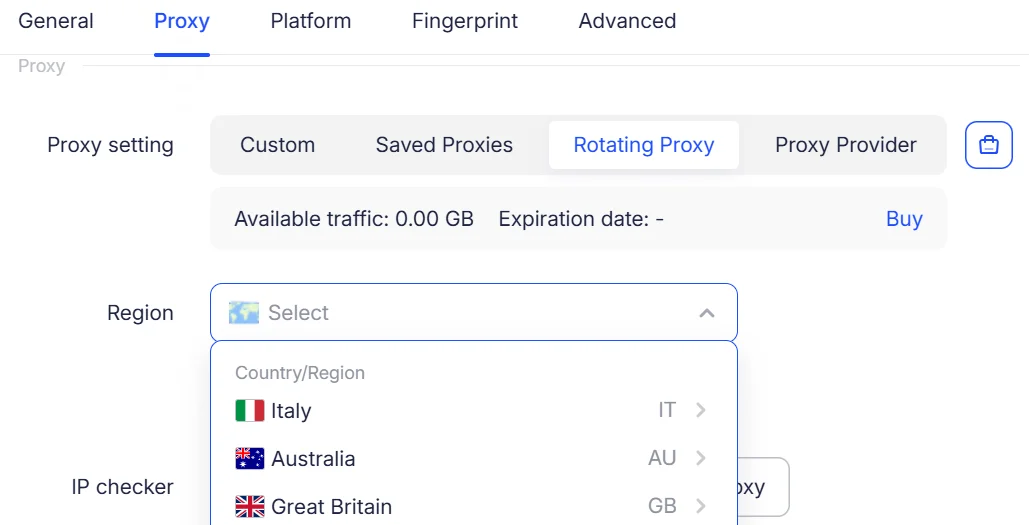
Optimized region lookup for rotating proxies. The system now requests proxies directly based on the saved region settings instead of checking regions level by level, reducing lookup time and speeding up environment startup.
Region lookup can now be set by country/region, state/province, or city. You can also use a reference IP to fill in the region automatically. Requires a supported JS version.
[Higher Lifetime Environment Limit]
Increased the lifetime environment limit per team from 10 to 20. Both lifetime and free environments count toward the limit. The purchase page now automatically shows the maximum number of environments available based on the team's current environment count.
[Improved Empty States]
Updated empty-state pages for the Recycle Bin, Window Sync, RPA Plus, and Task Management. Added feature descriptions, usage tips, and quick actions to help users get started when no data is available.