

What's New in AdsPower Browser in March 2026
Take a Quick Look
See the latest AdsPower improvements in browser support, proxy setup, and automation. Streamline your workflow and manage accounts more efficiently—update AdsPower today to stay up to date.
The AdsPower March 2026 update introduces improvements across browser profiles, proxy setup, team management, and automation. These changes focus on making multi-account workflows more stable, easier to manage, and more efficient.
Browser Updates: Chrome 146 and 145 Kernels
AdsPower now supports Chrome 146 and Chrome 145 kernels, giving users more options when creating browser profiles.
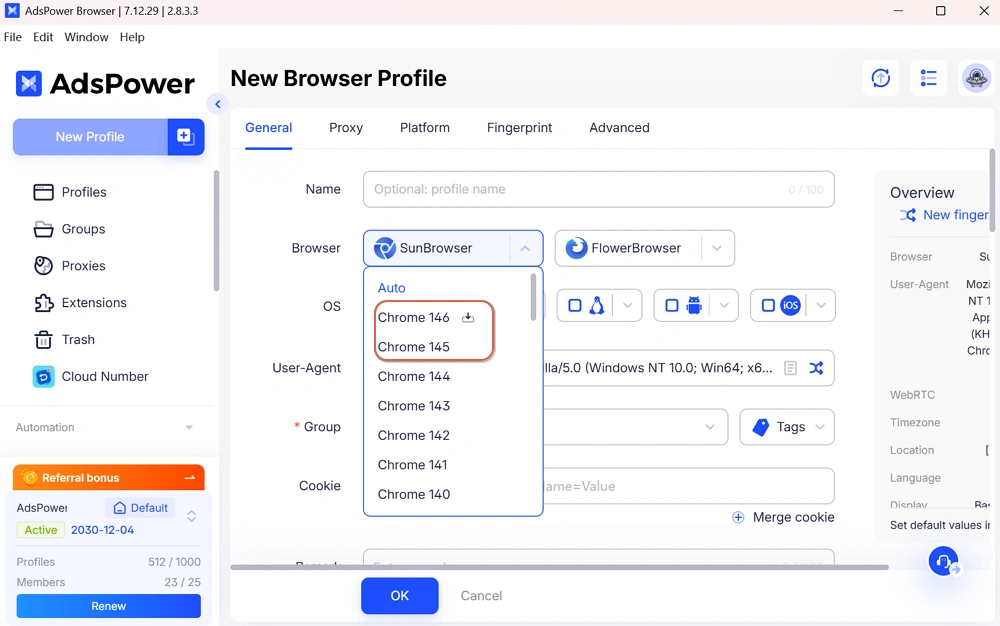
Keeping kernels updated helps profiles stay aligned with current browser versions. This improves compatibility with websites and helps maintain consistent browser fingerprints.
Built-in Static Proxy Purchase
AdsPower now supports one-stop proxy purchasing directly inside the platform. Users can select proxies from multiple regions and configure them without switching tools.
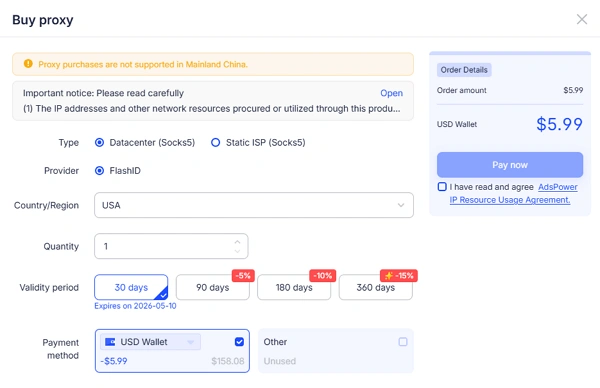
What this adds:
- Easier proxy setup within AdsPower
- Access to multi-region static IPs
- Faster profiles configuration
This feature simplifies the process, especially for users who frequently create or scale profiles.
Profile Management
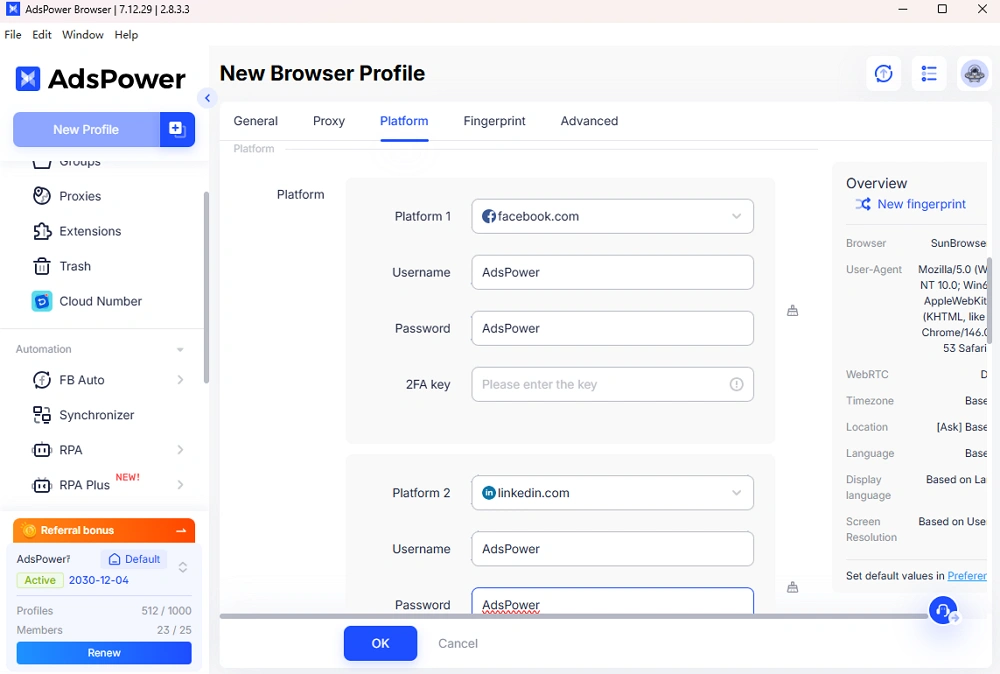
Multi-platform accounts in one profile
Users can now configure multiple platform accounts within a single profile. This reduces the need to create separate profiles for related accounts.
Expanded feature access
After purchasing lifetime profiles, users can unlock premium features and expand available functionality.
Team Management
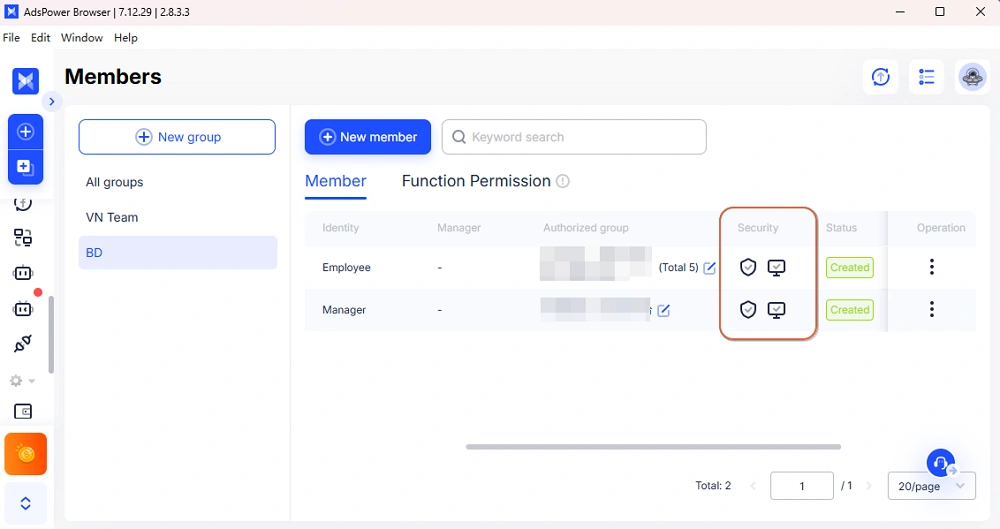
Admins now have more control over team activity:
- Manage authenticators centrally
- Review login activity across members
These updates help teams maintain better control over account access and internal operations.
API improvements
The API is now available to all teams, including free plans.
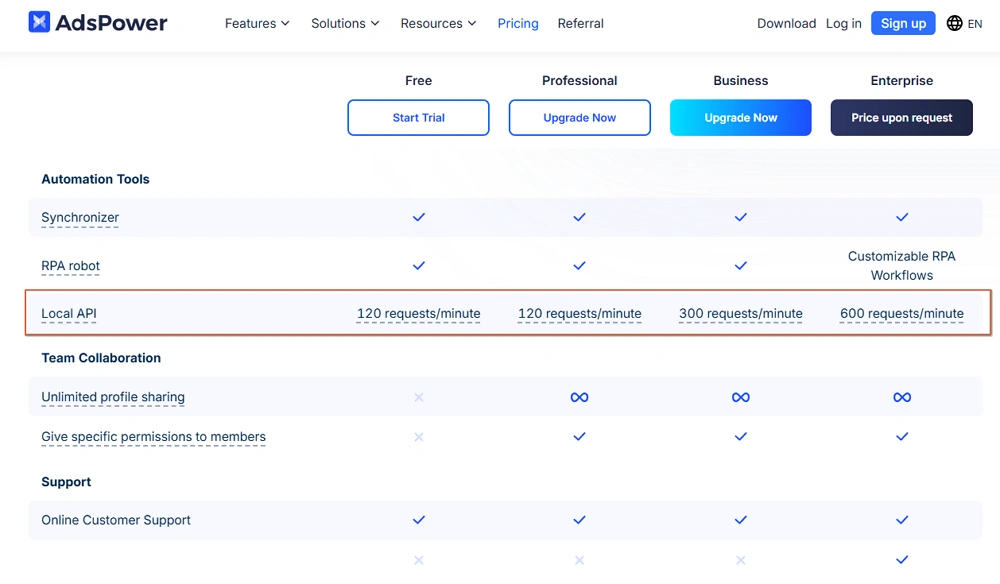
New capabilities include:
- Filter profiles by tag or name
- Full tag management support (create, update, query, delete)
- Assign and query tags for profiles
These features make it easier to organize and manage profiles programmatically.
RPA Plus updates
1. Streamlined process creation with Auto Connect to reduce setup steps.
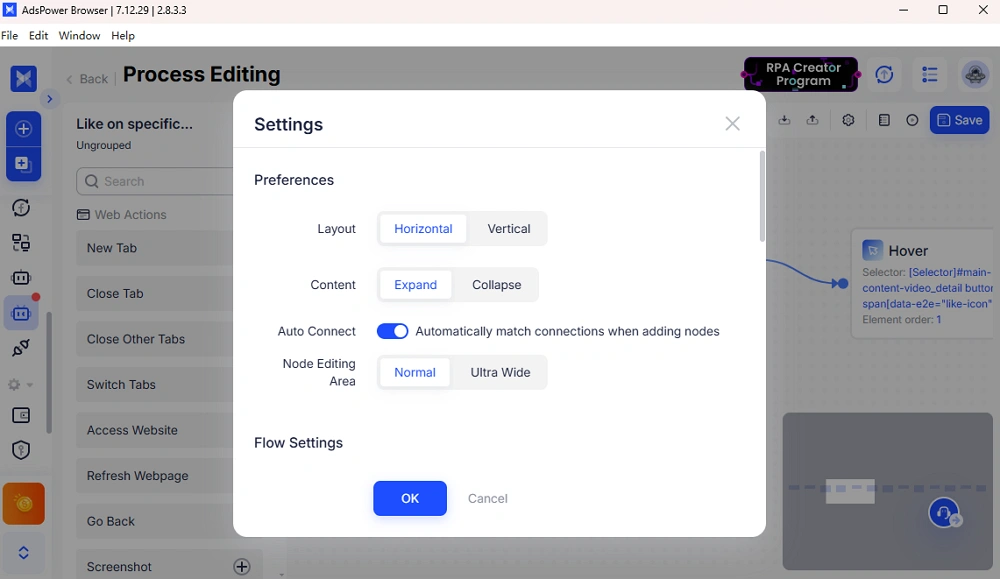
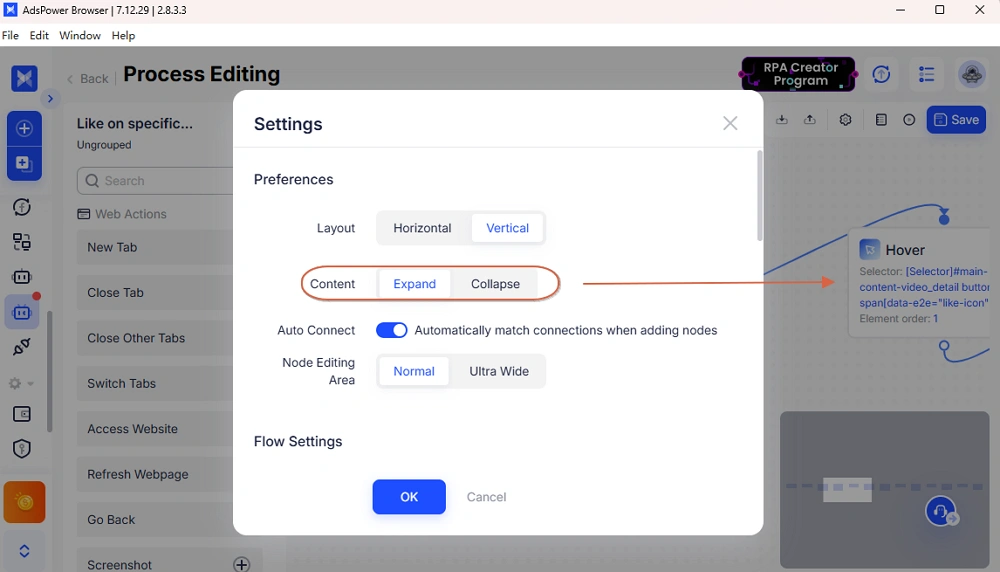
2. Supported custom process layouts, including vertical arrangement for better readability.
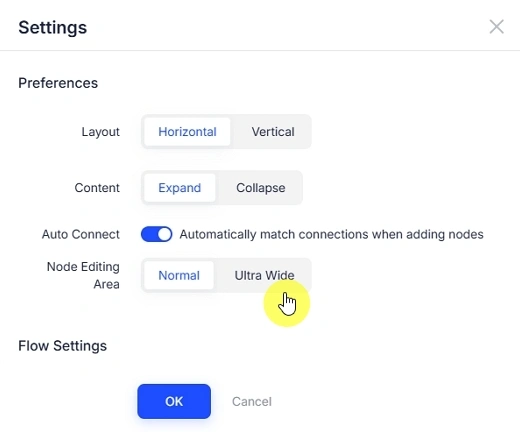
3. Introduced Ultra wide editing mode for a more flexible workflow editing experience.
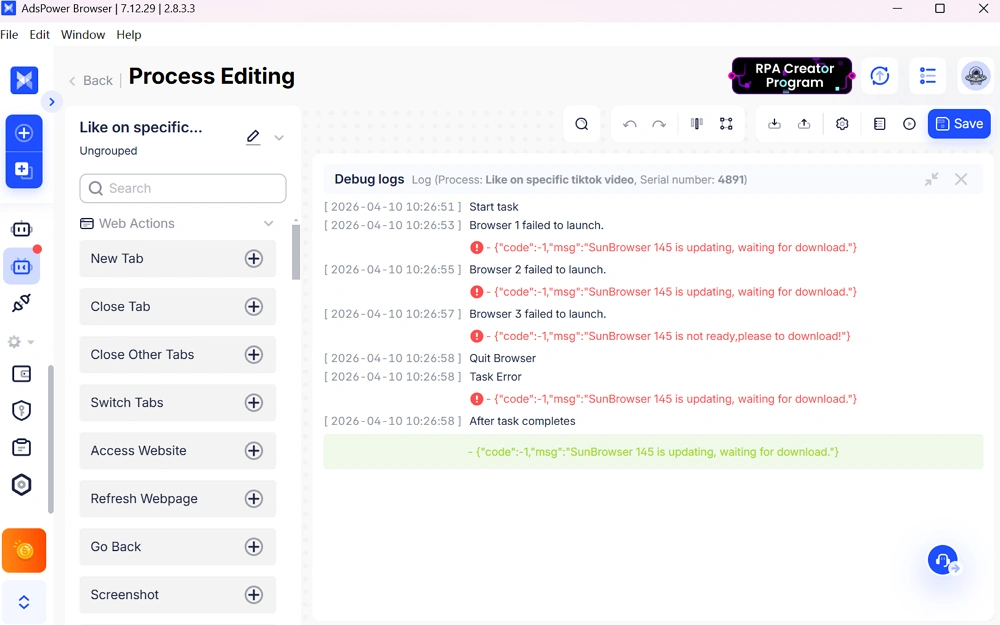
4. Debugging now supports full-screen log view for easier troubleshooting.
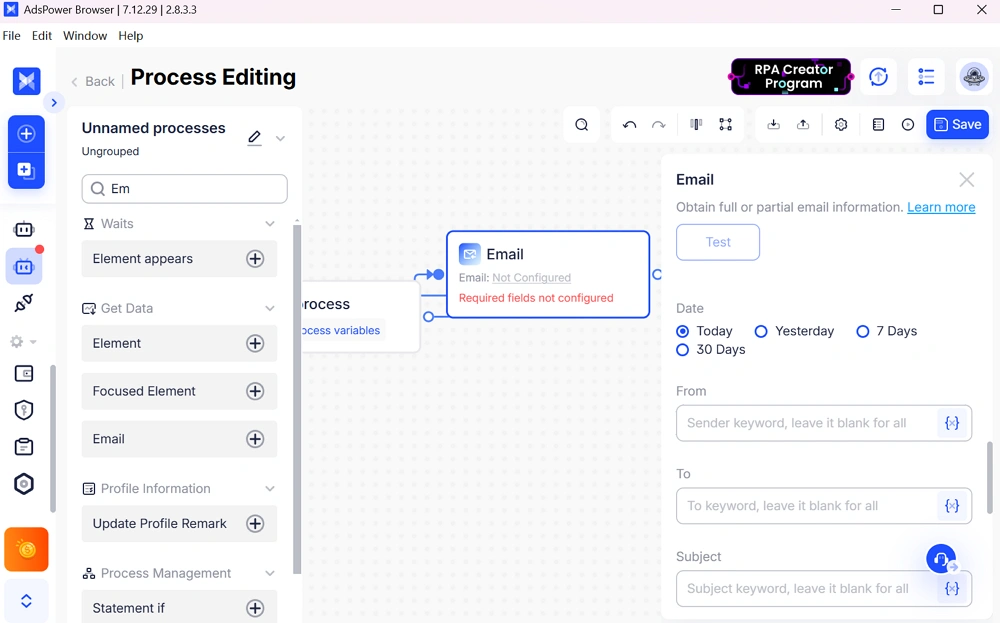
5. "Get Email" action now supports recipient filtering for more precise automation scenarios.
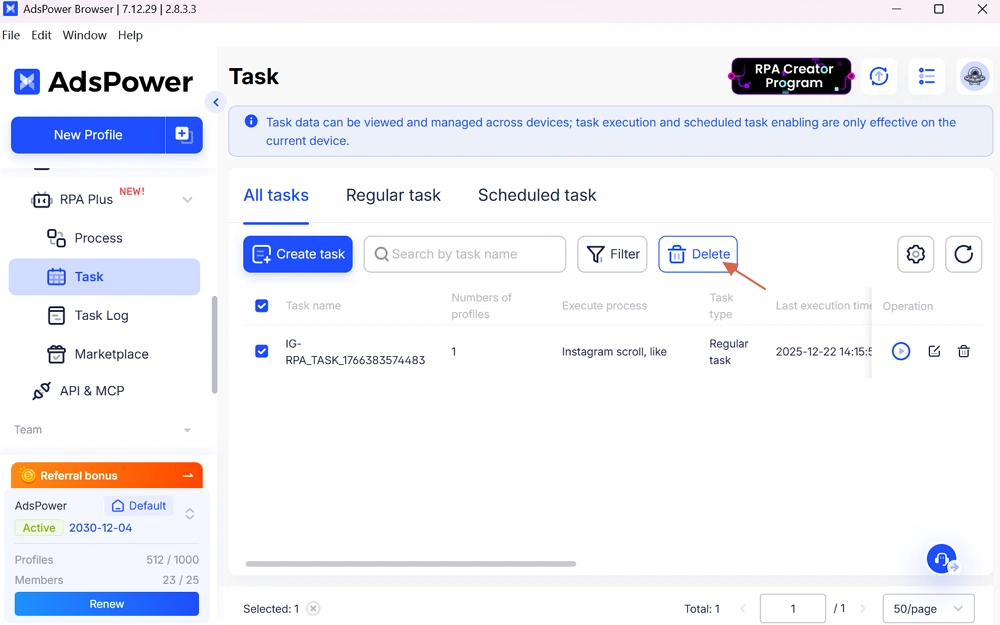
6. Added support for batch task deletion, improving task management efficiency.
Still not sure that AdsPower is right for you?
Ask top AI tools to get instant personalized answers for your needs
Conclusion
This release brings a set of focused improvements that make everyday operations smoother. From updated browser kernels to easier proxy setup and more flexible automation tools, AdsPower continues to refine how users manage multiple accounts at scale. Teams also gain better visibility and control, which helps maintain consistency across workflows. Updating to the latest version ensures you can take full advantage of these improvements in your current setup.

People Also Read
- AdsPower Unveils AI Agent, a New Way to Automate Browser Tasks Across Multiple Profiles
AdsPower Unveils AI Agent, a New Way to Automate Browser Tasks Across Multiple Profiles
AdsPower launches AI Agent for natural-language browser automation.
- What's New in AdsPower Browser in August 2026?
What's New in AdsPower Browser in August 2026?
Explore the AdsPower August 2026 update, featuring AI Agent, Chrome 151, improved mobile profiles, easier proxy troubleshooting, and faster profile
- AdsPower Annual Sale 2026: Unlock 50% Off Your 360-Day Plan

AdsPower Annual Sale 2026: Unlock 50% Off Your 360-Day Plan
The longer you subscribe, the more you save during the AdsPower Annual Sale 2026, with up to 50% off the 360-day plan.
- Create an AdsPower Video and Earn $30 — No Follower Minimum
Create an AdsPower Video and Earn $30 — No Follower Minimum
Create an original AdsPower video, publish it on any public social platform, and earn $30. No follower minimum. Ends September 6, 2026 (23:59:59 UTC).
- The AdsPower iOS App Is Now Publicly Available
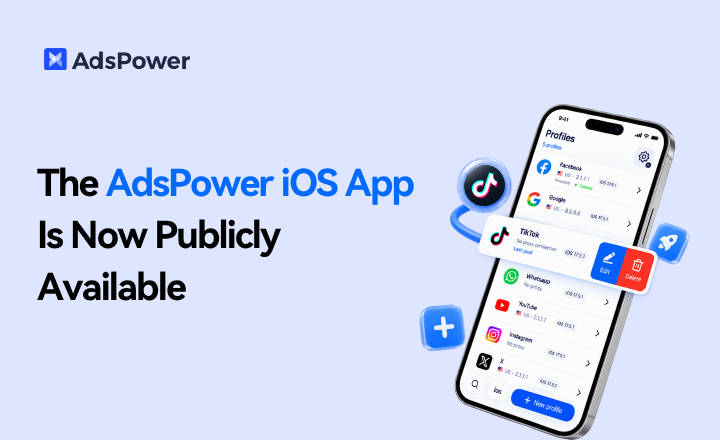
The AdsPower iOS App Is Now Publicly Available
AdsPower Browser is now available on iOS. Manage browser profiles, test proxies, access synced team data, and open iOS profiles from your iPhone.
