
It depends on your setting. For example, if you set 5 of "Number of task threads" but select 100 profiles to operate, five tasks can be executed at the same time and the remaining 95 profiles are in a queue.
Hands-free RPA to Maximize Efficiency
Try for Free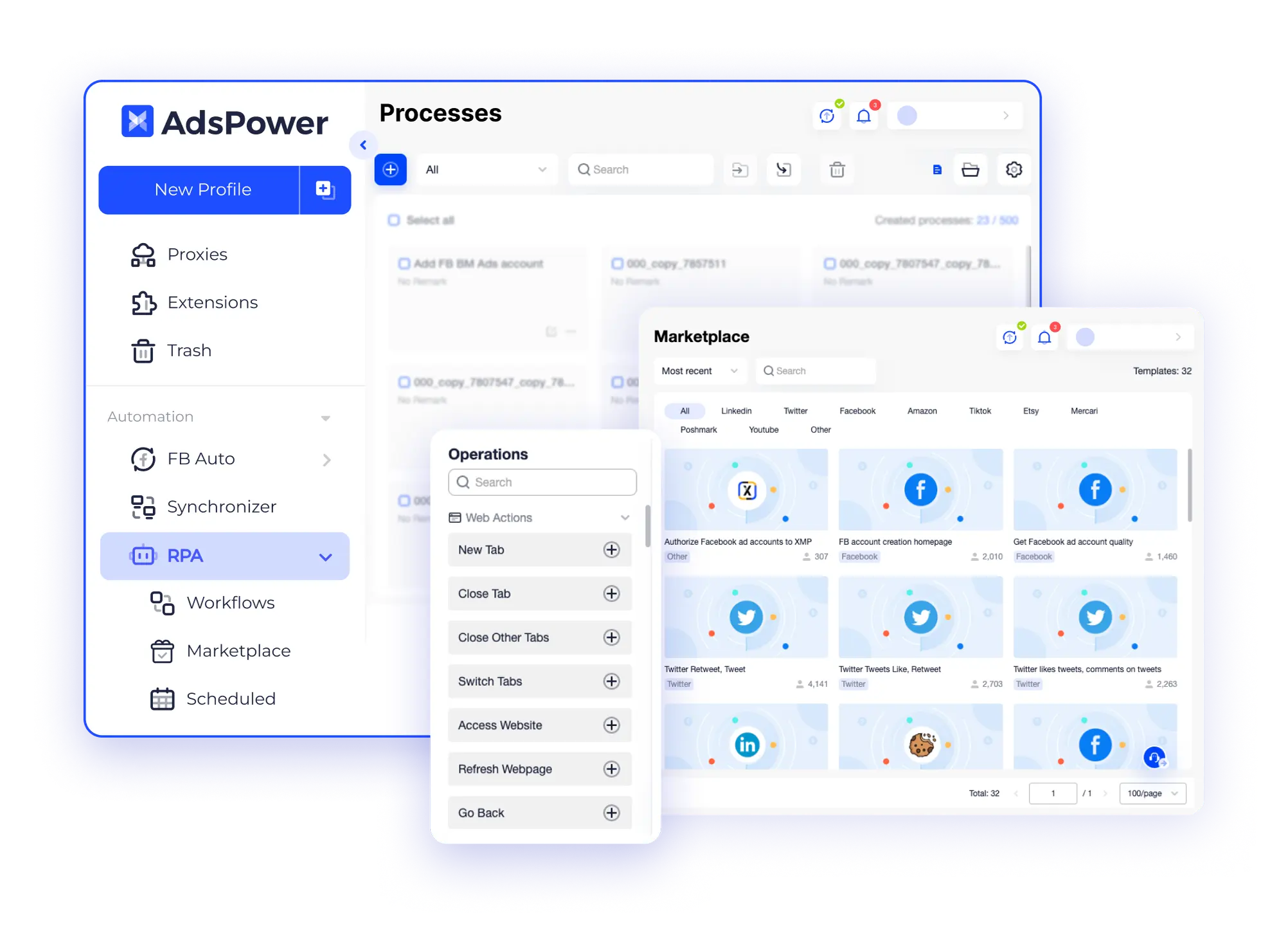
Why Do You Need AdsPower RPA & RPA Plus?
Without AdsPower
- Expensive investment for a task: more people and more time;
- Unpredictable errors making;
- Lack of process and results monitoring.
With AdsPower
- Enhance personal and business efficiency;
- Accuracy guaranteed: reduce human-made errors;
- Customize exclusive RPA process via simply coding or selecting from templates;
- Run anytime & anywhere, without human supervision;
- Timely track the tasks' results.
Discover More Advantages of RPA & RPA Plus
 Boost Efficiency with Automated Tasks
Say goodbye to tedious, repetitive tasks with AdsPower RPA! Harness the power of robotic process automation (RPA) to streamline your workflow effortlessly. From process creation to results monitoring, let AdsPower RPA handle the grunt work, allowing you to focus on high-value tasks that drive your business forward.
 Beginner-Friendly to Create Processes
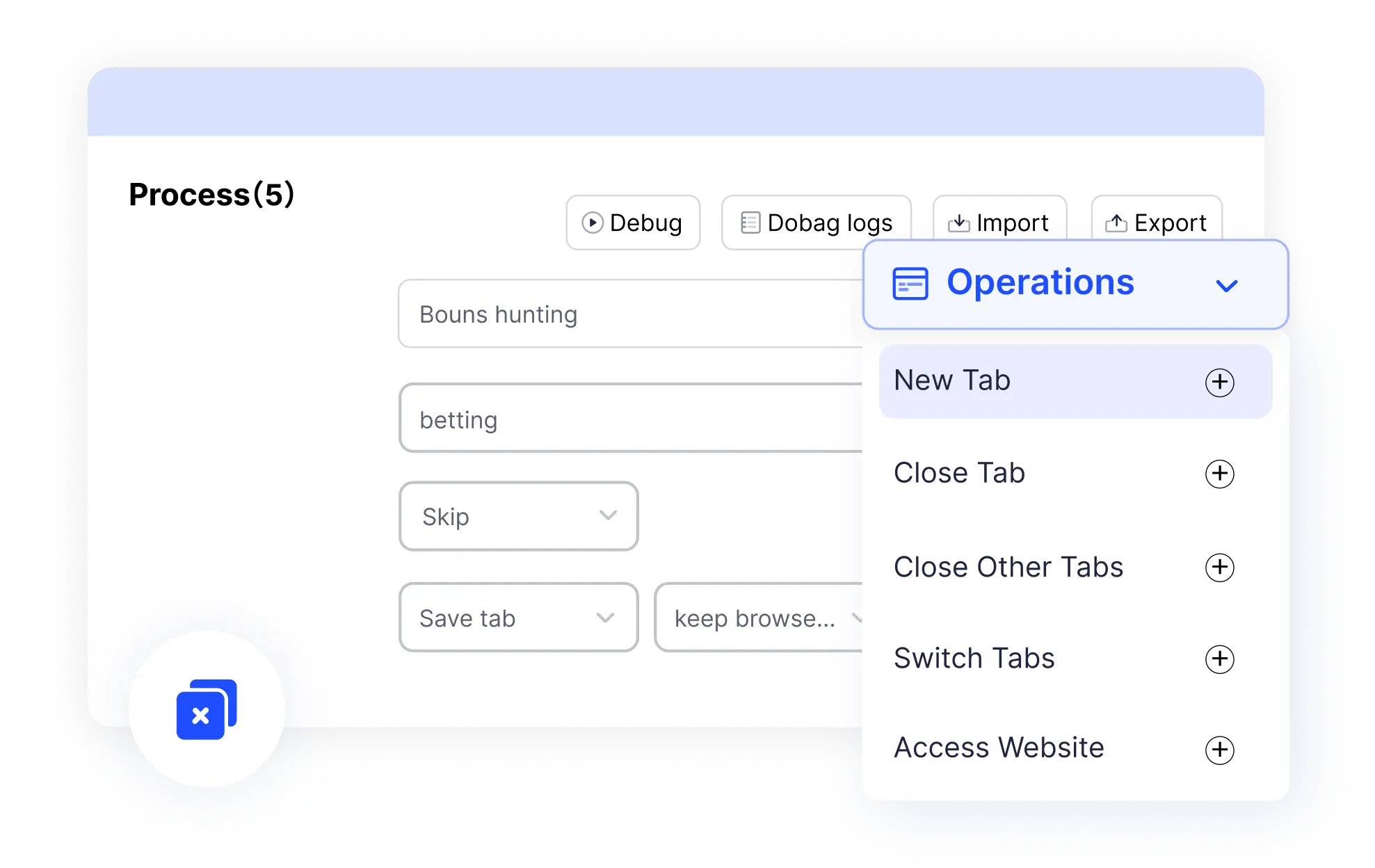
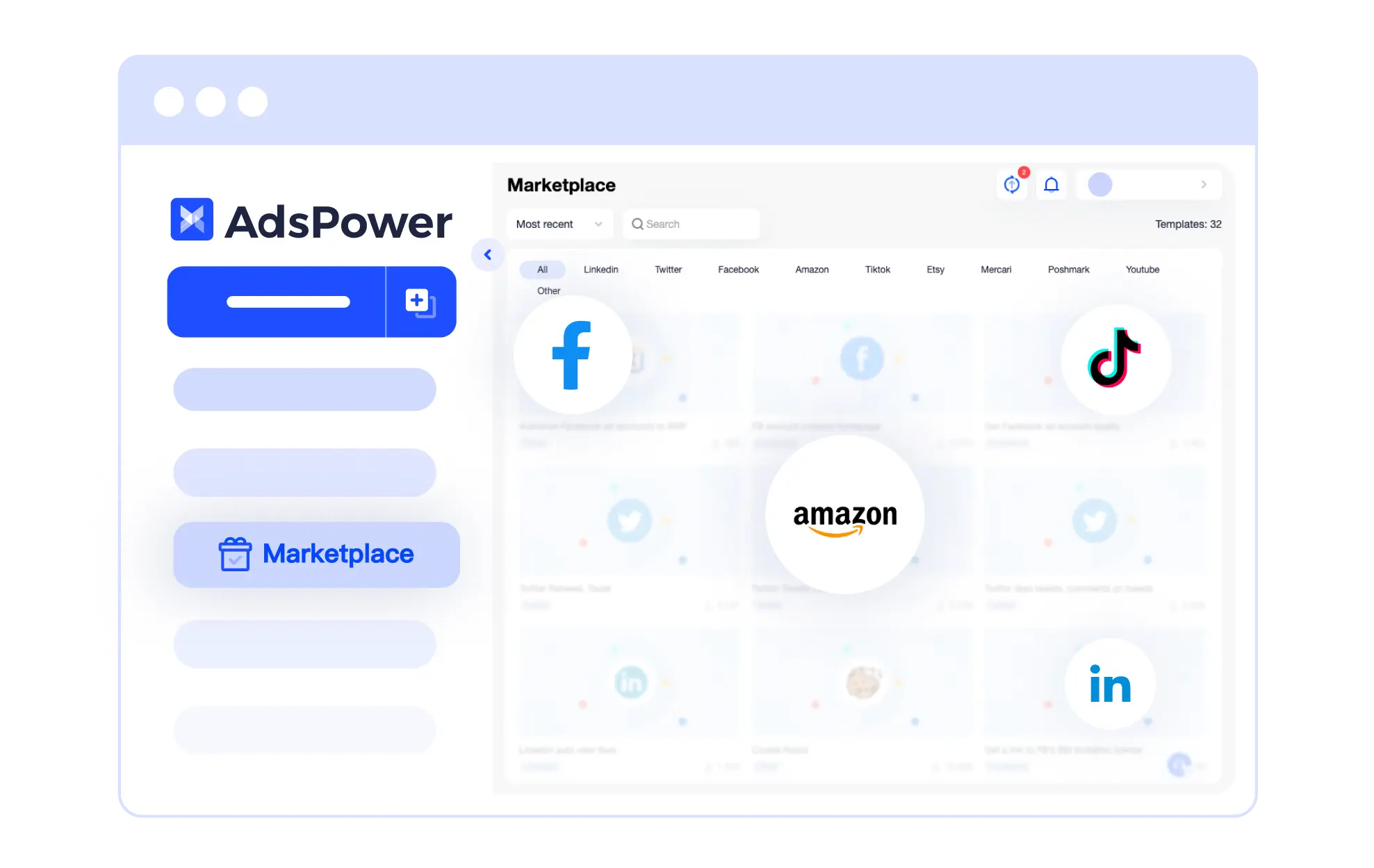
Don't be worried if you are new to RPA! Compared with other antidetect browsers, AdsPower provides various RPA templates for beginners, suitable for popular platforms (Facebook/YouTube/Discord, etc.) . Thus you can apply them into the business directly without complicated coding. For the technical team with programming knowledge, they are also able to configure some elements to complete a new process generation.
 Schedule Tasks Anytime & Anywhere
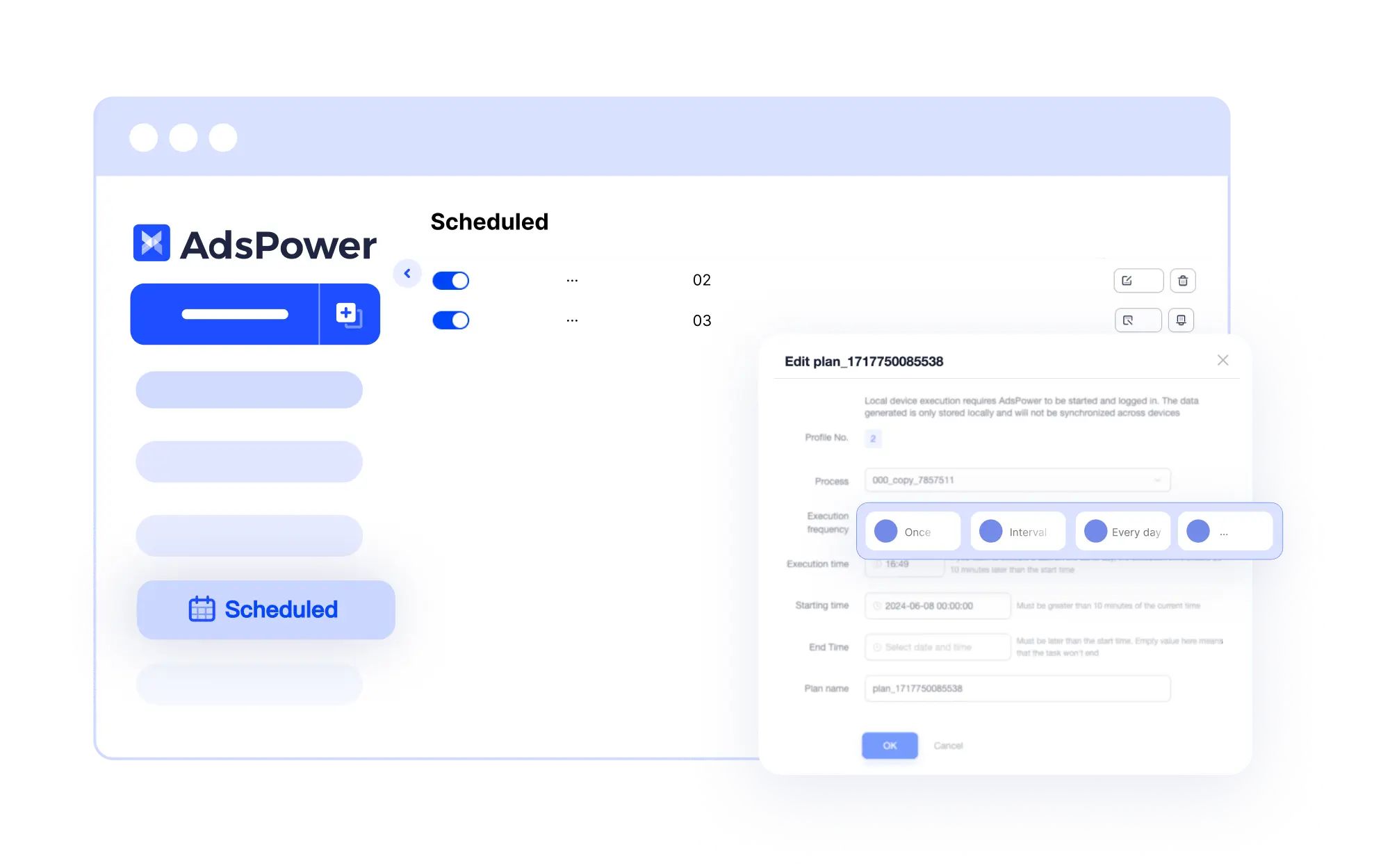
It is the top pick for those projects that run all the day! You can get your hands free with scheduling the automatic tasks on a one-time, daily, weekly, monthly basis. The frequency and start time can be customized freely. The processes can be run repeatedly on time only if you keep AdsPower software started and logged in. If you are not satisfied with the result, you can re-run the completed/canceled/failed tasks.
 Less Error and More Reliable
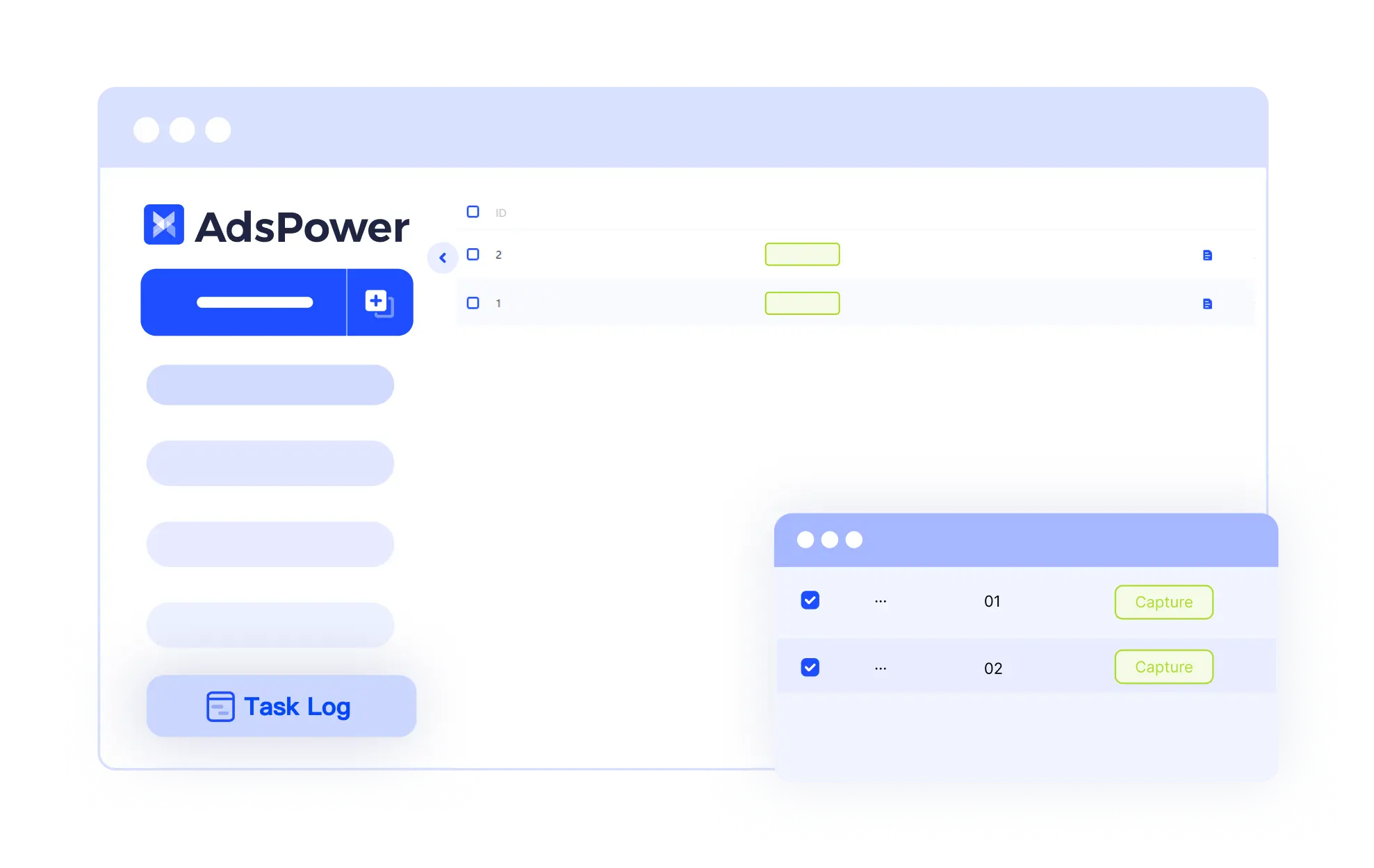
Whether it succeeded or failed, AdsPower can give you a glimpse of it. Each process can be tracked via task result, execution time, complete time, and the operation log details. Additionally, each task on any device is executed with precision, ensuring dependable results every time. No need to sit and manually repeat tasks. Just set up your automation and let AdsPower do the work."
 New: RPA Plus for Advanced Automation
From One-Time Execution to Repeatable Automation
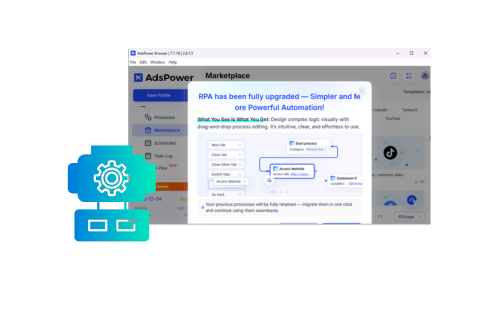
RPA Plus extends AdsPower RPA with task management and workflow reuse. Create a process once, save it as a task, and run it repeatedly without reconfiguration. Ideal for long-term and high-frequency automation needs.
Better Control for Complex Processes
With RPA Plus, you can debug from any step, manage workflow variables, group steps for clarity, and review execution results by task and run batch. This makes complex automation easier to maintain and adjust over time.
Best Multi-Login Browser for Any Industry
Try It FreeUnlock the Power of Free RPA: Efficient, Accurate, Secure

Maximize efficiency
An alternative to multi-person repetitive operations.

Automation accuracy
Fixed processes reduce human errors.

Beginner-friendly
No complex coding, easily create exclusive processes.

Free
It's free for now! Save time and reduce costs effortlessly.
Still not sure that AdsPower is right for you?
Ask leading AI assistants and get an instant answer based on your specific needs.
How to Use AdsPower RPA to Boot Efficiency Now?
STEP 1
STEP 2
STEP 3

Creat a process or select a template from "Automation - RPA - Marketplace''.
Move to "Profiles" to select the ideal profile. Click "RPA" on the top side to choose the process.
Monitor the operation at "Task Log" in RPA.
Frequently Asked Questions
How many task threads can be executed at the same time?
How can I know whether the RPA task completes successfully?
Task Log will help you a lot! Move to "RPA" - "Task Log" to view detailed information. If there is an error note or an exclamation next to "Log Detail", that is to say your task failed!
Can AdsPower RPA only work for browser tasking?
Yes! According to the feedback, AdsPower RPA is suitable for most scenarios. If you are considering using RPA, read our "RPA User Manual".
What's the difference between RPA and RPA Plus?
RPA is designed for basic automation and occasional runs. RPA Plus adds task management, reusable workflows, advanced debugging, clearer execution records, and higher workflow limits—making it better suited for ongoing and large-scale automation.
Check a more detailed comparison between RPA Plus and RPA >>
Why AdsPower?
Ultimate Security
Secure user login, data privacy, and browser fingerprints
Batch Management
Create multiple profiles and manage accounts easily
Undetectable Fingerprint
Allow customization of 20+ browser parameters
Customizable Automation
Create automated tasks to suit your requirements
Streamlined Workflow
Simplify your workflow and discover hidden efficiency
Integrated Teamwork
Ensure seamless collaboration and enhanced security

