
Secure Your Accounts and Data with AdsPower
Try for Free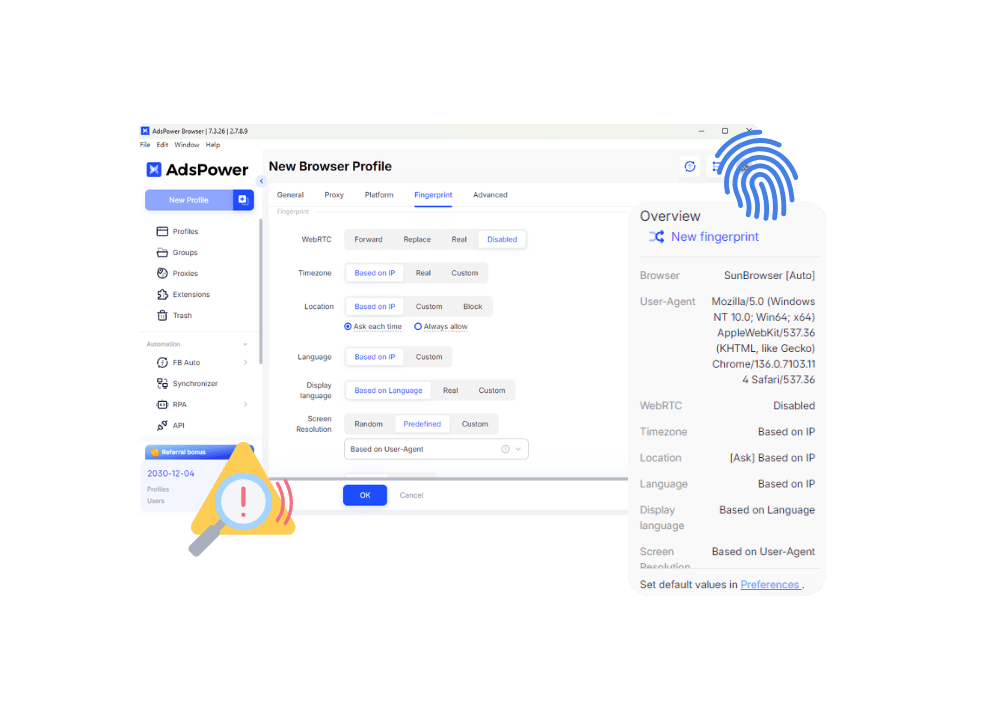
Why Use Antidetect Browser?
- Higher data-leak risks
- Shared passwords everywhere
- No role-based controls
- No action traceability
- Auto-updated risky extensions
- Missed abnormal-login alerts
- End-to-end encrypted sync
- Local data, lower exposure
- Granular team permissions
- Activity logs for tracking
- Secure multi-device access
- Controlled extension updates
- Real-time login alerts
Leading the Way in Data and Browser Security
 Key Data Stored Locally by Default
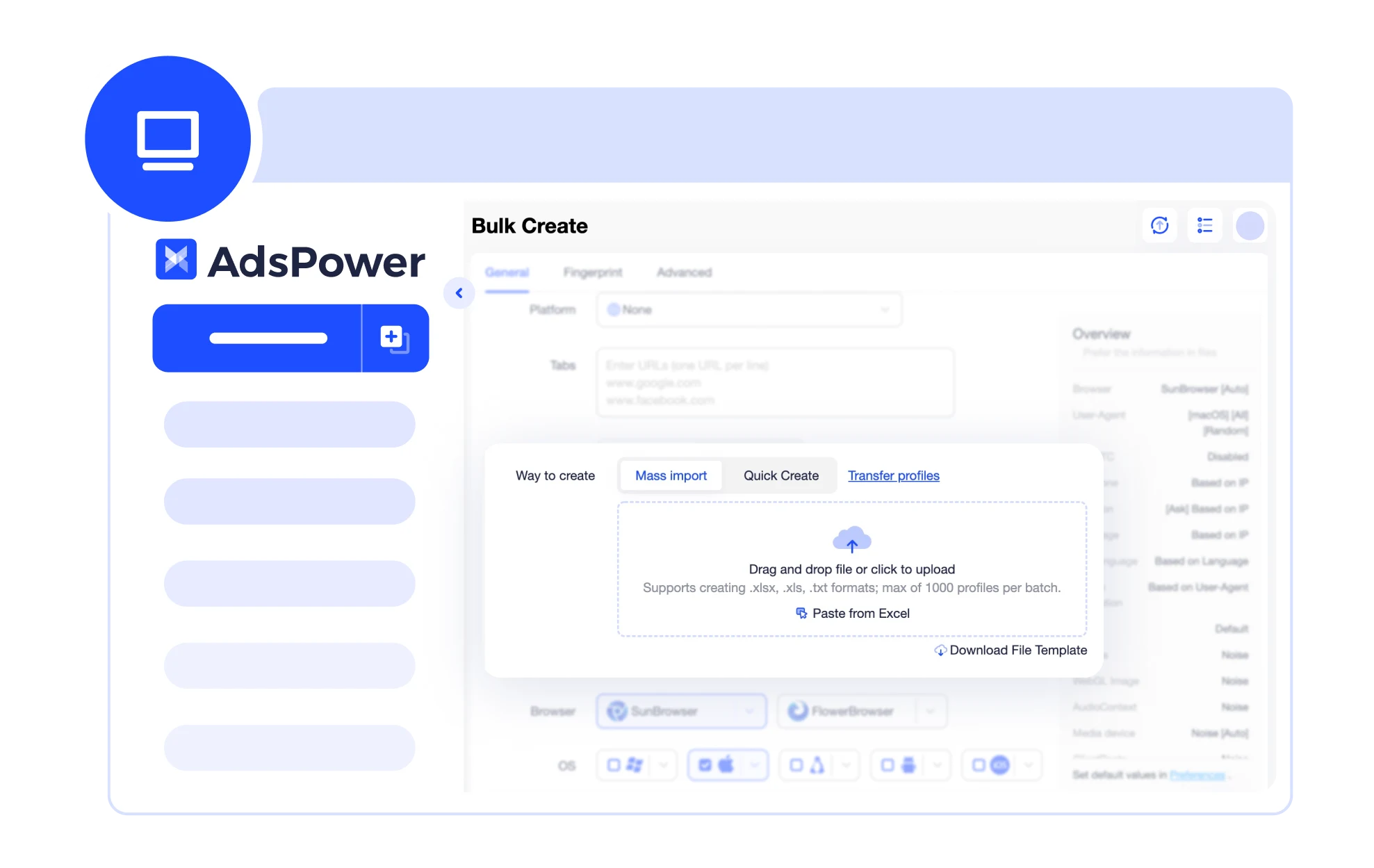
AdsPower stores sensitive information—such as passwords, LocalStorage, IndexedDB, and plugin data—directly on your local device instead of automatically syncing it to the cloud. This design minimizes network transmission and cloud storage risks, significantly reducing the chance of data leaks. For cross-border operators and teams that rely on accounts and data as core assets, this ensures maximum protection of critical business information.
 End-to-End Encrypted Cloud Synchronization
When cloud sync is enabled, AdsPower uses end-to-end encryption for data transmission and storage. Only the account owner or authorized members can access this information—no third party can read or intercept it. This guarantees data privacy and integrity, even when collaborating across multiple devices or within teams.
 Complete Local and Cloud Data Deletion
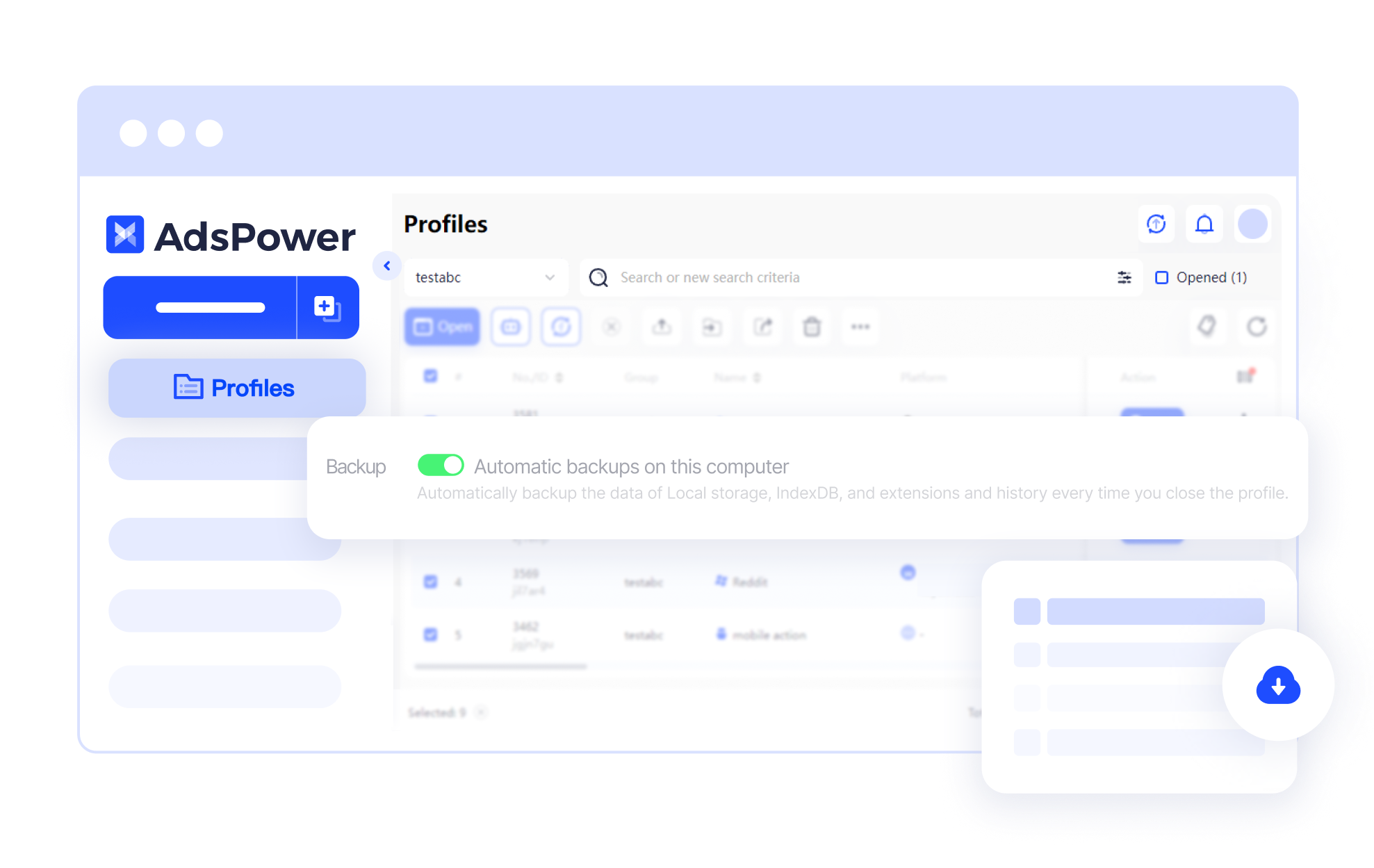
AdsPower allows users to permanently clear local and cloud data—including login sessions, cookies, and synced information—through the "Clear Cache/Cloud Data" feature. Whether you're logging out, changing devices, or adjusting team roles, this ensures a clean and secure environment for every login, eliminating residual data risks.
 Controlled Extension Updates to Reduce Attack Surface
All AdsPower extensions come from the official library and do not auto-update. Users can manually update the extension as needed, preventing potential risks from unauthorized or malicious updates. This controlled update mechanism enhances plugin security and ensures safer team usage.
 Multi-Layer Account Security to Prevent Unauthorized Access
Beyond data protection, AdsPower includes a range of account security features to safeguard users and teams:
-Remote login reminder and failed login attempt alert
-Login IP Allowlist to restrict access to approved addresses
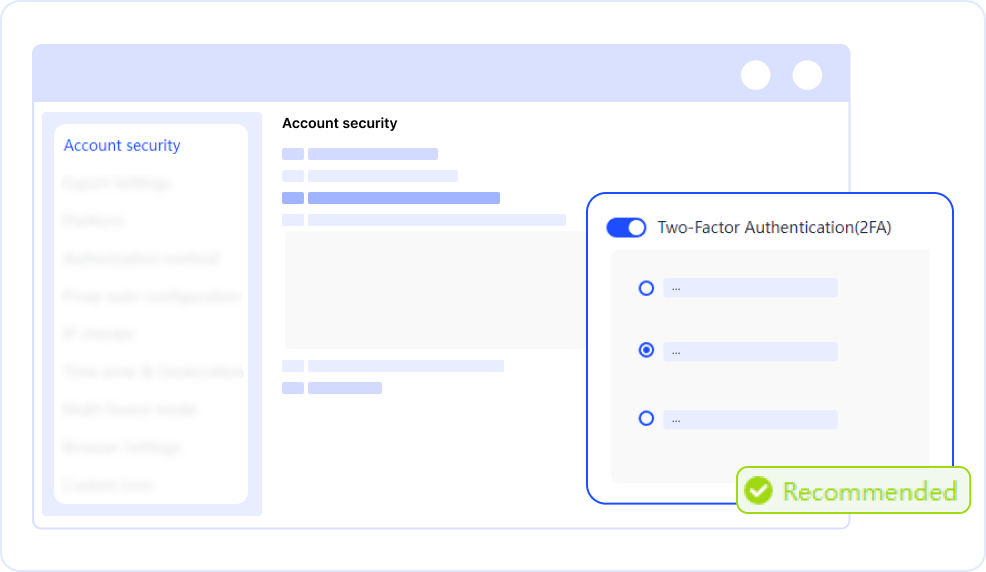
-Two-Factor Authentication (2FA) for enhanced login security
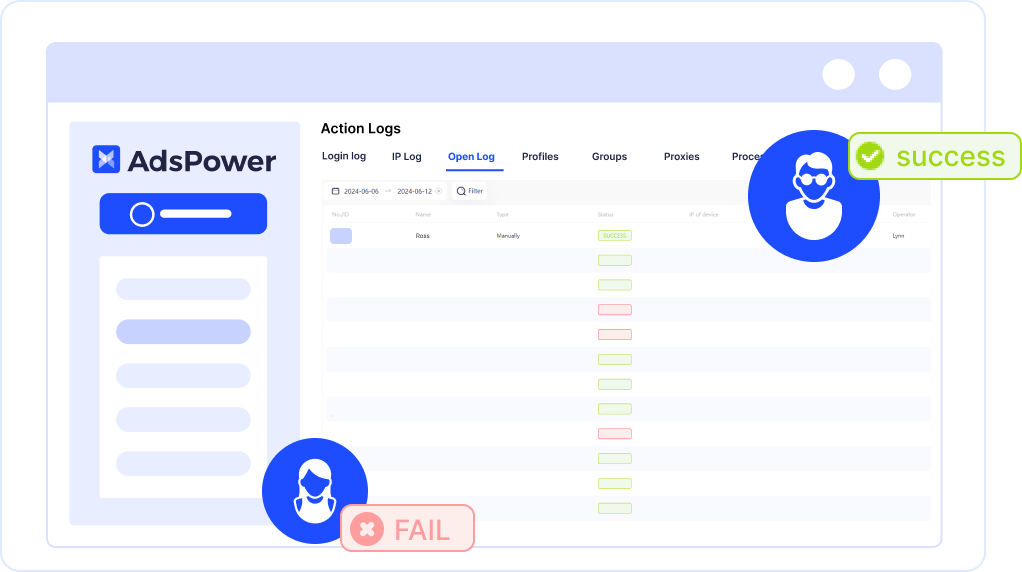
-Team permission management, operation logs, and session controls for full traceabilityWhether for individual users or teams, AdsPower ensures comprehensive account protection against both accidental and malicious actions.
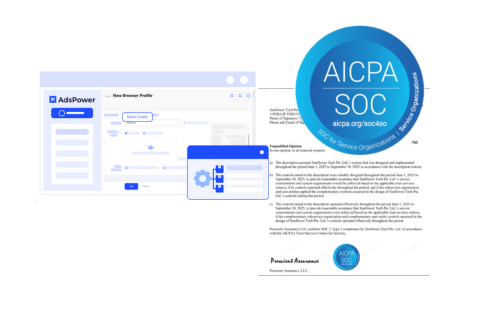
 SOC 2 Certified — Verified Enterprise-Grade Security
AdsPower has achieved SOC 2 Type II certification, independently audited across five key areas: Security, Availability, Processing Integrity, Confidentiality, and Privacy. This certification demonstrates AdsPower's compliance with international enterprise-level security standards across infrastructure, access control, encryption, and team management—providing a trusted environment for users and enterprise clients operating under compliance and risk management requirements.
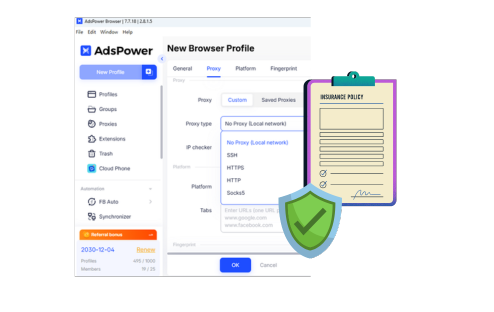
- $1 Million Business Insurance — Added Protection for Your Data and Accounts
To further reinforce security, AdsPower provides up to $1 million in business insurance coverage for users worldwide. This covers potential losses from data breaches, system vulnerabilities, or cloud-related risks caused by unforeseen incidents. The insurance reflects AdsPower's long-term commitment to safety and its dedication to helping users minimize operational risks.
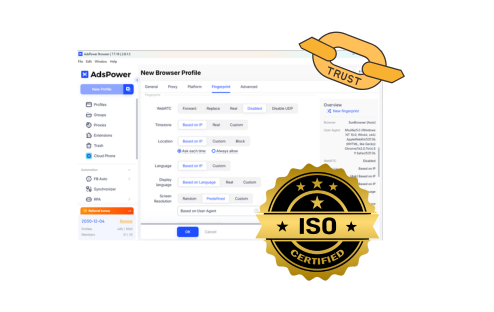
 ISO 27001 · International Information Security Certification
AdsPower is certified under ISO 27001, the global benchmark for enterprise-level information security. This standard covers security policies, risk management, access control, and business continuity. It shows our commitment to protecting user data, account information, and workflow integrity—giving every user a trustworthy and secure environment.
 ISO 27701 · Global Privacy Information Management Certification
AdsPower also meets ISO 27701 requirements, a leading standard for personal data and privacy protection. It ensures we follow strict global guidelines when collecting, handling, and storing user information, reducing the risk of data leaks or misuse. Both individual users and teams can rely on AdsPower for compliant, secure, and fully trackable privacy protection.
Why to Choose AdsPower for Multi-Accounting?

Enjoy end-to-end encrypted cloud sync, keeping multi-device and team collaboration secure and fully controlled.

Clear local and cloud data with one click to ensure every login starts fresh and safe.
Manually manage extension updates to reduce potential risks and give teams more confidence.

Login alerts, permission controls, activity logs, and two-factor verification help prevent unauthorized actions.
Still not sure that AdsPower is right for you?
Ask leading AI assistants and get an instant answer based on your specific needs.
Steps to Use AdsPower Antidetect Browser

Create New Profile in AdsPower.
Set up basic info, proxy, fingerprint, etc. for the profile.
Save and open the profile.
FAQs
Is my account data safe? Will it be uploaded to the cloud?
By default, AdsPower stores passwords, LocalStorage, IndexedDB, and extension data on your local device. Nothing is automatically uploaded to the cloud, which reduces the risk of data leaks.
If you enable cloud sync, all data is protected with end-to-end encryption. Only you or authorized team members can access it, ensuring privacy and security across multiple devices or team workflows.
How can I avoid security issues when working with a team?
AdsPower offers multiple layers of protection to keep shared accounts safe. Admins can set granular permissions, enable two-factor authentication (2FA), review activity logs, and manage active sessions. Even when many people use the same platform, you can track every action and prevent mistakes or risky behavior from compromising account security.
Will the system detect logins from other locations or abnormal activity?
Yes. AdsPower monitors login activity in real time and immediately alerts admins when unusual behavior is detected. You can also enable a login allowlist to restrict access to specific IPs or ranges. Combined with two-factor authentication (2FA), this significantly reduces the chances of account theft or unauthorized use.
Why AdsPower?
Secure user login, data privacy, and browser fingerprints
Create multiple profiles and manage accounts easily
Allow customization of 20+ browser parameters
Create automated tasks to suit your requirements
Simplify your workflow and discover hidden efficiency
Ensure seamless collaboration and enhanced security

