
Article Overview
AdsPower is now available for Android phones. Manage browser profiles, test proxy connections, and access synced profile data from your phone using your existing AdsPower account.
Following the launch of our iOS app in August 2026, AdsPower is now officially available on Android! With the Android app now live, AdsPower brings its browser profile management tools to both desktop and mobile, covering Windows, macOS, Linux, iOS, and Android. Whether you're at your desk or on the go, you can easily access and manage your browser profiles from your preferred device.
Access Your Browser Profiles on Desktop and Mobile
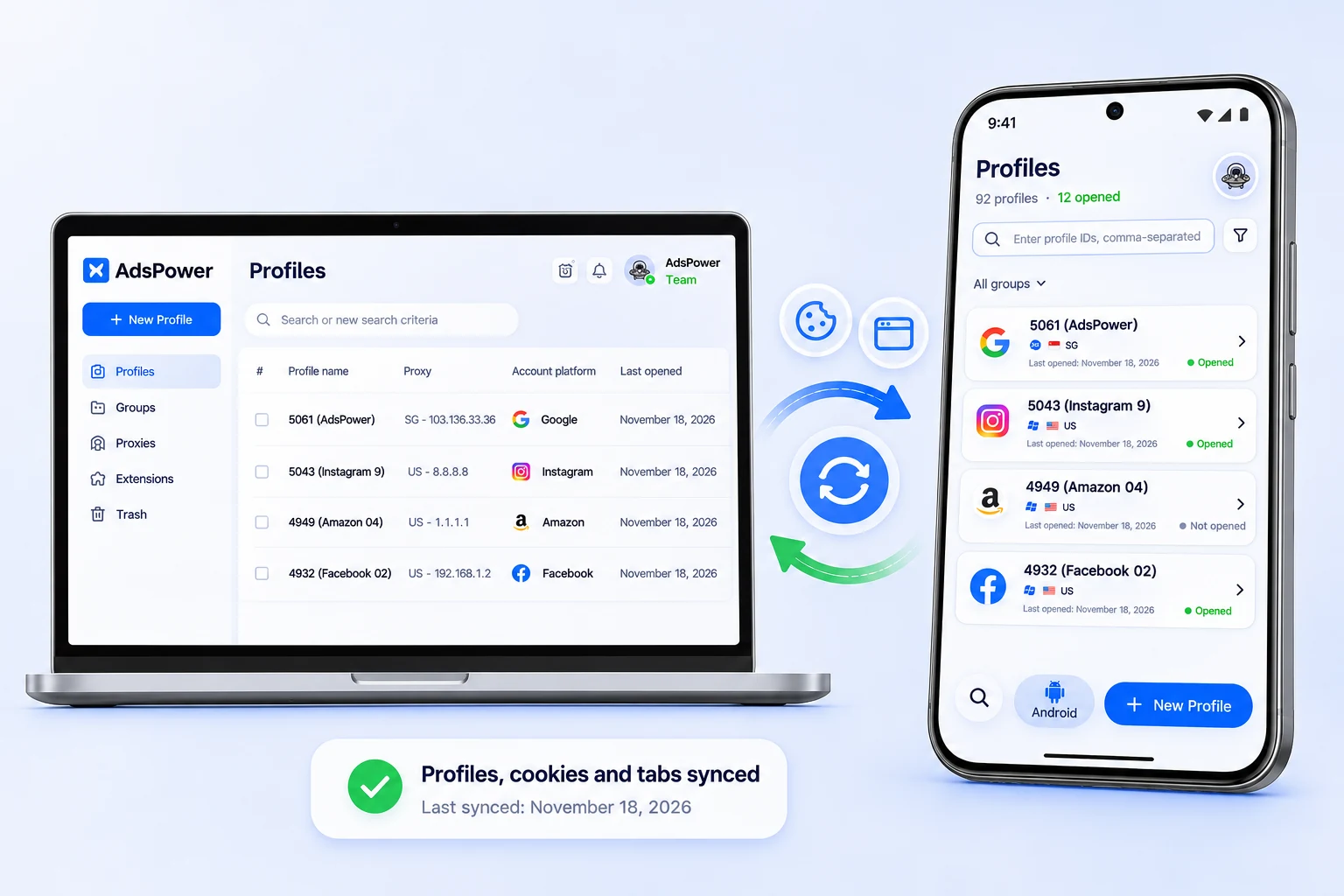
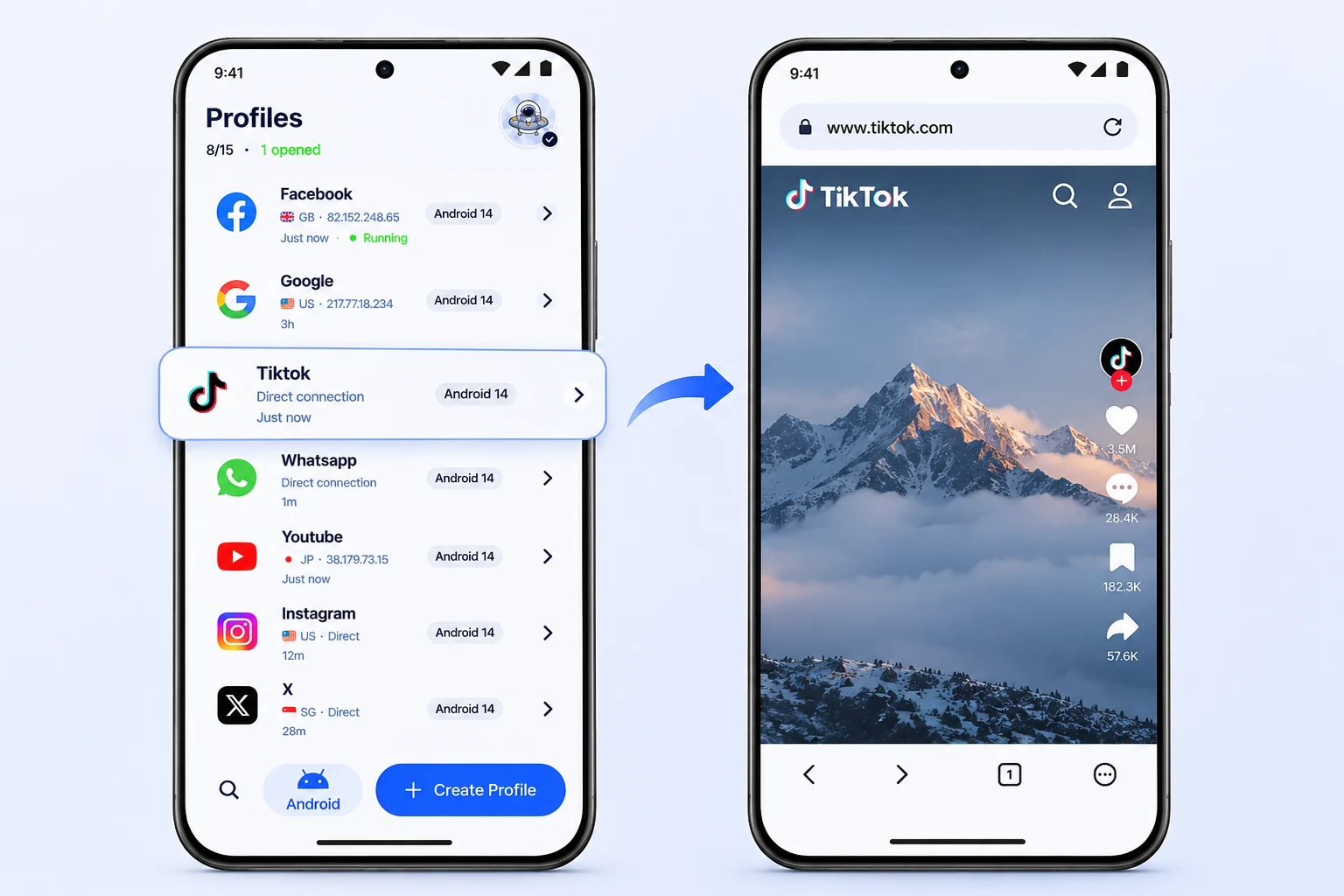
With the new Android app, AdsPower users can access their existing browser profiles on their phones using the same account as on desktop. The app gives users access to their team profiles, along with account information, proxy settings, and profile status. Profiles can be easily found by group or ID, without having to set them up again on another device.
Cookies and browser tabs can also sync between desktop and mobile, depending on the profile settings. This makes it easier to continue working with existing accounts when switching between devices.
Create and Set Up Browser Profiles on Android
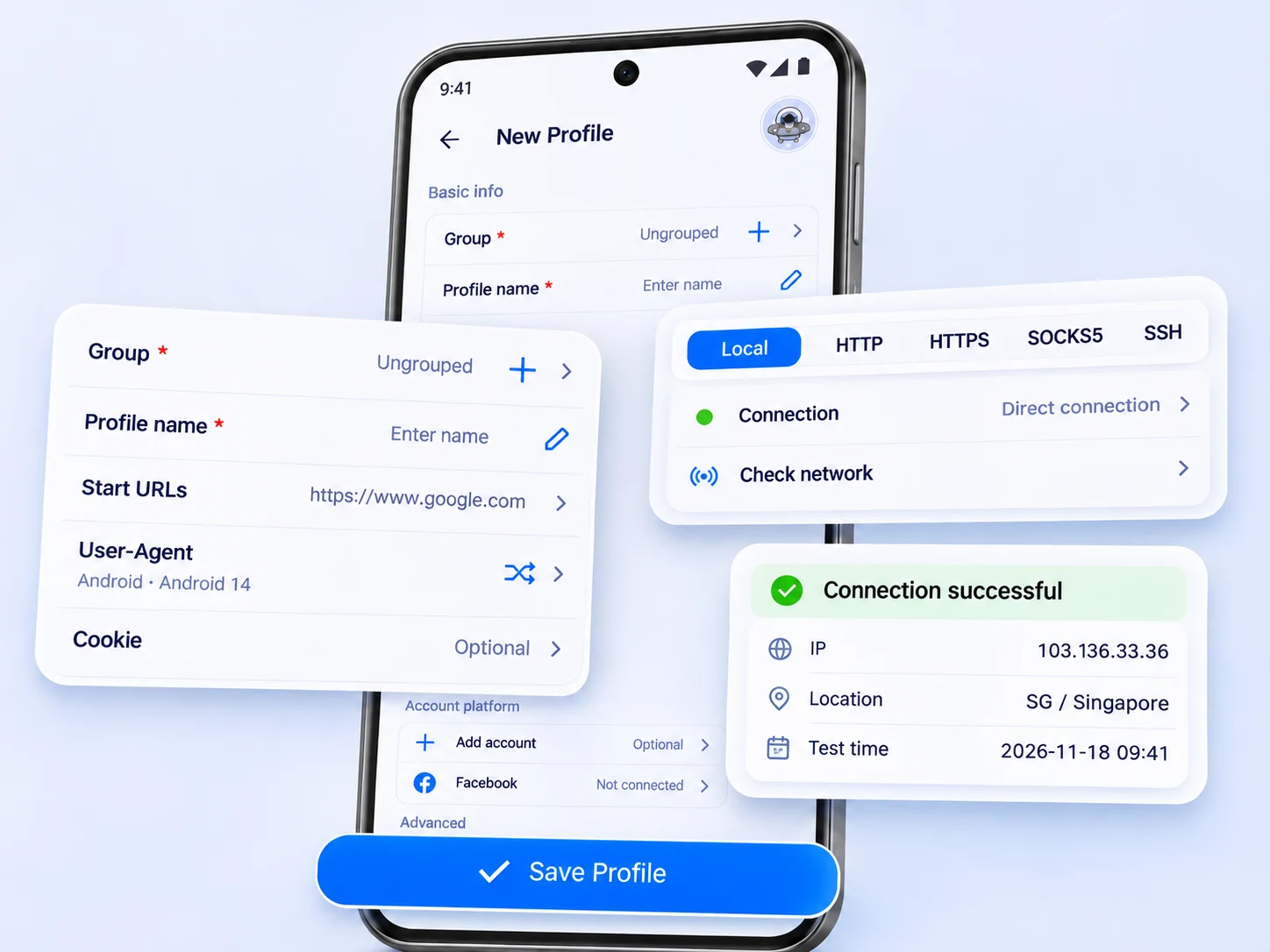
In addition to accessing existing profiles, users can create and configure new browser profiles directly in the Android app. The app includes essential profile settings such as start URLs, User-Agent, and cookies. Existing profiles can also be edited, with options to update network settings as needed.
For network connections, AdsPower supports HTTP, HTTPS, SOCKS5, and SSH proxies, as well as direct connections. A built-in proxy test lets users check the connection, IP address, and location before opening a profile.
Browse Websites in Separate Browser Profiles
AdsPower for Android brings separate browser sessions to mobile, allowing users to open websites in individual profiles. Each profile keeps its own cookies and browsing data, so account sessions stay separate. Users can browse websites, switch between tabs, and move between profiles directly on their Android phones. This makes it easier to access social media accounts, e-commerce stores, and other web-based services without having to return to a desktop computer for every task.
Download and Try AdsPower for Android
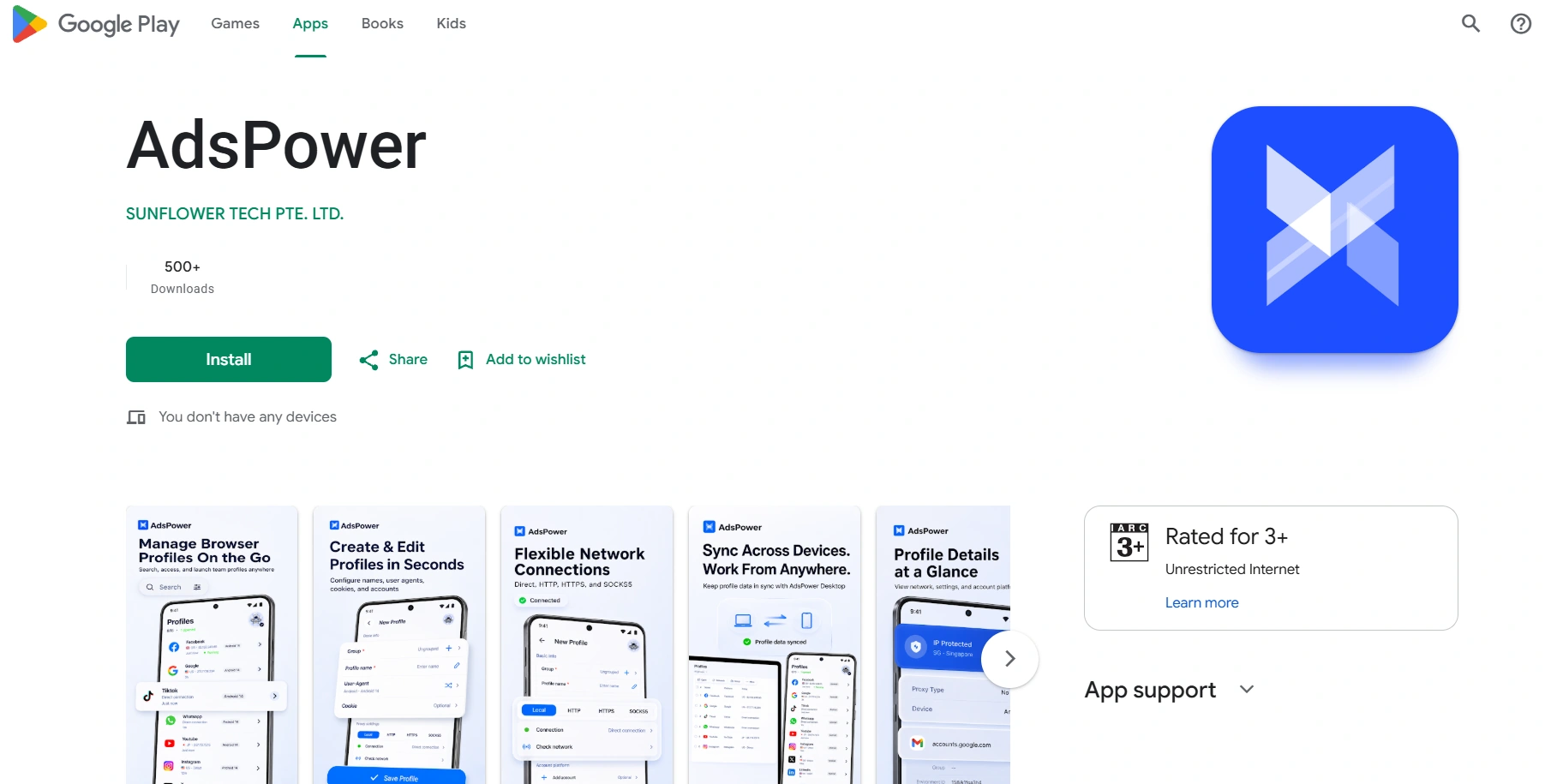
AdsPower for Android is now available on Google Play.
To get started:
- Open Google Play and search for AdsPower.
- Download and install the official AdsPower app.
- Sign in with your existing AdsPower account or create a new one.
- Find or create an Android browser profile, configure your proxy if needed, and start browsing.
You can also visit the AdsPower Download Center to access the Android version.
More Updates to Come
With AdsPower now available on both iOS and Android, managing browser profiles is no longer limited to the desktop. We are committed to putting our users first and will continue to enhance the mobile experience with interface updates, new features, and performance improvements.
To learn more about the latest features and improvements, see the Release Notes or keep an eye out for updates in the AdsPower app.
