

Enable AdsPower's Secure Access for Enhanced Security and Privacy
Take a Quick Look
AdsPower updated Secure Access for ensuring users can use HTTPS connection for safety. Learn what Secure Access is and how to enable it on AdsPower browser to enhance your browsing security.
There is no doubt that securing your digital activities has never been more important. AdsPower, one of the top antidetect browsers, makes it easy to protect your data and privacy. By turning on its Secure Access settings, you add an extra layer of security that shields you from cyber risks while keeping your browsing private. Whether you're managing multiple accounts or simply surfing the web, AdsPower helps you stay safe and in control.
People Also Read:
What is Secure Access?
Secure Access is a feature designed to enhance online safety and privacy by adding protective measures to your browsing activities. It typically includes a range of security tools such as encryption, secure connection protocols (like HTTPS), and privacy-focused options that limit the tracking of your online behavior.
In the Internet, websites are mainly connected through two protocols: HTTP and HTTPS. Compared to HTTP, HTTPS is an encrypted transmission protocol that provides users with stronger data security.
Whether it's Chrome or Firefox, there are security features in place:
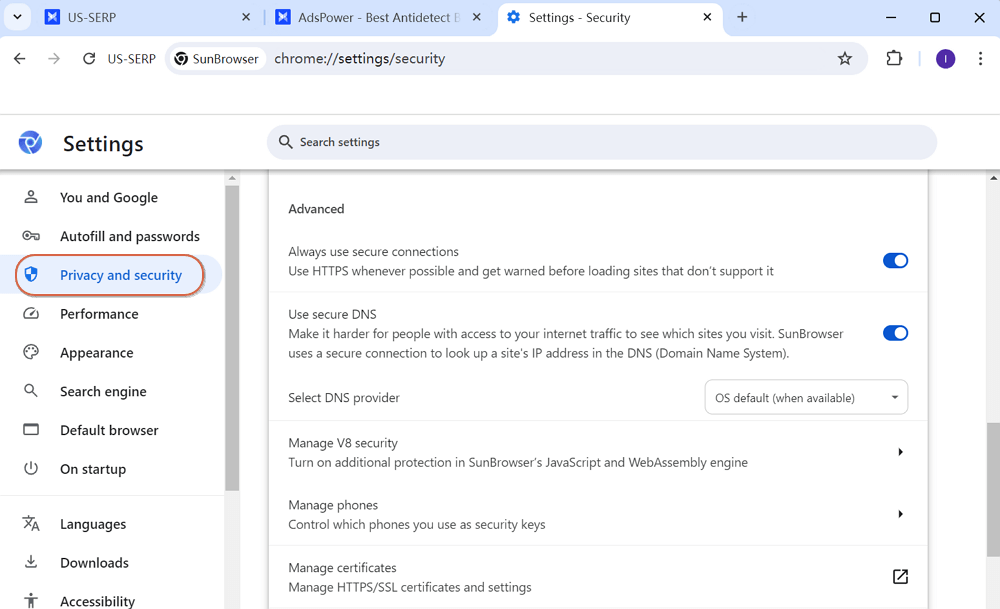
AdsPower introduced "Secure Access" to help users safeguard their browsing while flexibly selecting HTTPS connection.
How to Enable Safe Access?
- Launch AdsPower browser and move into "Team" > "Global Settings".
- Scroll down to find out "Browser Settings".
- Enable "Secure Access".
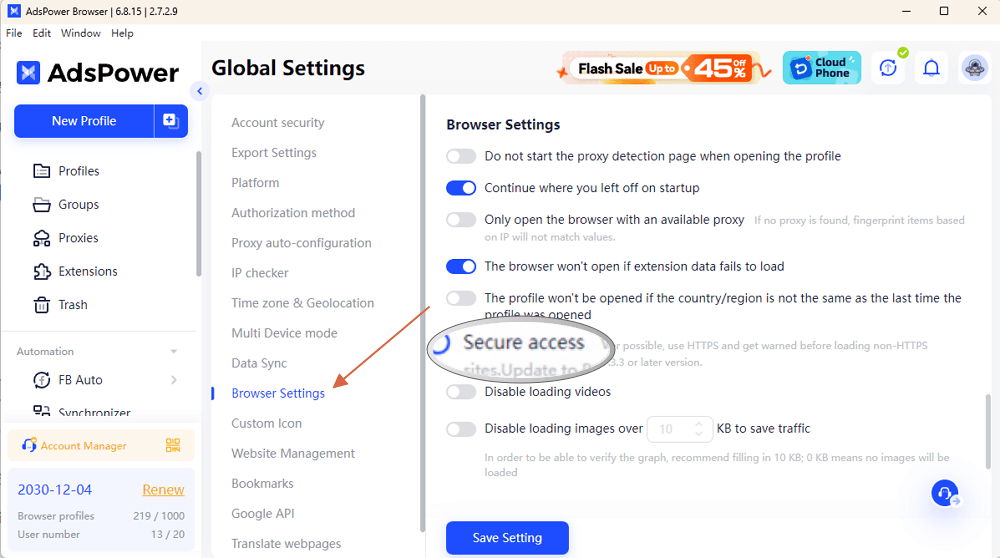
When you manually enable "Secure Access", AdsPower will ensure that you use a secure HTTPS connection by default and get warned before loading non-HTTPS sites.
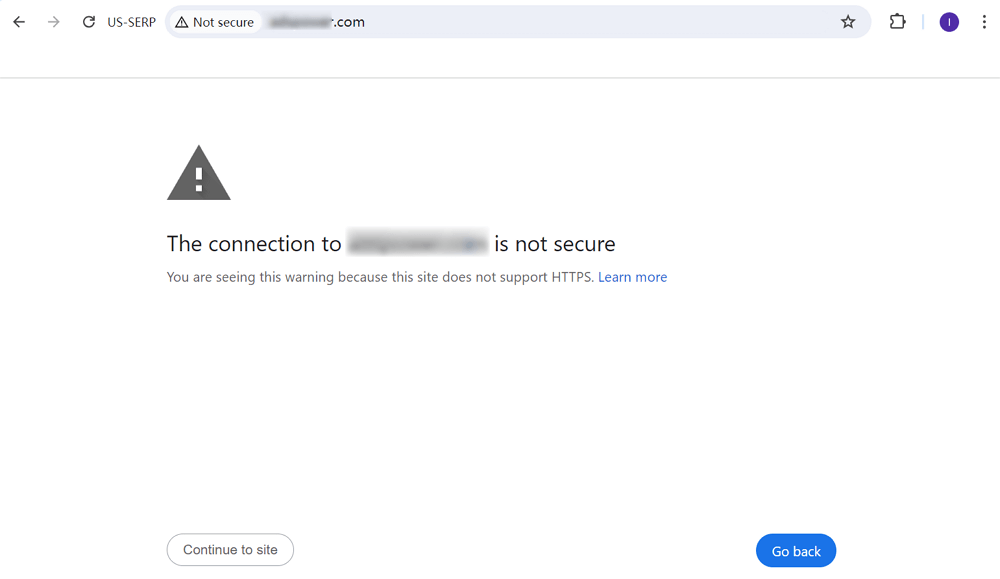
Once your open the website which doesn't support HTTPS, you will get a warning - "The connection to xxx is not secure". And if you still click "Continue to site", the browser will remember your activity and the warning will not appear next time. But when you clear the browser cookies, the warning will appear again.
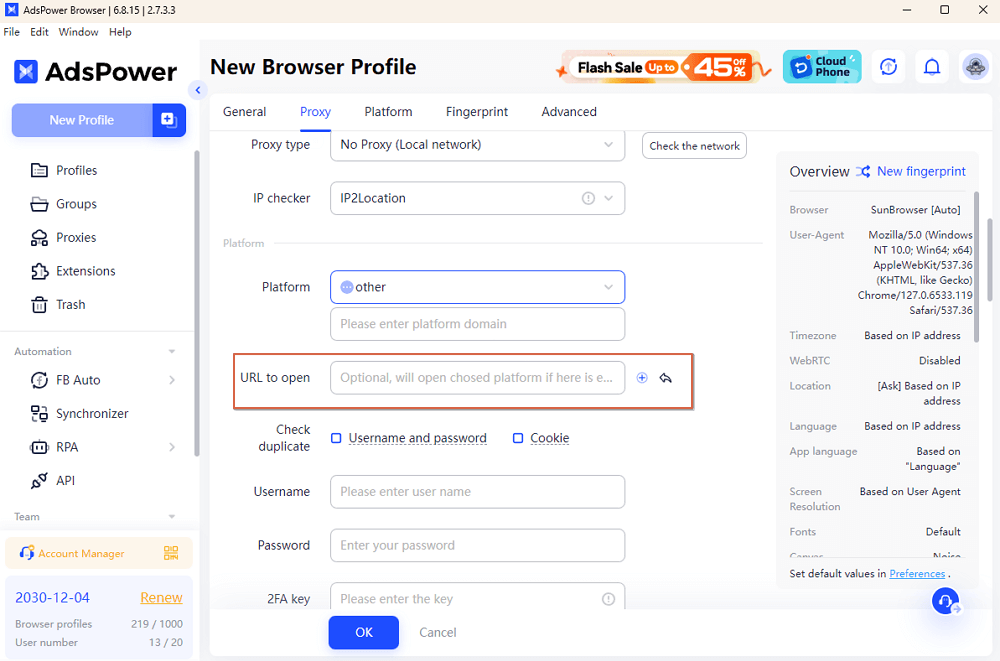
Tip: If you input a URL starting with "http" when setting platform in creating profile, AdsPower will still use HTTPS to open the web page by default. It will keep your opening is safe.

People Also Read
- AdsPower Unveils AI Agent, a New Way to Automate Browser Tasks Across Multiple Profiles
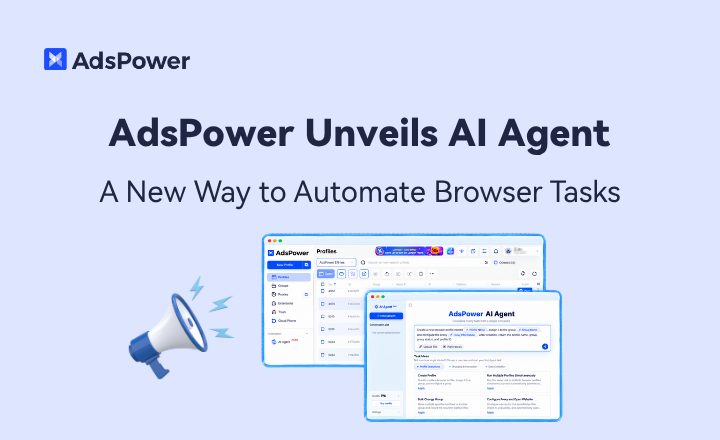
AdsPower Unveils AI Agent, a New Way to Automate Browser Tasks Across Multiple Profiles
AdsPower launches AI Agent for natural-language browser automation.
- What's New in AdsPower Browser in August 2026?
What's New in AdsPower Browser in August 2026?
Explore the AdsPower August 2026 update, featuring AI Agent, Chrome 151, improved mobile profiles, easier proxy troubleshooting, and faster profile
- AdsPower Annual Sale 2026: Unlock 50% Off Your 360-Day Plan

AdsPower Annual Sale 2026: Unlock 50% Off Your 360-Day Plan
The longer you subscribe, the more you save during the AdsPower Annual Sale 2026, with up to 50% off the 360-day plan.
- Create an AdsPower Video and Earn $30 — No Follower Minimum

Create an AdsPower Video and Earn $30 — No Follower Minimum
Create an original AdsPower video, publish it on any public social platform, and earn $30. No follower minimum. Ends September 6, 2026 (23:59:59 UTC).
- The AdsPower iOS App Is Now Publicly Available
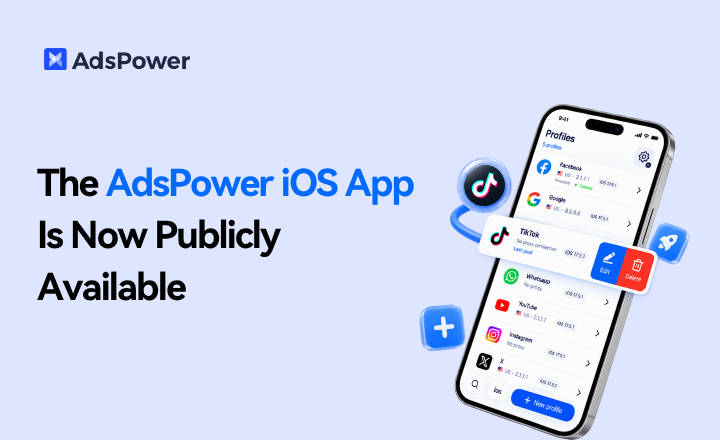
The AdsPower iOS App Is Now Publicly Available
AdsPower Browser is now available on iOS. Manage browser profiles, test proxies, access synced team data, and open iOS profiles from your iPhone.
