

Guide for Integrating Instant Proxies With AdsPower
In this article, we'll guide you through the process of integrating Adspower with InstantProxies. It is a proxy provider that offers fast, secure, and anonymous private proxies. By integrating InstantProxies with AdsPower, you get an additional layer of anonymity and ensure that your online activities remain untraceable. It also helps reduce latency and improve connection speeds.
Step-by-Step Guide for Integrating InstantProxies in AdsPower
Here's a step-by-step guide on how to integrate InstantProxies in AdsPower:
Step 1: Go to InstantProxies.com
The first step is to go to their website. Choose the number of proxies and your target purpose. You can select "Anonymous Browsing" if your target is not in the dropdown.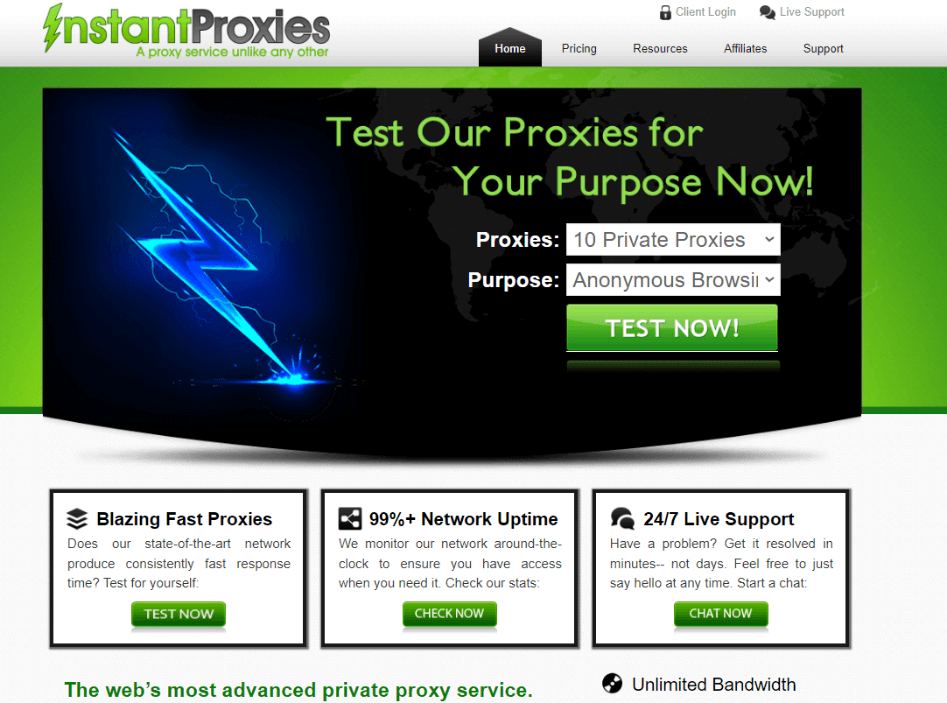
Step 2: Test the proxies
Test the proxies you've chosen on step 1. If you're happy with the results, proceed with the order. You will immediately receive an email containing your login information.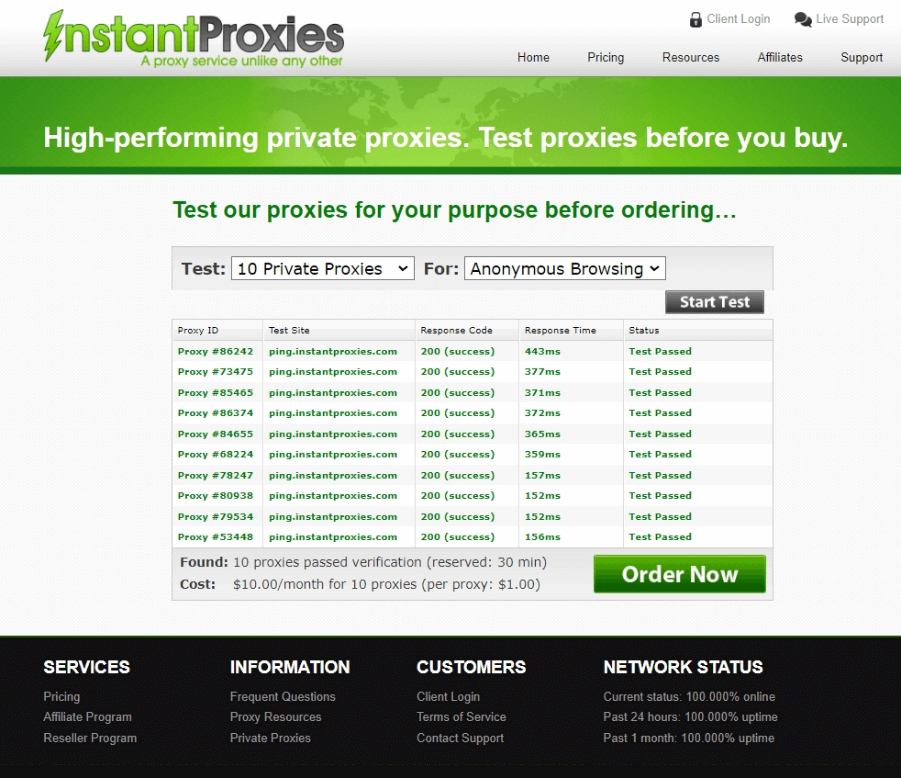
Step 3: Log in to your proxy account and authorize your original IP address.
After receiving the login details for your proxy account, authorize your IP address. Unlike other proxy providers, InstantProxies does not use username and password authentication. You have to authorize your IP address to be able to use their proxies.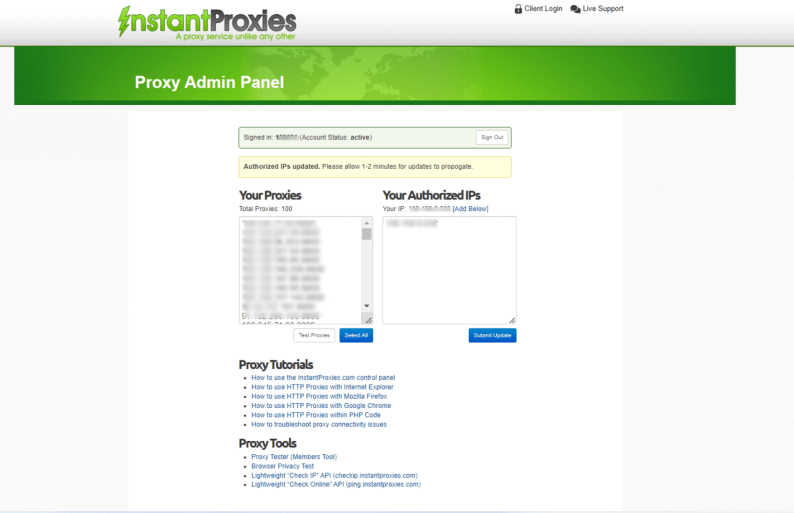
Step 4: Configure the proxies in your new Adspower profile.
Log in to your AdsPower account. Create a "New Profile" and fill out the details.
Under the proxy settings, select "Custom" and choose "HTTP". Copy and paste your Proxy Host and Proxy Port from your InstantProxies dashboard. Click on the "Check Proxy" button to confirm that your proxies work on the browser.
After it passes the connection test, you're ready to start browsing anonymously!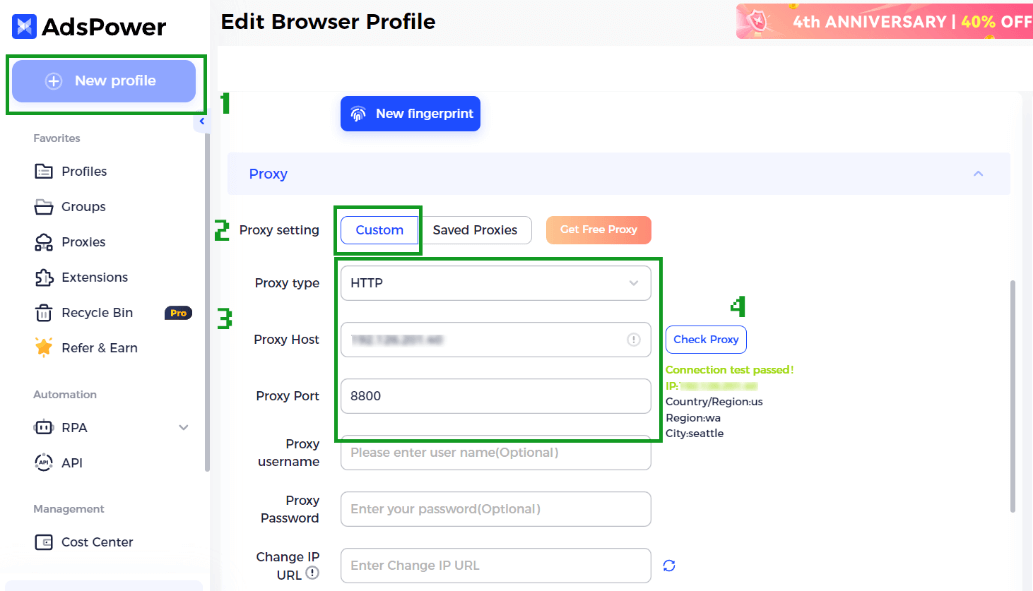

People Also Read
- AdsPower × Adpos: Get More from Our Annual Sale with 10 Free Cards and Up to $300 Cashback
AdsPower × Adpos: Get More from Our Annual Sale with 10 Free Cards and Up to $300 Cashback
Join the AdsPower Annual Sale for up to 50% off and get 10 free Adpos virtual cards plus up to $300 cashback on qualifying ad spend.
- How to Use Cloaking and Antidetect Browsers for Facebook & Google Ads
How to Use Cloaking and Antidetect Browsers for Facebook & Google Ads
Learn how cloaking and antidetect browsers can support Facebook and Google Ads workflows. Explore account isolation, fingerprint management, proxy set
- How Agencies Can Simplify Multi-Account Ad Management
How Agencies Can Simplify Multi-Account Ad Management
Learn how agencies can use AdsPower and Wevion to organize browser access, manage campaigns, control team permissions, and simplify reporting.
- Using DataImpulse Proxies in AdsPower: Complete Setup Guide (2026)
Using DataImpulse Proxies in AdsPower: Complete Setup Guide (2026)
Explore DataImpulse’s proxy types and features, see what matters for AdsPower users, and learn how to set up and configure proxy for browser profile.
- How to Manage Walmart Seller Accounts and Dropshipping Operations as a Team
How to Manage Walmart Seller Accounts and Dropshipping Operations as a Team
Learn how to manage Walmart seller accounts, team access, inventory, orders, and dropshipping workflows with AdsPower and Doba.
