

How to Buy LinkedIn Accounts & Avoid Getting Restricted in 2026
Take a Quick Look
If you tend to get high-quality LinkedIn accounts and keep them running in the safe way, follow us to buy LinkedIn accounts and avoid getting restricted.
Scaling outreach on LinkedIn has become tougher than ever. If you want to run multiple campaigns, connect with more people, and generate consistent leads, using several LinkedIn accounts is almost necessary.
But here's the problem: buy the wrong accounts or set them up poorly, and you'll quickly find yourself restricted or banned. LinkedIn's detection systems have gotten very smart.
Walk through exactly how to buy LinkedIn accounts the right way, why ID-verified accounts are the only ones worth buying, and the setup that actually works in 2026.
1. Always Choose Government ID-Verified LinkedIn Accounts
This is the most important decision you'll make.
Cheap accounts that aren't properly verified get flagged fast. The safest option in 2026 is to buy government ID-verified LinkedIn accounts. These profiles have gone through LinkedIn's official verification process using real government ID, which gives them much higher trust inside LinkedIn's system.
Because of this extra trust, they face fewer random checks, fewer restrictions, and perform noticeably better when you run automation.
Where to buy them:
When purchasing LinkedIn accounts, making the right choice is critical. Stability is non-negotiable, accounts that are newly created, hacked or built on fake identities, or poorly aged carry a high risk of triggering LinkedIn's restriction systems. The so-called "LinkedIn jail" is a very real consequence of starting with low-quality, unverified accounts.
To operate safely and at scale, you need accounts that are properly warmed up and identity-verified. Without these two requirements, any sign of automation activity will prompt an immediate account restriction, rendering your investment and outreach efforts worthless.
Among the trusted suppliers offering this caliber of account, buy-id-verified-account.com stands out as a leading provider, and arguably the most established player in the space.
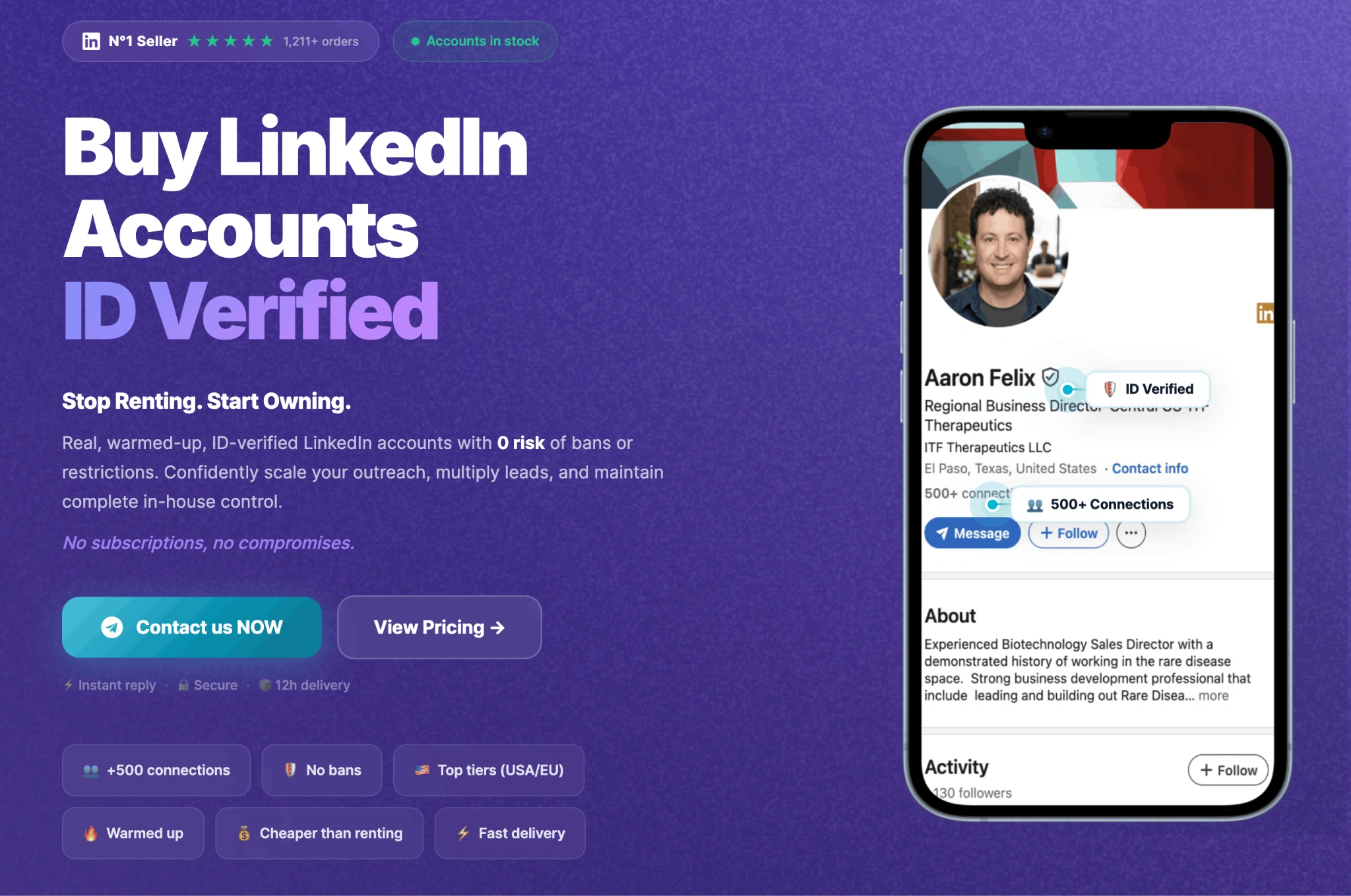
They sell permanent ID-verified accounts (you own them forever, not rent). The accounts come pre-warmed with natural activity and include full login details.
Pricing starts at $550 for a good entry-level account. Higher packages with more connections and better locations cost more, but the quality is worth it. Many people find these accounts last significantly longer than cheap alternatives.
2. Set Up Your Accounts the Right Way
Even a perfect ID-verified account can get restricted if you log in carelessly. The professionals use a specific setup that keeps accounts safe:
Use AdsPower for Fingerprint Isolation
AdsPower provides a controlled browser environment where each account runs in a completely isolated profile.
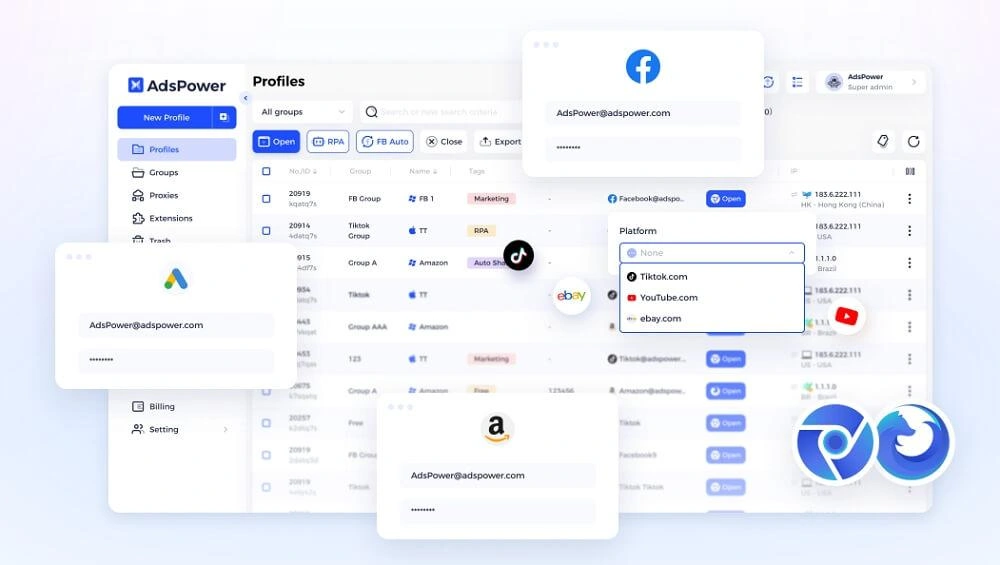
Each profile simulates a unique device by separating:
- Browser version and user agent
- Operating system
- Screen resolution
- Timezone and language
- Canvas, WebGL, and other fingerprint signals
This isolation helps prevent accounts from being linked together, which is one of the most common causes of bulk restrictions when managing multiple LinkedIn accounts.
A clean IP setup is equally important
Each account should use a dedicated residential proxy (such as ProxyEmpire) to maintain a consistent and realistic login location.
Best practices for you:
- One proxy per account
- Avoid datacenter or shared proxies
- Keep IP location consistent over time.
Simple setup steps:
1. Prepare high-quality LinkedIn accounts. You can create it yourself, but you need to warm it up for a long time or buy an ID-verified account from a trusted platform.
2. Create one AdsPower profile per account.
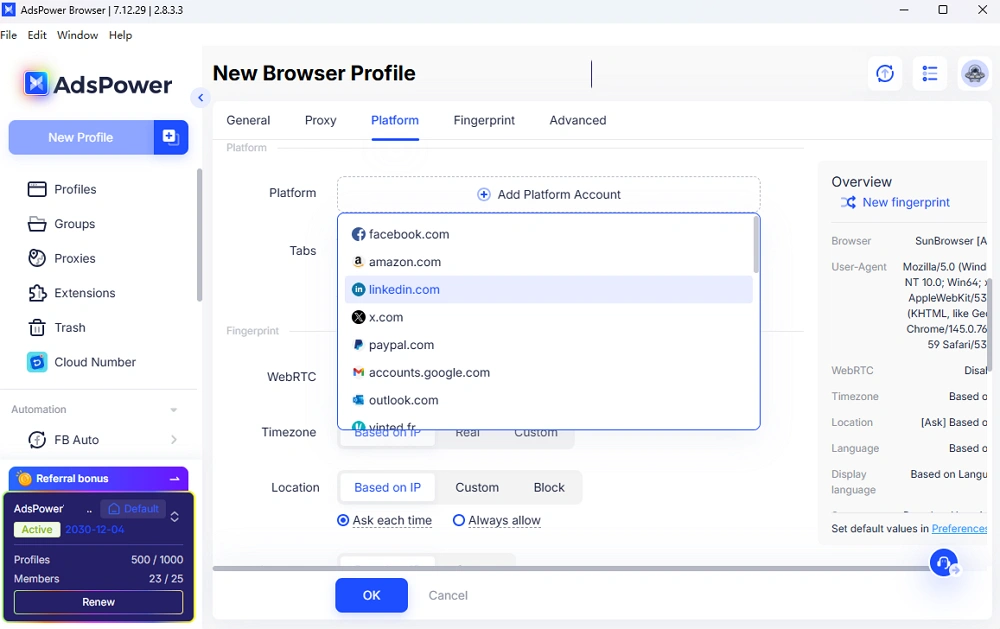
3. Set up the platform section by selecting linkedin.com in the dropdown list.
4. Assign a unique residential proxy to each profile
5. Log in and maintain consistent usage per profile
6. Warm up accounts gradually with light manual activity (5–7 days)
This structured setup significantly reduces the risk of triggering LinkedIn's security systems.
Add Smart Automation Tools
Once your accounts are stable, you can scale with automation. Two tools that work particularly well are:
What is PowerIn?
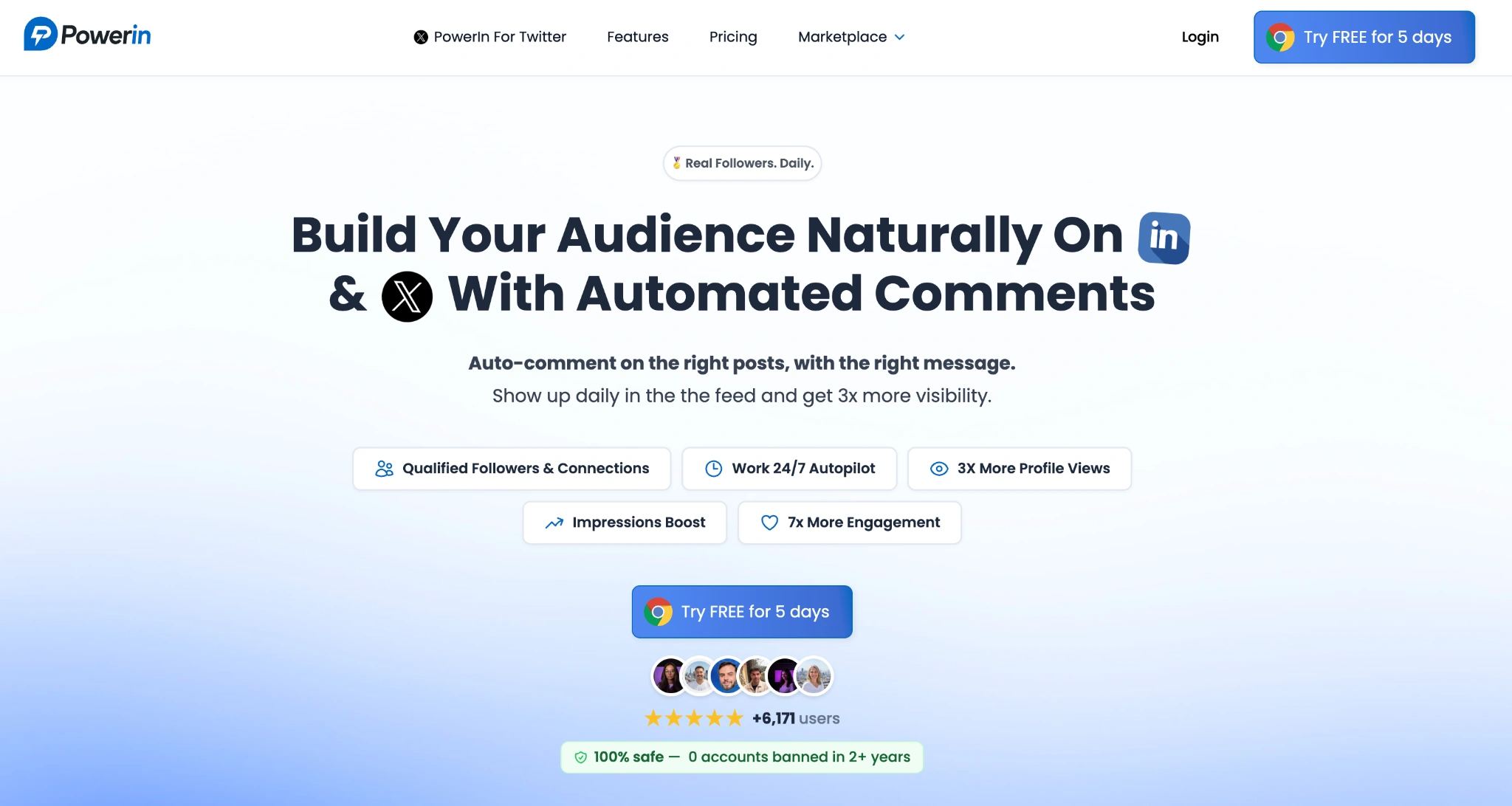
PowerIn.io is a LinkedIn automation tool that automatically comments on up to 200 relevant posts per day in your niche. Instead of spending hours doing it manually, PowerIn finds good posts and leaves smart comments that help you get noticed and generate leads. When you run it across multiple ID-verified accounts, the results can be very strong.
What is Commentions?
Commentions.com is a comment automation tool that works on both LinkedIn and X (Twitter). It posts natural comments that mention your brand or offer in relevant conversations. These comments often drive real clicks and leads to your website. At scale with many accounts, Commentions can create a steady flow of traffic and leads almost on autopilot.
Both tools perform best when paired with good ID-verified accounts and the AdsPower + ProxyEmpire setup.
Final Tips to Keep Your Accounts Safe
- Start slow — even with verified accounts, don't push too hard in the first weeks
- Always use one dedicated proxy per account
- Keep your profiles complete and professional (good photo, banner, experience section)
- Mix manual activity with automation to look natural
- Monitor your accounts regularly for any early warning signs
Final Thoughts
Buying LinkedIn accounts can be safe and profitable if you do it properly. Focus on government ID-verified accounts from buy-id-verified-account.com, set them up with AdsPower and ProxyEmpire, and then scale smartly with tools like PowerIn.io and Commentions.com.
This combination gives you the best balance of safety, performance, and long-term value.
If you're serious about growing on LinkedIn without constant restrictions, this is currently one of the most effective approaches available.

People Also Read
- AdsPower × Adpos: Get More from Our Annual Sale with 10 Free Cards and Up to $300 Cashback
AdsPower × Adpos: Get More from Our Annual Sale with 10 Free Cards and Up to $300 Cashback
Join the AdsPower Annual Sale for up to 50% off and get 10 free Adpos virtual cards plus up to $300 cashback on qualifying ad spend.
- How to Use Cloaking and Antidetect Browsers for Facebook & Google Ads
How to Use Cloaking and Antidetect Browsers for Facebook & Google Ads
Learn how cloaking and antidetect browsers can support Facebook and Google Ads workflows. Explore account isolation, fingerprint management, proxy set
- How Agencies Can Simplify Multi-Account Ad Management
How Agencies Can Simplify Multi-Account Ad Management
Learn how agencies can use AdsPower and Wevion to organize browser access, manage campaigns, control team permissions, and simplify reporting.
- Using DataImpulse Proxies in AdsPower: Complete Setup Guide (2026)
Using DataImpulse Proxies in AdsPower: Complete Setup Guide (2026)
Explore DataImpulse’s proxy types and features, see what matters for AdsPower users, and learn how to set up and configure proxy for browser profile.
- How to Manage Walmart Seller Accounts and Dropshipping Operations as a Team
How to Manage Walmart Seller Accounts and Dropshipping Operations as a Team
Learn how to manage Walmart seller accounts, team access, inventory, orders, and dropshipping workflows with AdsPower and Doba.
