

AI Agent + Regular Browser
- Uses the current browser page and session
- Works with the current account
- Requires a state check when switching accounts
- Returns results for the current task


AdsPower AI Agent · Your Multi-Account Assistant
For e-commerce, advertising, and social media teams. Give AdsPower AI Agent a task. It works across existing account profiles and returns individual results—without repeated logins, switching, or setup.
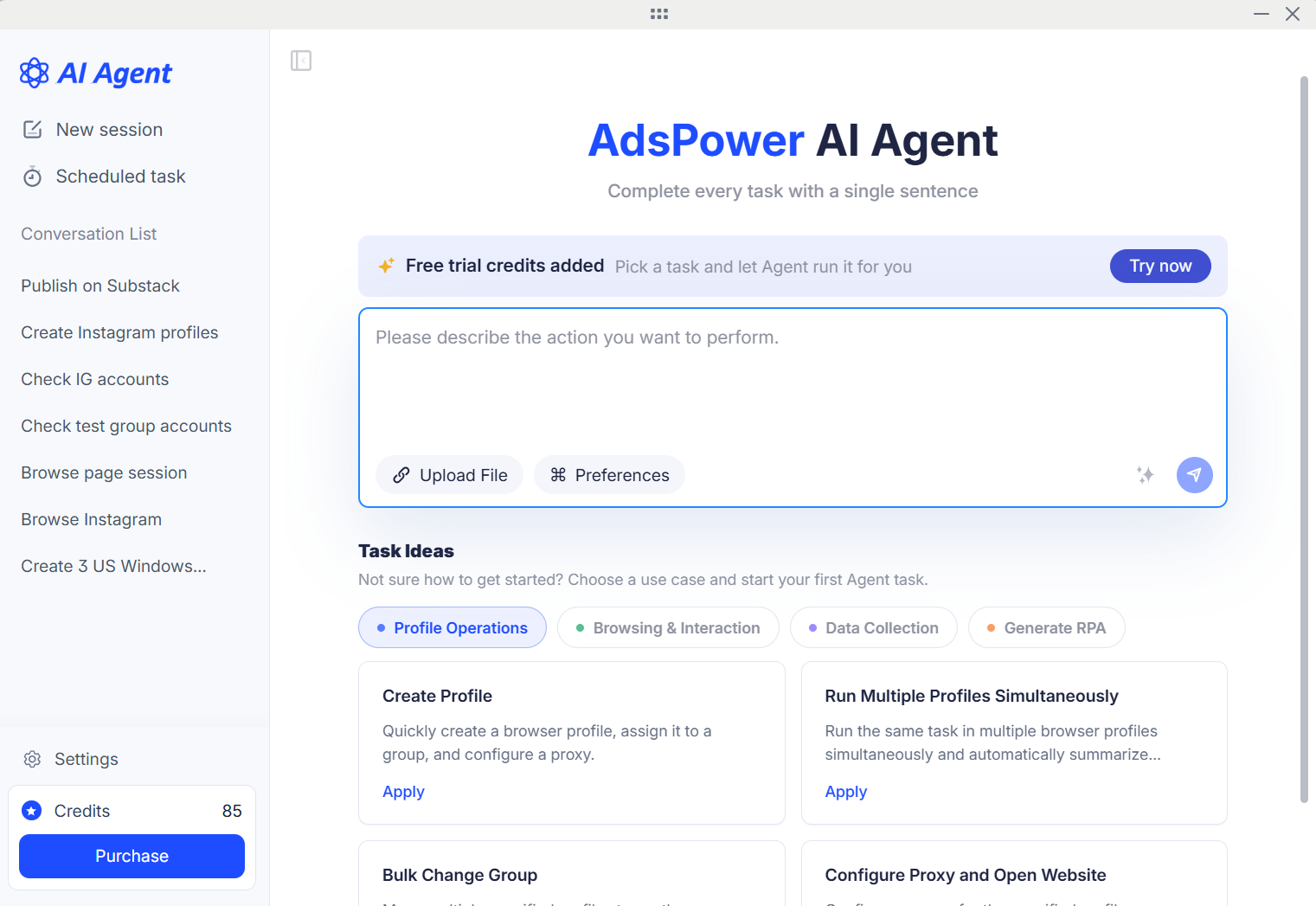
Your existing profiles are ready to go, with fingerprints, proxies, and sessions preserved. AdsPower AI Agent handles batch execution and reports back for each account.
Set up accounts, check their status, or automate daily tasks. AI Agent handles the work and reports results for each account.
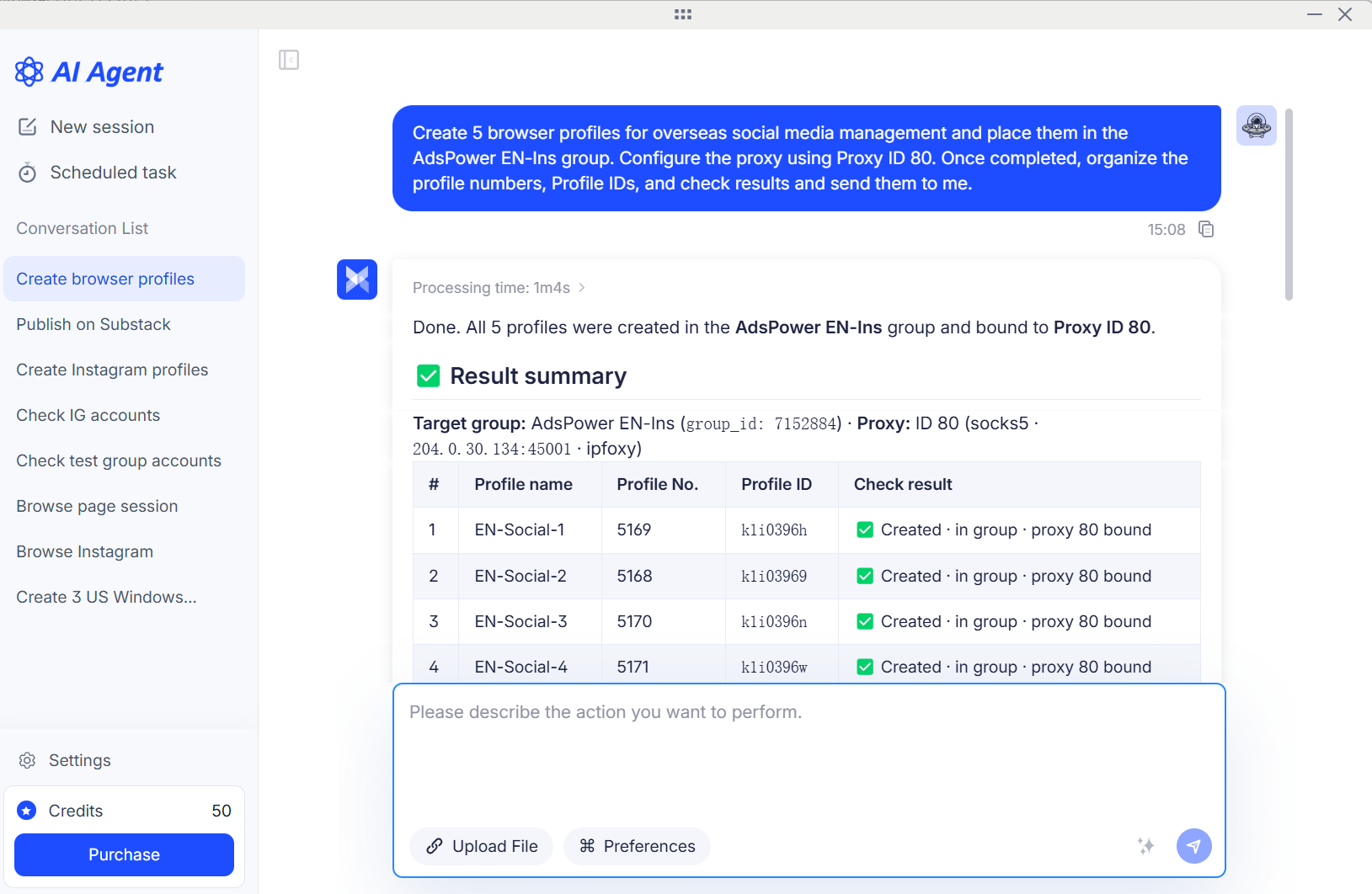
Get StartedBulk-create profiles, group them, and check proxies. Save time on repetitive setup.
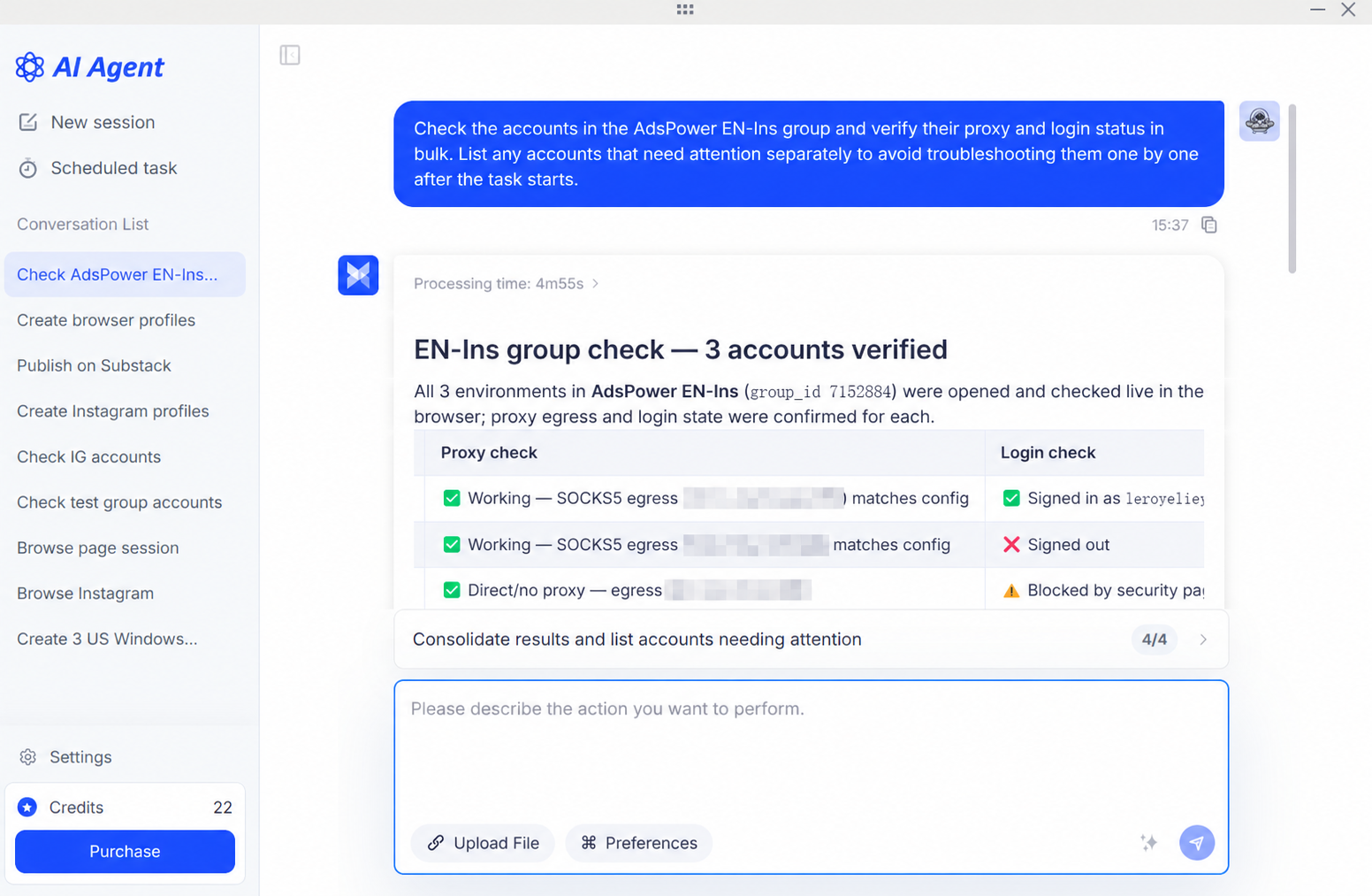
Verify proxies and login status in bulk, and flag accounts that need attention—so you can resolve issues before tasks begin.
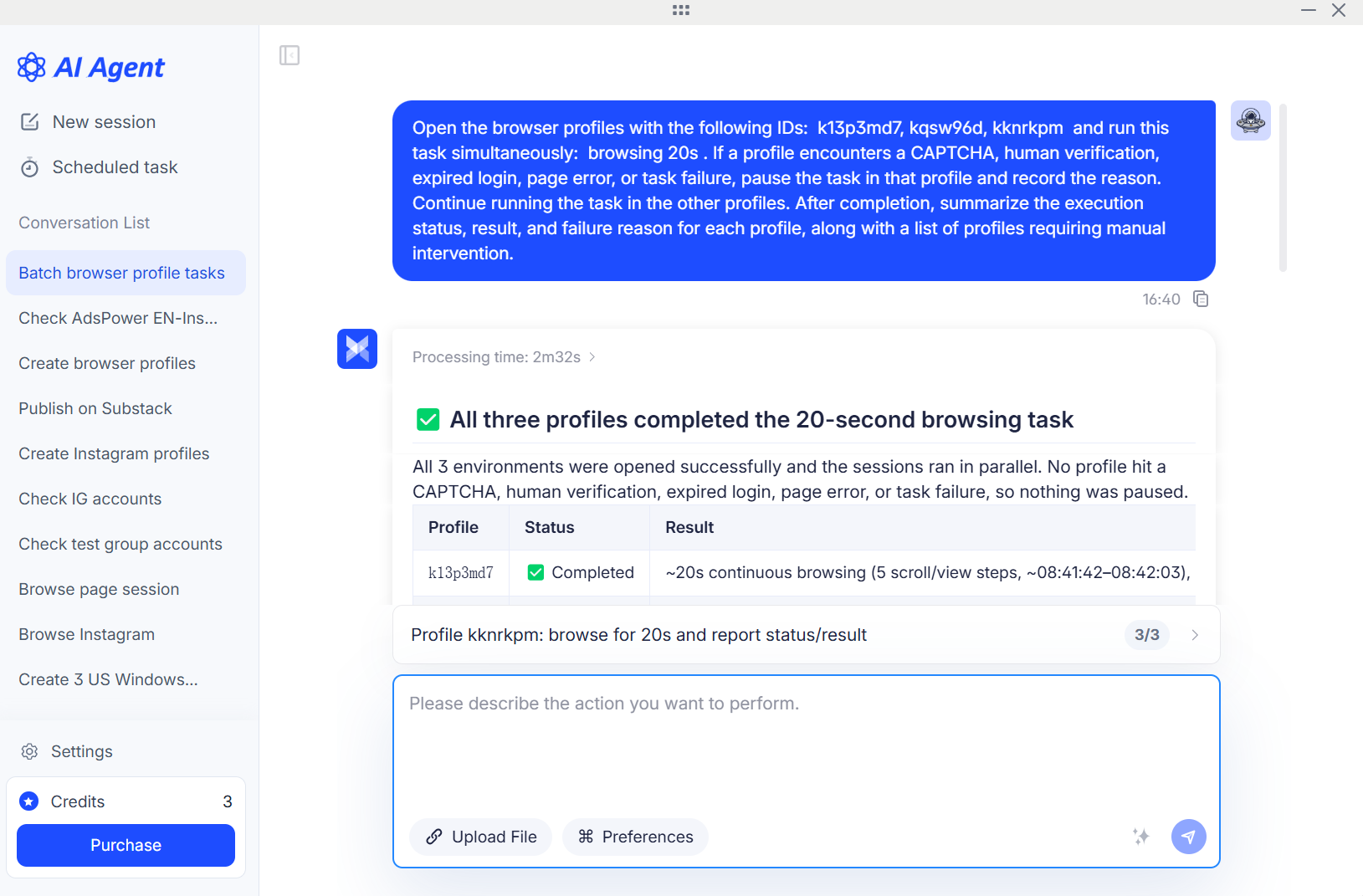
Describe your browsing, engagement, or content tasks. AI Agent runs them in each account's profile and tracks completion.
Save validated tasks for direct reuse, or turn them into an RPA workflow or a team Skill.
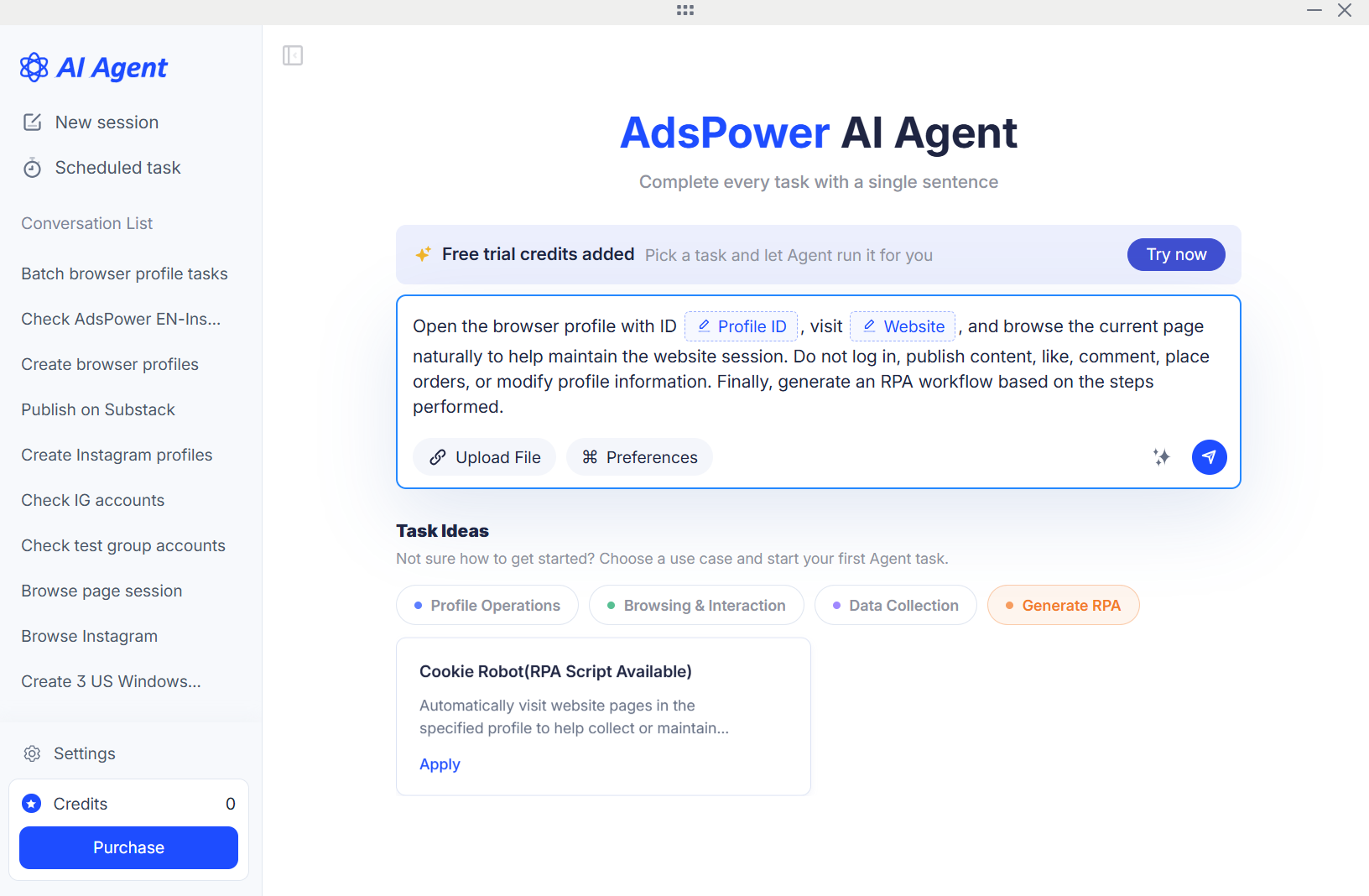
No scripts required. Assign tasks in natural language.
Start a new session. Future task records and results will be saved here.
Assign tasks by account or group, then add the required page actions and handling instructions.
After confirming the results, reuse the task or turn it into an RPA workflow.
Task control
Each account runs in its own profile, with progress and results tracked separately. Accounts needing confirmation move to the pending list; others keep running.
Learn about supported tasks, existing account profiles, multi-account execution, and billing.
Contact supportDownload or update the app to get started with your existing profiles. Spend less time switching accounts, logging in, and setting up.
