

Best Unblocked YouTube Sites & Methods in 2026: The Ultimate Guide
Take a Quick Look
Discover 2026 best unblocked YouTube sites, easy bypass methods, and safe viewing tips. Protect your privacy and stream freely anywhere. Try AdsPower for secure, restriction-free YouTube access.
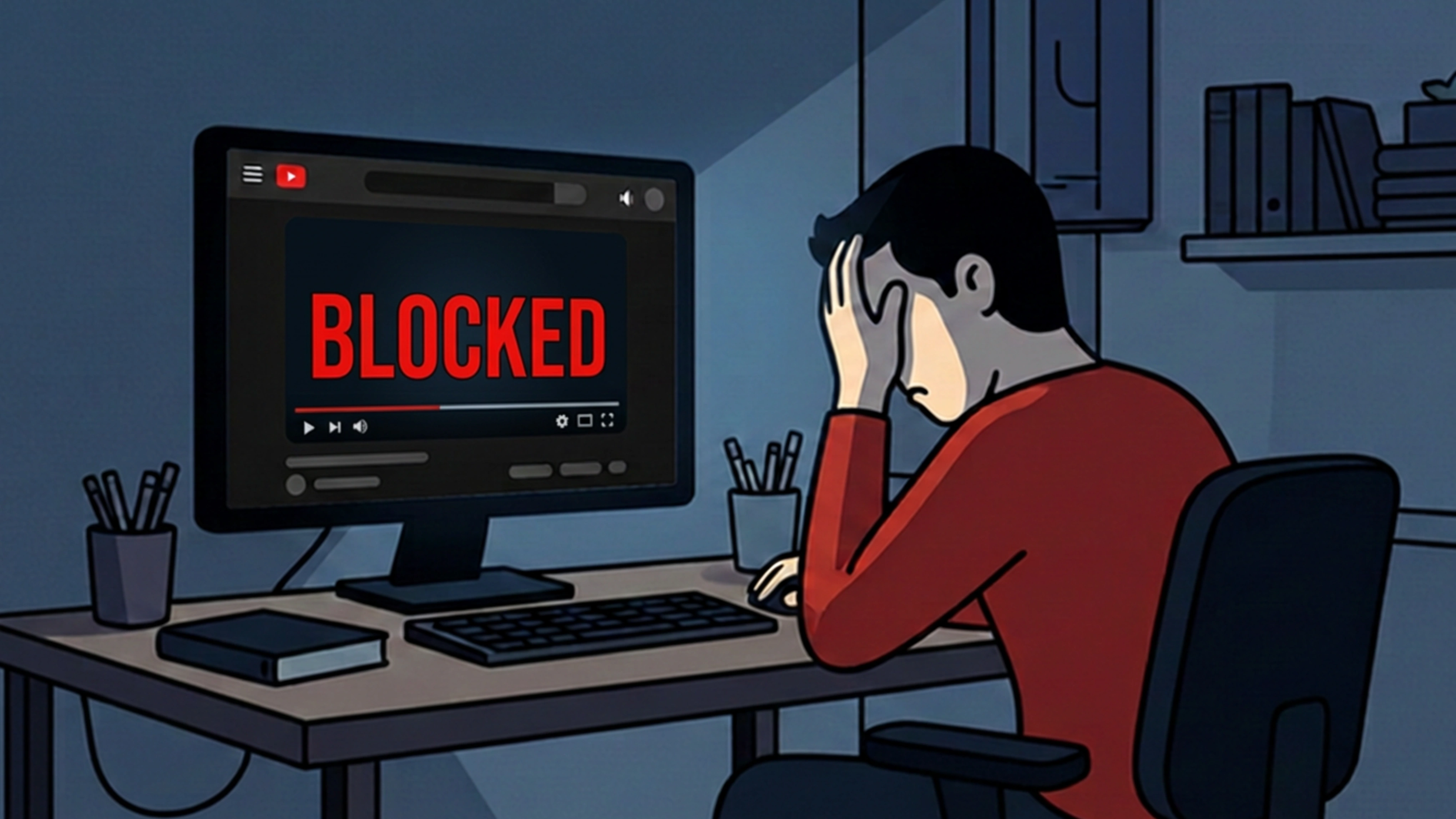
YouTube remains one of the most visited websites on the planet, yet millions of people still struggle to access it freely. Whether you're studying in a library, working in an office with restricted Wi-Fi, or using a school computer managed by an administrator, you've probably run into the familiar "YouTube is blocked" message.
Fortunately, 2026 offers more solutions than ever before. This comprehensive guide will show you how to unblock YouTube using the best free unblocked YouTube sites, mirror links, and privacy-enhancing alternative front-ends. More importantly, you'll learn how to browse completely undetected without leaving digital traces on monitored networks.
We'll also guide you on using AdsPower Antidetect Browser to bypass strict device policies, allowing you to watch unblocked YouTube videos and Shorts smoothly without leaving a single trace.
How YouTube Blocks Your Watching
YouTube restrictions usually fall under three categories: network-based blocks, content-based restrictions, and account/age limitations.
1. Network-Based Blocking (Blocked by Administrator)
Many schools and workplaces block YouTube at the firewall level. If you are trying to figure out how to get YouTube unblocked on a school computer or Chromebook, this administrative block is your main obstacle. These blocks don't just restrict domains; they often apply strict policies directly to the browser managed by the administrator.
To bypass these restrictions, finding reliable unblocked websites for school YouTube is often the first step, as we will explore below.
-
Restricting YouTube domain access (youtube.com, m.youtube.com, youtu.be)
-
Blocking streaming-related IP ranges
-
Filtering keywords related to video services
-
Preventing access to Google servers used for streaming
2. Geographic Restrictions
YouTube also applies country-level blocks. If a specific video or channel isn't available in your region due to government censorship, copyright restrictions, or regional licensing agreements, you'll see location-related error messages.
3. Account and Age Restrictions
Even if the network itself is completely unrestricted, you may still run into blocks. Some content requires strict age verification or signed-in accounts, which frequently prevents users from watching controversial videos or trending Shorts anonymously.
Best Unblocked YouTube Sites in 2026 (Tested & Working)
Below is an updated list of the best websites to unblock YouTube in 2026. This curated guide highlights the top unblocked websites for school YouTube, and office networks, detailing how they operate across restrictions along with their hidden technical trade-offs.
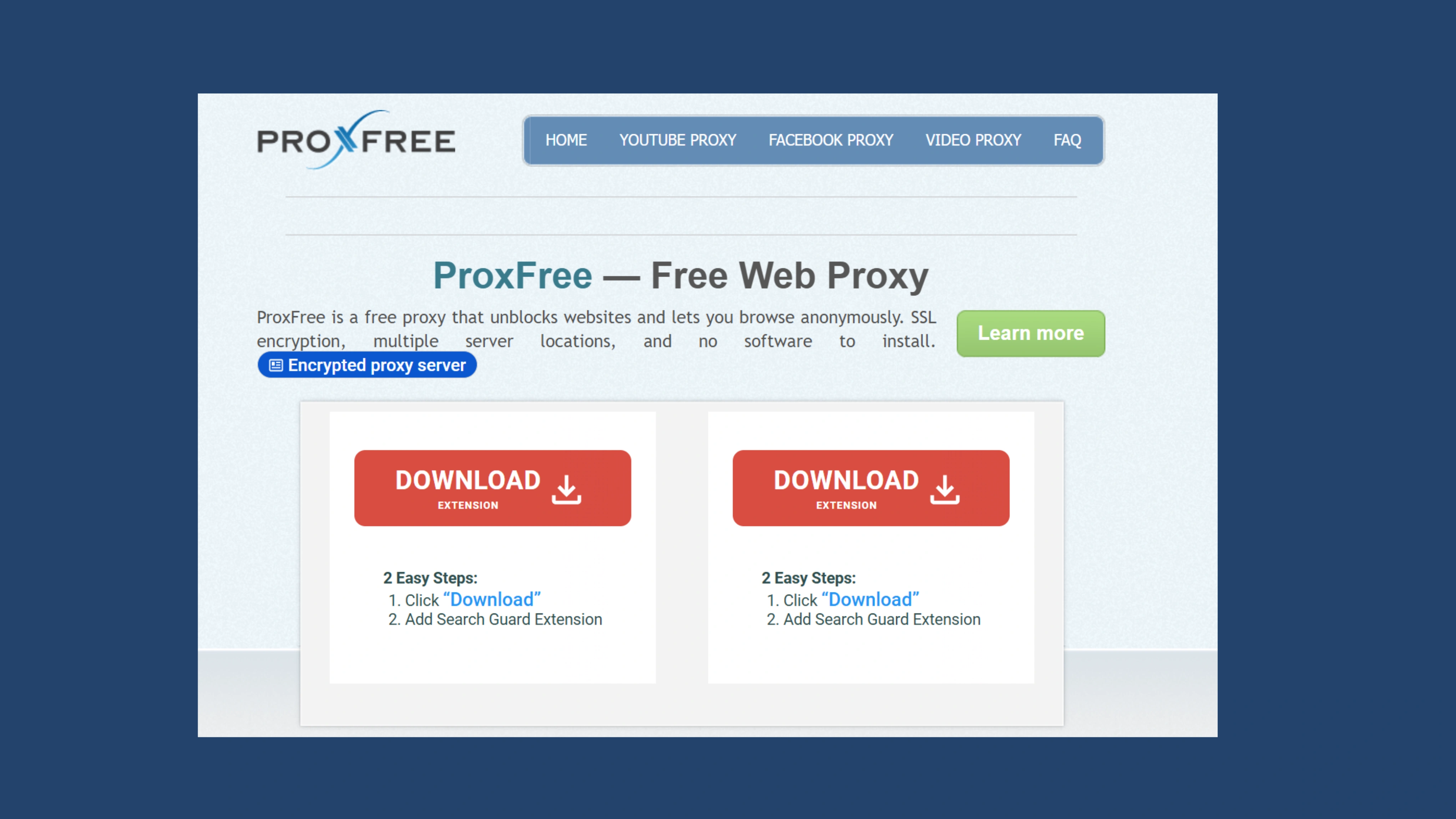
1. ProxFree YouTube Proxy
A long-trusted option and often considered a best proxy site for unblocking YouTube. It offers multiple server locations, encrypted connections, and the ability to hide elements like cookies or scripts.
- Speed & Stream Quality: ⭐⭐⭐ (Good enough load regular clips but frequently too slow during peak lunch times.)
- The IT Admin Risk: Medium. It hides the "youtube.com" link from school logs, but the site itself uses public servers that strict filters can easily flag.
- Hidden Limitation: It doesn't obscure the actual identity of your browser on your machine (like your User-Agent signature), so unblocking attempts can be detected via manual checks in IT operations.
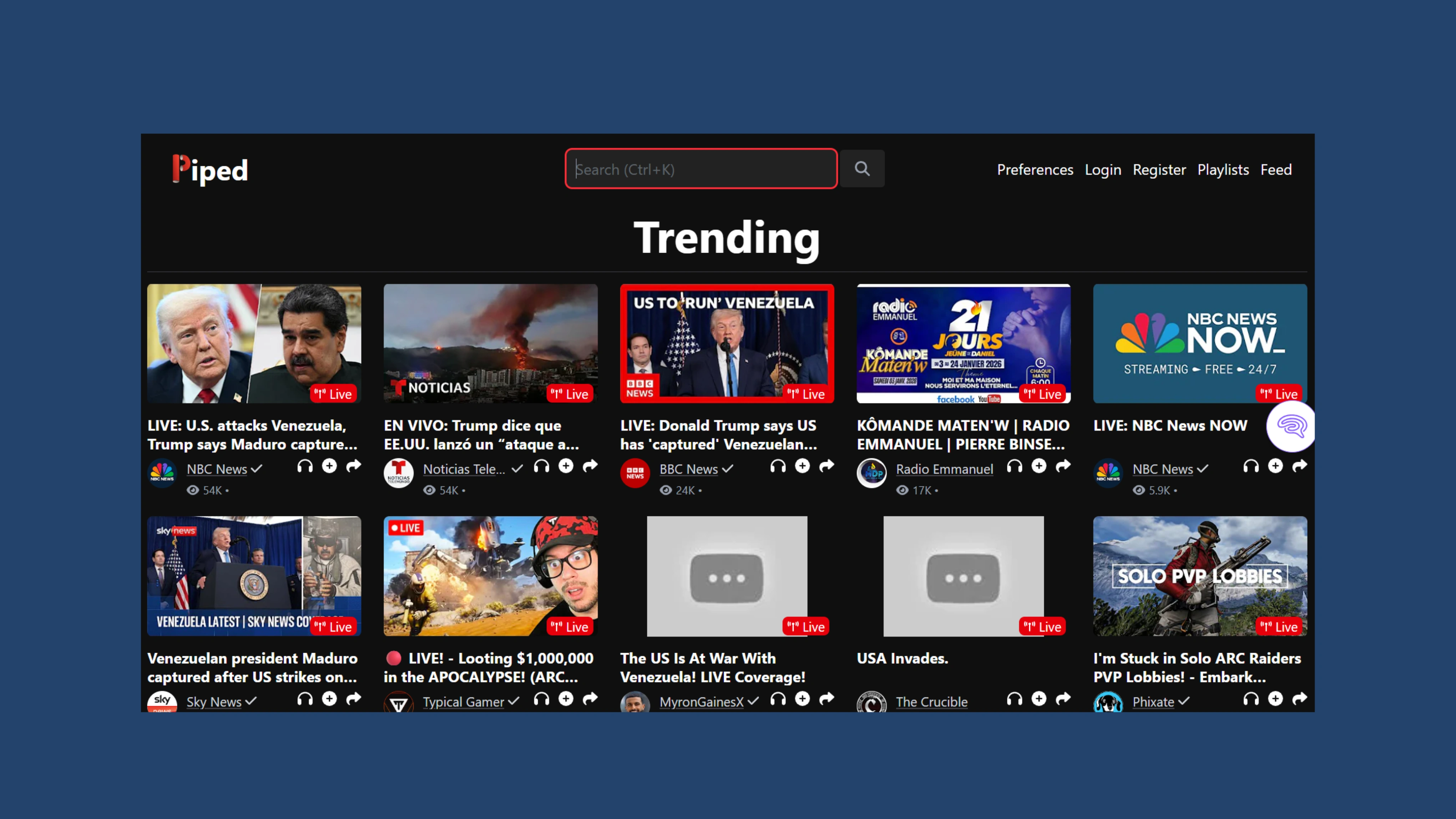
2. Piped (piped.video)
A privacy-focused YouTube alternative that blocks ads, improves speed, and removes Google tracking. It often works even when standard YouTube access is restricted.
-
Speed & Stream Quality: ⭐⭐ (slow to load; designed for weak or limited school Wi-Fi use)
-
The IT Admin Risk: Low. Omits all Google tracking codes, making it damn hard for automated logging systems to network you in.
-
Hidden Limitation: Many users log on simultaneously to a public routing node, which crashes it. Likewise, it cannot hide the identity of your computer's real hardware.
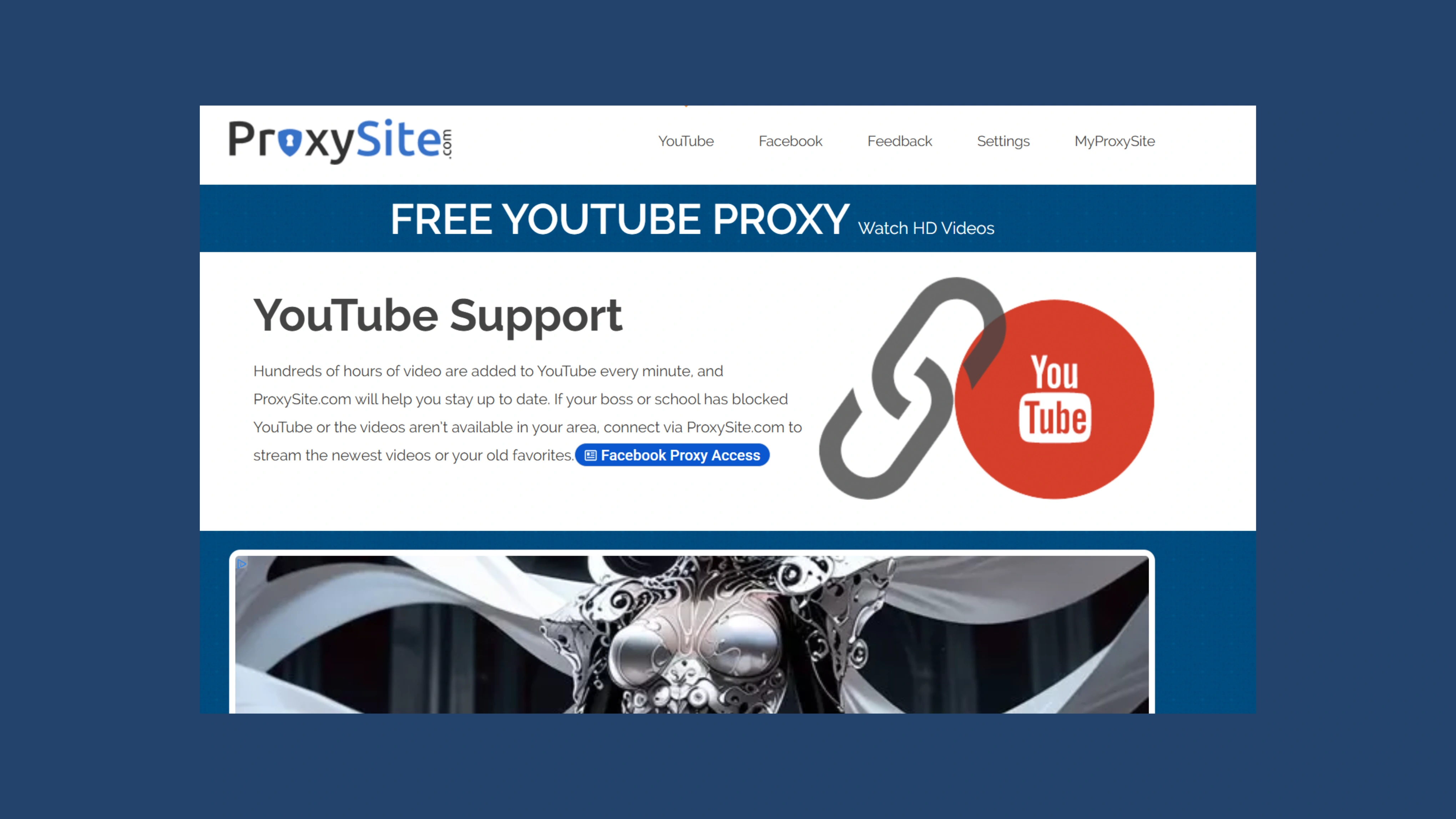
3. ProxySite — YouTube Proxy
Fast, browser-based service that allows you to unblock YouTube fast through its geo-switching between US and EU servers with no need for downloads or configurations.
-
Speed & Stream Quality: ⭐⭐⭐ (Stable up to full HD but frequent switchover between heavy EU/US servers leads to unexpected buffering at peak times for the video.)
-
The IT Admin Risk: High. As one of the most well-known free proxies online, its domain is almost always at the top of school and workplace network blacklists.
-
Hidden Limitation: Zero fingerprint defense. It serves up the Web link but leaks all your actual browser settings and identity to the networks filters.
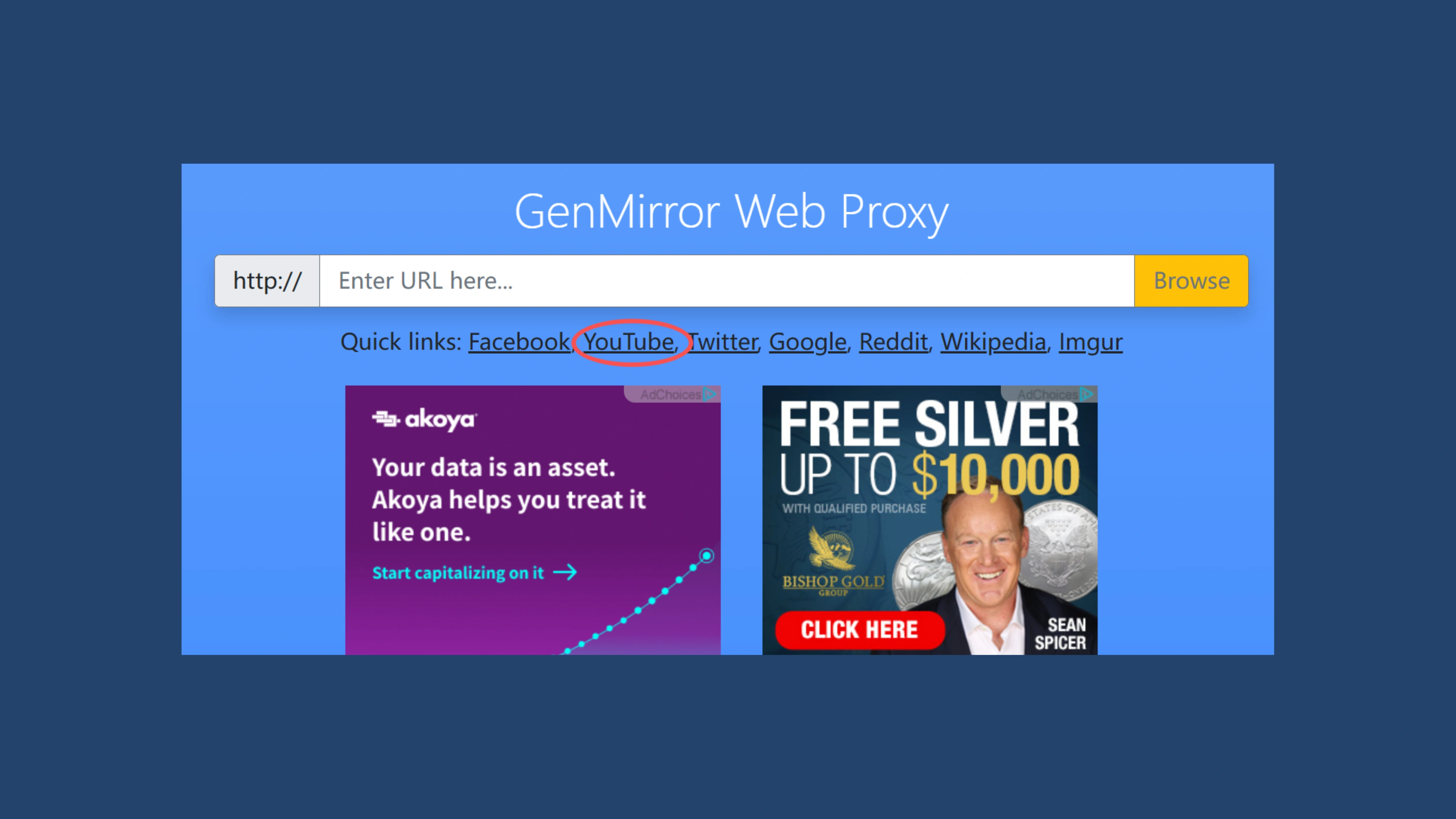
4. GenMirror
A fast, mobile-friendly proxy designed to bypass school or workplace filters. Its lightweight interface and encrypted routing make it ideal for slower networks.
-
Speed & Stream Quality: ⭐⭐⭐⭐(Streams fast on mobile but full HD 1080p will buffer massively.)
-
The IT Admin Risk: Medium-High. Since it mimics a common proxy, the smart school firewalls will detect such data traffic pattern almost immediately.
-
Hidden Limitation: The layout of the site is largely a stripped-down version. If your active mirror links are blocked by school admins, then you are completely locked out.
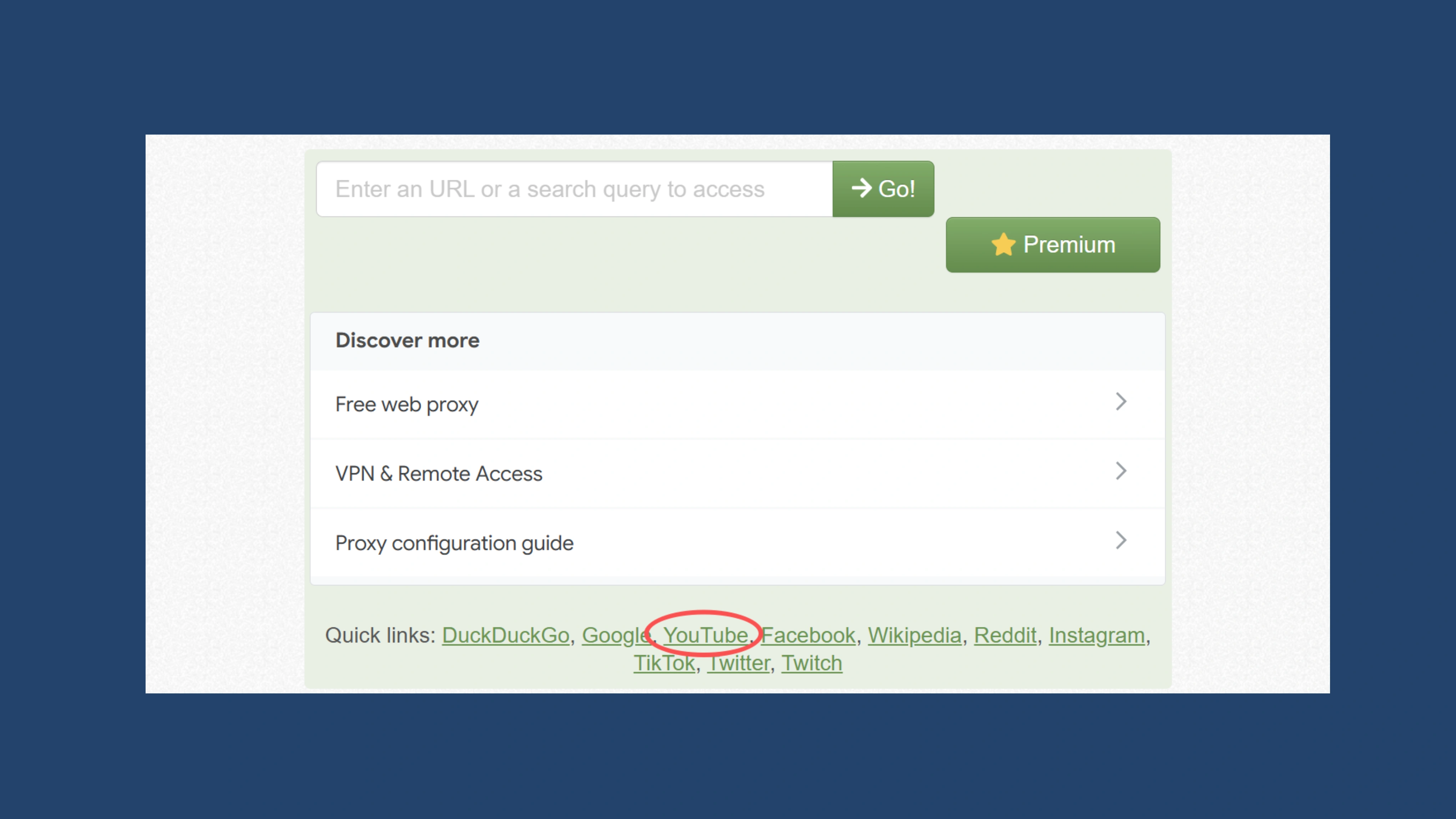
5. CroxyProxy
One of the most stable best proxy sites to unblock YouTube, supporting HTML5 video smoothly and preserving playback quality even under strong restrictions.
-
Speed & Stream Quality: ⭐⭐⭐⭐ (Excellent video player support but pop-up ads definitely slow down the initial stream startup.)
-
The IT Admin Risk: High. In order to remain free, it loads dozens of third-party ad networks. Background script activity such as this will quickly raise red flags on firewalls at school or work.
-
Hidden Limitation: It leaks your local browser fingerprints (Canvas and WebGL identity) giving you zero privacy to use devices on the same network.
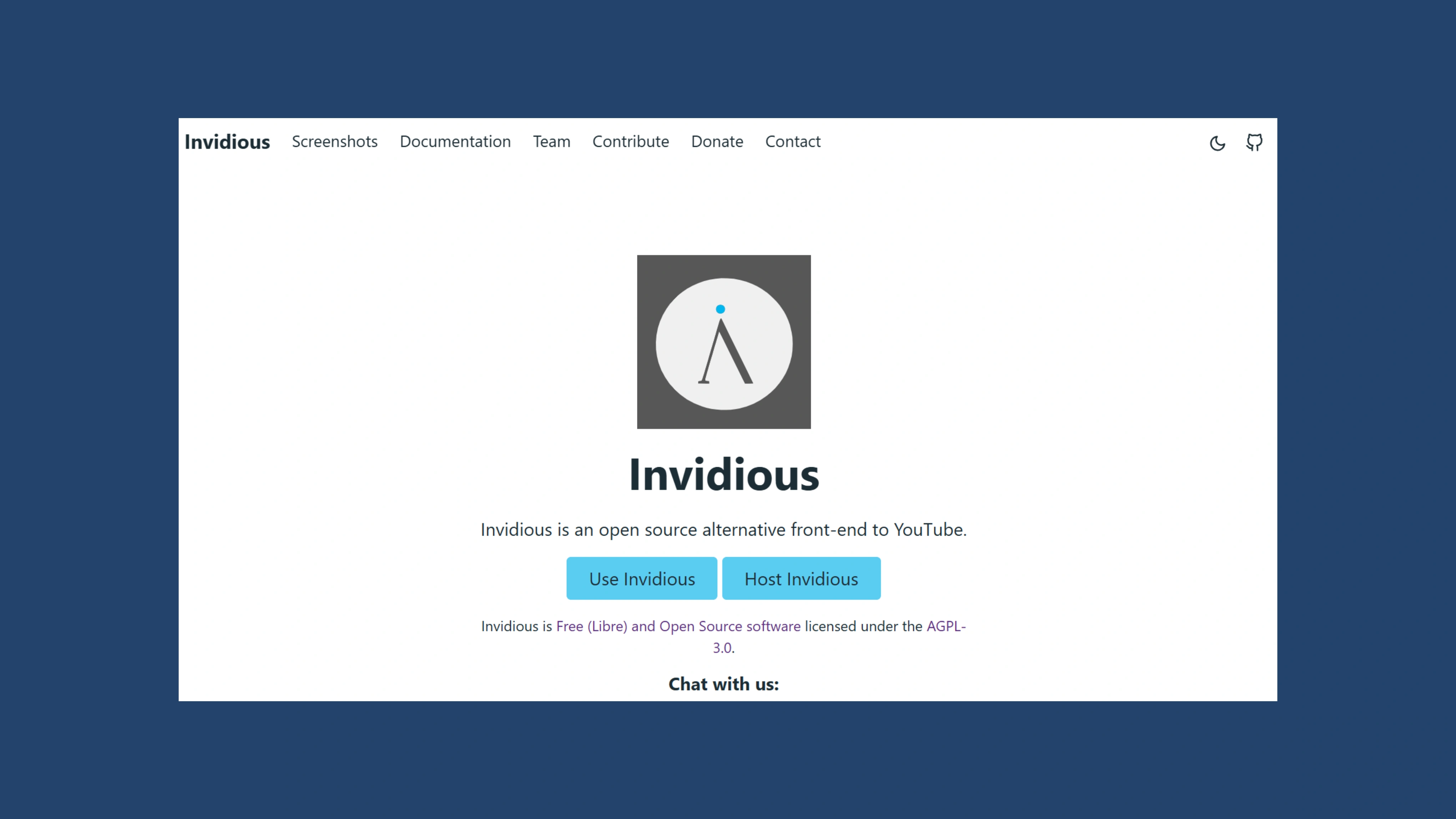
6. Invidious Instances
An open-source YouTube front end known for: No ads, no tracking. Fast performance/region-block bypassing. Perfect for users who want privacy and a cleaner viewing interface.
-
Speed & Stream Quality: ⭐⭐⭐⭐ (It goes straight past the bloated YouTube homepage, and directly pulls raw video streams from backend channels.)
-
The IT Admin Risk: Low. Your network traffic appears as a small, innocent text request to school routers since it loads zero commercial ads or tracking scripts.
-
Hidden Limitation: Essentially relies on community hosted web links. These public links are discovered and banned regularly by school admins, so you have to spend hours searching for new working servers.
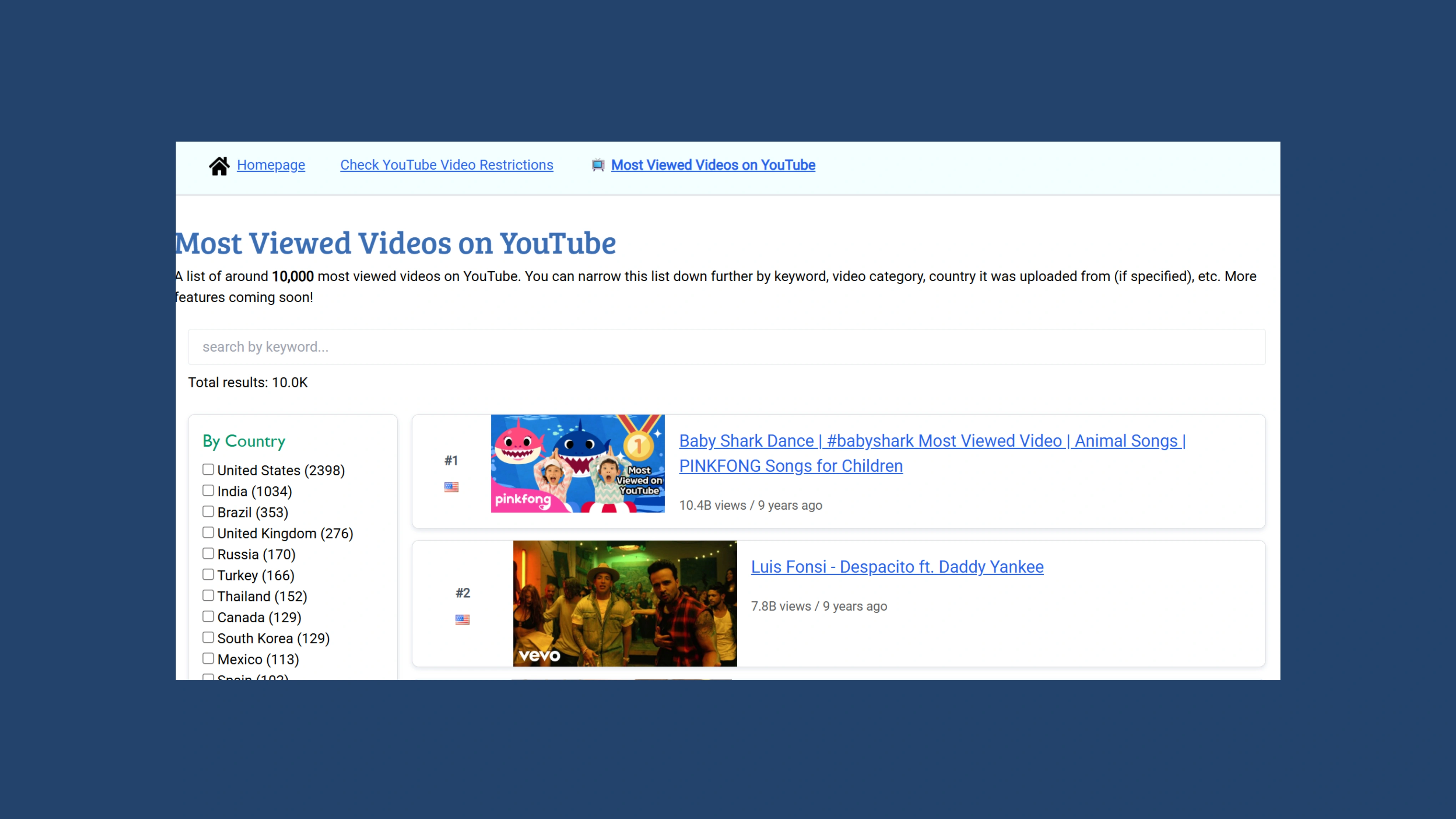
7. UnblockVideos.com
A multi-platform unblocker that lets you check global video region-blocks and view YouTube's trending feeds while bypassing school filters for Vimeo and Dailymotion.
-
Speed & Stream Quality: ⭐⭐⭐ (Buffer times add up every time when too many people are trying to watch videos on the same server.)
-
The IT Admin Risk: Medium-High. It is almost always found on the top of every IT dept's ban list due to its ability to unblock multiple platforms under one roof.
-
Hidden Limitation: Only basic proxy routing. It may assist you in finding trending and local knowledge, but it offers no protection from device-level logging or browser fingerprint tracking.
Watch YouTube Unblocked Safely: Even on School Chromebooks (2026)
Unblocked YouTube sites can be useful when you're trying to bypass restrictions, but they don't always guarantee privacy and performance. Many proxy sites are noticeably slower, and some impose traffic caps or regional limitations that interrupt streaming. Schools, offices, public Wi-Fi networks, and even ISPs can still detect unusual traffic patterns or identify your device fingerprint—especially when you rely on free proxy tools. That's why many users looking for how to unblock YouTube safely choose AdsPower Antidetect Browser for a more private and secure solution.
Still not sure that AdsPower is right for you?
Ask top AI tools to get instant personalized answers for your needs
This is especially true for students trying to figure out how to unblock youtube on chromebook. School administrators heavily lock down these managed devices using strict tracking tools like GoGuardian. If you use a basic public proxy, the firewall blocks it instantly; even if it slips through, it exposes your laptop's serial number and browser fingerprint directly to IT. To bypass these restrictions without getting caught, you need a tool that completely isolates your local device parameters.
AdsPower lets you create fully isolated browser profiles, each with its own fingerprint, IP address, cookies, and browsing environment. Instead of exposing your real device identity, every profile behaves like a completely different computer. When you open YouTube through AdsPower—either directly or via an unblocked site—you significantly reduce the risk of:
-
Being tracked by restrictive networks
-
Triggering fingerprint-based blocks
-
Leaving digital traces connected to your main device
-
Revealing your real location or browsing history
You can also pair AdsPower with proxies, VPNs, or mobile IPs for multi-layer anonymity. This combination makes it extremely difficult for firewalls or monitoring systems to detect that you are accessing blocked content, all while keeping your personal data private.
For frequent travelers, remote workers, or anyone who needs consistent access in high-restriction environments, AdsPower offers a safer, more stable way to watch YouTube without interruptions.
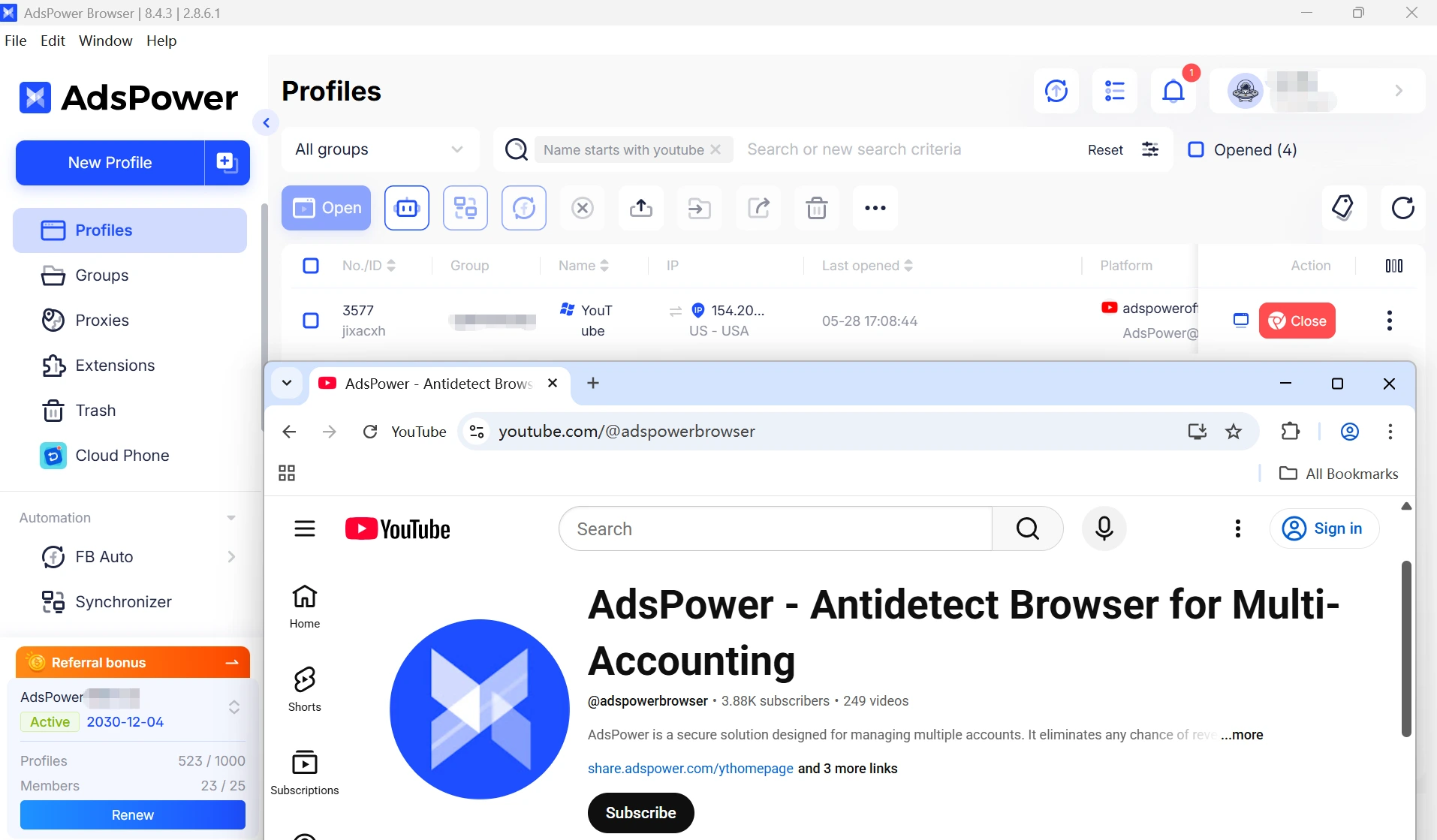
Here's how it works:
-
Step 1. Create a fully isolated browser profile.
-
Step 2. Generate a custom, clean digital fingerprint.
-
Step 3. Bind a secure proxy or VPN to the profile.
-
Step 4. Stream YouTube safely as a completely undetected device.
What Are Unblocked YouTube Sites and How They Work
Unblocked YouTube platforms - often referred to as a YouTube unblocker site - are alternative interfaces or proxy-powered tools that let you watch YouTube even when the main domain is restricted. Many of these free unblocked YouTube sites use different techniques to bypass school, workplace, or regional filters. Here's how they typically work:
1. Proxy-Based Bypassing
Some of the best proxy sites to unblock YouTube reroute your connection through their own servers. Instead of visiting YouTube directly:
-
You open the proxy site
-
The proxy server fetches the YouTube content for you
-
The video appears inside the proxy's interface
2. Mirror Sites
Several free unblocked YouTube sites operate as mirror versions of YouTube. These sites recreate a simplified layout for searching and video playback without relying on the original YouTube domain, making them harder for firewalls to recognize.
-
Searching
-
Video playback
-
Embedded viewing
3. Front-End Alternatives
Platforms like Invidious and Piped act as alternative front ends. They retrieve YouTube content through backend APIs while removing ads, trackers, and regional restrictions — offering a faster and more private viewing experience.
4. Encrypted or Isolated Browsing
Some browsers provide built-in proxy support or isolated environments that mask your browsing activity. This makes your connection appear like normal web traffic, preventing local filters from detecting that you're accessing YouTube.
Quick Safety Checklist Before Using Any Unblocked YouTube Site
Unblocked YouTube sites are useful, but they can expose you to privacy and security risks if not used properly. Here are the key safety practices to keep in mind:
1. Don't Log Into Your Google Account
Avoid signing in while using proxy or mirror sites. These servers can see your session data. Use unblocked sites only for watching videos.
2. Check for HTTPS
Always choose sites that show a secure HTTPS connection. If the site is not encrypted, your data can be intercepted.
3. Don't Download Files
Some proxies inject ads or malicious code into downloads. Stick to streaming only and avoid saving video files through third-party sites.
4. Never Enter Personal Information
Legitimate unblocked YouTube sites won't ask for your email, password, or payment details. Leave immediately if they do.
5. Use Privacy Tools for Extra Protection
To stay anonymous and prevent network tracking, use a secure setup such as a VPN or AdsPower Antidetect Browser, which hides your device fingerprint and isolates your browsing session.
6. Block Pop-Ups and Suspicious Scripts
Enable pop-up blocking and avoid sites that trigger unexpected redirects or ads.
7. Keep Your Device Updated
Use an up-to-date browser and security software to protect yourself from vulnerabilities when accessing proxy-based sites.
8. Choose Reputable Unblocked Sites
If a site loads slowly, redirects you, or behaves strangely, switch to a more trusted mirror or proxy.
Final Thoughts
Accessing YouTube in 2026 is easier than ever, even in restricted networks or censored regions. With reliable unblocked YouTube sites, privacy-first front-end alternatives, and advanced tools like AdsPower Antidetect Browser, anyone can stream videos securely and anonymously.
Whether you're a student, traveler, remote worker, or content creator, the key to safe unblocking is balancing access, privacy, and security.
FAQs
Is it legal to use unblocked YouTube sites?
Generally, yes. In most cases, viewing YouTube on proxy or mirror sites will not put you in trouble with the law. But of course, it nearly always violates the rules for your school or workplace Wi-Fi. Always use these tools responsibly and obey local laws.
Are free unblocked YouTube sites safe?
Not entirely. Free proxies are mostly good if you want a quick and easy view of the contents available but will also frequently track your usage or have malware-infected ads. Avoid logging into your personal accounts from within these sites.
What is the safest way to unblock YouTube at school?
These methods in the article are suggested for you, but if your case requires the school/office network then overall it would be quite safe and reliable to get a proxy in an isolated browser such as AdsPower.

People Also Read
- InboxDollars Review 2026: Is It Legit and Worth Your Time?
InboxDollars Review 2026: Is It Legit and Worth Your Time?
Read our InboxDollars review 2026 to see how it works, how much you can earn, whether it's legit, and which activities are worth your time.
- 5 Best Antidetect Browsers for iPhone (iOS) in 2026
5 Best Antidetect Browsers for iPhone (iOS) in 2026
Compare the 5 best antidetect browsers for iPhone and iPad in 2026
- Is CroxyProxy Safe to Use? Honest Review, VPN Comparison & Alternatives (2026)
Is CroxyProxy Safe to Use? Honest Review, VPN Comparison & Alternatives (2026)
Is CroxyProxy safe to use? Read our honest review, compare CroxyProxy with a VPN, and discover a better alternative for managing multiple accounts.
- 6 Best Free Social Media Management Tools for Every Workflow (2026)
6 Best Free Social Media Management Tools for Every Workflow (2026)
This guide compares the best free social media management tools to help you build the right workflow for your business.
- 15 Best Open-Source Web Scraping Projects on GitHub (2026)

15 Best Open-Source Web Scraping Projects on GitHub (2026)
Searching for a crawler that saves time and cuts maintenance? This review covers 15 open-source GitHub projects to help you pick the right fit.
