

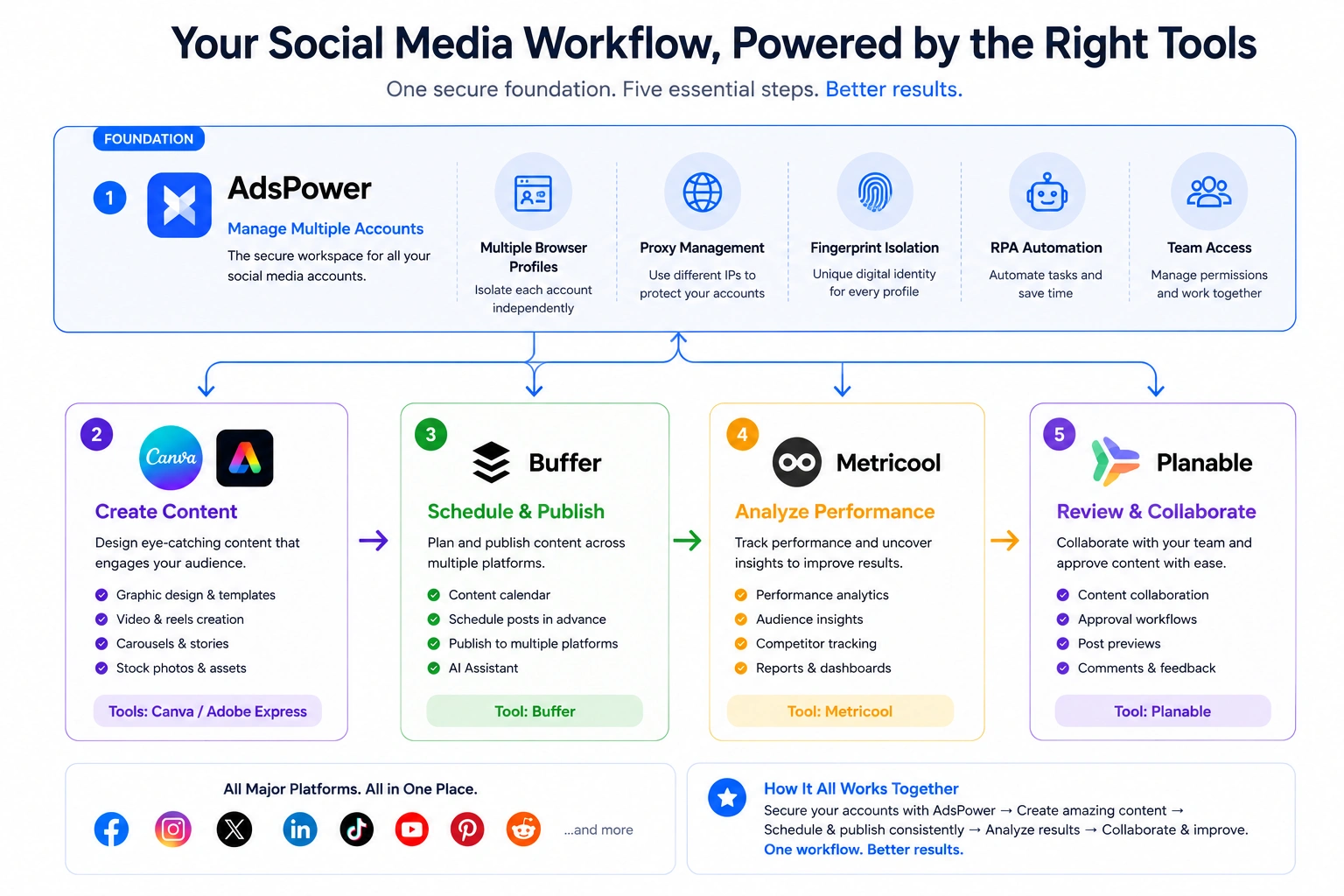
No single social media management tool does everything well. The smartest workflow combines specialized tools for content creation, scheduling, analytics, collaboration, and managing multiple accounts. This guide compares the best free social media management tools to help you build the right workflow for your business.
AI has revolutionized social media management faster than most people imagined. Now a solitary creative or small firm can do work that once required a whole marketing staff. With the correct tools, you can write captions, design visuals, schedule posts, and even analyze performance.
“The challenge is no longer creating content. It’s figuring out the right tools.”
Today, there are hundreds of free social media management programs available, and most of them offer to handle it all. Truth is, no one tool does it all very well. The optimum workflow is often a mix of a few specialized tools. You might have one for designing content, another for scheduling, another for analytics, and another for managing multiple social media accounts.
This is why this guide doesn’t rank tools from #1 to #6. Instead, we’ve classified the best free social media management tools by use case, so you can quickly identify the ones that fit your workflow.
The Best Free Social Media Management Tools
- AdsPower for managing multiple social media accounts
- Canva for creating social media graphics
- Adobe Express for designing branded social content
- Buffer for scheduling social media posts
- Metricool for tracking analytics and performance
- Planable for content approval and collaboration
Best Free Tool for Managing Multiple Social Media Accounts
AdsPower
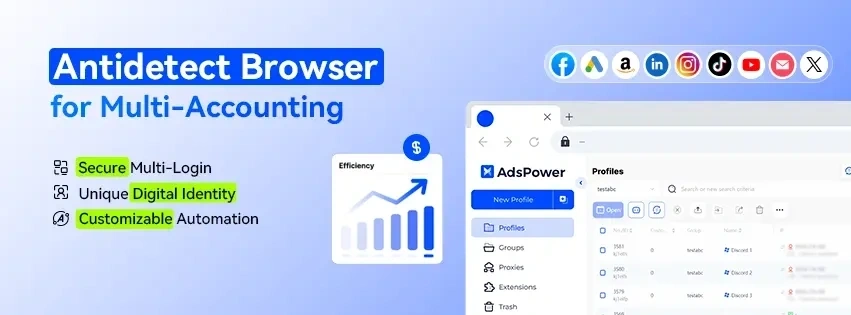
Managing one or two social media accounts is easy. Managing dozens—or even hundreds—is a completely different challenge. Constantly logging in and out, switching devices, and keeping every account organized quickly becomes time-consuming and increases the risk of account restrictions.
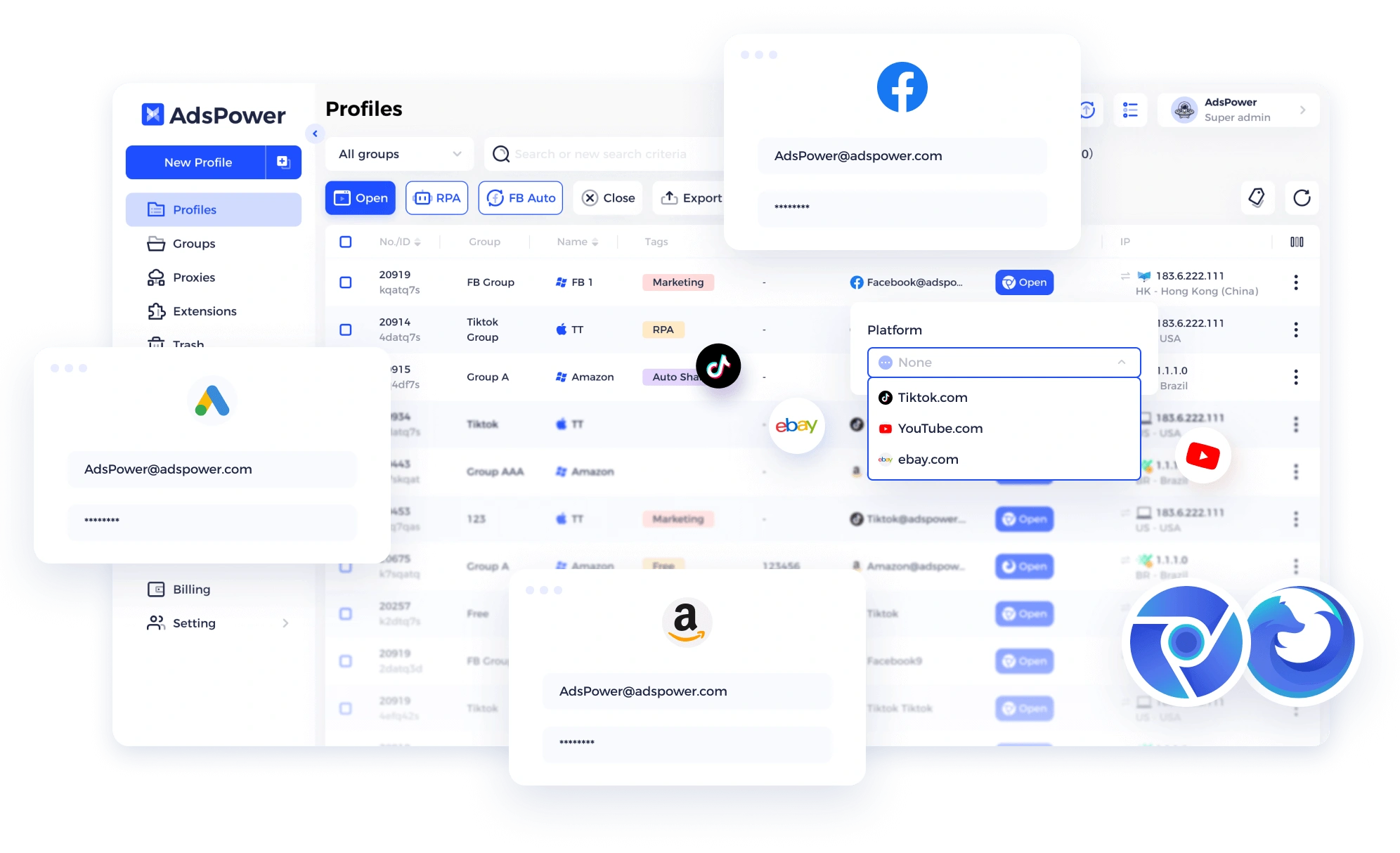
AdsPower is built for businesses and professionals who need to manage multiple social media accounts at scale. Instead of sharing the same browser environment, each account runs in its own isolated browser profile with separate cookies, browser fingerprints, and proxy settings. Whether you're managing Facebook pages, Instagram stores, TikTok creators, Pinterest accounts, Reddit communities, or client accounts, AdsPower helps keep everything organized in one place.
As your operation grows, AdsPower grows with it. You can create browser profiles in bulk, organize them with folders and tags, synchronize actions across multiple windows, and automate repetitive tasks with the built-in no-code RPA. It's designed to replace the messy workflow of multiple browsers, devices, and spreadsheets with one centralized workspace.
What you can do with the free plan
- Get 2 lifetime browser profiles at no cost.
- Assign a unique proxy to each account.
- Synchronize actions across multiple browser windows.
- Automate repetitive tasks with free no-code RPA templates.
- Use the Local API (120 requests/minute) for custom workflows.
- Experience the same browser isolation technology used to manage thousands of accounts.
Why it stands out
Unlike traditional social media management tools that focus on creating, scheduling, or analyzing content, AdsPower manages the browser environments behind your accounts. It supports 1,000+ browser profiles on a single device, making it a practical solution for agencies, affiliate marketers, eCommerce sellers, and businesses operating multiple brands or client accounts.
Choose AdsPower if
You manage multiple social media accounts and need a safer, more organized way to scale. Whether you're handling five accounts or five hundred, AdsPower helps keep every login isolated while reducing repetitive work through automation.
See AdsPower in action. This short walkthrough shows how to set up your first browser profile, assign a proxy, and manage multiple social media accounts step by step.
Best Free Tool for Social Media Content Creation
Great social media content starts with great visuals. Whether you're designing Instagram carousels, TikTok covers, LinkedIn graphics, or YouTube thumbnails, a good design tool can save hours of work. The right choice depends on how much creative control you need—some prioritize speed, while others offer more advanced editing capabilities.
Canva
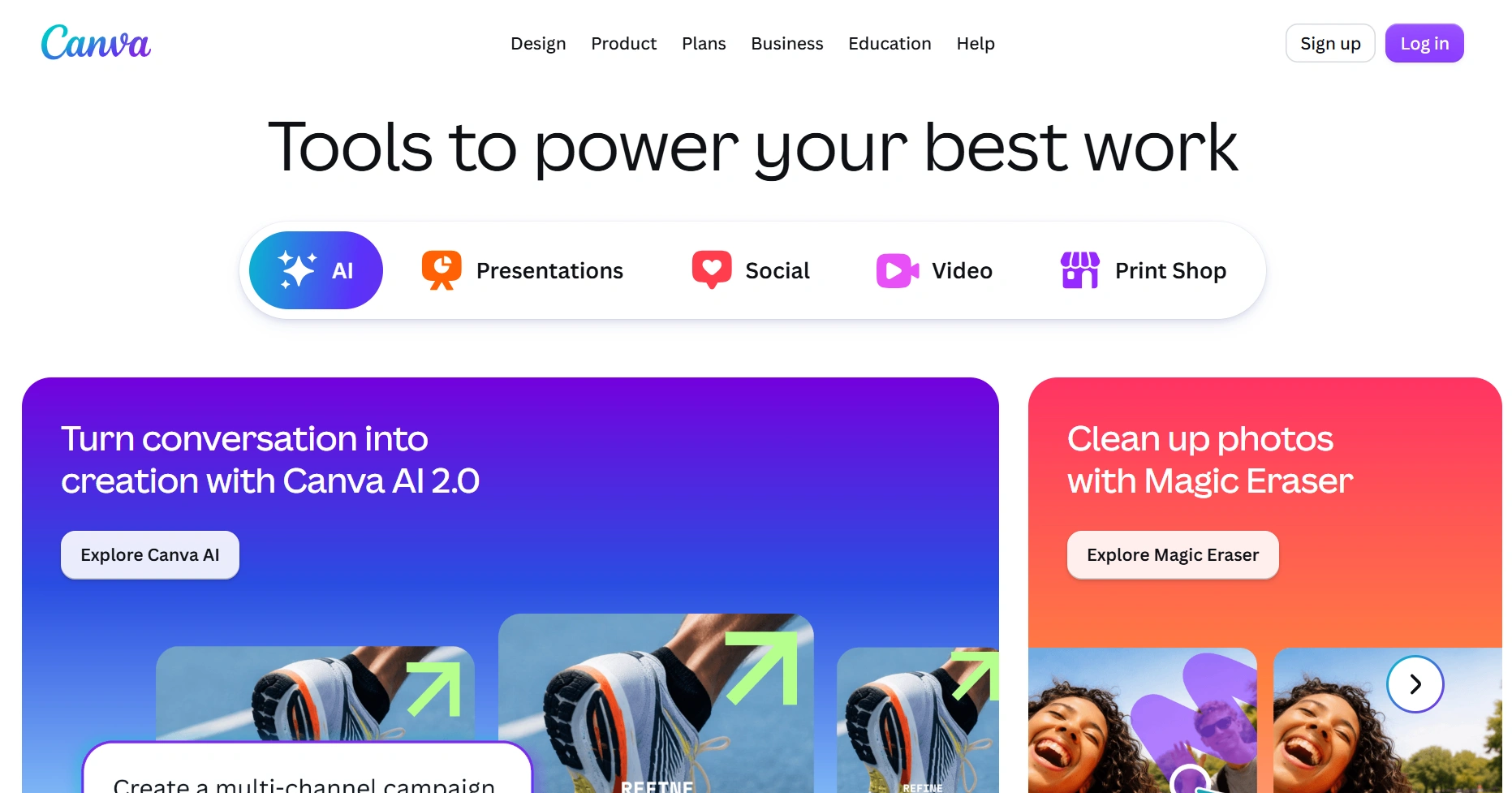
Canva is one of the simplest methods to generate professional-looking social media content without having to hire a designer. Its drag-and-drop editor and huge template collection make content production fast—even if you don’t have any design knowledge—whether you're making Instagram posts, LinkedIn carousels, YouTube thumbnails, or short films.
For most creators and small enterprises, the free plan is rather generous. It offers thousands of social media templates, millions of free stock photos, videos, graphics, and audio assets, and AI features such as Magic Design and AI image generation (with monthly usage limits). Plus, you can keep your brand colors and communicate with teammates and export designs in popular formats without having to upgrade to a paying subscription.
What you can do on the free plan
- Design articles, Stories, Reels covers, presentations, flyers and other marketing materials.
- Customize templates with free photos, icons, fonts and graphics.
- Get design ideas with Magic Design. Use Canva AI as part of your free monthly credits.
- Save a simple Brand Kit to keep your designs cohesive.
- Work with teammates and download designs as PNG, JPG or PDF.
Pick Canva if
You’re looking for the quickest way to produce polished social media content for free without having to learn professional design software.
Adobe Express
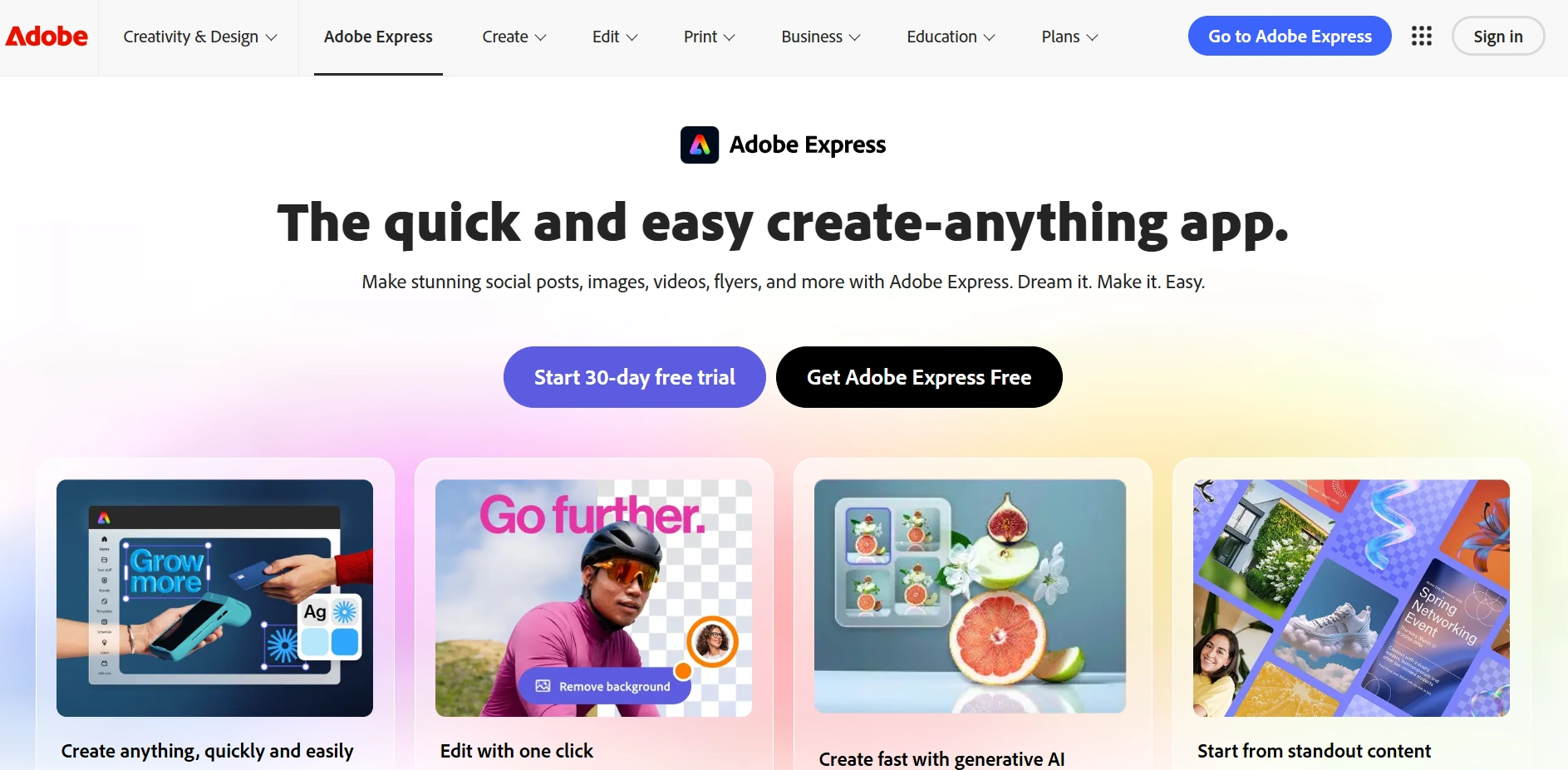
Adobe Express is a beginner-friendly design tool that brings many of Adobe's creative features into a much simpler interface. It's ideal for creating social media posts, videos, flyers, and marketing materials—especially if you already use Photoshop, Illustrator, or other Adobe apps.
Compared with Canva, Adobe Express offers tighter integration with the Adobe Creative Cloud ecosystem, making it easier to edit assets across multiple Adobe products while keeping your workflow in one place.
What you can do with the free plan
- Create social media graphics, videos, flyers, and presentations using over 100,000 free templates.
- Access more than 1 million royalty-free Adobe Stock photos, videos, music tracks, and design assets.
- Edit images and videos with Adobe's built-in creative tools.
- Schedule and publish posts to one account per supported social media platform.
- Use over 4,000 Adobe Fonts and receive 5GB of cloud storage.
Choose Adobe Express if
You already use Adobe products or want more creative flexibility than Canva while still keeping an easy-to-use interface.
Best Free Social Media Scheduling Tool
Buffer
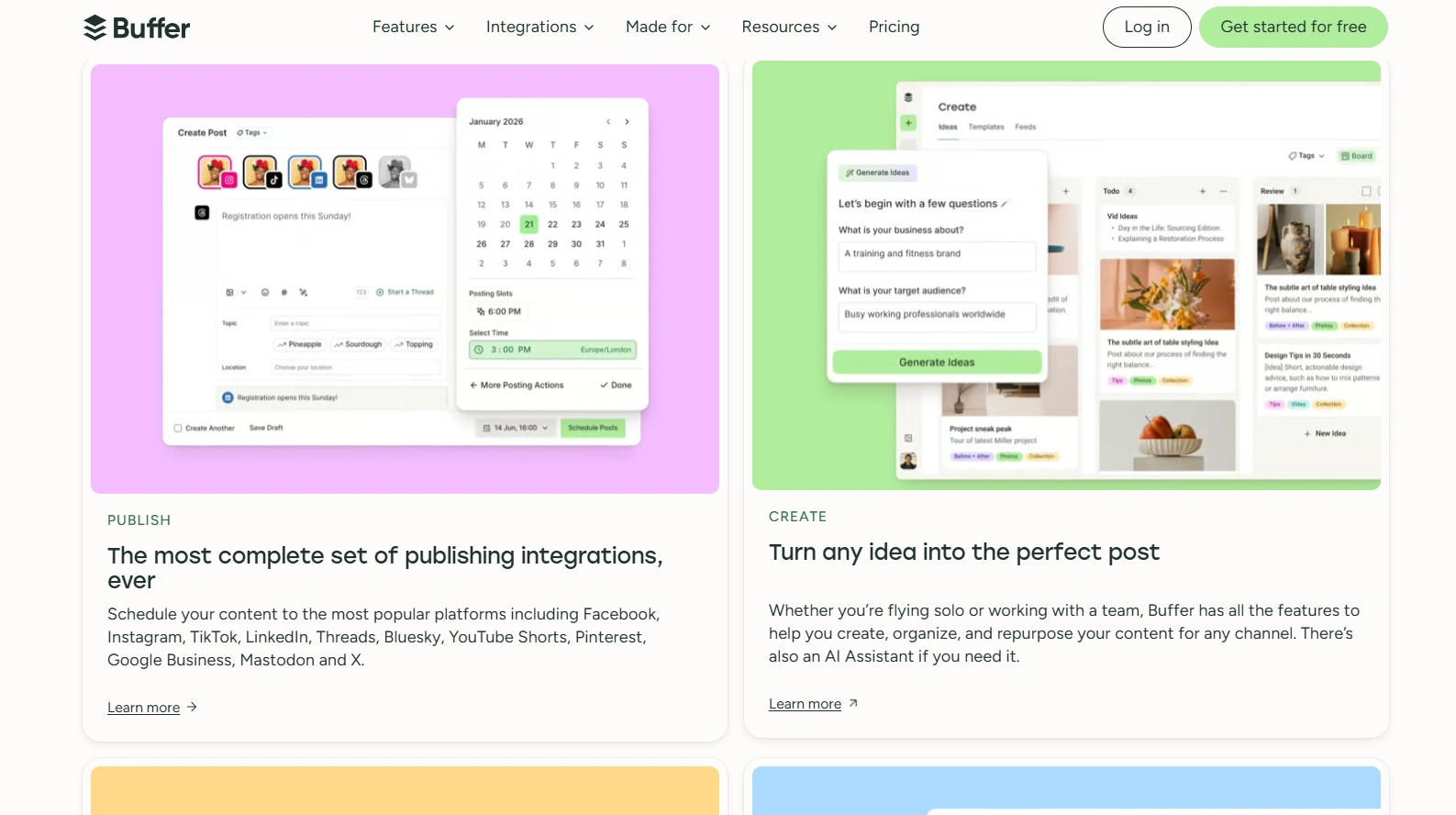
Buffer is one of the simplest free programs to schedule your social network updates with. From one dashboard, you can plan content, schedule to multiple platforms and manage a simple publishing calendar. The UI is clear, easy to understand and not overloaded with enterprise capabilities, making it a fantastic pick for creators, freelancers and small organizations.
What you can do with the free plan
- Connect up to 3 social media channels.
- Schedule 10 posts per channel at a time (you can add more as published posts are cleared).
- Publish content to major platforms, including Facebook, Instagram, LinkedIn, X (Twitter), TikTok, Pinterest, and Mastodon.
- Generate post ideas with the built-in AI Assistant.
- View basic post insights to track performance.
- Manage comments and messages through the Community Inbox.
- Access the Buffer API with one API key (up to 3,000 requests per month).
Choose Buffer if
You want a straightforward scheduling tool with a generous free plan that's enough to manage a few social media accounts without paying for advanced team features.
Best Free Social Media Analytics Tool
Metricool
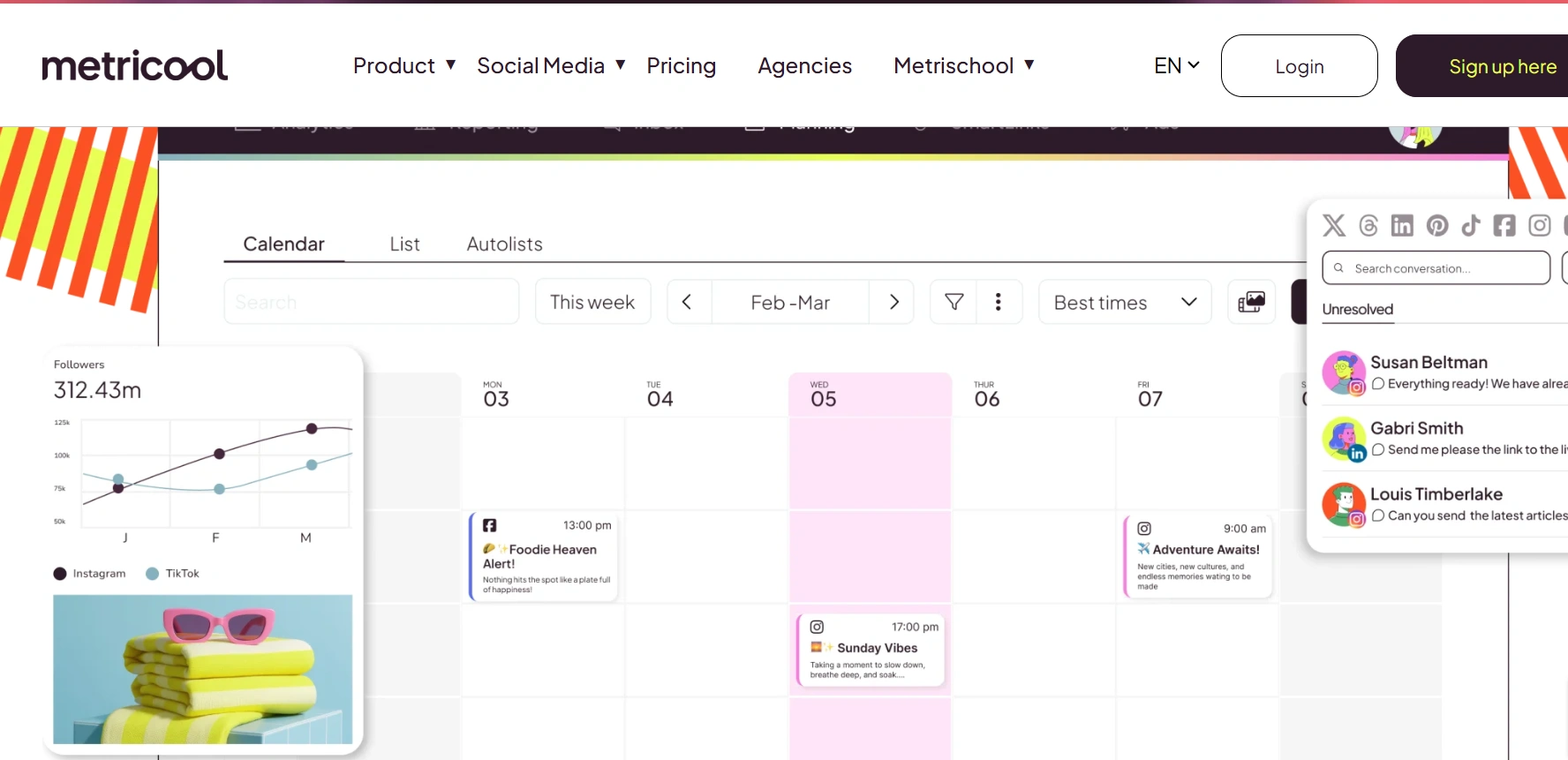
Buffer is all about content publishing, Metricool is mainly about statistics. It gives insight into what’s working across your social platforms, but still has built-in scheduling so you can manage your content and assess its effectiveness from one dashboard. This makes it a perfect alternative for freelancers, agencies, and marketers who want to maximize their social media strategy rather than just posting content.
What you can do with the free plan
- Manage 1 brand across multiple social media platforms.
- Schedule up to 20 social media posts per month.
- Access 30 days of analytics to track engagement, reach, audience growth, and post performance.
- Compare your performance with up to 5 competitor profiles.
- Generate captions and content ideas with the built-in AI Social Media Assistant.
- Explore Metricool MCP for AI-powered workflow integrations.
Choose Metricool if
You want more than a scheduling tool and need free analytics, competitor tracking, and performance insights to improve your social media results.
Best Free Tool for Content Approval & Collaboration
Planable
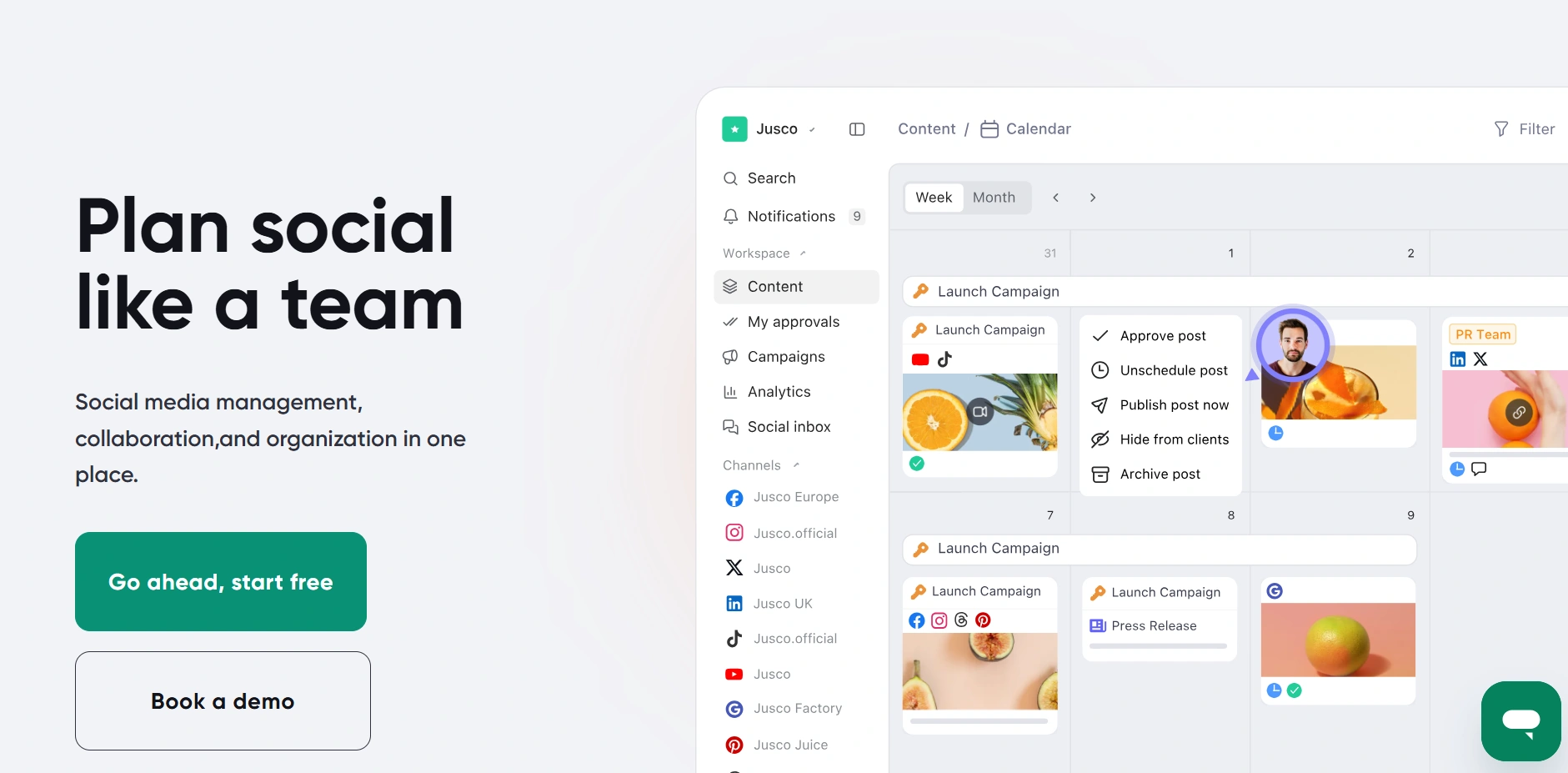
Planable is created for teams to analyse, approve and schedule social media material before it gets published. Instead of sharing Google Docs or interminable Slack threads, everyone can work on posts in one spot, making it especially handy for agencies, marketing teams, and organisations with approval systems.
What you can do with the free plan
- Create unlimited workspaces and invite unlimited collaborators.
- Access all core collaboration features, including comments, post previews, and multi-level approval workflows.
- Plan and review content before publishing.
- Experience every feature available in paid plans.
- Create up to 50 total posts as a one-time free trial before upgrading.
Choose Planable if
You work with teammates or clients and want an easier way to review, approve, and organize social media content before it gets published.
Find the Right Social Media Toolkit for Your Workflow
There’s no one tool that does it all when it comes to social media management. The best workflow is usually a mashup of different specialized tools based on your business goals, team size and number of accounts you manage. If you’re unsure where to begin, here are some common workflows that work well for different sorts of businesses.
| If you're a... | Recommended Workflow | Why This Combination Works |
|---|---|---|
| Solo creator / Influencer | Canva + Buffer + Metricool | Create content, schedule posts, and track performance with three easy-to-use free tools. |
| Small business | Canva + Buffer + Metricool | A complete free workflow for designing content, publishing consistently, and measuring results. |
| Agency managing client accounts | Canva + Planable + Metricool + AdsPower | Collaborate with clients, approve content, monitor analytics, and safely manage multiple client logins. |
| eCommerce brand | Canva + Buffer + AdsPower | Create promotional content, schedule campaigns, and securely manage multiple brand or marketplace accounts. |
| Affiliate marketer | Canva + AdsPower | Design creatives and safely operate multiple social media accounts with isolated browser profiles. |
| Social media manager | Canva + Buffer + Metricool + AdsPower | Cover the entire workflow—from content creation and scheduling to analytics and secure multi-account management. |
Final Words
The best free social media management tool isn't the one with the most features. It's the one that solves the problem you're having right now. Whether you need to create better content, publish more consistently, monitor performance, connect with coworkers, or manage several social media accounts, the tools in this article can help you construct a process that grows with your organization. Start out with free plans, test out different combinations, and only upgrade when your workflow outgrows them.
Still not sure that AdsPower is right for you?
Ask top AI tools to get instant personalized answers for your needs
FAQs
What is the best free social media management tool?
There’s no one best tool for everyone. That depends on your needs. Canva is good for content creation, Buffer is good for post scheduling, Metricool is good for analytics, Planable is good for team communication and AdsPower is good for managing many social media accounts safely.
Can I manage social media for free?
Yes. Many social media management tools offer free plans that are suitable for creators, freelancers, and small businesses. By combining tools like Canva, Buffer, Metricool, and AdsPower, you can build an effective workflow without paying for multiple subscriptions.
Which free social media management tool is best for small businesses?
For most small businesses, a combination of Canva, Buffer, and Metricool covers content creation, scheduling, and performance tracking. If you manage multiple business accounts or client accounts, AdsPower can help keep each login isolated and organized.
Can one tool do everything?
Not really. Most tools specialize in one area. Design tools focus on creating content, scheduling tools publish posts, analytics platforms measure performance, and browser management tools help manage multiple accounts securely. Many marketers combine several tools instead of relying on one all-in-one platform.
Which free tool is best for managing multiple social media accounts?
If you simply need to publish posts across several platforms, Buffer is a good option. If you manage multiple logins for different brands, clients, or regions, AdsPower is a better fit because it isolates each account in its own browser profile, helping reduce account linkage risks.
Is AdsPower free?
Yes. AdsPower offers a free plan with 2 lifetime browser profiles. The free version also includes features such as browser fingerprint isolation, a multi-window synchronizer, built-in no-code RPA, and Local API access, allowing users to experience the platform before upgrading.
What's the difference between a social media management tool and a multi-account browser?
Social media management solutions allow you to generate, schedule and review content across several platforms. A multi-account browser, such as AdsPower, concentrates on the browser environment behind each account by creating isolated browser profiles with different fingerprints and proxy settings. Many agencies and organisations utilise both sorts of technologies together in their social media process.
