

Want to thrive in the digital world? Then take a look at this guide! This guide explores how IP address lookup works, what information it reveals, and how it can benefit cybersecurity, marketing, and fraud prevention with AdsPower and other IP address lookup tools.
Do you know? Every time you visit online, click on an ad, or even log in to a social media account, your device leaves a unique "digital footprint"—your IP address.
This seemingly ordinary sequence of numbers actually contains a wealth of information, such as geographic location, network provider, and even potential security risks. Whether you're a business owner looking to optimize your ad delivery or a cybersecurity expert is tracking suspicious traffic, an IP address lookup tool is an indispensable tool for you.
So, can you lookup an IP address? What exactly can an IP address lookup reveal about key information? How to use it to improve network security, advertising accuracy, and even cross-border e-commerce anti-association operations?
This guide will delve into the core concepts, best tools - AdsPower IP checker, BrowserScan and the like, and practical tips for IP address lookup to help you stay ahead of the curve in the digital world.
What Is an IP Address Lookup
Every device connected to the internet has an IP (Internet Protocol) address, a unique identifier that helps route traffic and enable communication between devices. An IP Address Lookup is a process that retrieves geographical and network-related information associated with a specific IP address. Whether you're a cybersecurity professional, a digital marketer, or just a curious individual, an IP address lookup provides valuable insights into the origin and attributes of an IP address.
You can use an IP Address Lookup tool to check your own IP address or look up a specific IP address. Depending on the tool, you can obtain details such as:
- The approximate location
- Internet Service Provider (ISP)
- Potential security threats
- Network or connection type
- VPN, proxy, or hosting information
This information is often used for network diagnostics, fraud detection, and online security enhancement. Keep in mind that IP geolocation is generally approximate and does not usually reveal a user's exact physical location or address.
How to Find My IP Address
If you're wondering "What is my IP address?" there are several easy ways to find it. You can use an online IP lookup tool, search for your IP address on Google, or check your network settings on your computer or mobile device.
1. Find Your IP Address Online
If you want to check your own IP address, the easiest way is to use an online IP lookup tool or search “What is my IP” on Google. If you want to look up a specific IP address, you'll need the full IP address, such as 192.168.1.1.
Here's how to perform an IP address lookup:
- Identify the IP address. If you're checking your own IP address, search “What is my IP” on Google or use an online IP lookup tool. If you're checking a specific IP, make sure you have the full IP address.
- Choose an IP lookup tool. Visit one of the recommended tools, such as AdsPower Online IP Address Lookup, to check the IP address and related information.
- Enter the IP address. If the tool requires manual input, copy and paste the IP address into the lookup field and click Search or Lookup.
- Analyze the results. Review the available information, such as approximate location, ISP, network type, and security or proxy-related information.
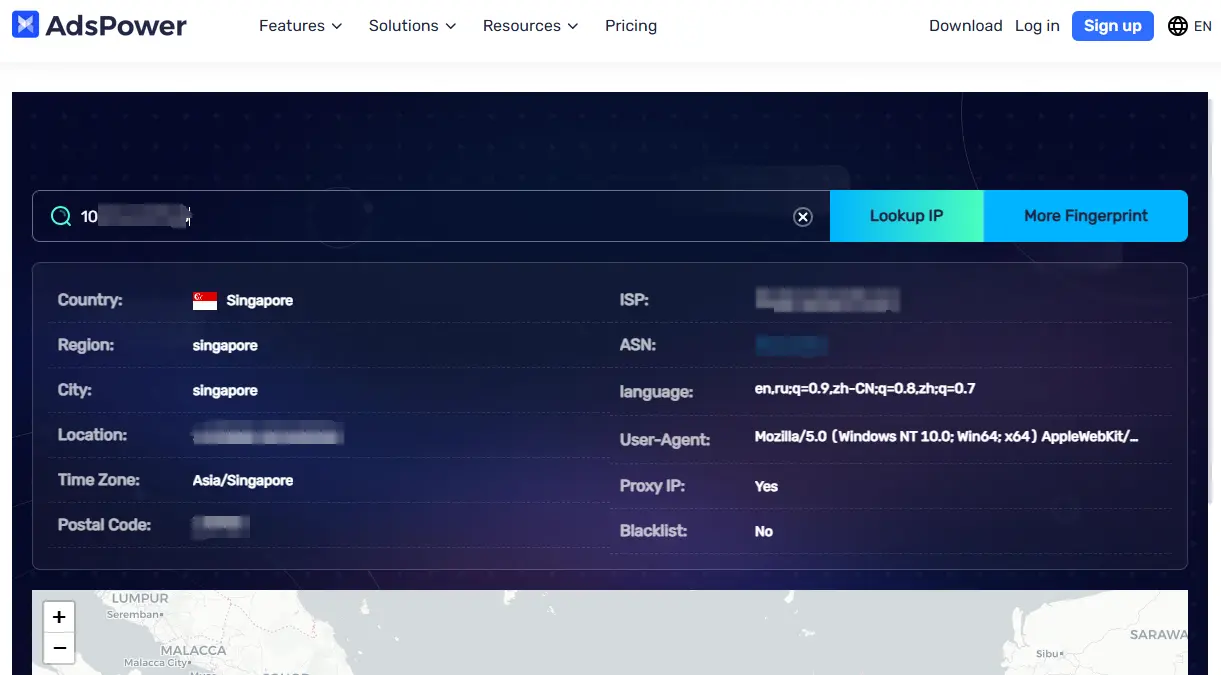
If you're using a VPN or proxy, the IP address shown by the lookup tool or search engine is generally the public IP address associated with that connection, rather than your local or private IP address.
2. How to Find Your IP Address on Windows
If you want to check your local IP address on a Windows computer, you can use Command Prompt:
- Press Windows + R to open the Run dialog.
- Type "cmd" and press Enter.
- Type "ipconfig" and press Enter.
- Look for IPv4 Address under your active network connection.
Keep in mind that "ipconfig" normally shows your private IP address, which is different from the public IP address that websites see.
3. How to Find Your IP Address on Mac
On a Mac, you can find your local IP address through System Settings or Terminal.
To check it using Terminal:
- Press Command + Space to open Spotlight.
- Search for Terminal and open it.
- Enter "ipconfig getifaddr en0" and press Enter.
- Your local IP address will be displayed.
For a public IP address, using an online IP lookup tool is usually the simplest option.
4. How to Find Your IP Address on iPhone
To find your local IP address on an iPhone:
- Open Settings.
- Tap Wi-Fi.
- Tap the connected Wi-Fi network.
- Find the IP Address section to view your device's local IP address.
If you want to check your public IP address, use an online IP lookup tool instead.
5. How to Find Your IP Address on Android
The exact steps may vary depending on your Android device and version, but you can usually find your local IP address by:
- Open Settings.
- Tap Wi-Fi or Network & Internet.
- Select the Wi-Fi network you're connected to.
- Look for IP address or Network details.
What Information Can You Find with an IP Address Lookup?
An IP address lookup tool can uncover a range of details, including:
1. Geolocation Data
- Country, region, city, and ZIP code (with varying accuracy)
- Latitude and longitude coordinates
- Time zone
2. Internet Service Provider (ISP) Details
- The company that provides the IP address
- The ASN (Autonomous System Number) associated with the IP
- Type of network (residential, corporate, mobile, etc.)
3. Connection Type & Proxy Detection
- Whether the IP address is from a VPN, proxy, or data center
- Hosting provider details
- Indicators of potential malicious activity (blacklisted IPs, bot traffic, etc.)
4. Domain and Reverse DNS Lookup
- Associated domain names (if applicable)
- Reverse DNS (rDNS) records mapping IP addresses to hostnames
This data can help businesses optimize website security, prevent fraud, enforce geo-restrictions, and improve targeted marketing campaigns.
Best IP Address Lookup Tools
The solutions listed above will work if you merely need to know your IP address. But if you're looking to find out more about an IP address, such as its location, ISP, network type or security information, then an IP lookup tool can provide you with more specifics. Here are some of the popular programs for IP address lookup you can try.
1. AdsPower Online IP Address Lookup
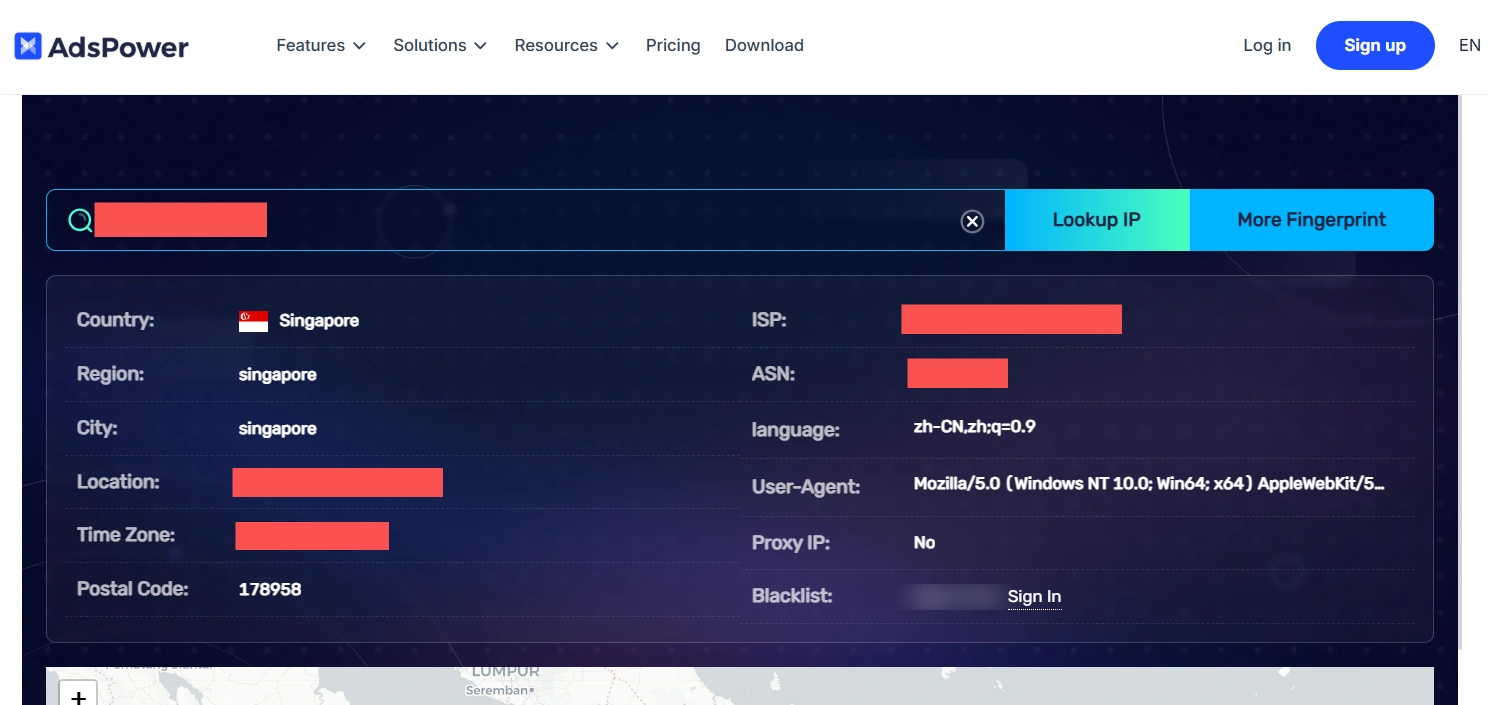
AdsPower Online IP Address Lookup is a browser fingerprint detection tool provided by AdsPower. It allows users to quickly check key fingerprint parameters such as IP address, operating system, screen resolution, WebRTC, and Canvas fingerprinting. With this tool, users can easily assess the anonymity of their browsing environment and optimize their anti-detection strategies. As one of AdsPower’s useful tools, it helps e-commerce sellers, social media marketers, and other professionals manage multiple accounts while enhancing privacy protection. No installation is required—simply open the webpage and start using it instantly.
Features:
1. Detect Public IP Addresses in real time
- Direct IP Display: Go directly to the tool page to display the IPv4 or IPv6 address of your current device without the need to install additional plug-ins or software.
- Versatile Network Suitability: It is suitable for a variety of network environments, including home broadband, mobile data, corporate private networks, etc.
2. Detailed IP attribution lookups
- Geographic IP Resolution: Resolve the country, region, and city of the IP address to help users understand the geographic location of network nodes.
- IP Carrier Display: Displays the IP Carrier (ISP) for easy network environment assessment.
3. WebRTC detection
- WebRTC Privacy Check: Check the WebRTC status of your browser to avoid leaking your real IP address due to WebRTC, enhancing anonymity and privacy protection.
4. Proxy vs. VPN identification
- IP Source Identification: Identify whether the IP is coming from a data center, VPN, proxy server, etc., to help users determine whether the current network is anonymous.
- IP Purity Analysis: It is suitable for scenarios that require IP purity analysis, such as multi-account operation and advertising delivery.
5. User-Agent and browser fingerprinting
- Browser User-Agent Display: Displays browser User-Agent information to help users detect the operating system, browser type, and version.
- Multi-Account Optimization: It can assist in the anti-association setting of multiple accounts to optimize the network environment.
2. BrowserScan
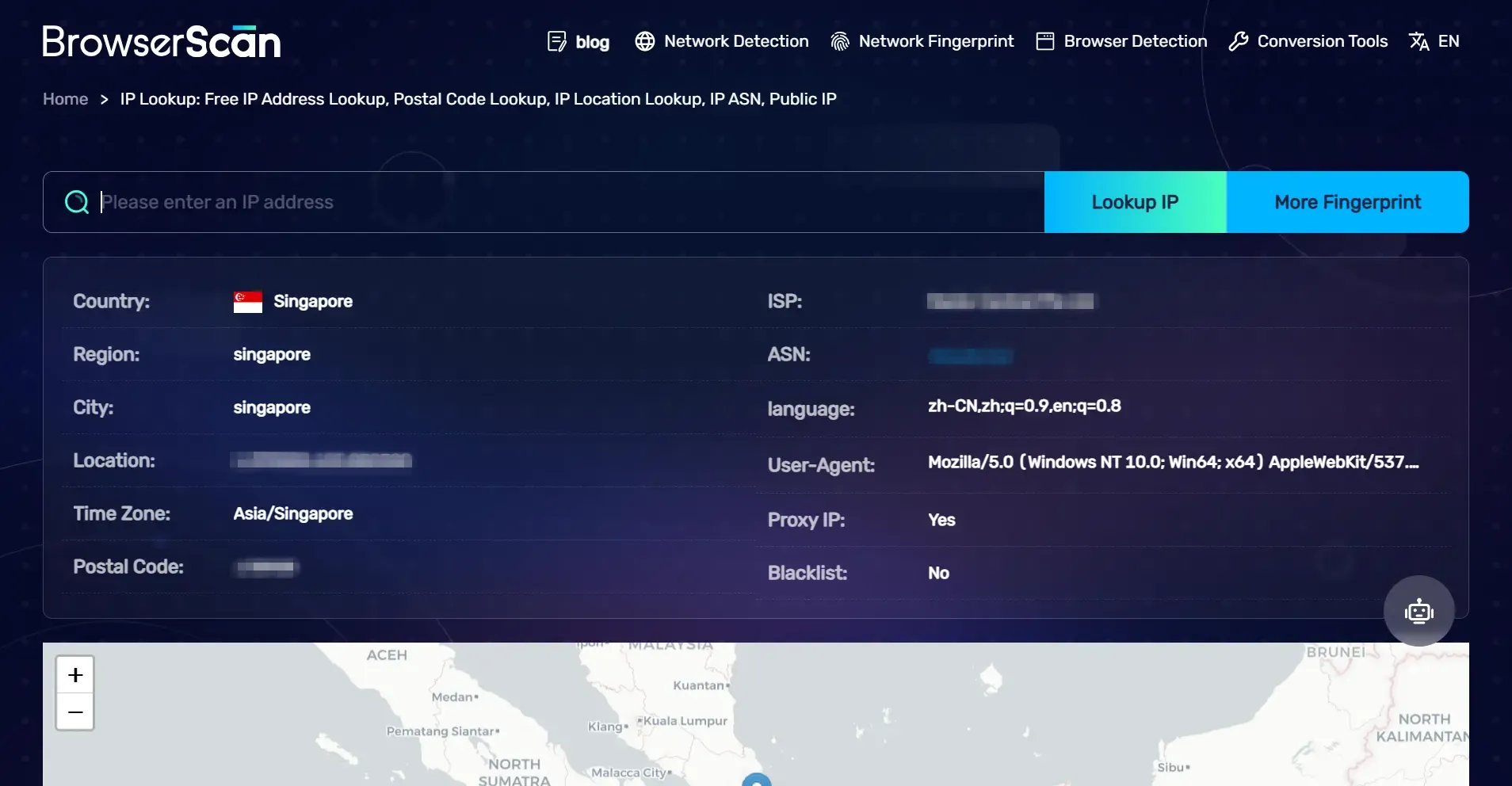
BrowserScan is a free and accurate online IP resolution service that helps users quickly obtain the public IP and related network information of the device. Whether it's checking the current network status, or for IP identification and optimization in scenarios such as cross-border e-commerce and digital marketing, BrowserScan can provide comprehensive data support.
Features:
- Comprehensive Fingerprint Detection: Checks key parameters like IP address, operating system, screen resolution, WebRTC, and Canvas fingerprinting.
- Anonymity Assessment: Analyzes fingerprint uniqueness to help users optimize anti-detection strategies.
- Real-Time Scanning: No installation required—instant results with just one click.
- Versatile Applications: Ideal for e-commerce, social media marketing, and multi-account management, enhancing privacy protection.
3. GEONODE Proxy Checker
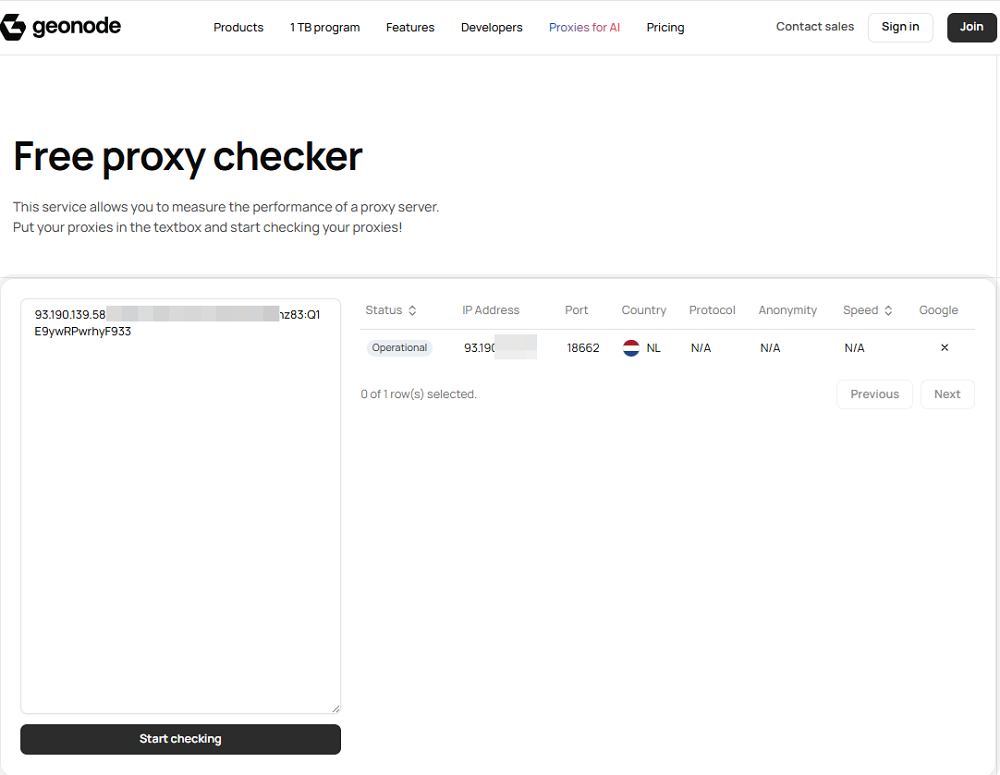
Geonode Free Proxy Checker is a simple online tool that helps you test proxy server performance. Just paste your proxy list into the box and quickly check speed, availability, and reliability in real time.
Features:
- Bulk Proxy Checking: Test multiple proxies at once by pasting them into the textbox.
- Performance Measurement: Checks response time and connection speed to evaluate proxy quality.
- Availability Status: Instantly shows whether each proxy is active or dead.
- Easy to Use: No setup or technical knowledge required—start checking with one click.
- Free Access: Completely free to use, suitable for quick proxy validation tasks.
4. ipinfo.io
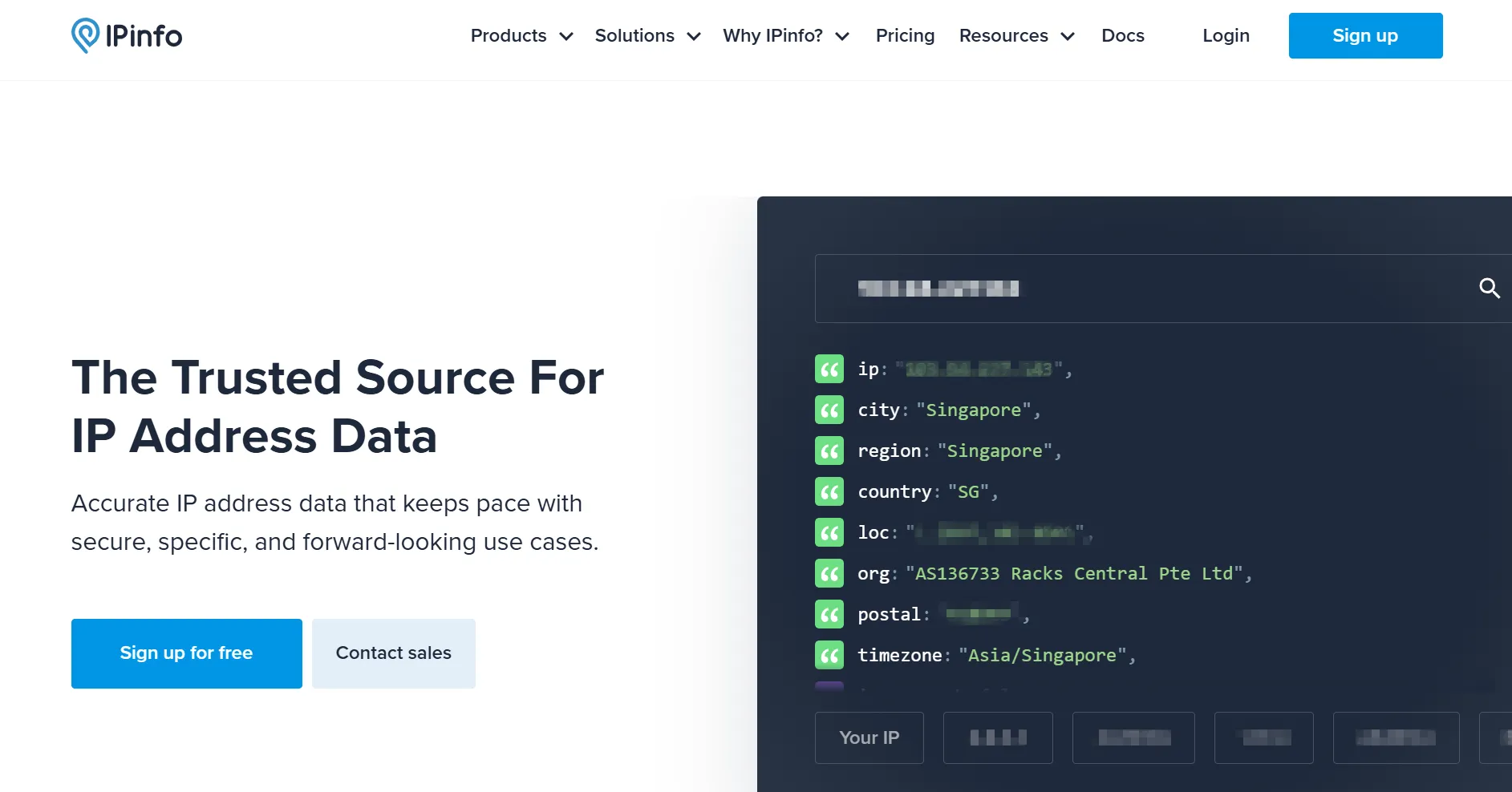
ipinfo.io is a widely used IP address lookup service that provides geolocation data, ASN details, and other network-related information. It offers both free and paid API services for developers and businesses.
Features:
- Real-time IP Data: Provides real-time IP address data, including detailed geolocation, ISP information, and company insights.
- Enterprise API Integration: With a wide range of API interfaces, it is suitable for enterprise-level users and can be integrated into various business applications.
- Frequent Data Updates: The data is updated frequently to ensure the accuracy of the information, and is suitable for network analysis and security protection.
- Security Detection: It can be used to detect anonymous proxies, VPNs, and data center traffic to help improve network security.
5. IP2Location
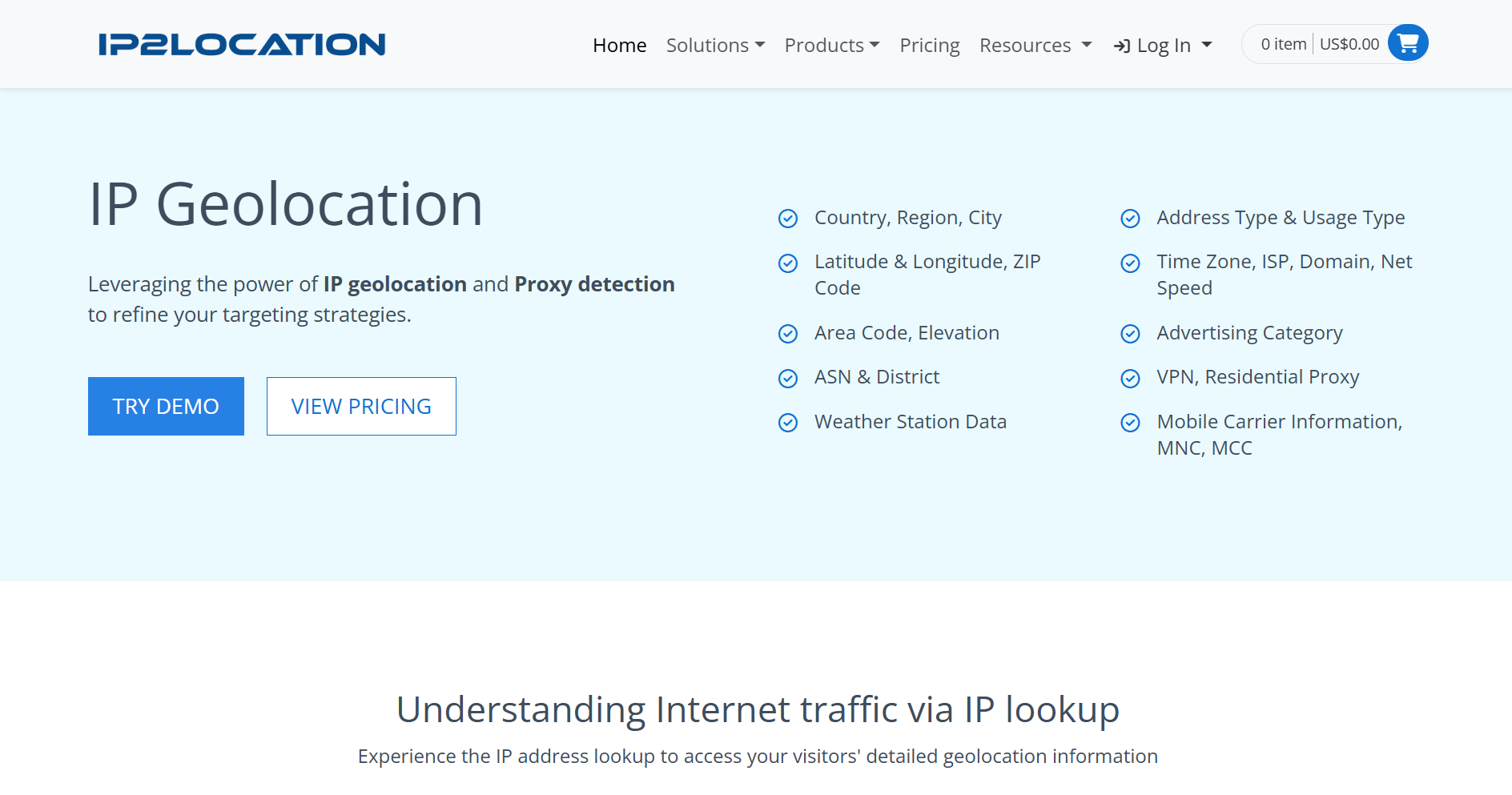
IP2Location specializes in IP geolocation services, offering databases and APIs to determine a user's country, region, city, ISP, and more. It is commonly used for content personalization, fraud detection, and analytics.
Features:
- IP Geolocation Data: Provides detailed IP geolocation data, including country, city, latitude and longitude, and time zone.
- Database Versions: Supports multiple database versions with different levels of accuracy and data.
- Security Detection: It can be used to identify proxy servers and VPNs to prevent malicious users from accessing.
6. WhatIsMyIP
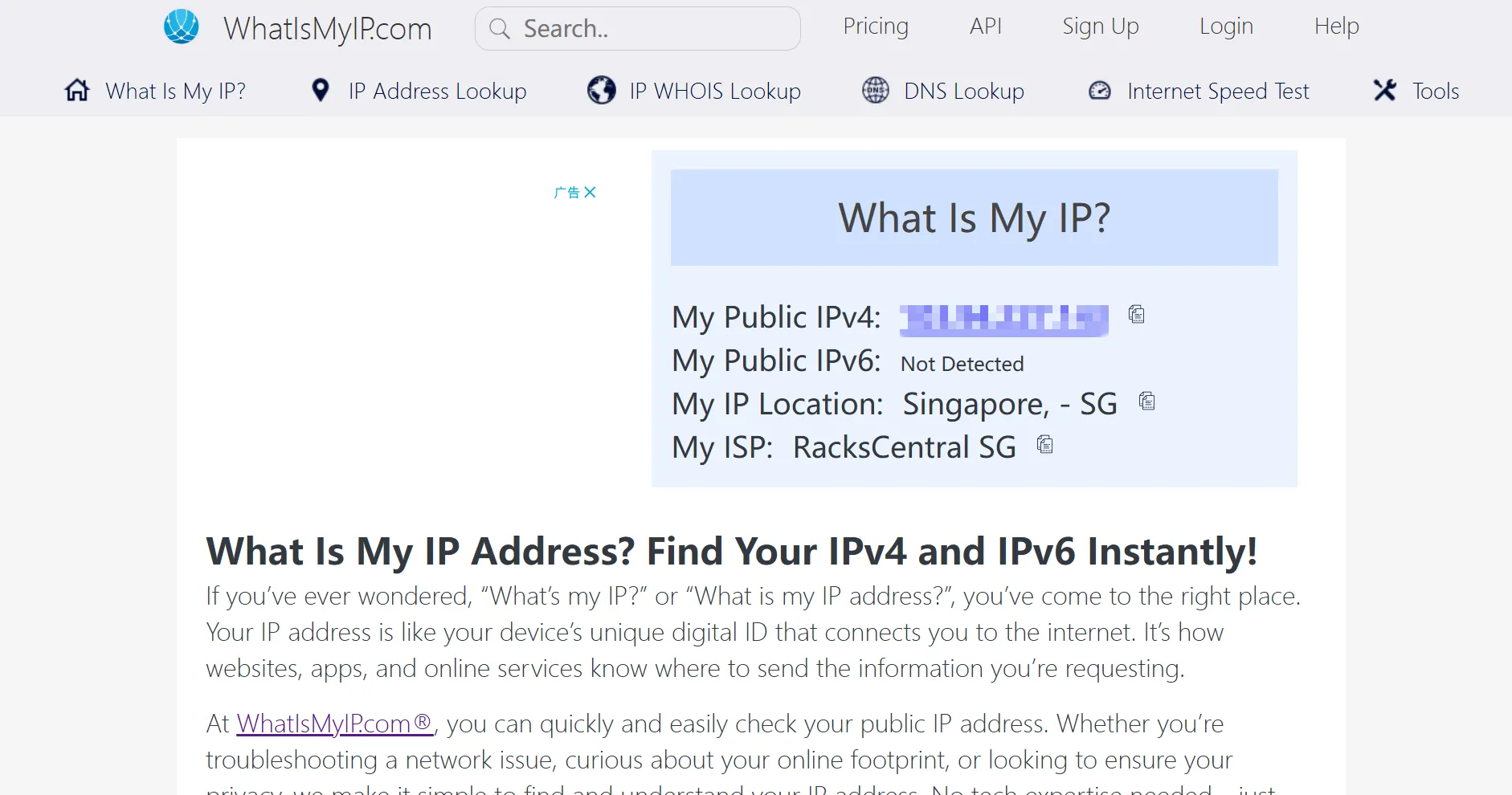
WhatIsMyIP is a simple web-based tool that allows users to check their public IP address, along with basic location and ISP details. It also provides additional tools like DNS lookup, VPN detection, and proxy checks.
Features:
- Easy IP Lookup Tool: Simple, easy-to-use online IP lookup tool for individual users.
- IP Blacklist Detection: In addition to basic IP address query, it also provides IP blacklist detection.
- IPv4/IPv6 Security Check: You can check the IPv4 and IPv6 addresses of users and provide related security suggestions.
- Browser Fingerprint Info: Provides detailed browser fingerprint information to help users detect their online privacy exposure.
7. MaxMind GeoIP
MaxMind’s GeoIP services provide highly accurate IP geolocation databases and APIs, widely used in cybersecurity, e-commerce, and digital rights management. Their GeoIP2 database is known for detailed and precise location tracking.
Features:
- Leading IP Geolocation DB: Leading IP geolocation database for a wide range of applications in the financial, advertising, and security industries.
- High-Precision IP Data: Provides high-precision IP location data that can be used to analyze network traffic and detect fraud.
- Database Versions: Two versions of the database, GeoIP2 and GeoLite2, are available to meet different requirements.
- API and Local Queries: It supports API and local database queries, which is suitable for large-scale data analysis.
8. WHOIS Lookup (ARIN, RIPE, APNIC, etc.)
WHOIS lookup services from regional internet registries (ARIN, RIPE, APNIC, etc.) provide detailed ownership and registration information about IP addresses and domains. These tools are useful for network administrators, cybersecurity professionals, and researchers.
Features:
- IP Owner Information: Provide information about the owner of the IP address, including the registry and contact details.
- Cybersecurity Investigations: Ideal for cybersecurity investigations, domain name and IP attribution analysis.
- IP Assignment Status: You can query the IP assignment status to help administrators understand the legitimacy of an address.
- Malicious IP Detection: It can be used to detect malicious IP sources and improve network protection capabilities.
Is It Possible to Modify Your Location and IP Address?
Indeed, you have the ability to modify the public IP address that websites display, which may also alter the IP address's approximate location. But instead of giving your precise physical address, an IP address typically gives you an estimated location. You can modify your public IP address in a number of ways:
1. Employing a VPN
Websites usually display the IP address of the VPN server rather than your original public IP address since a VPN routes your internet traffic through a VPN server. Depending on the VPN server you connect to, an IP lookup tool may also display a different location.
2. Employing a Proxy
A proxy can alter the public IP address that websites view by rerouting your traffic via an intermediary server. When you require your traffic to appear to originate from a different network or region, proxies can be helpful.
3. Restarting the router
Restarting your router might change the public IP address if your ISP utilises a dynamic IP address. This isn't a given, though, because your ISP's network configuration determines the new IP.
Conclusion
An IP Address Lookup is a powerful tool that provides critical insights into a device's online presence. Whether you're looking to lookup an IP address on a computer, verify user locations, or enhance cybersecurity, these tools can be game-changers.
Want to check an IP address now? Try one of the top IP lookup tools mentioned above and start exploring the hidden layers of the internet!
