[Chrome 154 Kernel Upgrade]
Added support for the Chrome 154 kernel on Windows, macOS, and Linux, providing users with an updated browser kernel for their browser environments.
[Optimized Rotating Proxy Lookup in the iOS App]
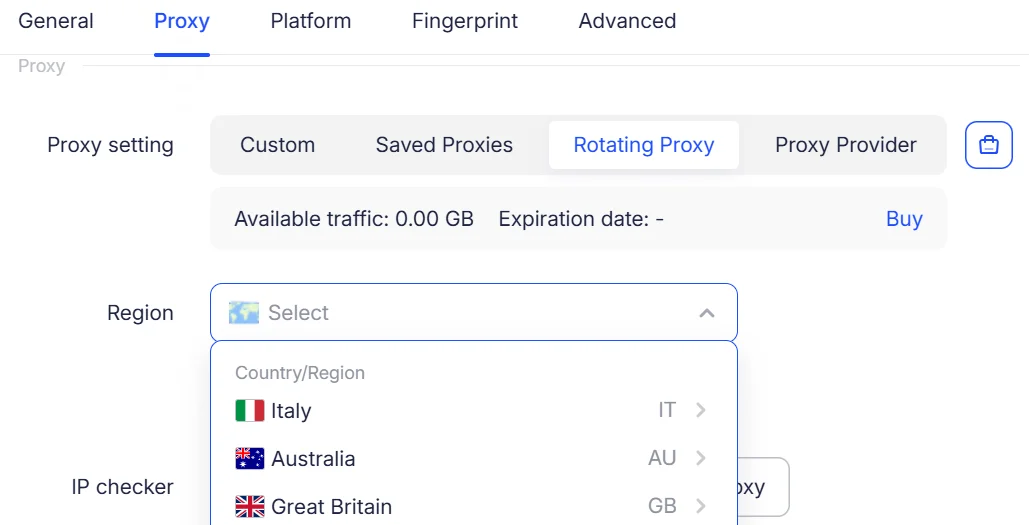
Optimized rotating proxy lookup in the iOS app to improve exit proxy matching based on country, region, and city criteria, ensuring more accurate geographic targeting.
[Added Fingerprint Noise Support in the iOS App]
Added WebGL image noise and media device noise support to the iOS app, further enhancing browser fingerprint configuration. Also fixed several known issues to improve environment stability.
[Updated WebGL Metadata Database]
Updated the WebGL metadata database for Windows and macOS to expand WebGL fingerprint data support and improve browser fingerprint configuration.
[Added Quick Access to the Help Center in Core Modules]
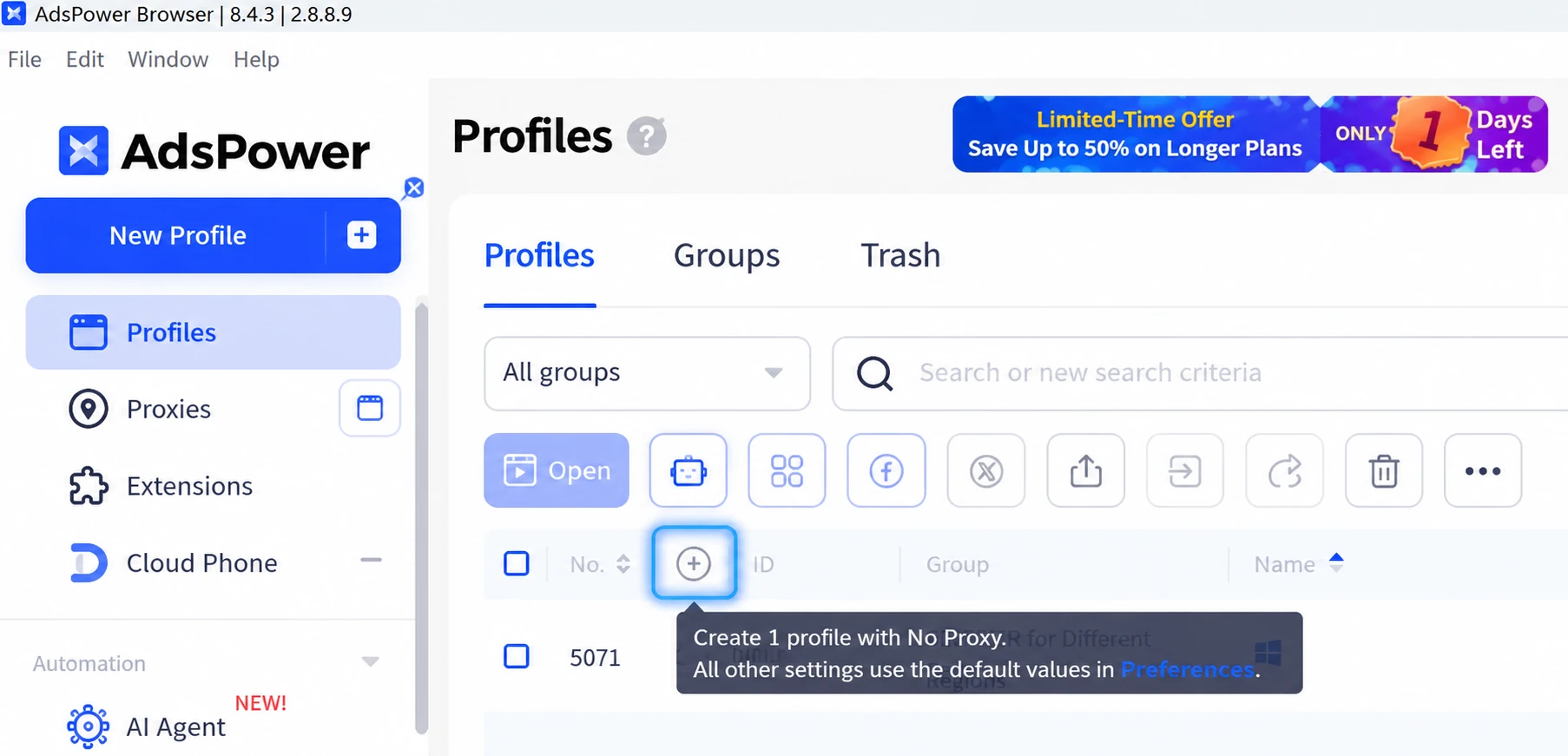
Added a help icon next to page titles in the core modules of the client. Hover over the icon to view feature guides and FAQs for the current module, or click it to go directly to the relevant help article.
This feature is available in Profiles, Proxies, App Center, Synchronizer, RPA, RPA Plus, API & MCP, Billing Center, Team Management, and other modules. It also supports multilingual help content, making it easier to find instructions quickly while reducing page navigation and search steps.