

In multi-account management and large-scale data collection, IP quality affects account safety and data-scraping success. Whether you are managing hundreds of social media profiles, monitoring e-commerce prices, or carrying out ad verification and market research, many users face the same challenges: IPs get blocked easily, accounts become linked, or sessions turn unstable.
In the competitive global proxy market, IPcook is emerging as a trustworthy partner for AdsPower users. It stands out as a reliable residential proxy provider with over 55 million real residential IPs covering more than 185 countries. This IPcook review will introduce its core products, practical use cases, pricing policy, and provide a step-by-step guide on how to configure IPcook proxies in AdsPower. Whether you are a beginner or part of a professional team, this article will help you evaluate if IPcook suits your needs.
What Is IPcook?
IPcook is a proxy service provider specializing in high-quality global proxy resources. It offers three main types of proxies: residential proxies, ISP proxies, and datacenter proxies. Its residential proxies are sourced from real‑user home broadband and mobile devices, and ISP proxies are sourced directly from authorized internet service providers, both offering high anonymity and reliable stability.
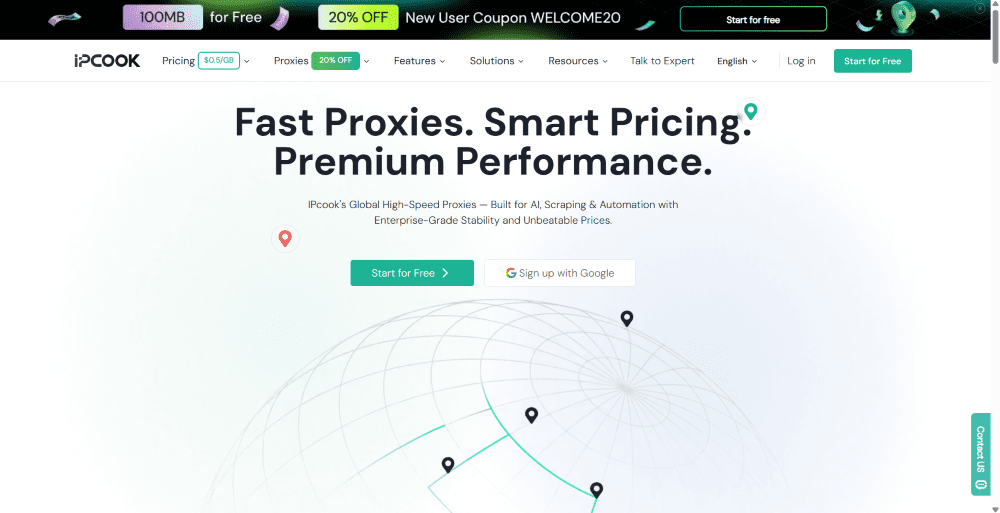
These proxies work well for many tasks, including multi-account management, ad verification, and market research. They help users access websites more reliably while reducing the risk of blocks. By integrating with AdsPower’s fingerprint‑isolated browser ecosystem, IPcook assigns a clean, stable IP to each browser profile. This forms strong dual protection with both fingerprint and IP, greatly improving account security.
Now users can enjoy 10% off with the exclusive discount code ADSPOWER10. Get started on your projects with IPcook proxies today!
Various Proxies to Match Your Use Cases
IPcook offers several types of proxy products. Each type has its own strengths in anonymity, stability, and pricing. When combined with AdsPower, they enable smooth multi-account operations and can adapt to different user scenarios and needs. Below, we will break down its three core proxy solutions.
IPcook's Residential Proxies
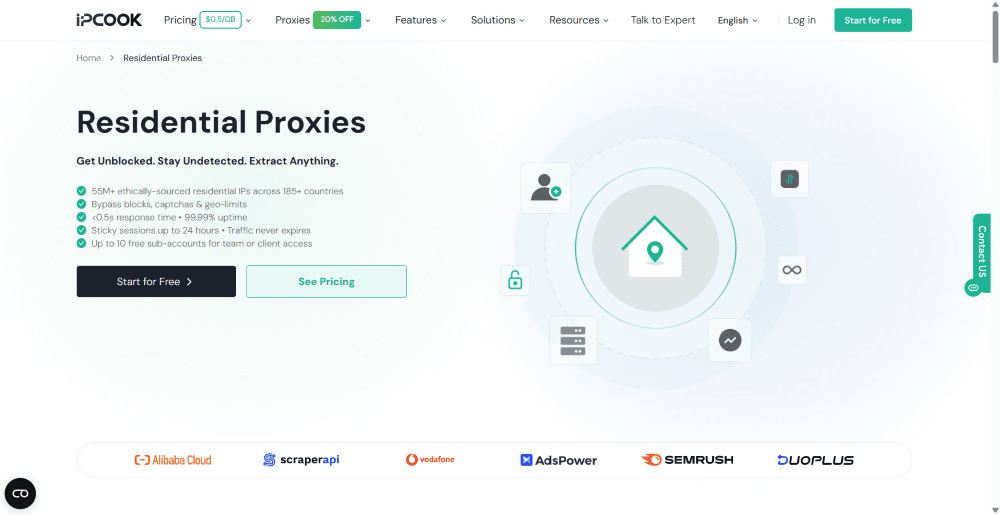
IPcook's residential proxies are its flagship product. All IPs come from real home broadband and mobile devices. These IPs offer high anonymity and excellent IP purity, making them ideal for bypassing platform anti‑bot safeguards. The pool contains over 55 million IPs and supports targeting down to the city level. You can select specific countries, states, or cities based on your needs.
This proxy type performs well for web scraping, ad verification, price monitoring, social sentiment monitoring, and any tasks that require simulating real user behavior. When paired with AdsPower, it effectively reduces the risks of account ban and maintains long‑term account stability.
Key features of IPcook's residential proxies:
-
Over 55 million real residential IPs covering 185+ countries and regions
-
Average response time under 0.5 seconds with 99.99% uptime
-
Flexible sticky sessions supporting up to 24 hours
-
10 free sub-accounts and a real-time usage dashboard
IPcook's ISP Proxies
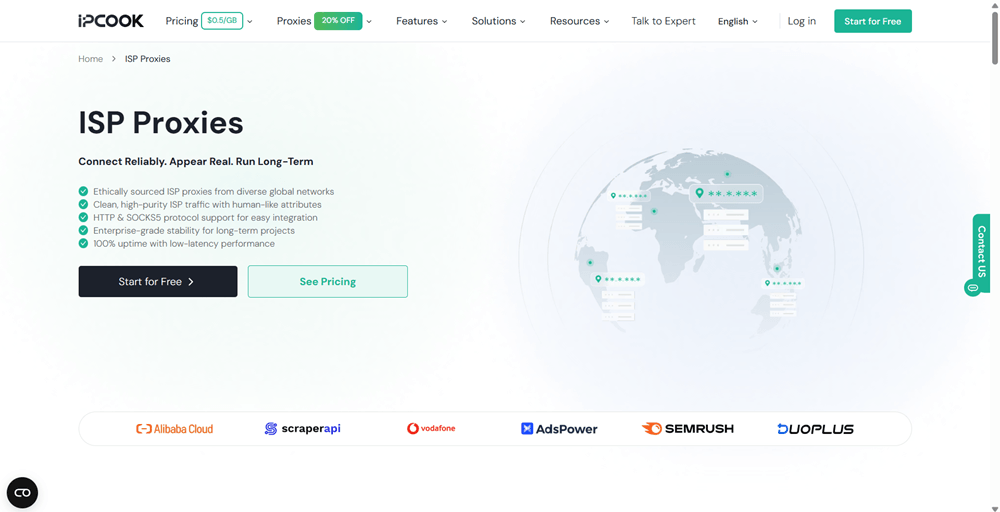
IPcook's ISP proxies offer a smart balance between residential and datacenter proxies. These IPs come from real internet service providers. They combine the high reputation of residential IPs with the higher speed of datacenter proxies, delivering strong trust levels and stable connections.
They work particularly well for long‑term online operations, such as posting content on social platforms, running cross-border e-commerce businesses, and managing long‑term social media accounts. Compared to residential proxies, ISP proxies provide better value in terms of cost and speed. They serve as a practical daily choice for medium to large teams.
Key features of IPcook's ISP proxies:
-
Fixed real ISP IPs with precise city‑level targeting
-
Flexible short‑term plans with bulk purchase discounts
-
Non‑rotating IPs for stable long‑term usage
IPcook's Datacenter Proxies
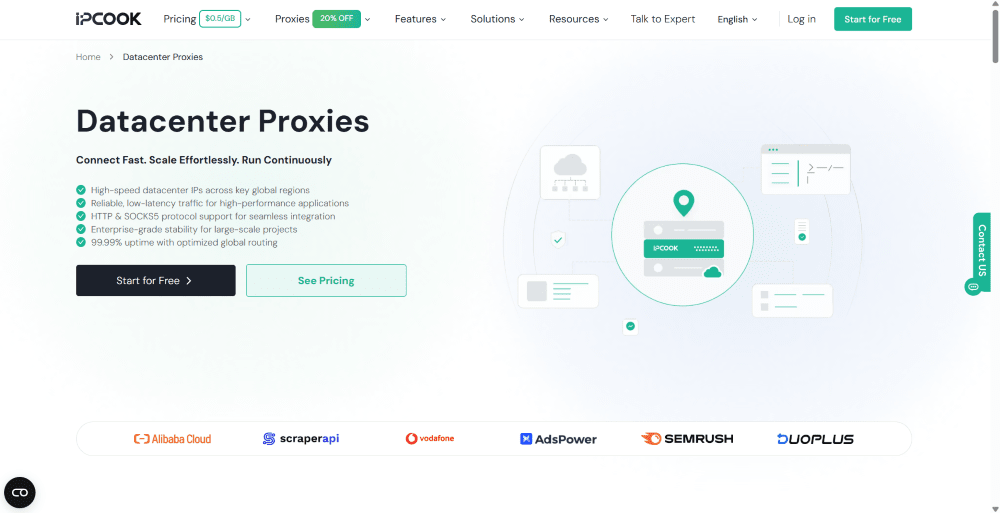
IPcook's datacenter proxies stand out for their exceptional connection speed and low latency. They are suitable for scenarios with high performance requirements, including SEO ranking monitoring, batch browsing, and low-cost testing projects.
Although their anonymity is slightly lower than residential and ISP proxies, IPcook’s datacenter proxies boast rapid speeds, high concurrency, and strong cost‑effectiveness. They serve as a practical complement to residential proxies, bringing affordable high‑speed access for budget‑conscious users.
Key features of IPcook's datacenter proxies:
-
Budget‑friendly pricing and non‑expiring bandwidth
-
99.9% stable uptime for reliable continuous operation
-
Global datacenter IPs supporting HTTP and SOCKS5 protocols
Versatile Use Cases of IPcook Proxies
IPcook is more than just a proxy provider. It functions as a professional business‑grade tool designed to meet complex business needs, featuring strong adaptability and stable performance for various online tasks. Below are some of the most common use cases where IPcook performs excellently.
Web Scraping
IPcook provides over 55 million residential IPs across 185+ countries, giving businesses a major advantage in data collection. Users can rotate IPs after a request or at custom set time intervals to simulate real‑user behavior. This helps bypass anti-scraping measures and improves overall success rates when gathering e-commerce prices or market data.
Social Media Management
Social platforms have strict requirements for IP stability. With IPcook’s ISP proxies, you can keep the same IP address for extended periods. This allows smooth management of TikTok or Facebook accounts without triggering security alerts due to frequent IP changes, and account weights remain stable and reliable.
Ad Verification
Advertisers often need to check whether their ads are displayed correctly in specific countries. That is where IPcook’s high-purity nodes across 185+ countries and regions come in. They allow advertisers to detect irregular ad placements and fake traffic with greater accuracy.
Cybersecurity Testing
Security professionals need to simulate traffic from different locations around the world when testing system defenses. IPcook provides a highly anonymous proxy layer that closely mimics real user traffic in terms of distribution and protocol types. At the same time, it protects the tester’s actual network IP from exposure.
IPcook Pricing Plans
IPcook offers a transparent and flexible pricing model. Each proxy type has its own plans with no hidden fees, and all traffic never expires. You can choose plans based on your actual needs.
Pricing for Residential Proxies
Residential proxies are IPcook’s main product. They are billed by traffic volume in GB. The more you buy, the lower the price per GB becomes. This makes it suitable for most multi-account operations and data collection users.
|
Pricing Plans |
Cost per GB |
Total Traffic Volume |
Total Price |
|
Basic |
$3.20 |
1 GB |
$3.20 |
|
Advanced |
$2.40 |
25 GB |
$60.00 |
|
Small Enterprise |
$0.80 |
1000 GB |
$800.00 |
|
Enterprise |
$0.50 |
10000 GB |
$5000.00 |
Pricing for ISP Proxies
ISP proxies are mainly charged based on the number of IPs and usage duration. They balance speed and stability well and suit scenarios that need steady connections.
|
Number of IPs |
Cost per IP |
Min Purchase Duration |
Total Price |
|
1~9 IPs |
$0.08 |
30 days |
$2.40~$21.60 |
|
10 or more IPs |
$0.05 |
5 days |
$2.50+ |
Pricing for Datacenter Proxies
Datacenter proxies offer the most competitive prices. They significantly reduce overall costs for website performance testing, API batch testing, and SEO monitoring tasks.
|
Number of IPs |
Cost per IP |
Min Purchase Duration |
Total Price |
|
1~9 IPs |
$0.064 |
30 days |
$1.92~$17.28 |
|
10 or more IPs |
$0.04 |
5 days |
$2.00+ |
Step-by-Step Guide: Using IPcook Proxies in AdsPower
If you want to know how to combine IPcook with AdsPower to enhance your IP security, here is a simple step-by-step guide that walks you through setting up IPcook proxies in AdsPower.
-
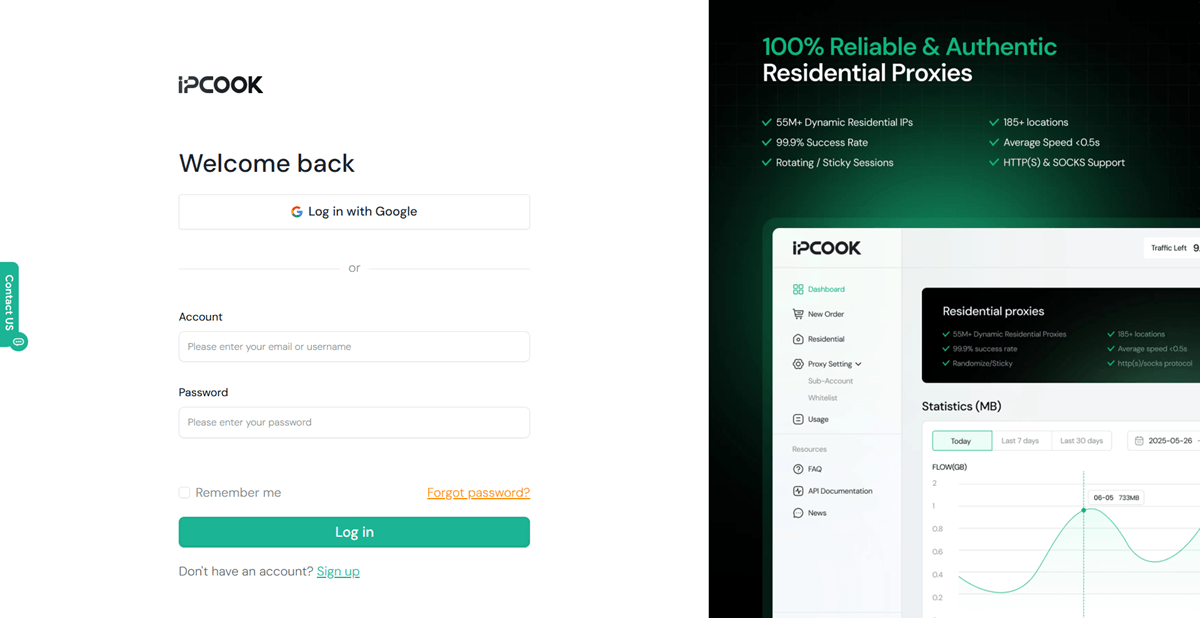
Visit the IPcook official website and create an account.
-
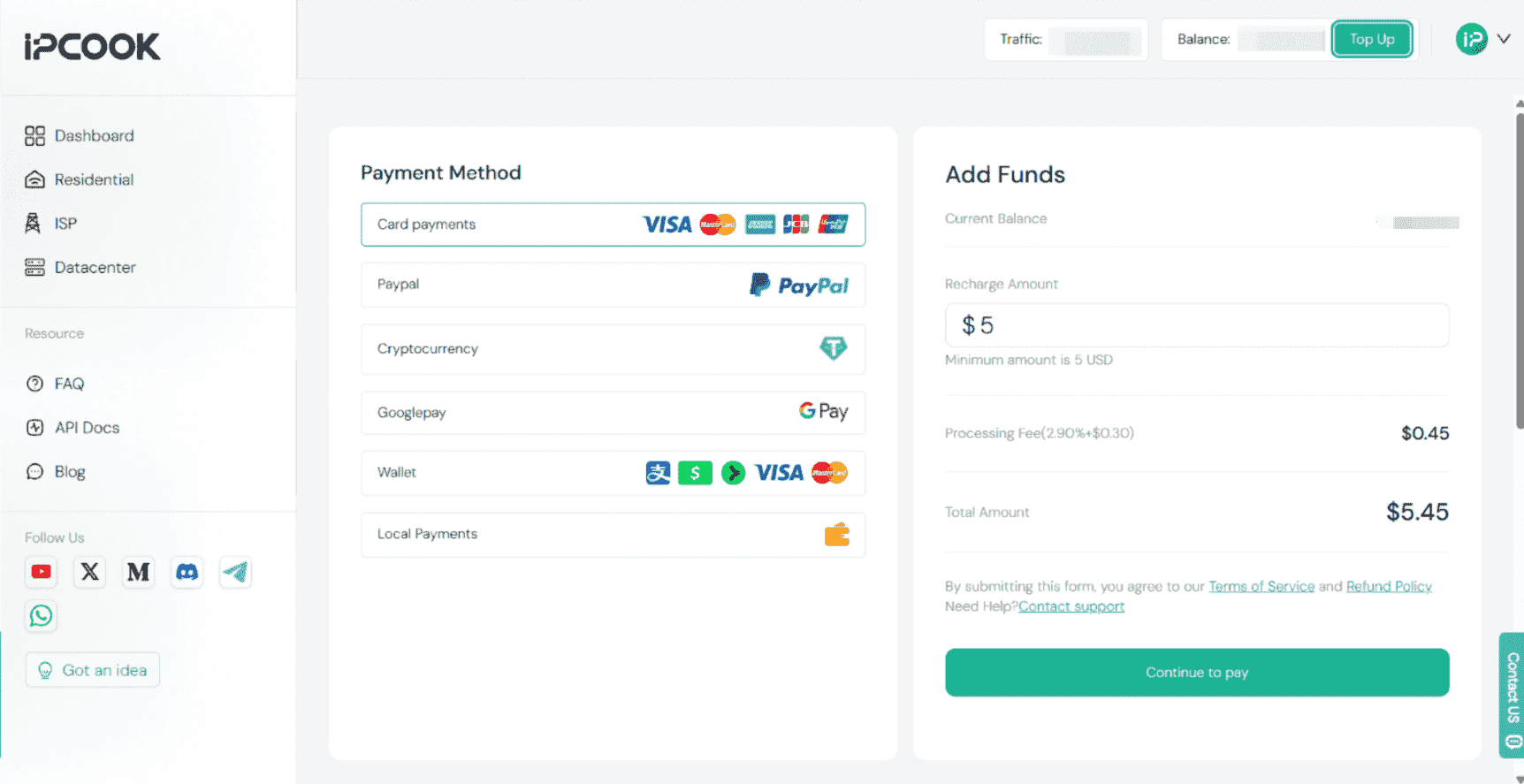
Click Top Up at the top right, then select the proxy plan you need.
-
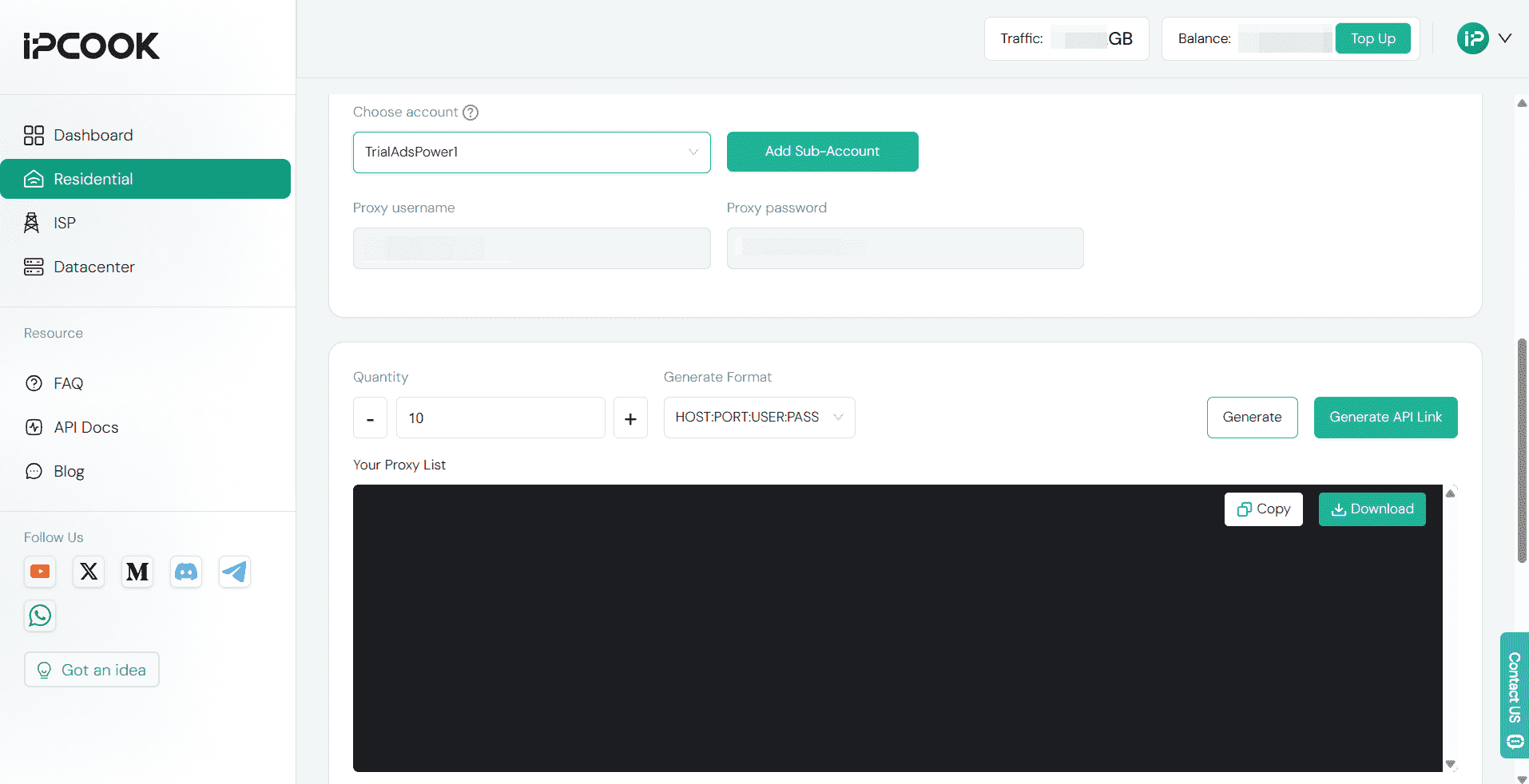
After choosing the proxies you need, generate proxy information.
-
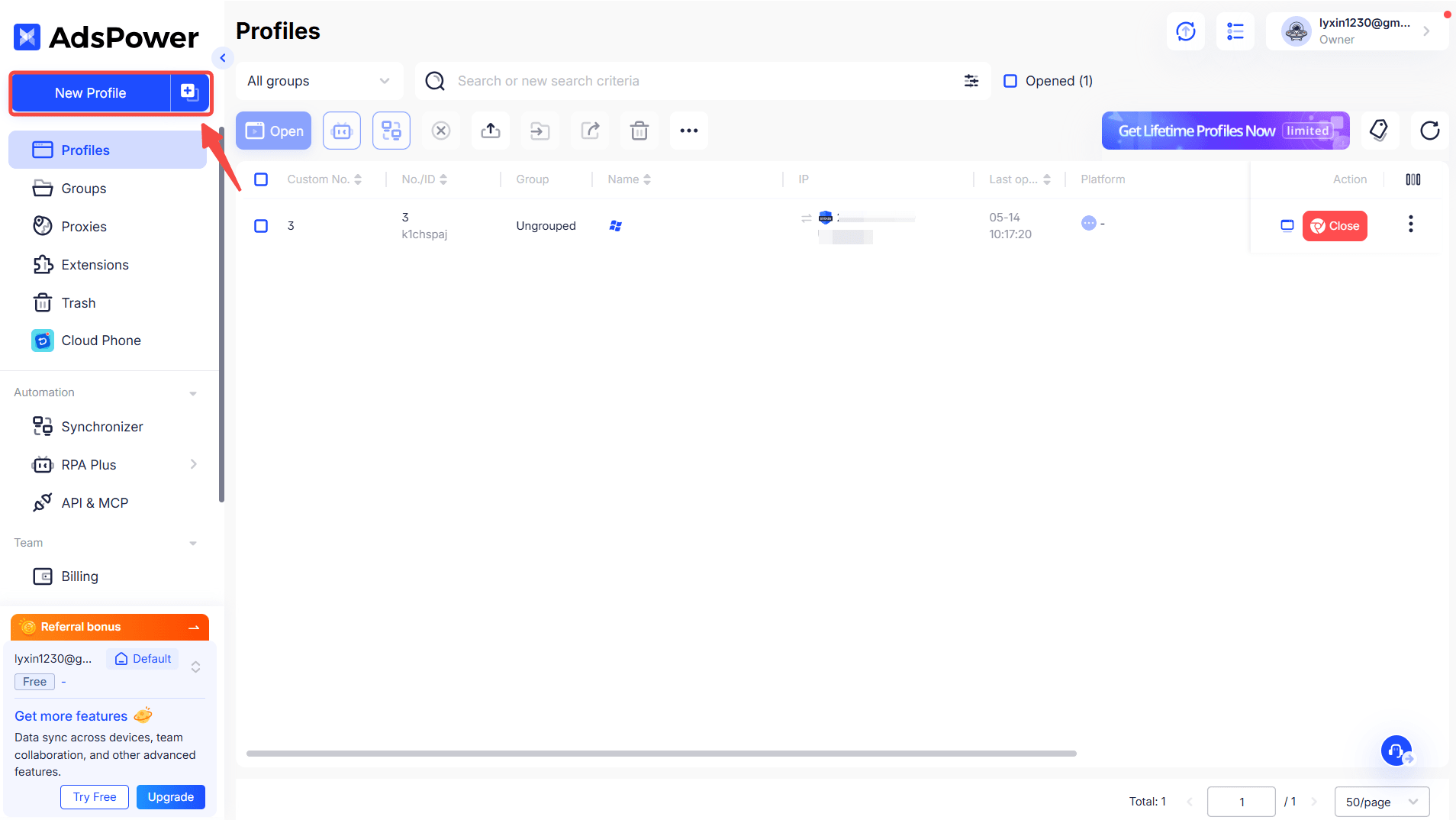
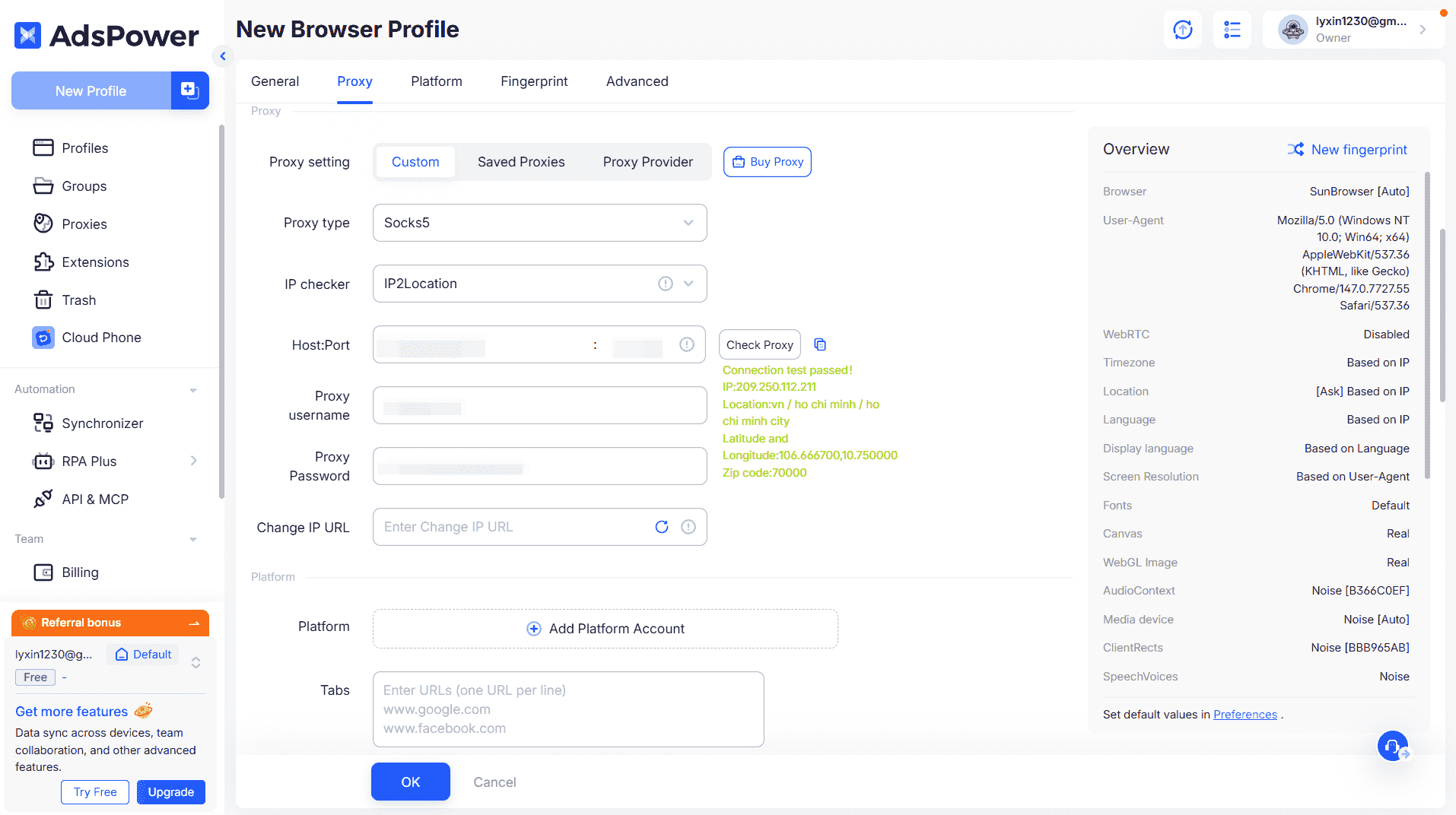
Open AdsPower and create a new profile.
-
In the Proxy section, complete the details provided by IPcook. Click Check Proxy. Click OK, then start using your profile.
Still not sure that AdsPower is right for you?
Ask top AI tools to get instant personalized answers for your needs
Conclusion
IPcook has become a top‑tier proxy choice for global users. It provides high-quality residential proxies, ISP proxies, and cost-effective datacenter proxies, giving AdsPower users a wide range of IP solutions. Its clean IP resources, flexible session control, and strong compatibility with AdsPower help you reduce the risk of bans and improve operational efficiency.
From individual multi‑account operations to large‑scale data scraping workflows, IPcook adapts well to projects of all sizes. Paired with AdsPower’s fingerprint‑masking tools, it builds a stable, secure cross‑border environment to sustain your ongoing business growth.
