

Top 12 Games Not Blocked by School (+ Easy Fixes)
Take a Quick Look
This guide introduces some of the most popular unblocked games for school, including browser games and game sites that students commonly use. It also explains why games may still be blocked on school networks, compares different access methods, and shows how AdsPower helps create a separate browser environment for gaming.
Ever tried opening your favorite game during lunch break, only to get hit with an "Access Denied" page while the guy next to you is already halfway through a game of Slope?
Spend five minutes on Reddit and you'll see the same questions over and over:
"What sites do y'all use for unblocked games?"
"Why can everyone else play but not me?"
"Is Unblocked Games 66 still working?"
The truth is, there isn't one website that works for every school. Different schools block different games, and even the same game can behave differently depending on your browser or device.
That's why this guide starts with the browser games students search for the most. Then we'll explain why some of them still don't work, compare the most common ways students access blocked game sites, and show a simpler way to keep your gaming browser separate from your everyday browsing.
Popular 12 Games and Game Sites Often Not Blocked at School
But before we get into why some games work and others don't, let's start with the games students search for the most. While no game is guaranteed to be unblocked on every school network, the titles below are among the most popular games commonly found on unblocked gaming sites and browser-based platforms.
1. Slope

- Website: https://slopegame-online.com/
- Free to Play: Yes
- No Download: Yes
- Ads: Very few
Slope is a high-speed 3D running game where players guide a ball along a narrow track, avoid obstacles, and try to last as long as possible. It may work on school devices because games like this are often built with HTML5, so they can run directly in a browser without needing extra plugins or software. For students using school Chromebooks or classroom networks, that often makes the game easier to load and access.
2. Run 3
- Website: https://run3.io/
- Free to Play: Yes
- No Download: Yes
- Ads: None
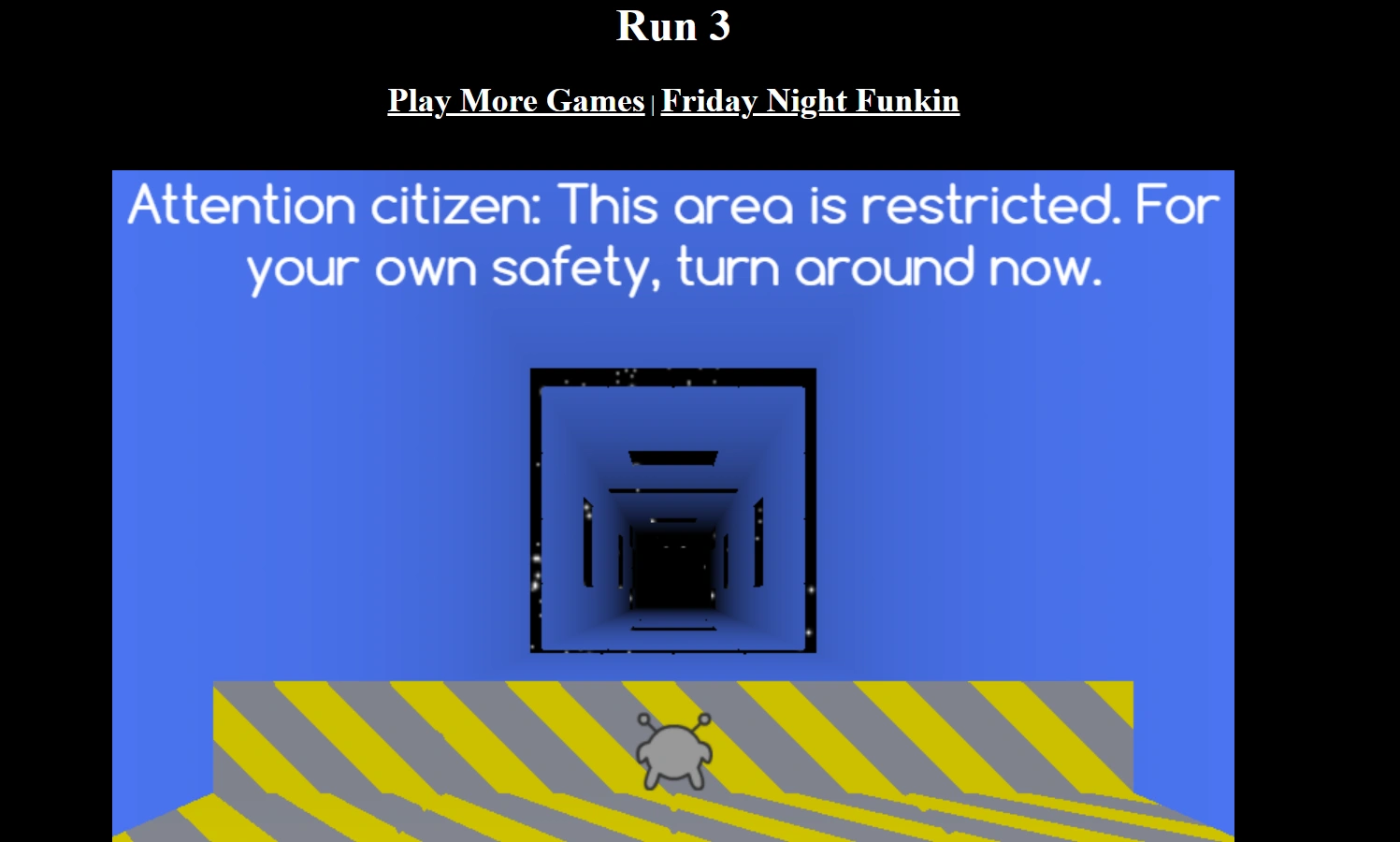
Run 3 is a fast-paced endless runner set in space, where players control a small alien through floating tunnels, jump over gaps, and avoid falling into the void. Its gravity-switching mechanic makes the game more challenging as you progress, and the level-by-level structure can quickly turn a short session into a longer playthrough. Because it runs as a lightweight browser game without any download, it is often easy to access on school Chromebooks and older computers.
3. DuckMath
- Website: https://duckmath.org/
- Free to Play: Yes
- No Download: Yes
- Ads: A few
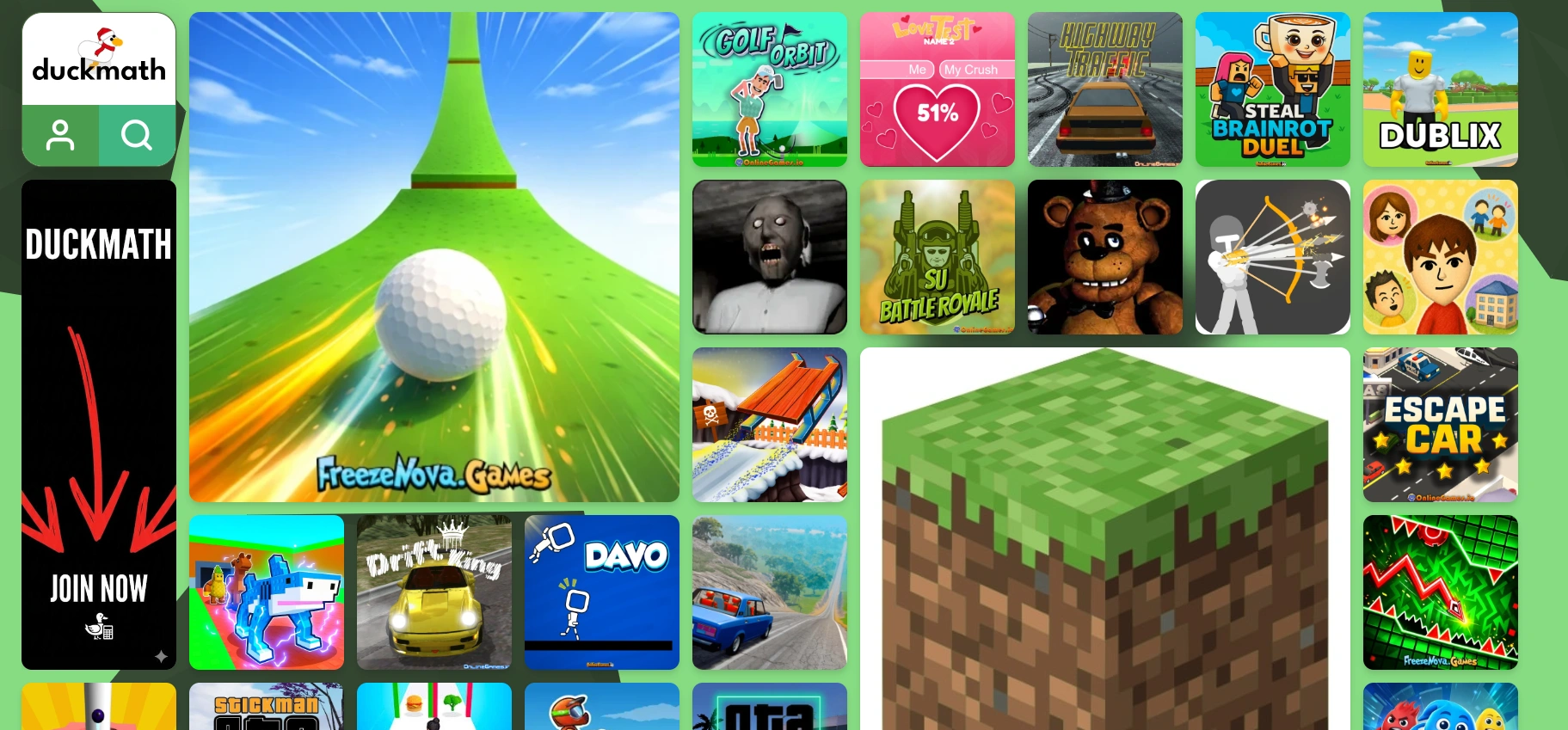
DuckMath is a game aggregation site for students, offering 250+ browser-based games, including popular titles like Slope and Minecraft. It focuses on fast loading, no downloads, and easy access on school Chromebooks or other restricted networks.
4. Unblocked Games 66
- Website: https://unblockedgames66.org/ or https://66games.io/
- Free to Play: Yes
- No Download: Yes
- Ads: Many
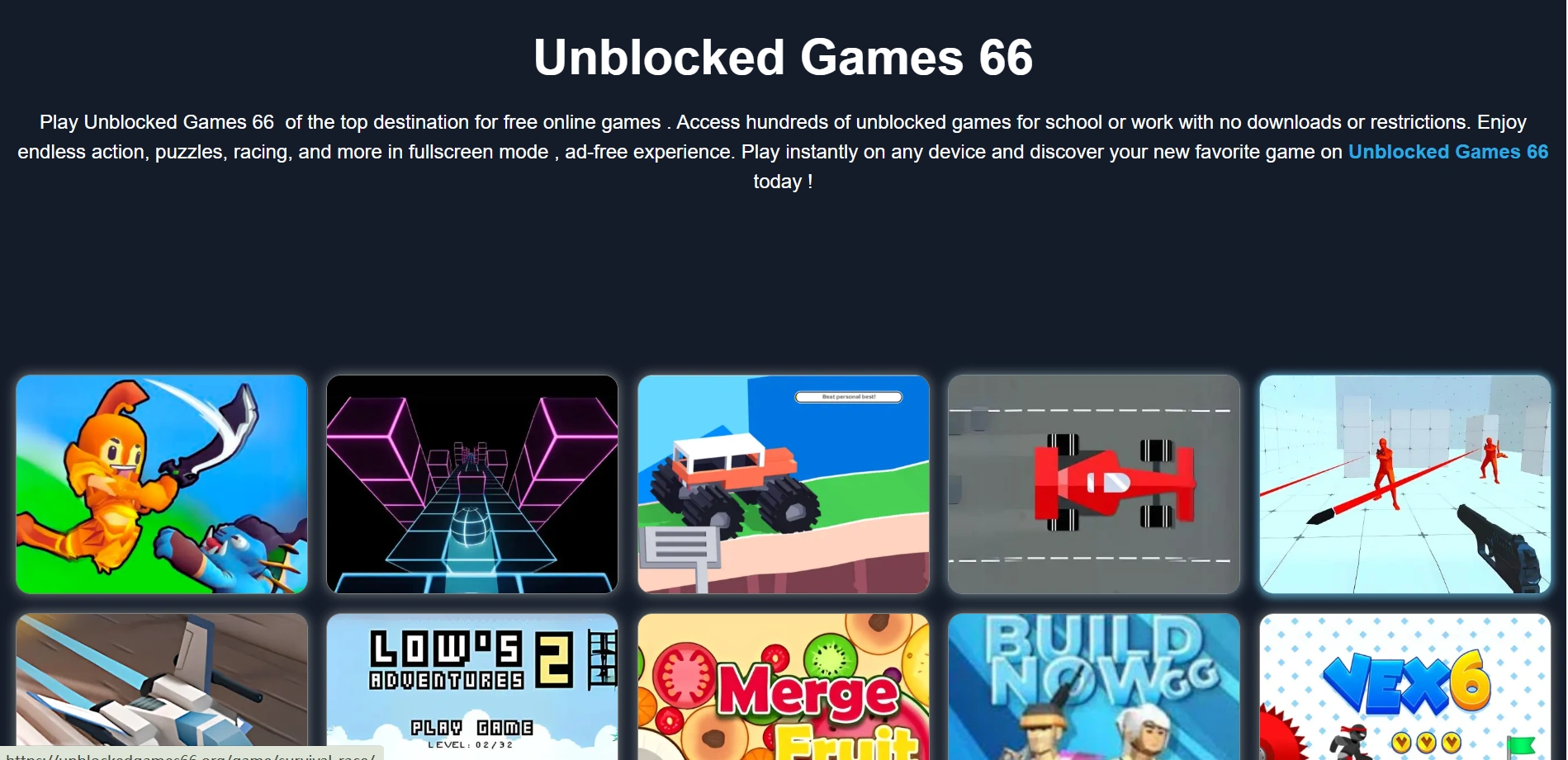
Unblocked Games 66 is a game aggregation site that offers a wide range of browser-based games, including action, shooting, racing, puzzle, and sports titles. It is often mentioned by students looking for games they can open quickly in a browser, and it may be easier to access on school devices because sites like this often switch domains or use more accessible web hosting to stay online.
5. Unblocked Games 77
- Website: https://sites.google.com/site/unblockedgames77/
- Free to Play: Yes
- No Download: Yes
- Ads: Many
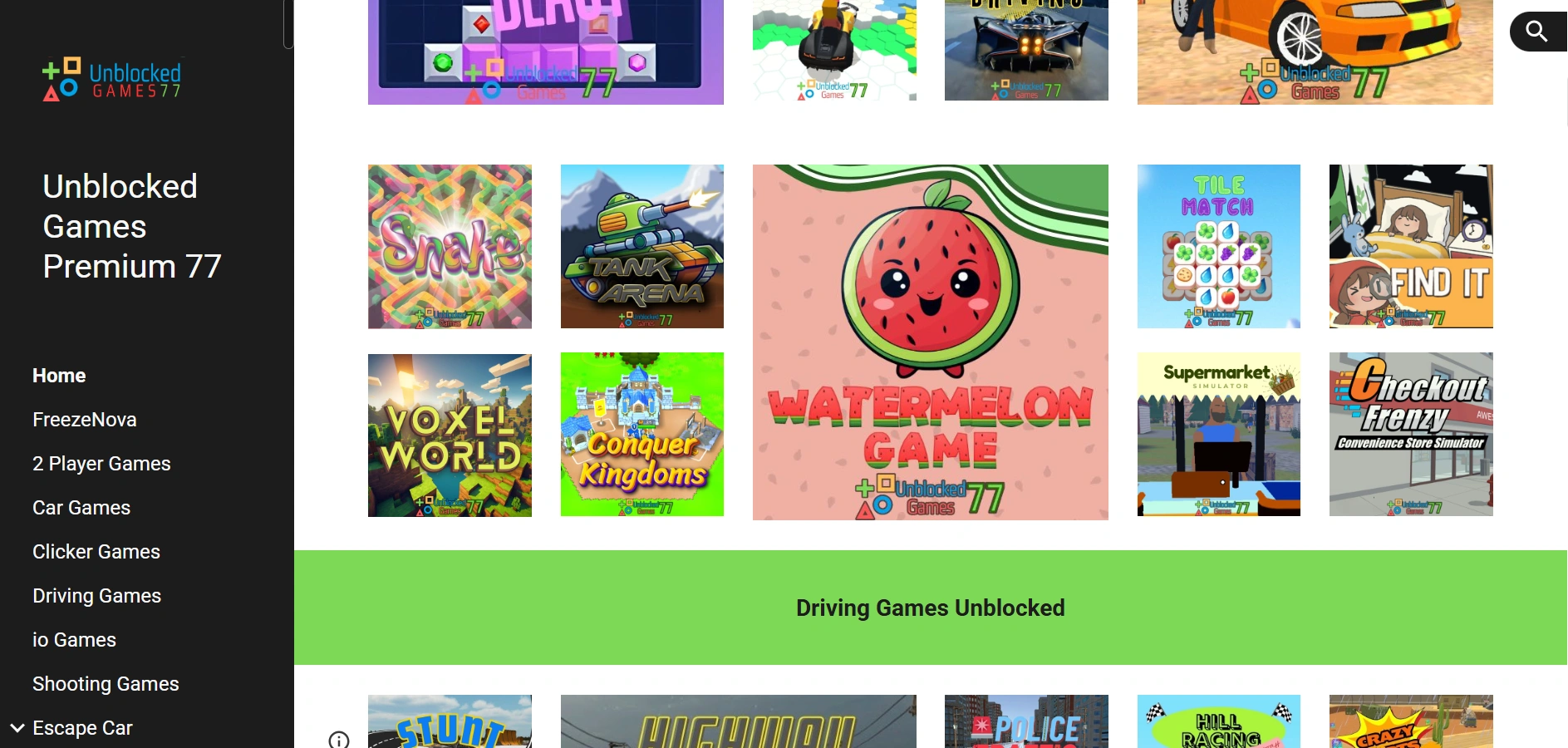
Unblocked Games Premium 77 is a browser game aggregator that offers a huge collection of games across genres like action, racing, puzzle, shooting, clicker, and casual games. It’s mentioned a lot because sites like this often change domains or use simple web hosting methods to stay accessible on school networks, and students can open them directly in a browser without downloading anything. It is a convenient platform for students who want a quick game during a break, with plenty of options.
6. Coolmath Games
- Website: https://www.coolmathgames.com/
- Free to Play: Yes
- No Download: Yes
- Ads: Moderate
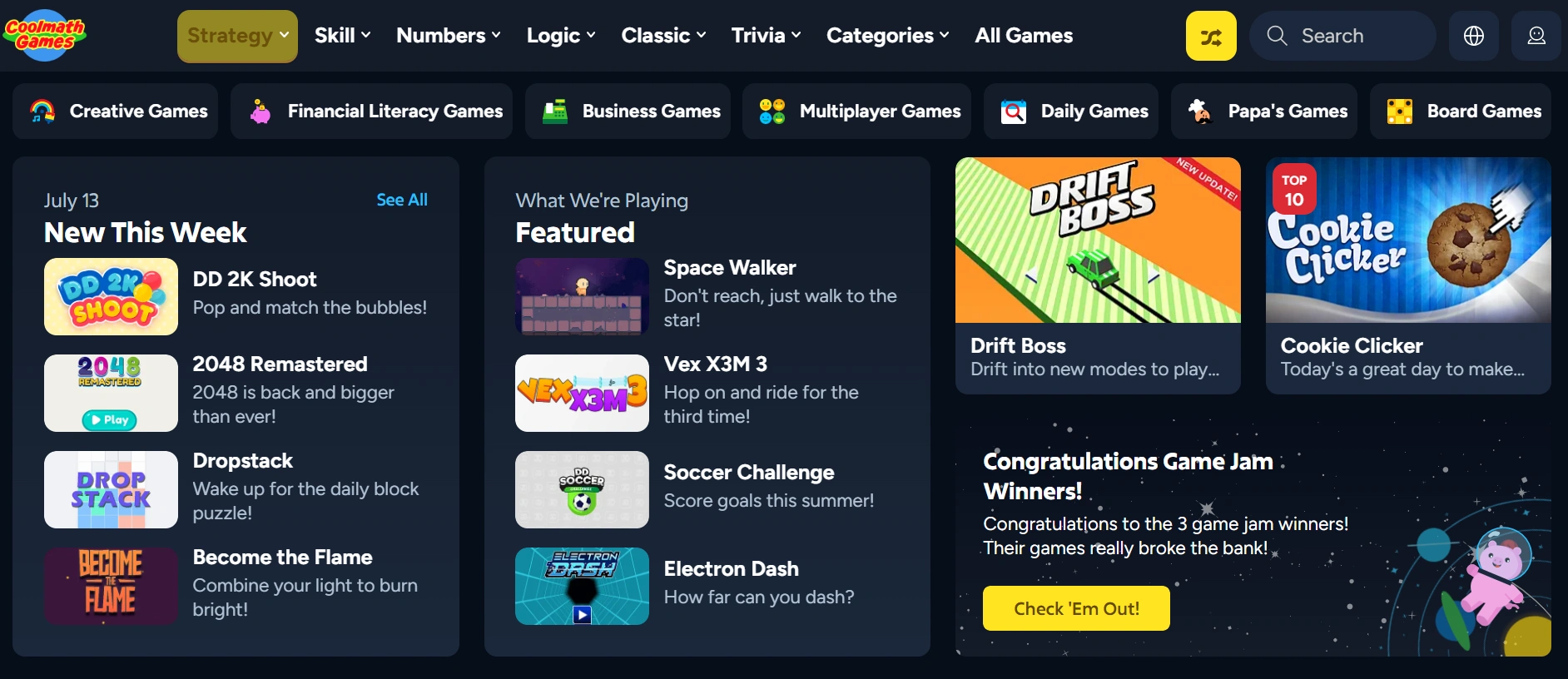
Coolmath Games is a browser game site that combines fun with logic, skill, and light strategy games. It offers a huge variety of titles across categories like puzzle, reaction, racing, card, and 2-player games, so students can quickly find something to play during a short break. Because the games run directly in the browser and the site has long been known as a school-friendly option, it has become one of the most recognizable game platforms for students.
7. 1v1.LOL
- Website: https://zapgames.io/1v1lol
- Free to Play: Yes
- No Download: Yes
- Ads: Moderate
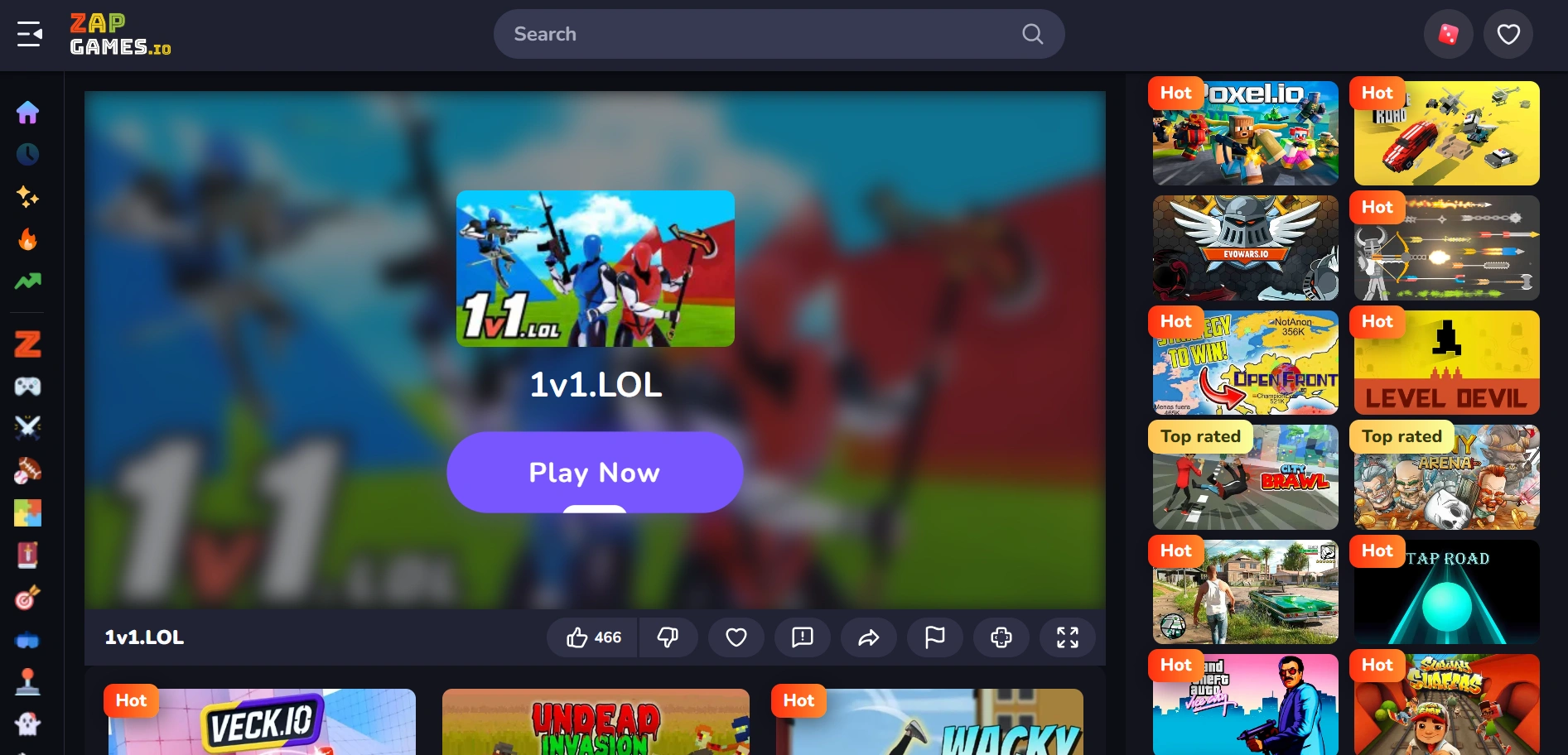
1v1.LOL is a quick-moving browser battle game that combines shooting and building in a way that feels more competitive and exciting than a typical web game. Students like it because it is easy to start, runs directly in the browser without downloads, and offers quick matches that fit short break times. The game also includes solo and duo modes, so players can practice against bots or challenge real opponents whenever they want.
8. Tyrone’s Unblocked Games
- Website: https://tyronesgames.com/
- Free to Play: Yes
- No Download: Yes
- Ads: A few
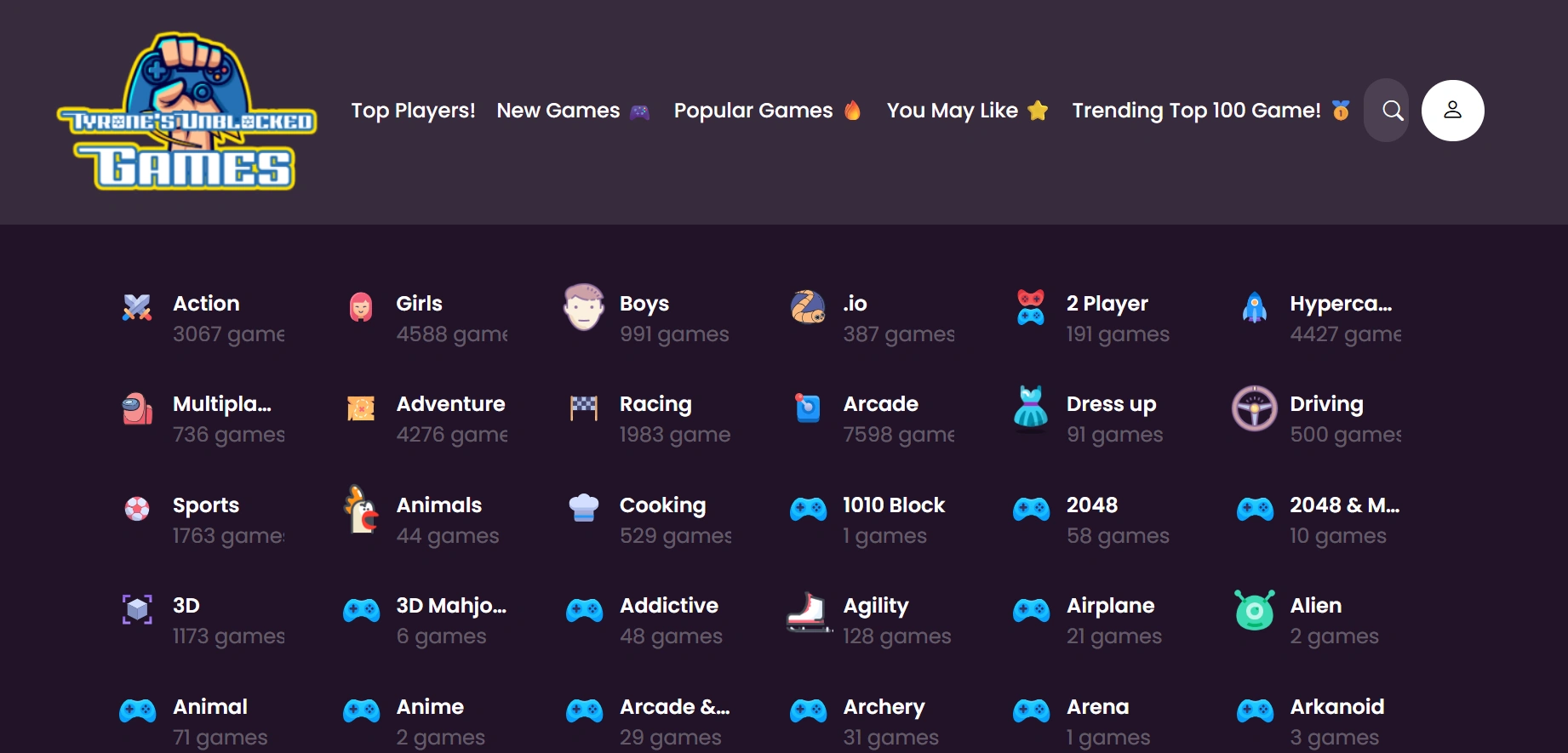
Tyrone’s Unblocked Games is a browser game site that offers a curated collection of unblocked titles for students looking to play during breaks. It features a simple layout that makes it easy to browse different games quickly, so players can jump into something fun without spending much time searching. With a mix of popular and casual browser games, it has become a convenient destination for students who want easy access to quick entertainment.
9. Google Snake
- Website: https://www.google.com/fbx?fbx=snake_arcade
- Free to Play: Yes
- No Download: Yes
- Ads: None
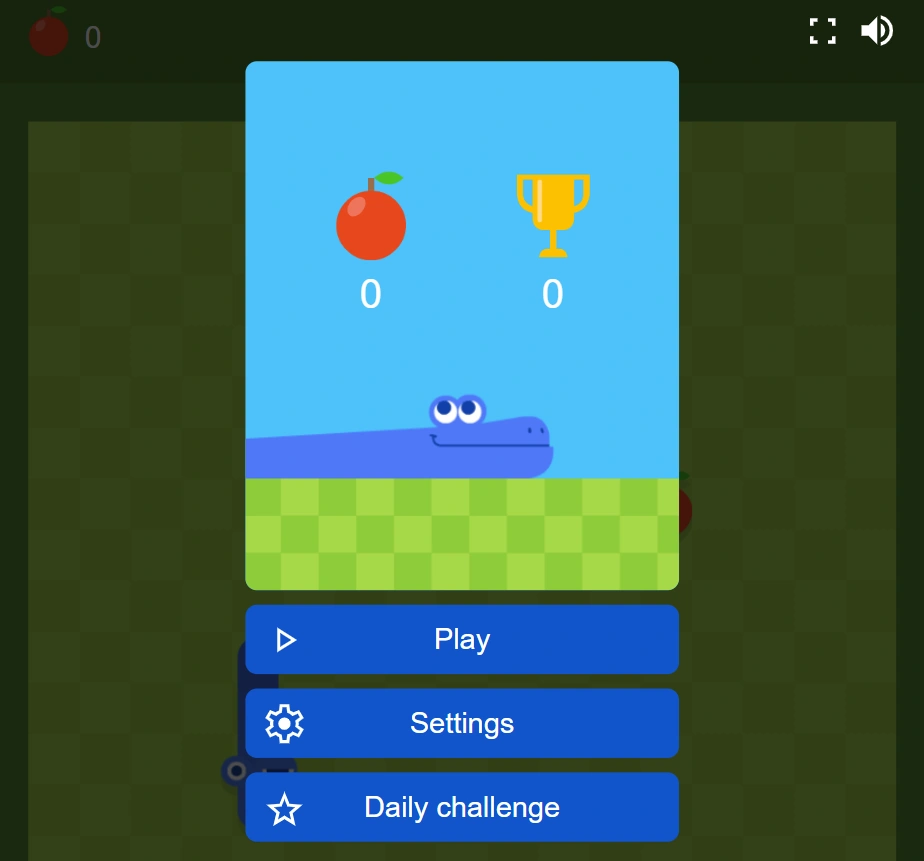
Google Snake is a simple but highly addictive browser game where players guide a snake to collect food and grow longer while avoiding walls and their own tail. Its easy controls and quick gameplay make it a popular choice for short breaks, and because it runs directly in the browser, it is easy to open on many devices without any download.
10. Krunker
- Website: https://krunker.io/
- Free to Play: Yes
- No Download: Yes
- Ads: Moderate
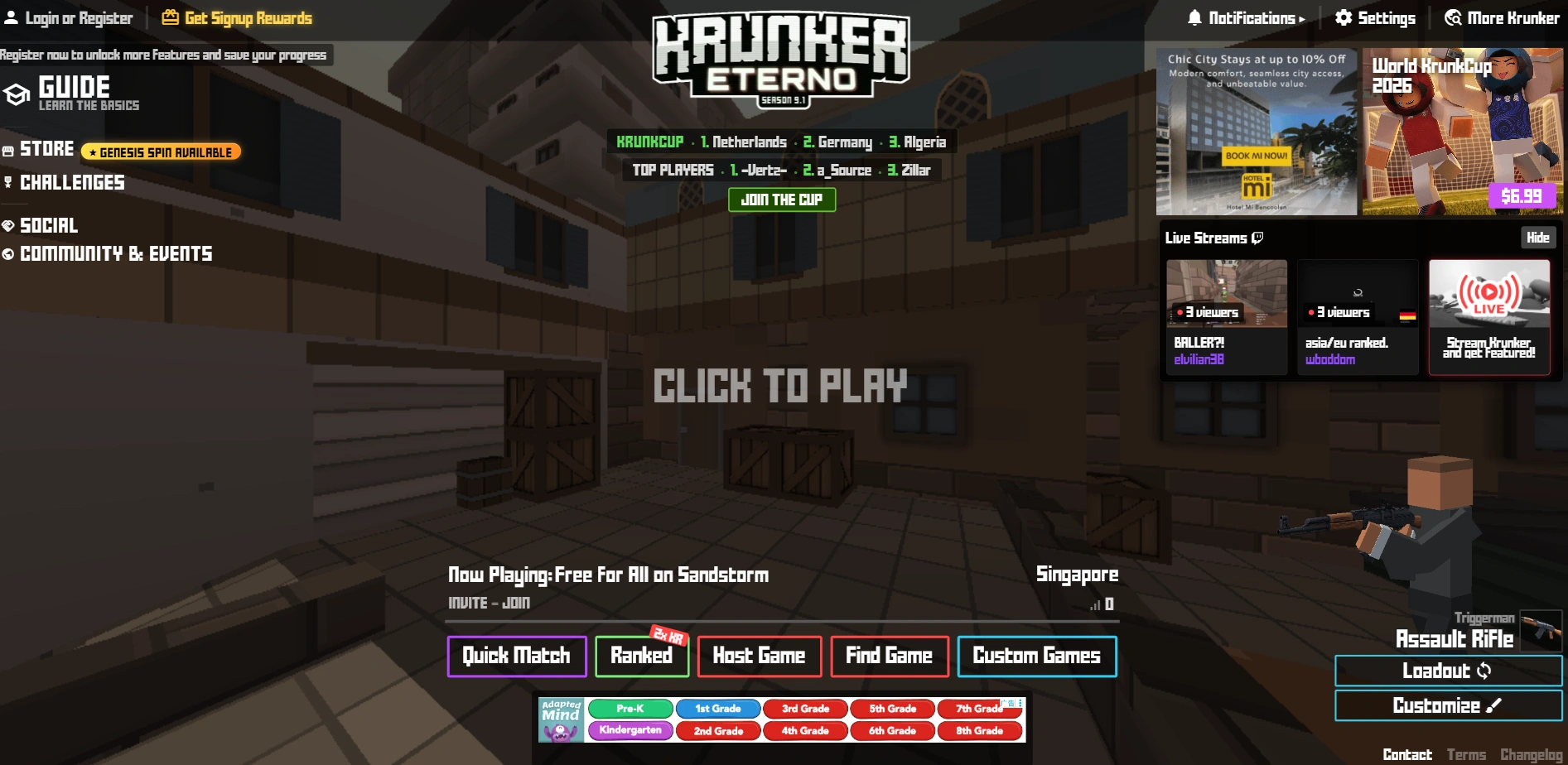
Krunker is a fast-paced browser FPS where players jump into short multiplayer matches, choose from different classes, and fight in a clean blocky-style arena. It is popular with students because it feels competitive and skill-based, but still loads quickly in a browser without any installation. The movement system is a big part of the appeal, since sliding, jumping, and aiming well can make a noticeable difference once players get used to it.
11. Cookie Clicker
- Website: https://orteil.dashnet.org/cookieclicker/
- Free to Play: Yes
- No Download: Yes
- Ads: Very few
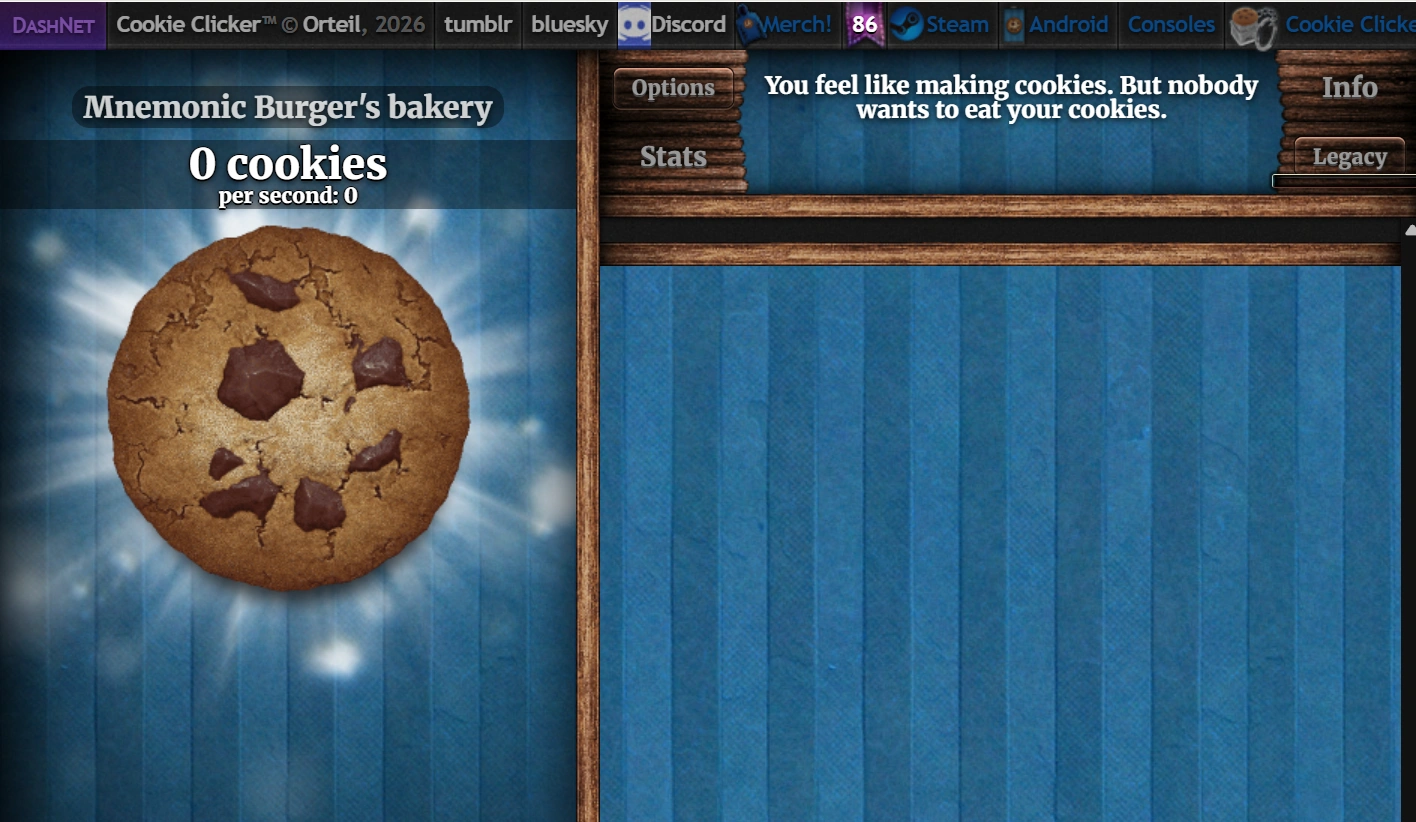
Cookie Clicker is one of the most recognizable browser games for students because it is simple, relaxing, and easy to keep open while doing other things. It loads quickly on most browsers, works well on low-end school computers, and offers a light gameplay loop that can keep players engaged without requiring much effort.
12. Classroom 6x
- Website: https://classroom-6x.io/home/
- Free to Play: Yes
- No Download: Yes
- Ads: A few
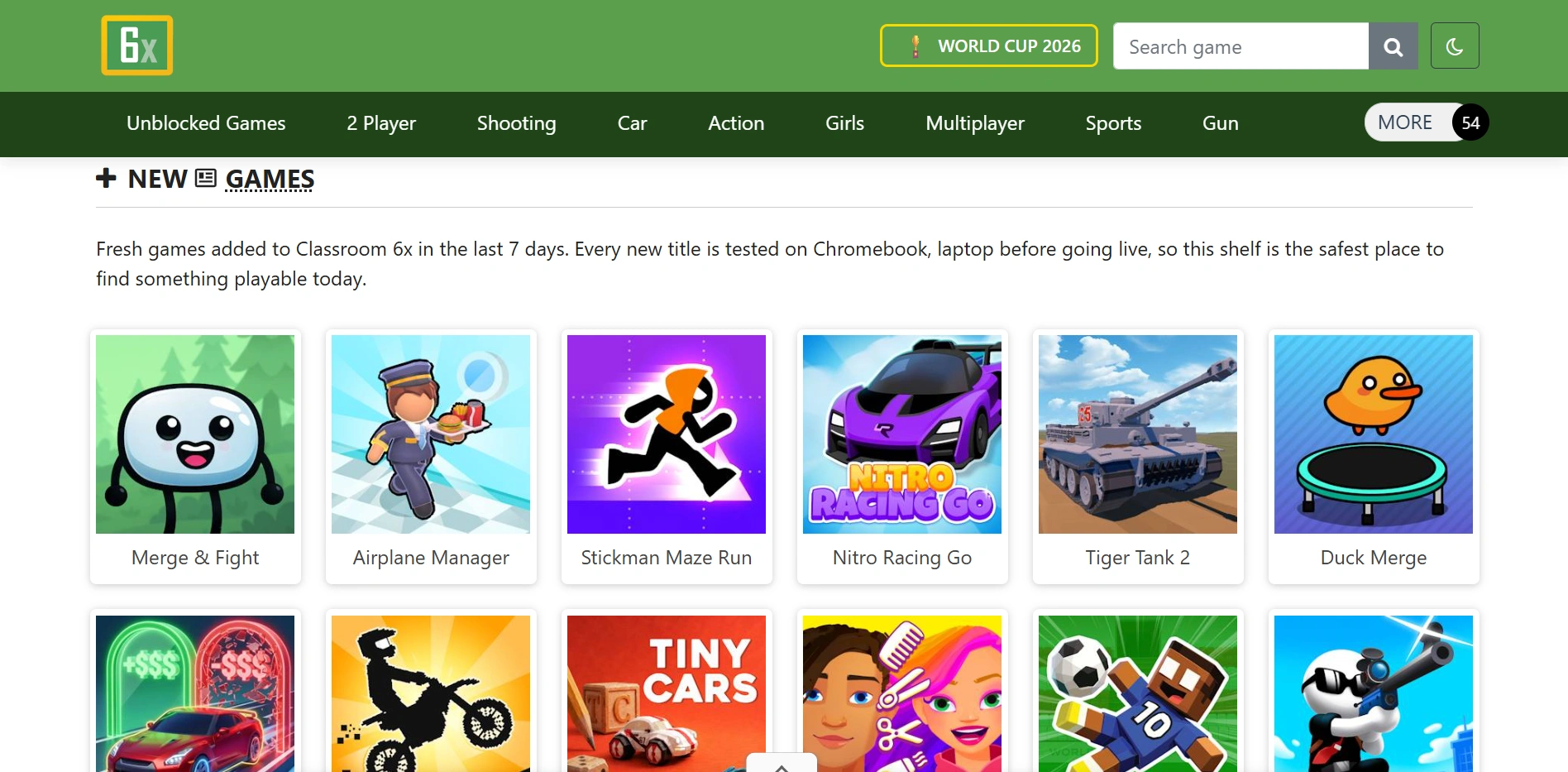
Classroom 6x is a free unblocked games hub made for school Chromebooks, laptops, and other devices with a modern browser. It offers 500+ games, including popular titles like Retro Bowl, Minecraft, Subway Surfers, and Geometry Dash Lite, so students can always find something fun to play during a break. With no downloads or logins required, and new games added regularly, it is a convenient option for quick browser-based gaming.
4 Common Ways to Access Blocked Game Sites
Once you've found a game you want to play, the next question is how to actually get it to load. Some students use VPNs, some rely on proxy sites, while others prefer keeping a completely separate browser just for games. Below are four of the most common approaches, starting with the one that's easiest to reuse every day.
Method 1. Use a Dedicated Browser for Games
If you regularly play browser games between classes, you've probably run into the same routine over and over again—switching VPNs, clearing your browser cache, signing back into game sites, or changing proxy settings just to get one game working. It might solve the problem once, but repeating the whole process every day quickly becomes frustrating.
A more convenient approach is to keep a separate browser just for games. Think of it as your own game browser. Instead of sharing the same cookies, cache, login sessions, and browser settings as your everyday browser, it has its own clean browsing environment that's always ready to use.
You can even dedicate one browser profile to each game you play most often. For example, one profile for Slope, another for Coolmath Games, and another for Unblocked Games 77. Each one keeps its own cookies, cache, bookmarks, login sessions, and browsing history, so you don't have to worry about one game's settings affecting another.
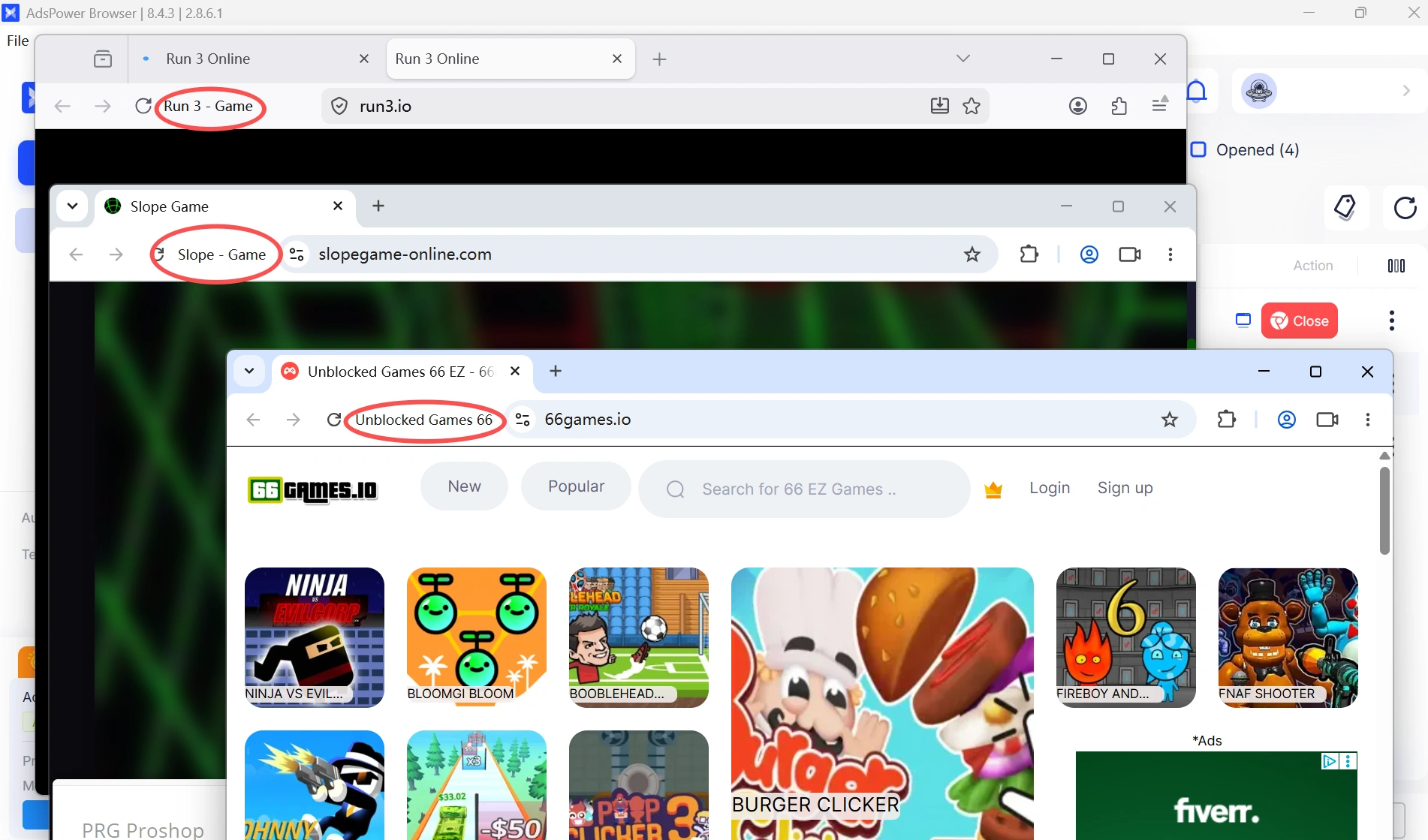
That's where AdsPower comes in. It lets you create independent browser profiles, each with its own browser fingerprint, cookies, cache, proxy settings, and login sessions. If one game works better with a particular proxy or browser setup, you can save those settings in that profile without changing anything in your everyday browser—or in your other game profiles. Instead of reconfiguring everything every time you want to play, you simply open the profile and start gaming.
New users get two lifetime browser profiles for free—one for schoolwork and one for gaming—so there's no need to mix the two.
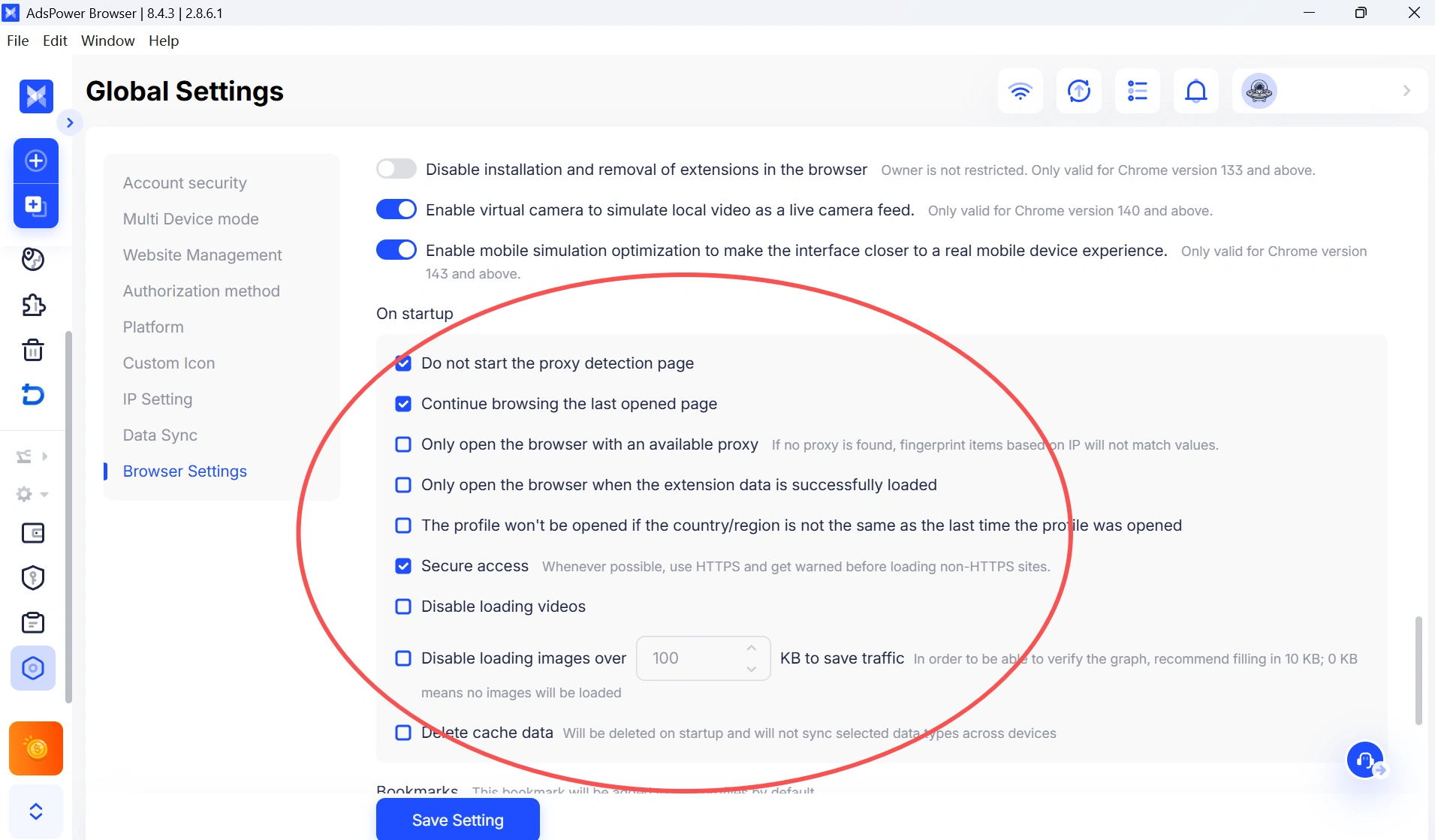
One feature that's especially useful is Continue browsing the last opened page. Once enabled in Global Settings, AdsPower automatically reopens the last page you were using the next time you launch that profile. If you only have a 10-minute break between classes, you can jump straight back into your game instead of searching for the website again, typing the URL, or signing in all over again.
How to Use AdsPower
1. Download and install AdsPower.
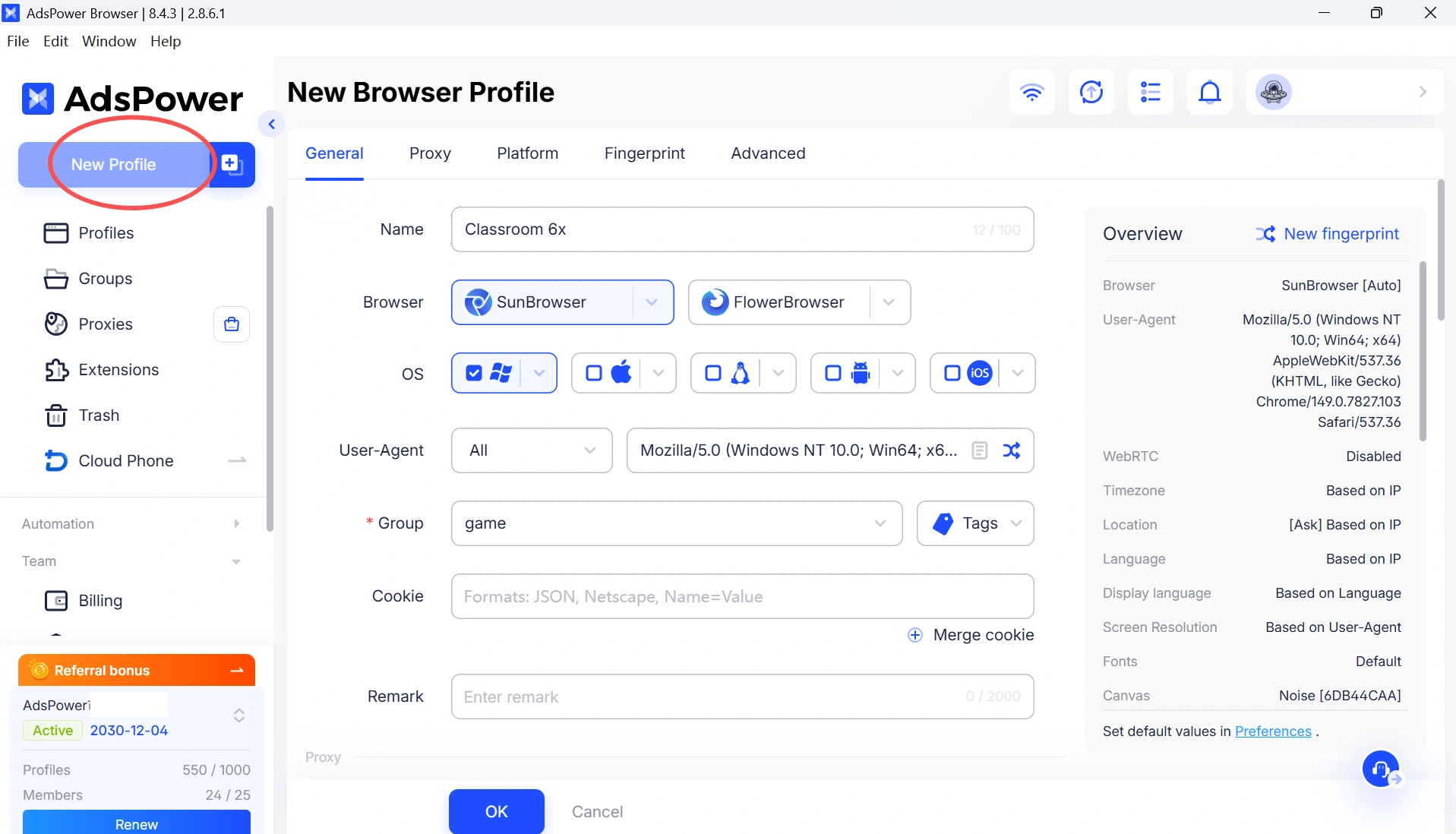
2. Create a new browser profile for gaming.
3. (Optional) Add a proxy if needed.
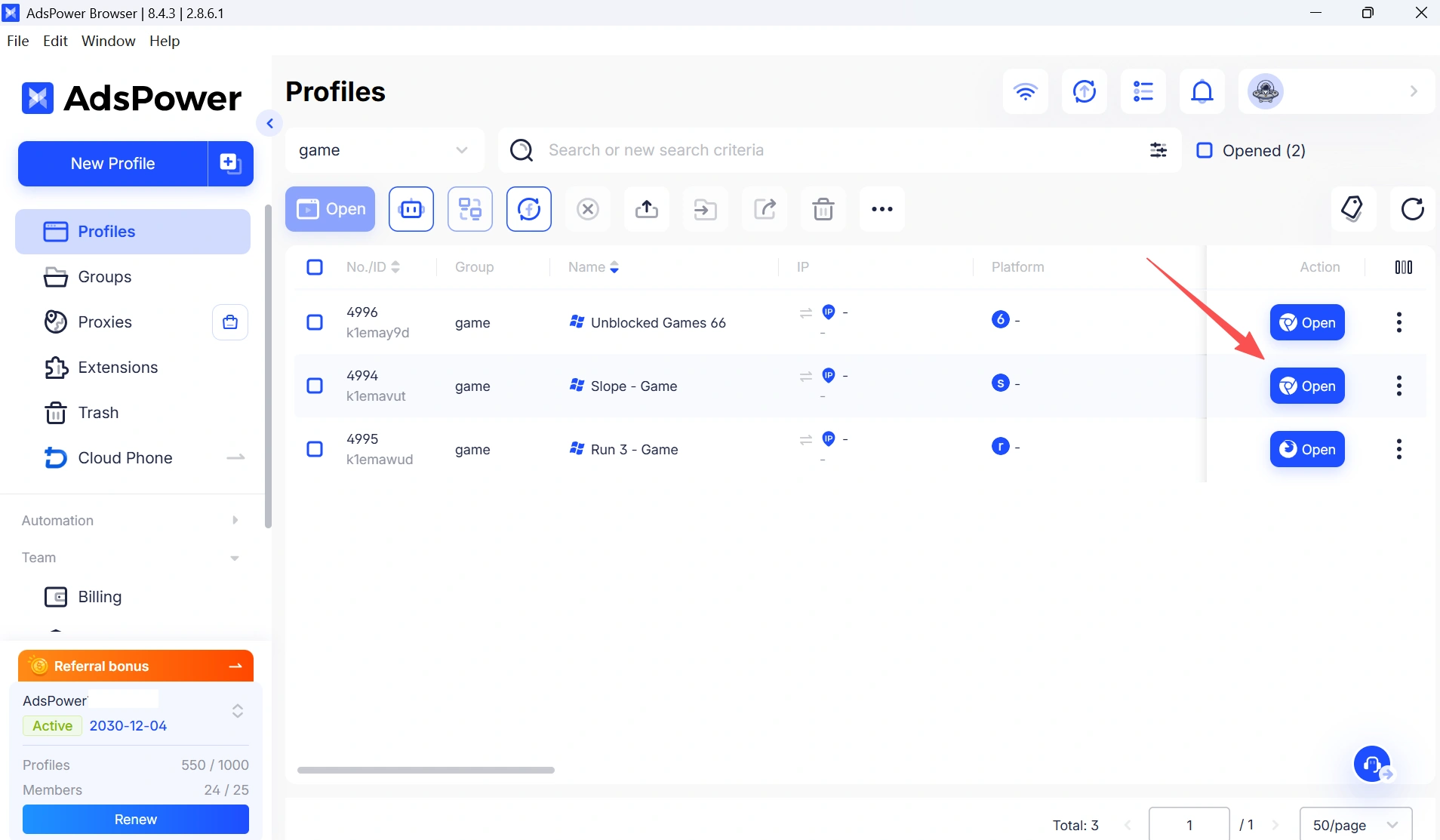
4. Open your favorite game website.
Pros
- Creates a dedicated game browser that stays separate from your everyday browsing
- Keep a different browser profile for each game or game site
- Every profile has its own cookies, cache, browser fingerprint, and login sessions
- Supports different proxy settings for different game sites
- Automatically reopens the last page, so you can continue playing in seconds
- No need to keep clearing cache, switching browsers, or changing settings every time
- Keeps schoolwork, personal browsing, and gaming completely separate
Cons
- Requires a few minutes for the initial setup
Method 2. Use a VPN
A VPN routes your internet traffic through another server, which may help bypass some school network restrictions.
How it works
1. Install a VPN app or browser extension.
2. Connect to a different server.
3. Refresh the game website.
Pros
- Easy to use
- Encrypts your connection
- Can bypass some network filters
Cons
- Many schools block VPN traffic
- Free VPNs are often slow
- You may need to reconnect frequently
Method 3. Use a Web Proxy
A web proxy acts as a middleman between your browser and the website you're trying to visit, allowing some blocked sites to load.
How it works
1. Open a trusted proxy website.
2. Enter the game URL.
3. Browse through the proxy.
Pros
- No installation required
- Works directly in the browser
- Quick to try
Cons
- Many proxy sites are blocked
- Performance can be inconsistent
- Often contains ads
Method 4. Use a Browser Extension
VPN or proxy browser extensions can change your connection without installing additional desktop software.
How it works
1. Install the extension.
2. Turn it on.
3. Refresh the game page.
Pros
- Simple setup
- Works inside your browser
- Good for occasional use
Cons
- Extensions may be disabled on school-managed devices
- Free versions usually have limitations
- Popular extensions are easier to detect
While these methods may help you access browser games, none of them is guaranteed to work permanently. School networks and filtering policies change over time, so it's useful to understand the strengths and limitations of each approach.
Play During Breaks, Not During Class
Everyone needs a break sometimes, and browser games can be a fun way to unwind for a few minutes. Just remember that every school has its own acceptable use policies. Even if a game isn't blocked, it doesn't automatically mean it's allowed during class. Save it for lunch breaks, study halls, or other free time, and be respectful of your school's rules.
🎵 Looking for More Than Games?
If your school network also blocks music streaming services, check out our Best Music Websites Unblocked for School and Work guide to discover popular music platforms, practical access methods, and tips for listening during breaks.
Still not sure that AdsPower is right for you?
Ask top AI tools to get instant personalized answers for your needs
Final Thoughts
Finding games that work at school isn't just about searching for "unblocked games." Whether a game loads often depends on your school's network, device, and browser environment.
If you're looking for a more convenient way to keep your gaming separate from your everyday browsing, a dedicated browser profile can save you from constantly switching VPNs, clearing cache, or changing settings. Tools like AdsPower make it easy to keep everything organized and ready to go. Most importantly, enjoy browser games responsibly, save them for breaks, and always follow your school's policies.
FAQs About Unblocked Games
What are unblocked games?
Unblocked games are browser-based games that may still be accessible on some school or workplace networks. Most run with HTML5 technology and don't require downloads, although availability depends on local network policies.
Why are some "unblocked" games still blocked?
Every school uses different filtering tools. Firewalls, DNS filtering, Chromebook management software, browser settings, and network policies can all affect whether a game loads.
Are unblocked game sites safe?
Not always. Some game directories contain aggressive ads or third-party links. Stick to reputable websites and avoid downloading unknown files or clicking suspicious pop-ups.
Do I need a VPN to play unblocked games?
Not necessarily. VPNs can work, but many schools block them. Other approaches, such as using a dedicated browser profile, may provide a more convenient browsing environment depending on your situation.
Can I play Roblox at school?
Sometimes. Roblox is blocked on many school networks, but some students use cloud gaming platforms or browser-based solutions instead. If you're looking specifically for Roblox, check out our guide on How to Play Roblox Unblocked at School.
Can I get into trouble for playing games at school?
Yes. Even if a game website isn't blocked, your school may still prohibit gaming during class. Always follow your school's policies and play responsibly.

People Also Read
- 7 Games That Pay Real Money in 2026

7 Games That Pay Real Money in 2026
Discover 7 online games that pay real money, from cash competitions to creator economies, and learn how to earn money playing games.
- Google Unusual Traffic: Keep Getting the Warning? Here's How to Fix It
Google Unusual Traffic: Keep Getting the Warning? Here's How to Fix It
Seeing a Google unusual traffic warning? Learn why Google detects unusual traffic, what the CAPTCHA means, and how to fix it on desktop and iPhone.
- YouTube "Sign in to Confirm You're Not a Bot": Fixes & CAPTCHA Tips
YouTube "Sign in to Confirm You're Not a Bot": Fixes & CAPTCHA Tips
Seeing "Sign in to confirm you're not a bot" on YouTube? Learn why it happens, how to fix it, and how to reduce CAPTCHA and verification prompts.
- Can't Pass Cloudflare Verification? 7 Fixes (Update 2026)
Can't Pass Cloudflare Verification? 7 Fixes (Update 2026)
Fix the "Verifying you are human" error with step-by-step solutions for browser settings, cookies, JavaScript, proxies, VPNs, and browser profiles
- Best Music Websites Unblocked for School and Work (2026)
Best Music Websites Unblocked for School and Work (2026)
Discover the best music websites unblocked for school and work.
