

Best Music Websites Unblocked for School and Work (2026)
Take a Quick Look
Are you looking for free music websites that can be used at school or work? This post examines the top ten unblocked music websites, such as Spotify Web Player, SoundCloud, Jamendo, and TuneIn Radio. You'll also discover why some music websites are prohibited and how AdsPower can help you access region-locked platforms.
Listening to music at school or work is not always simple. Depending on your network, some music websites may function normally, while others are blocked or have limited access due to school policies, workplace firewalls, or regional licensing restrictions.
In this guide, we've selected 10 notable free music websites, ranging from mainstream streaming services to internet radio and independent music collections. We'll analyze what each platform has to offer, whether it's available in most countries, and how well it suits education or work. If you are still unable to access a music website, we will go over several practical solutions and show you how AdsPower can help create a more compatible browsing environment.
Best Free Unblocked Music Sites at a Glance
Before diving into the detailed reviews, here's a quick comparison of our favorite free unblocked music sites. Check what each platform offers, whether it's available in your region, and how suitable it is for school or work.
| Website | Best For | Region Availability | School Access |
|---|---|---|---|
| Spotify Web Player | Mainstream music, playlists & podcasts | Available in most regions | ★★★☆☆ |
| YouTube Music | Official songs, MVs & live performances | Available in most regions | ★★☆☆☆ |
| SoundCloud | Indie music, remixes & creator uploads | Available worldwide | ★★★★☆ |
| Audiomack | Hip-hop, Rap & Afrobeats | Available worldwide | ★★★★☆ |
| Jamendo | Independent & royalty-free music | Available worldwide | ★★★★★ |
| Free Music Archive | Free licensed & downloadable music | Available worldwide | ★★★★★ |
| Mixcloud | DJ mixes, radio shows & podcasts | Available worldwide | ★★★☆☆ |
| TuneIn Radio | Live radio, news & podcasts | Some stations are region-restricted | ★★★★☆ |
| AccuRadio | Curated radio channels & background music | Available in most regions | ★★★★★ |
| Deezer Web Player | Mainstream streaming & personalized playlists | Not available in some countries | ★★★☆☆ |
Our Picks: 10 Best Free Unblocked Music Websites
Each website, from global streaming platforms to online radio and small music archives, has its own unique offering. We handpicked 10 free unblocked music websites based on their music selection, free features, ease of use, and overall listening experience to help you find the best platform for school, work, or anywhere else.
1. Spotify Web Player
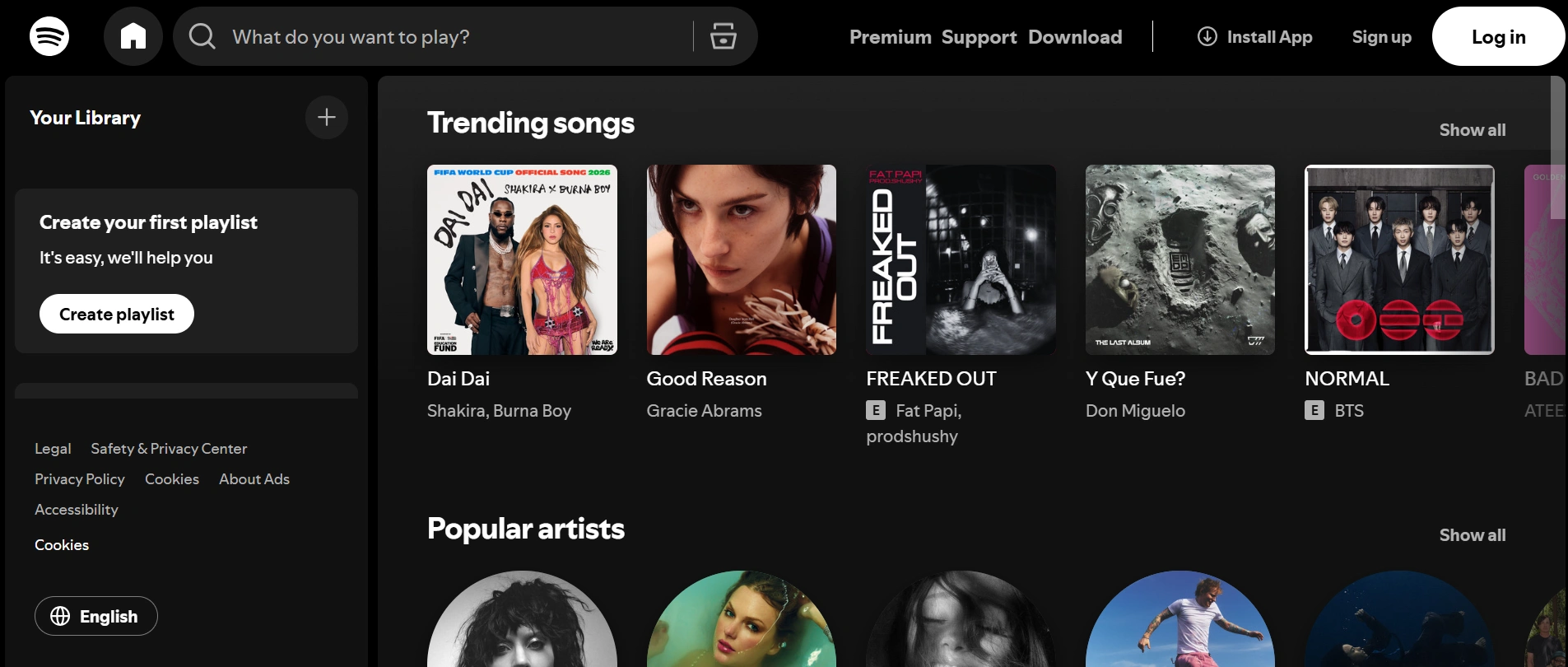
Spotify Web Player is the browser version of Spotify, giving you instant access to millions of songs, playlists, podcasts, and audiobooks without installing the desktop app. If your school or workplace doesn't block Spotify's web version, it's one of the easiest ways to enjoy music directly from your browser. The free plan includes ads, while Premium users get ad-free listening and additional features like offline playback in the desktop or mobile app.
- Website: https://open.spotify.com/
- Free Plan: Yes (ad-supported)
- Account Required: Yes (free Spotify account)
2. YouTube Music
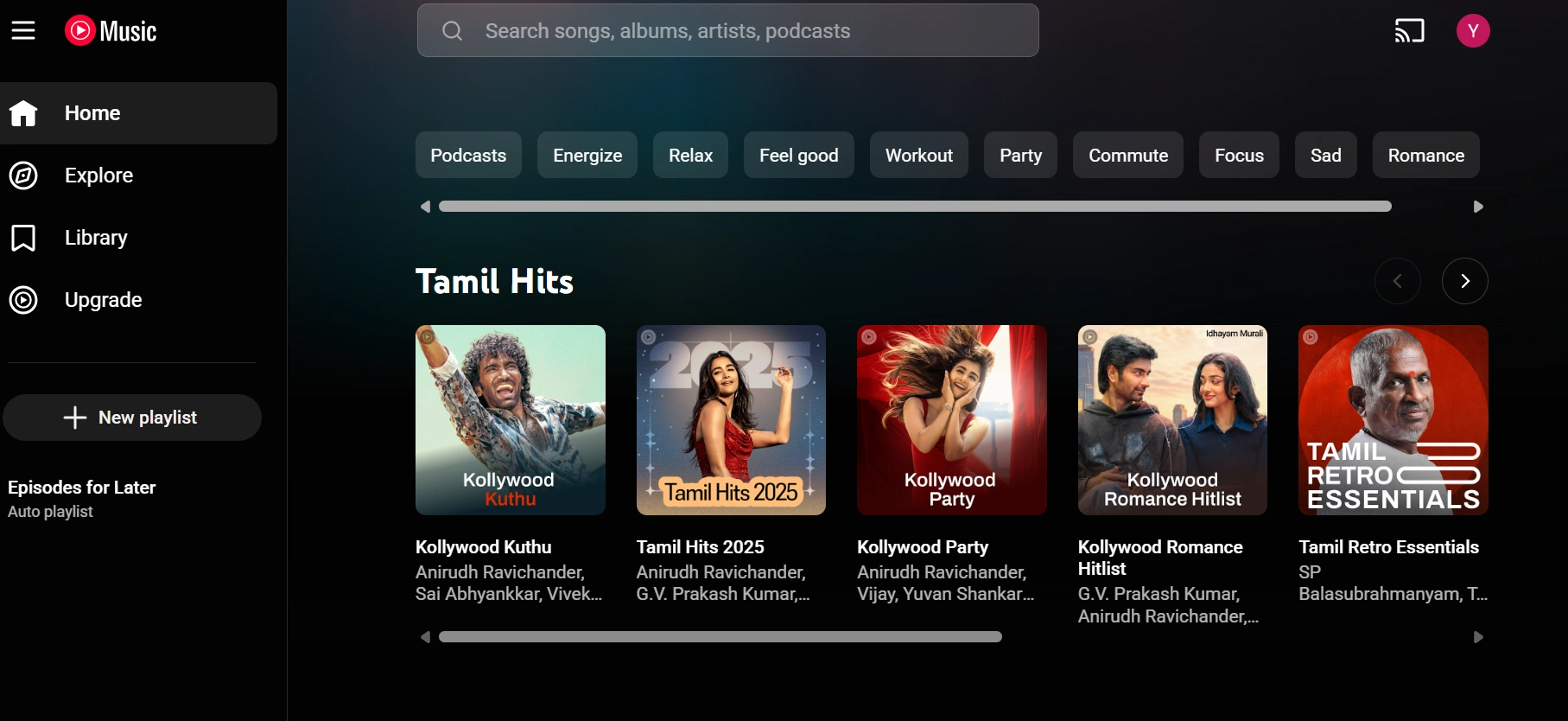
YouTube Music is Google's music streaming service that collects millions of official songs, albums, live performances, remixes, and music videos in one location. The free edition allows you to access a large music library directly from your browser, making it a popular choice among students and casual listeners. However, free users will see advertisements, and background playback is limited on mobile devices. Depending on your school, business, or area, YouTube Music may be disabled or have limited access on specific networks.
- Website: https://music.youtube.com/
- Free Plan: Yes (ad-supported)
- Account Required: Yes (Google account)
3. SoundCloud
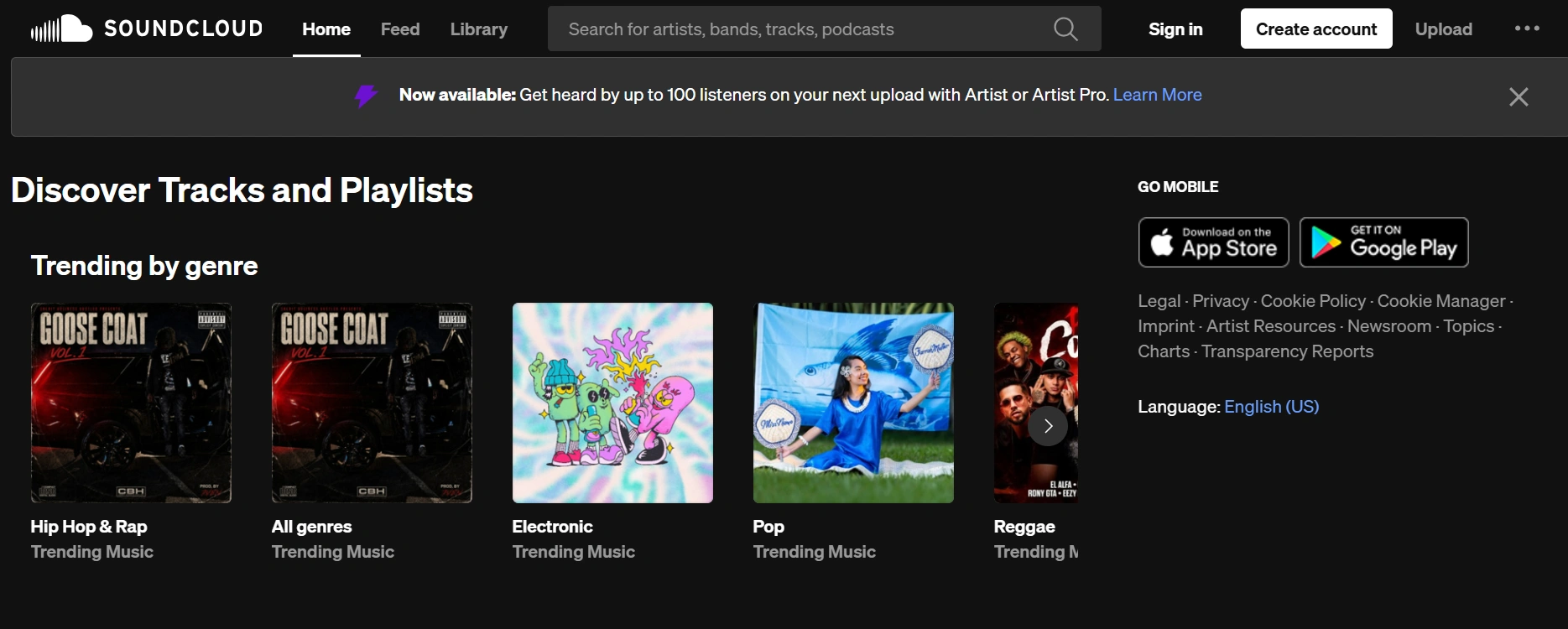
SoundCloud is a prominent music streaming platform recognized for its independent musicians, DJs, podcasts, and exclusive recordings that are sometimes unavailable on mainstream services. It allows anyone to upload and exchange music, making it an excellent platform for discovering new artists, remixes, and live recordings. Much music is available for free without a subscription, while some premium content requires a paid plan. Because its material is community-generated, audio quality and song availability may differ between uploads.
- Website: https://soundcloud.com/discover
- Free Plan: Yes
- Account Required: No (optional for playlists and personalized features)
4. Audiomack
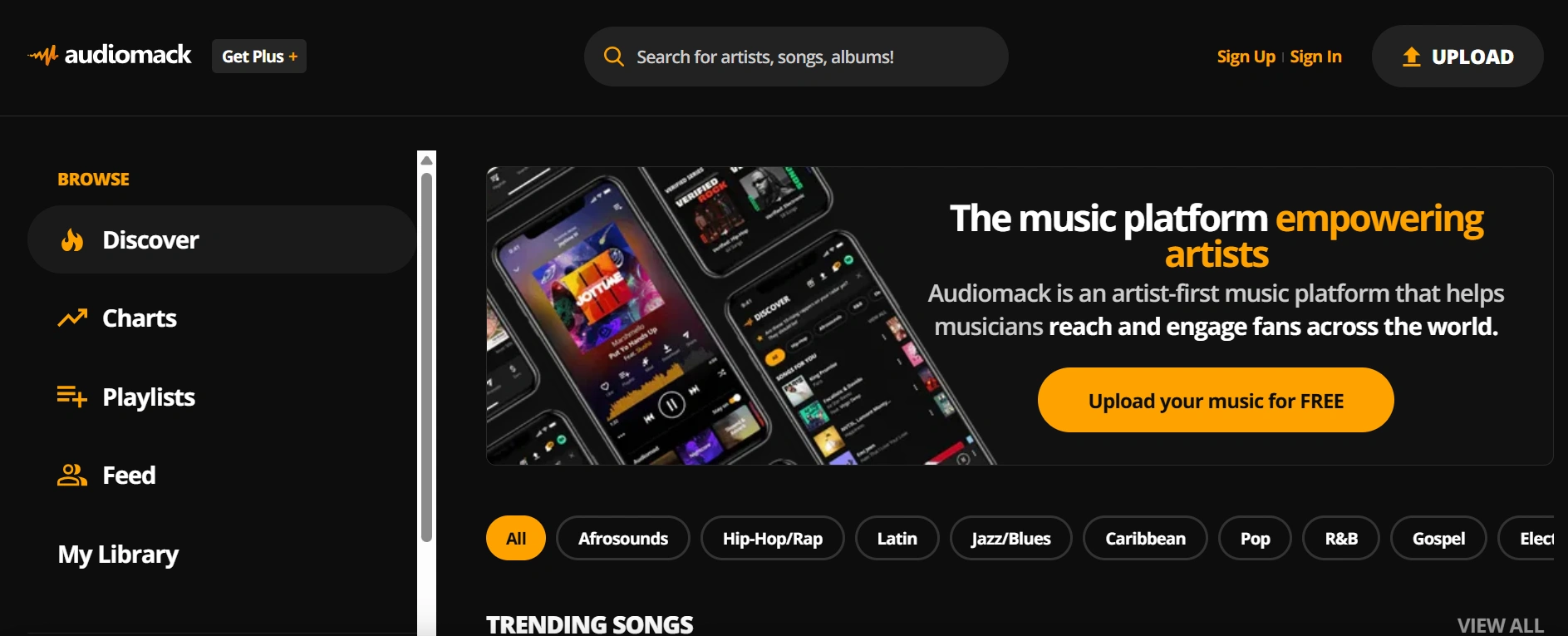
Audiomack is a free music streaming platform that's especially popular for hip-hop, rap, Afrobeats, electronic, and emerging artists. It offers millions of tracks, albums, and playlists, with many songs available to stream without a subscription. Its clean interface and offline listening option on the mobile app make it a great alternative to mainstream platforms. However, its catalog isn't as extensive as Spotify or YouTube Music, and some premium features require creating an account.
- Website: https://audiomack.com/
- Free Plan: Yes
- Account Required: No (optional for playlists, downloads, and personalized recommendations)
5. Jamendo
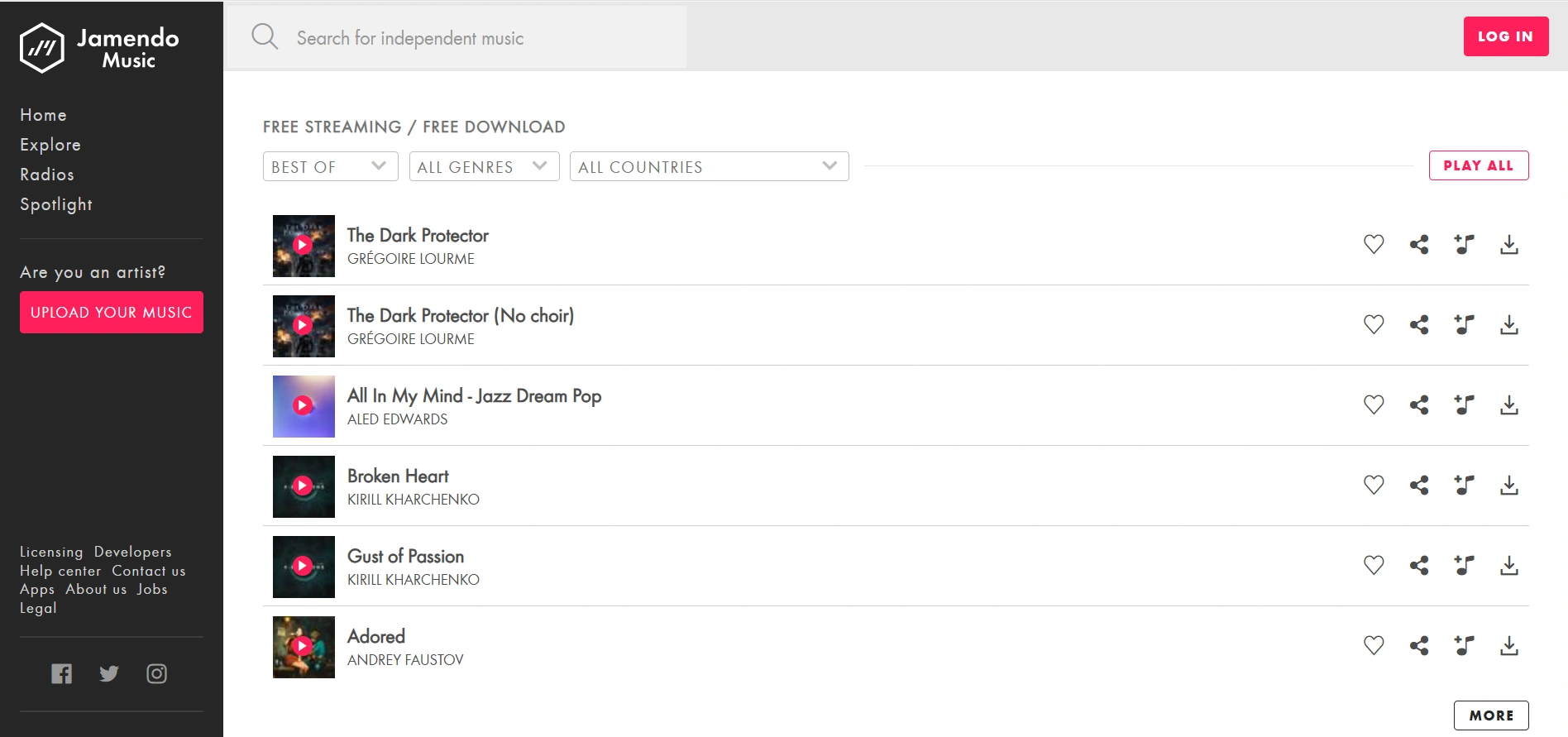
Jamendo is one of the best free music websites for discovering independent artists and royalty-free music. Unlike most streaming services, you can browse and listen to thousands of tracks without creating an account, making it ideal for school or work. It's also widely used by content creators looking for legal background music. The downside is that it focuses on indie artists, so you won't find mainstream chart hits or major record labels.
- Website: https://www.jamendo.com/
- Free Plan: Yes
- Account Required: No
6. Free Music Archive
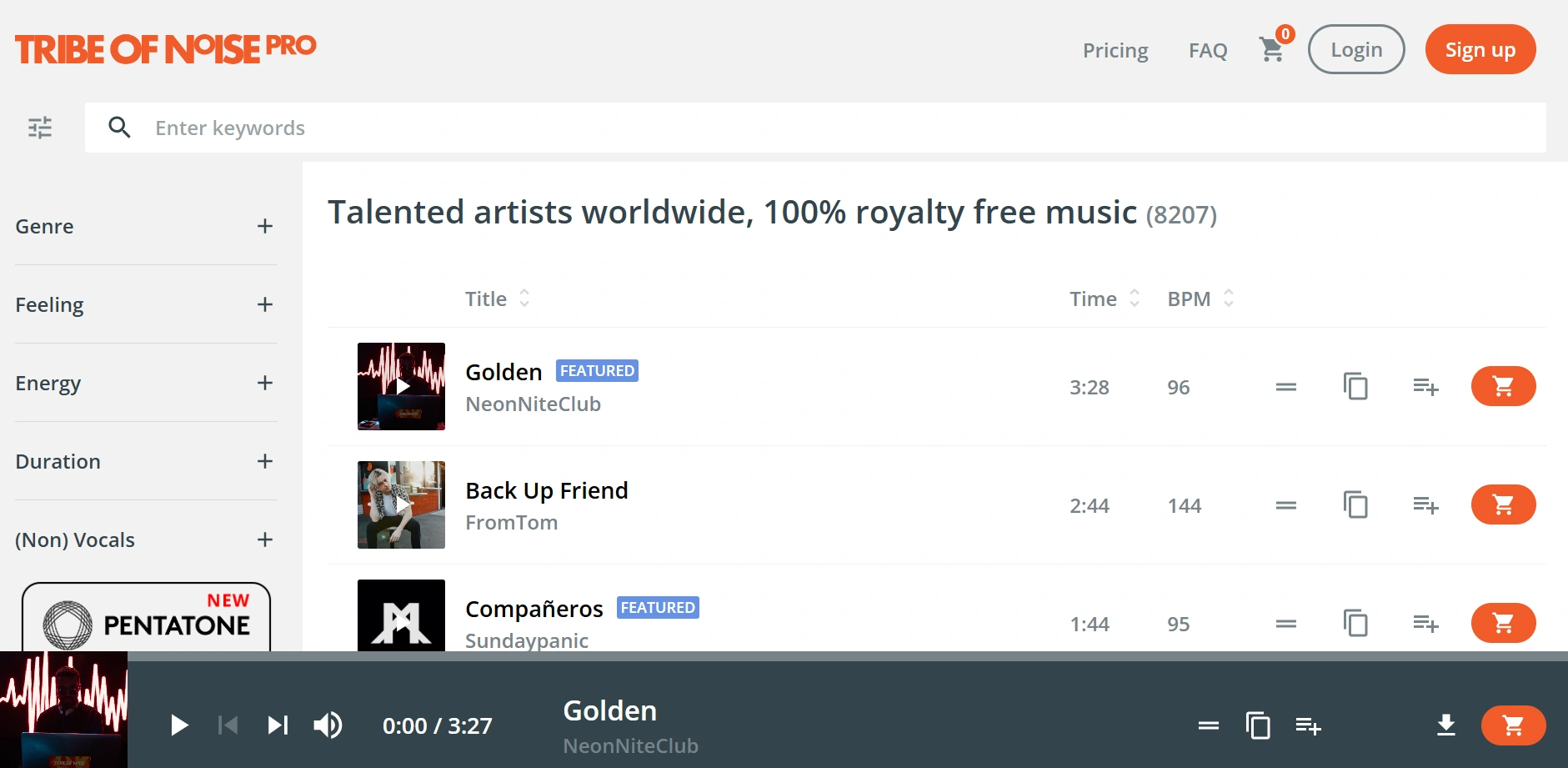
Free Music Archive (FMA) is a long-running platform that offers a large collection of free and legally licensed music across genres like rock, jazz, classical, electronic, and folk. It's an excellent choice for discovering independent artists and downloading royalty-free tracks for personal or creative projects. While its library is diverse, it doesn't feature the latest commercial releases, and the interface feels less modern than mainstream streaming services.
- Website: https://freemusicarchive.org/
- Free Plan: Yes
- Account Required: No
7. Mixcloud
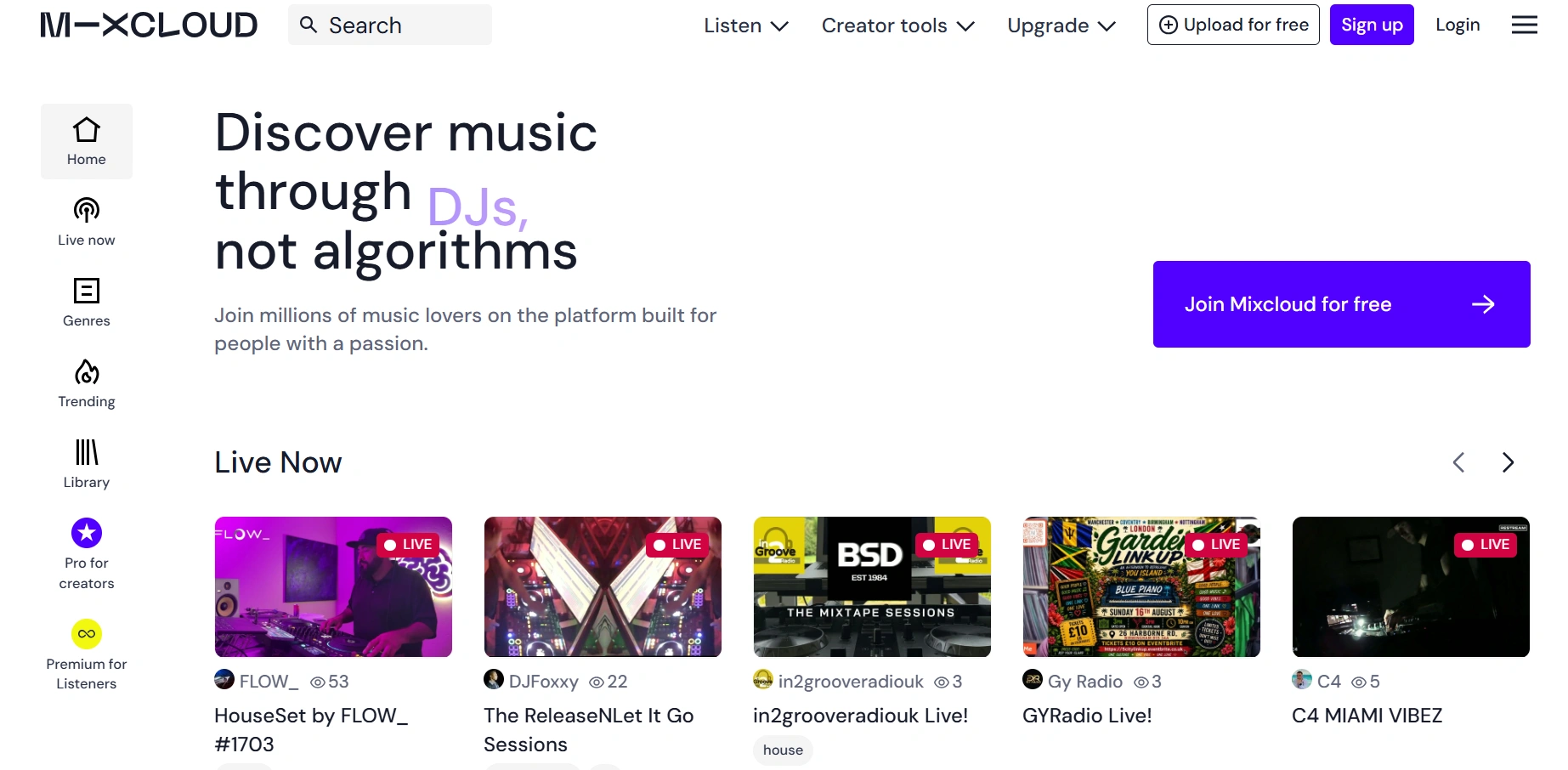
Mixcloud specializes in DJ mixes, radio shows, podcasts, and live performances rather than individual songs. It's a great platform for discovering electronic music, house, techno, hip-hop mixes, and curated radio content from creators around the world. Many shows are available for free, although some exclusive content requires a premium subscription. If you're looking for mainstream albums or on-demand song playback, other streaming services may be a better fit.
- Website: https://www.mixcloud.com/
- Free Plan: Yes
- Account Required: No (optional for following creators and personalized features)
8. TuneIn Radio
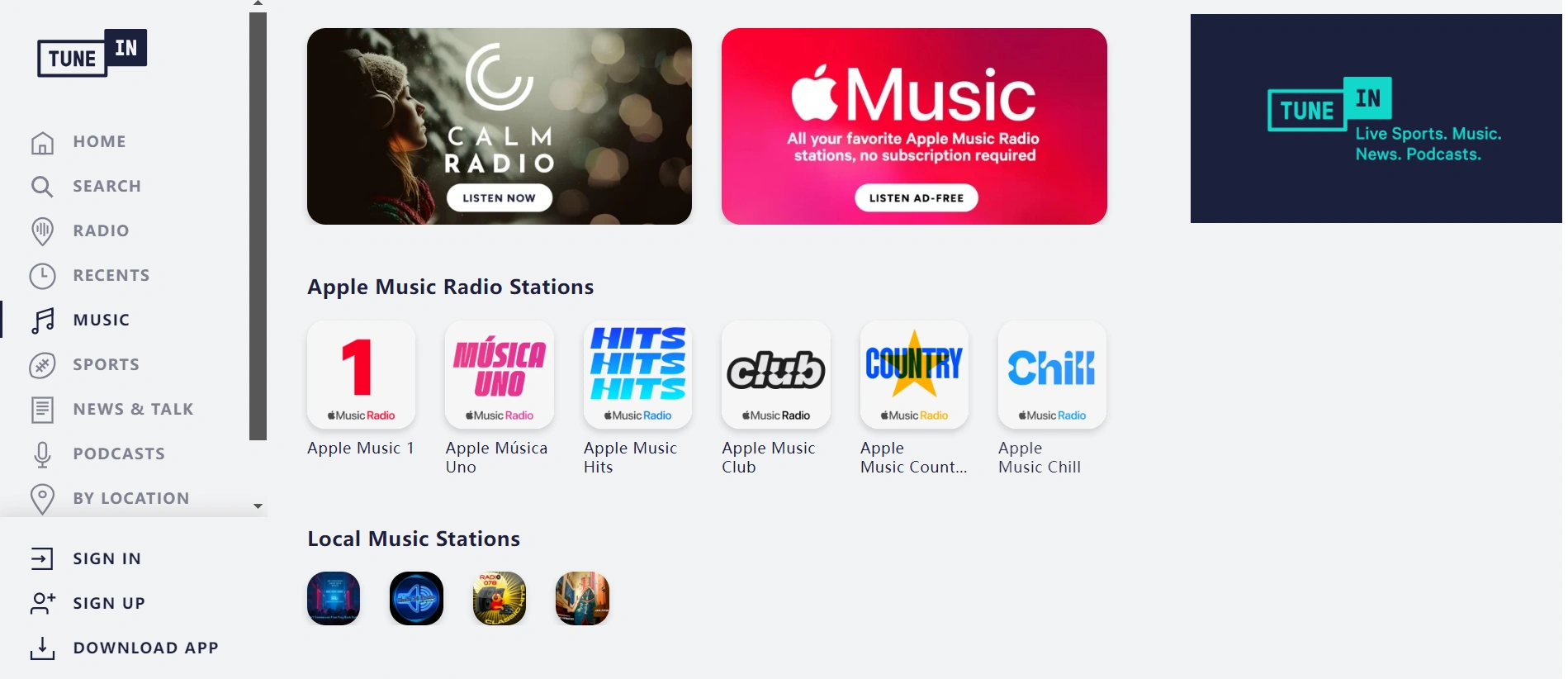
TuneIn Radio gives you access to thousands of live radio stations, music channels, podcasts, sports broadcasts, and news programs from around the world. It's an excellent option if you enjoy discovering music through live radio rather than playlists. Most content can be streamed for free in your browser, although premium subscriptions unlock additional sports and exclusive programming. Some stations may also have regional restrictions.
- Website: https://tunein.com/
- Free Plan: Yes (limited, ad-supported)
- Account Required: No (optional for favorites and syncing)
9. AccuRadio
AccuRadio is a free online radio platform featuring over a thousand curated music channels across genres like pop, rock, jazz, country, classical, and holiday music. It's especially popular for studying, working, or relaxing thanks to its themed stations and simple interface. No registration is required to start listening, although creating an account lets you save favorite channels and personalize your experience.
- Website: https://www.accuradio.com/
- Free Plan: Yes
- Account Required: No
10. Deezer Web Player
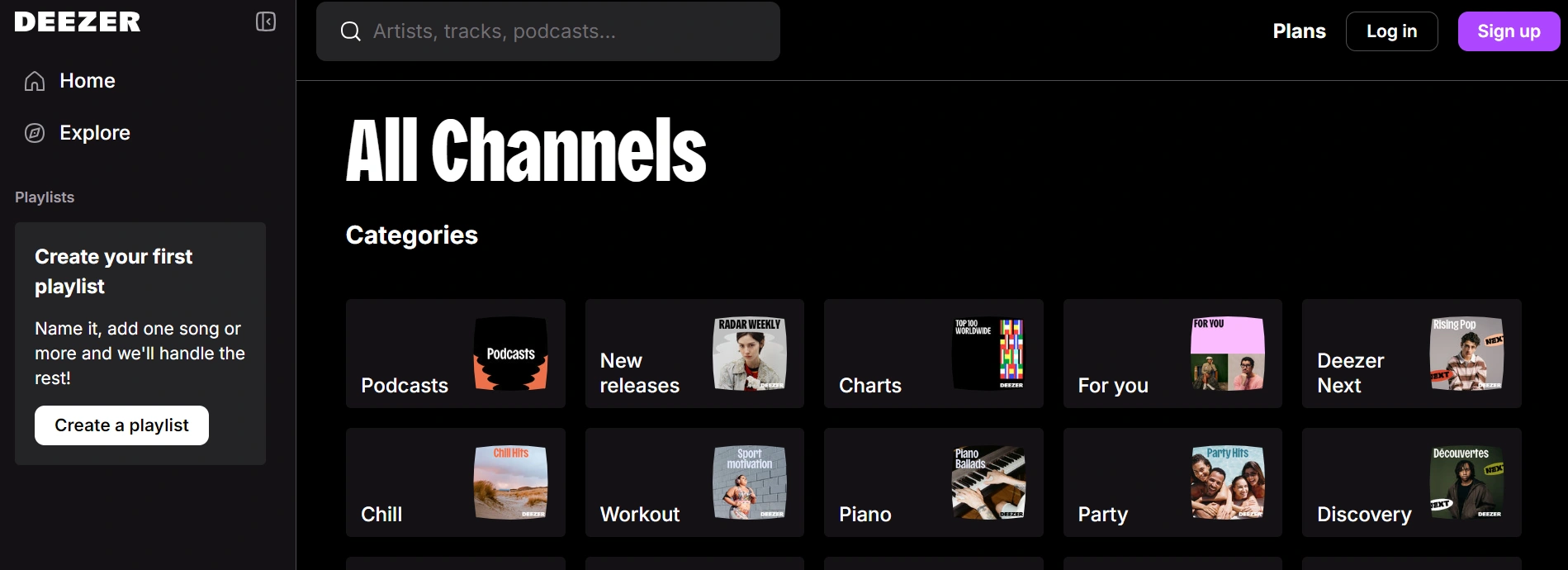
Deezer Web Player is a browser-based music streaming service with a library of over 120 million tracks, making it one of Spotify's strongest alternatives. It offers personalized recommendations, curated playlists, podcasts, and high-quality audio streaming directly from your browser. The free version is ad-supported and requires a Deezer account. Availability varies by region, meaning the service may not be accessible in certain countries or on restricted networks. Premium subscribers also enjoy higher audio quality and additional listening features.
- Website: https://www.deezer.com/
- Free Plan: Yes (ad-supported)
- Account Required: Yes (free Deezer account)
How to Access Region-Locked or Blocked Music Websites
Many of the free music websites listed above are available worldwide, but not all songs, albums, podcasts, or live radio stations are. Depending on where you are, a platform may display different music libraries—or you may not be able to access them at all. This is often caused by IP-based regional restrictions, licensing agreements, or school and workplace network policies. Sometimes, the issue isn't your IP alone. Music streaming services also rely on your browser version, cookies, language, timezone, browser environment, and DRM compatibility to deliver content properly. An outdated browser or incompatible browser environment may lead to playback errors, missing features, or websites that simply won't load.
Before trying more advanced solutions, here are a few quick fixes that often resolve common access problems.
1. Switch to a Different Network
School Wi-Fi, workplace networks, and public hotspots often block music streaming services. If possible, switch to a mobile hotspot or another internet connection to check whether the website loads normally.
2. Use a Global Proxy or VPN
If a music website or certain songs are unavailable in your country, the issue may be related to your IP location. Connecting through a global proxy or VPN can help you access services available in other supported regions.
3. Make Sure Your Account Region Matches Your IP
Some music platforms compare your account region with your current IP address. If they don't match, you may experience login issues, playback errors, or a limited music library. Updating your account region (if supported) or connecting through an IP from the same region can often resolve the problem.
4. Clear Browser Cache and Cookies
Outdated cookies or cached data may prevent music websites from loading correctly or cause sign-in failures. Clearing your browser cache and cookies before logging in again is a simple fix that's worth trying.
5. Update or Switch Your Browser
Modern streaming platforms rely on the latest browser technologies and DRM support. If you're using an outdated browser, try updating it or switching to a newer version of Chrome or Firefox for better compatibility.
Access Blocked Music Websites with AdsPower
If you've followed the procedures listed above and still can't access specific music websites, the problem could be more than simply your network. In many circumstances, browser compatibility, browser settings, cookies, and IP setup all influence how streaming services behave. A more adaptable browser environment can help in this scenario.
Why AdsPower Is Different
AdsPower is an antidetect browser that lets you create independent browser profiles, each with its own browser fingerprint, cookies, proxy, browser version, language, timezone, and other settings. Rather than using the same browser environment for every website, you can create separate profiles for different accounts, regions, or browsing needs—all without interfering with one another.
For music streaming platforms, AdsPower offers much greater flexibility than a standard browser. It supports the latest Chrome 149 and Firefox 150 kernels, providing better compatibility with modern streaming services that rely on updated browser technologies and DRM support. Combined with proxy integration and customizable browser settings, AdsPower helps create a more stable browsing environment for platforms such as Spotify, Deezer, YouTube Music, Netflix, Disney+, and more.
Key Features
| Feature | Benefit for Music Streaming |
|---|---|
| Latest Chrome 149 & Firefox 150 kernels | Better compatibility with modern streaming platforms that rely on the latest browser technologies and DRM support. |
| Proxy integration | Use different IP addresses when you need to access region-specific music libraries or services. |
| Independent browser profiles | Keep personal, work, family, or testing accounts completely separate without cookie conflicts. |
| Custom browser fingerprints | Customize language, timezone, WebRTC, fonts, screen resolution, and other browser settings. |
| Cookie isolation | Prevent login sessions and browsing data from interfering with one another. |
| One-click profile switching | Instantly switch between different music accounts or regional browser setups without signing in repeatedly. |
| Profile sharing | Share configured browser profiles securely without exposing account credentials. |
| Cross-platform support | Available on Windows and macOS with the latest browser kernels. |
How to Access Music Websites with AdsPower
Step 1. Download and install AdsPower
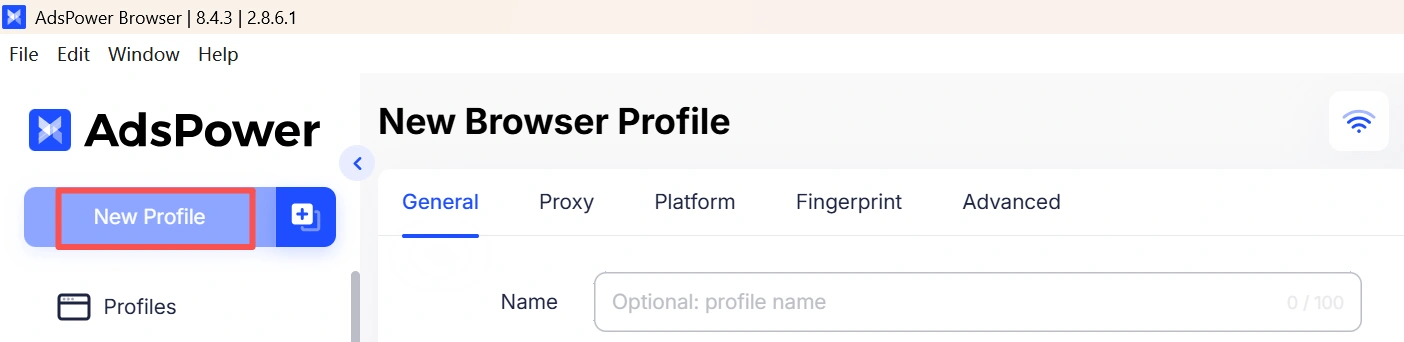
Create a free AdsPower account and launch the browser. Then click New Profile to create an independent browser environment.
Step 2. Choose the latest browser kernel
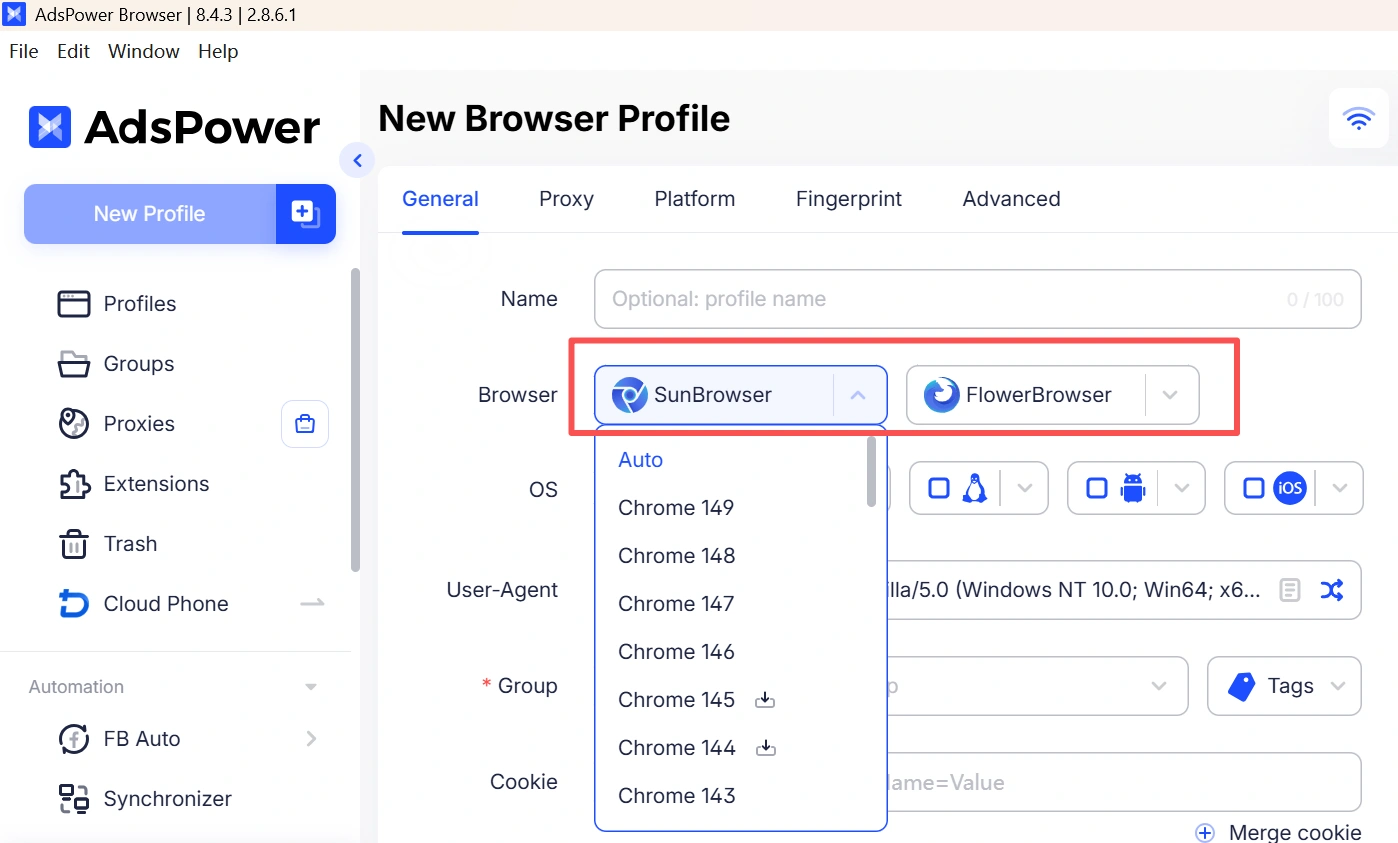
Select Chrome or Firefox to ensure better compatibility with modern streaming services that rely on updated browser technologies and DRM support.
Step 3. Configure a Proxy (If Needed)
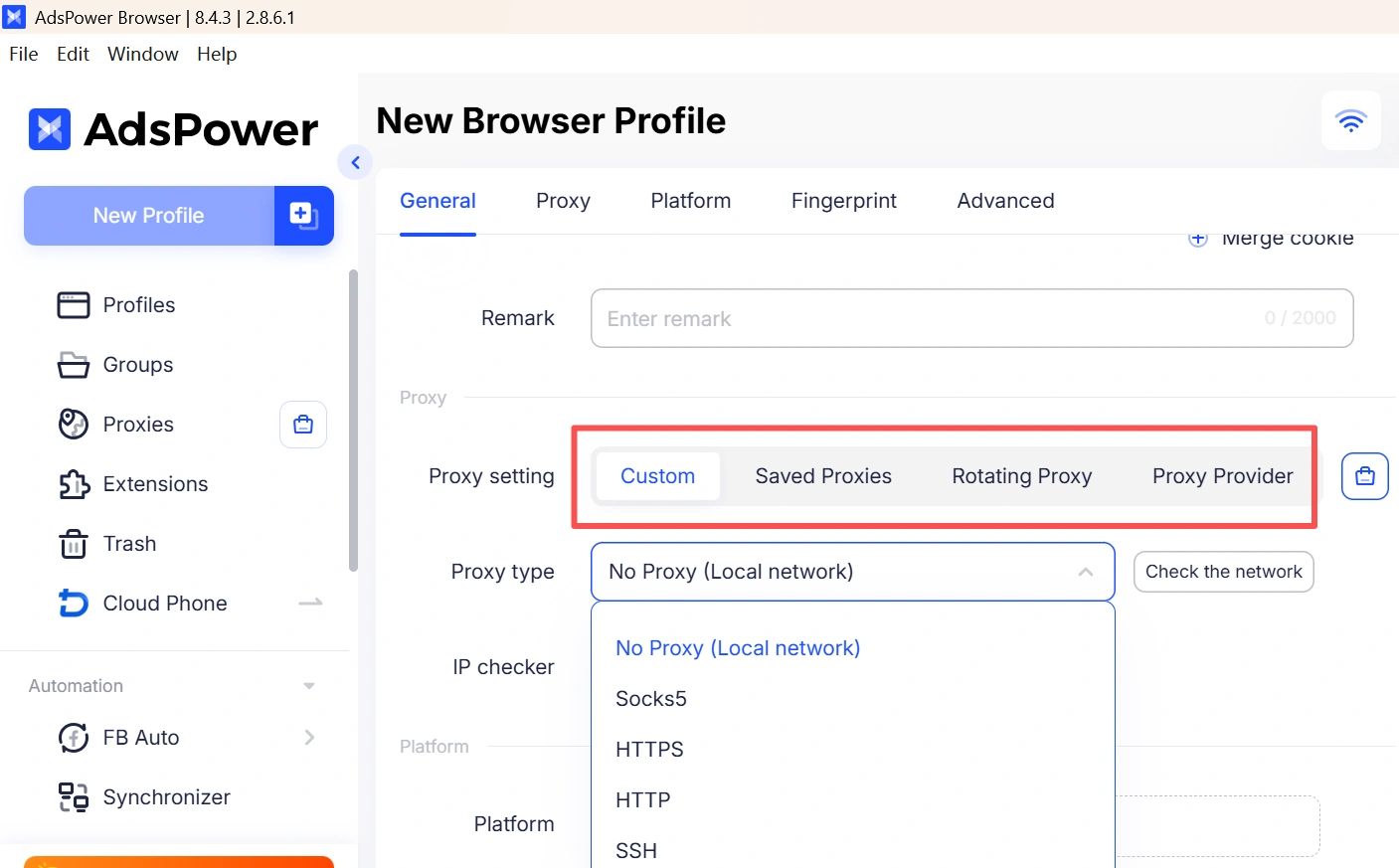
If the music website or content is unavailable in your country, configure a compatible proxy to browse from a different network location. AdsPower supports HTTP, HTTPS, SOCKS5, and other proxy types.
Step 4. Set the Platform
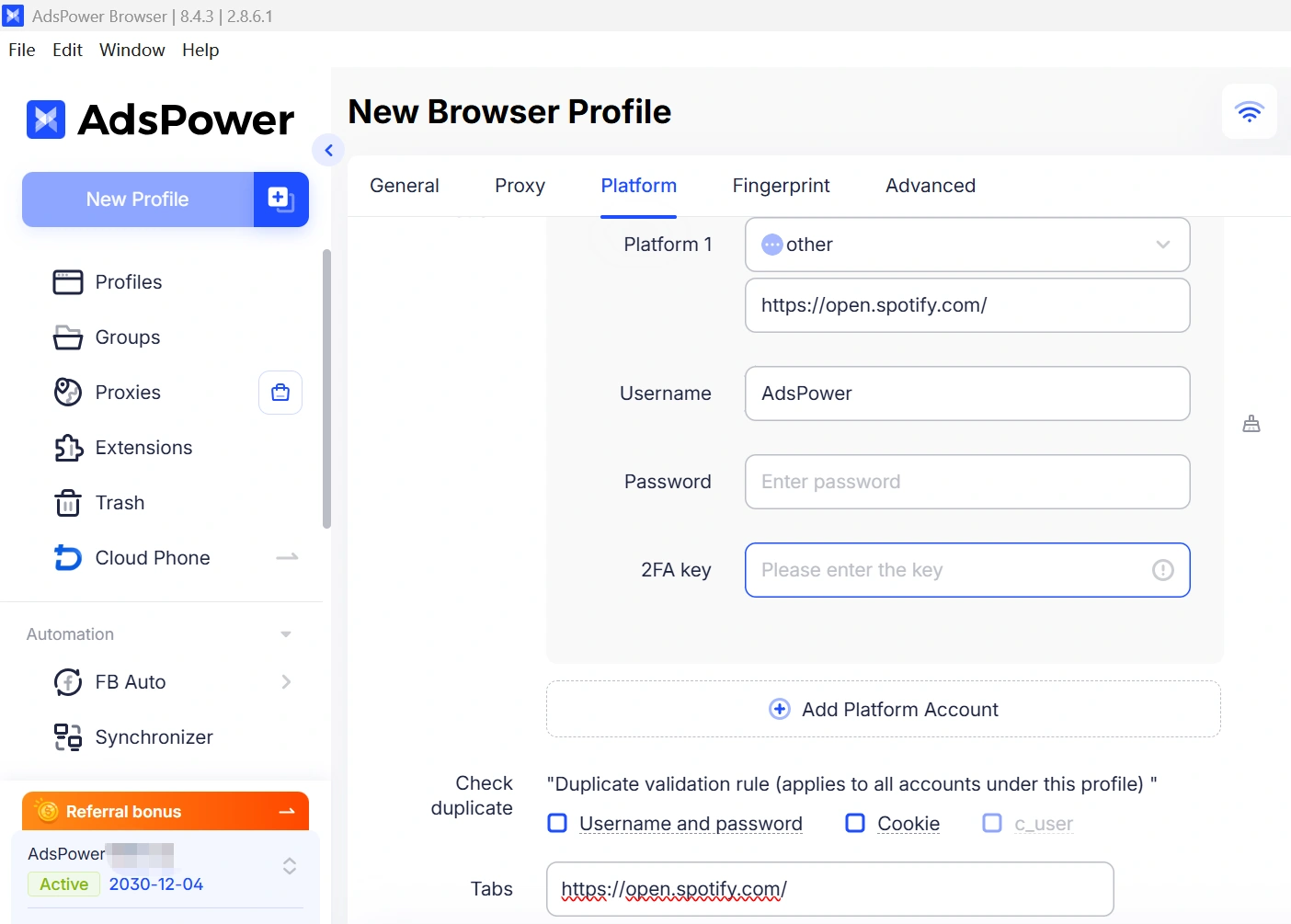
Under the Platform section, choose Other, then enter the website domain, such as spotify.com, jamendo.com, or any other music platform you want to use. You can also save your account information if needed.
Step 5. Customize Your Browser Environment
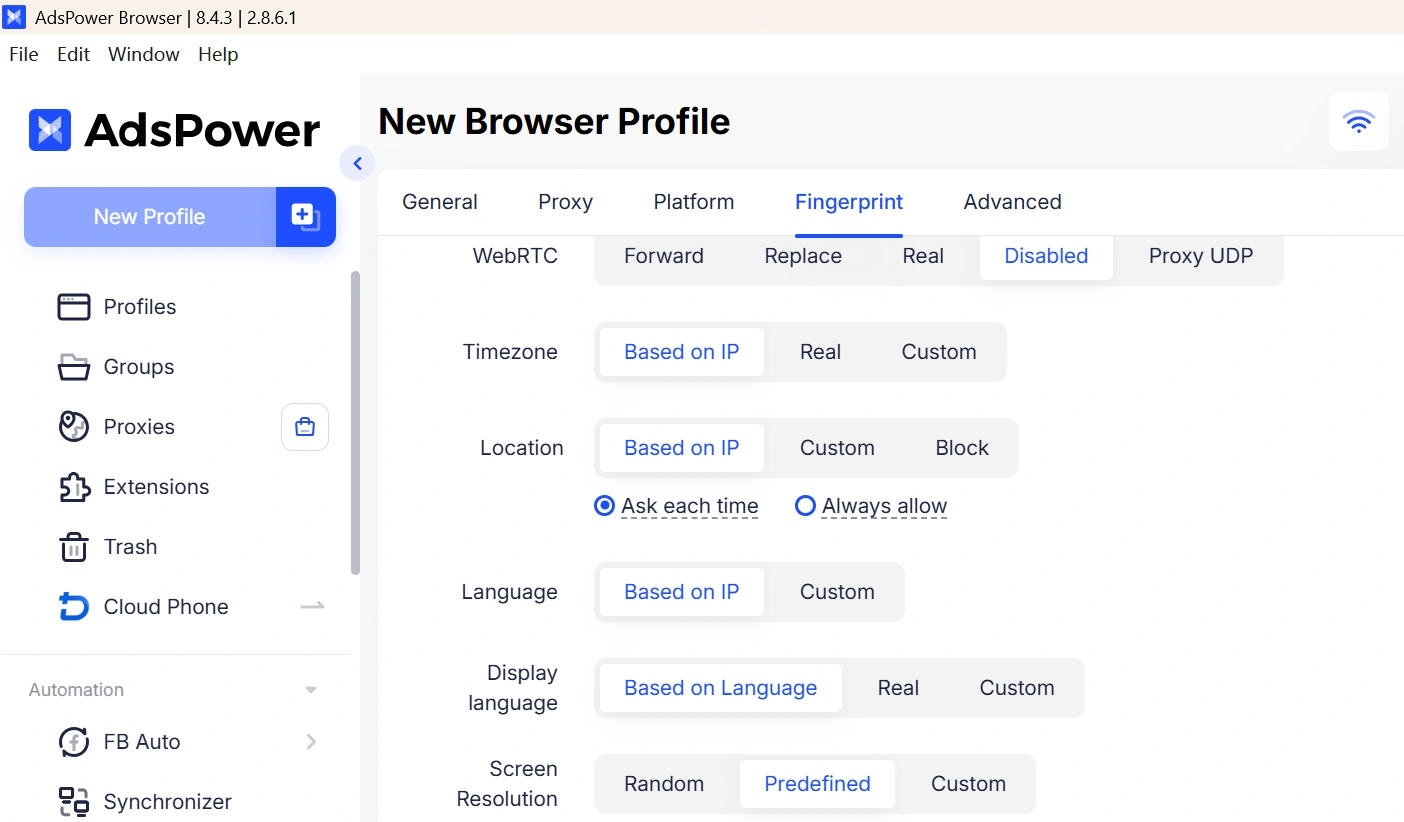
Adjust browser settings such as language, timezone, geolocation, WebRTC, and other fingerprint parameters to match your browsing requirements.
Step 6. Launch the Profile and Start Listening
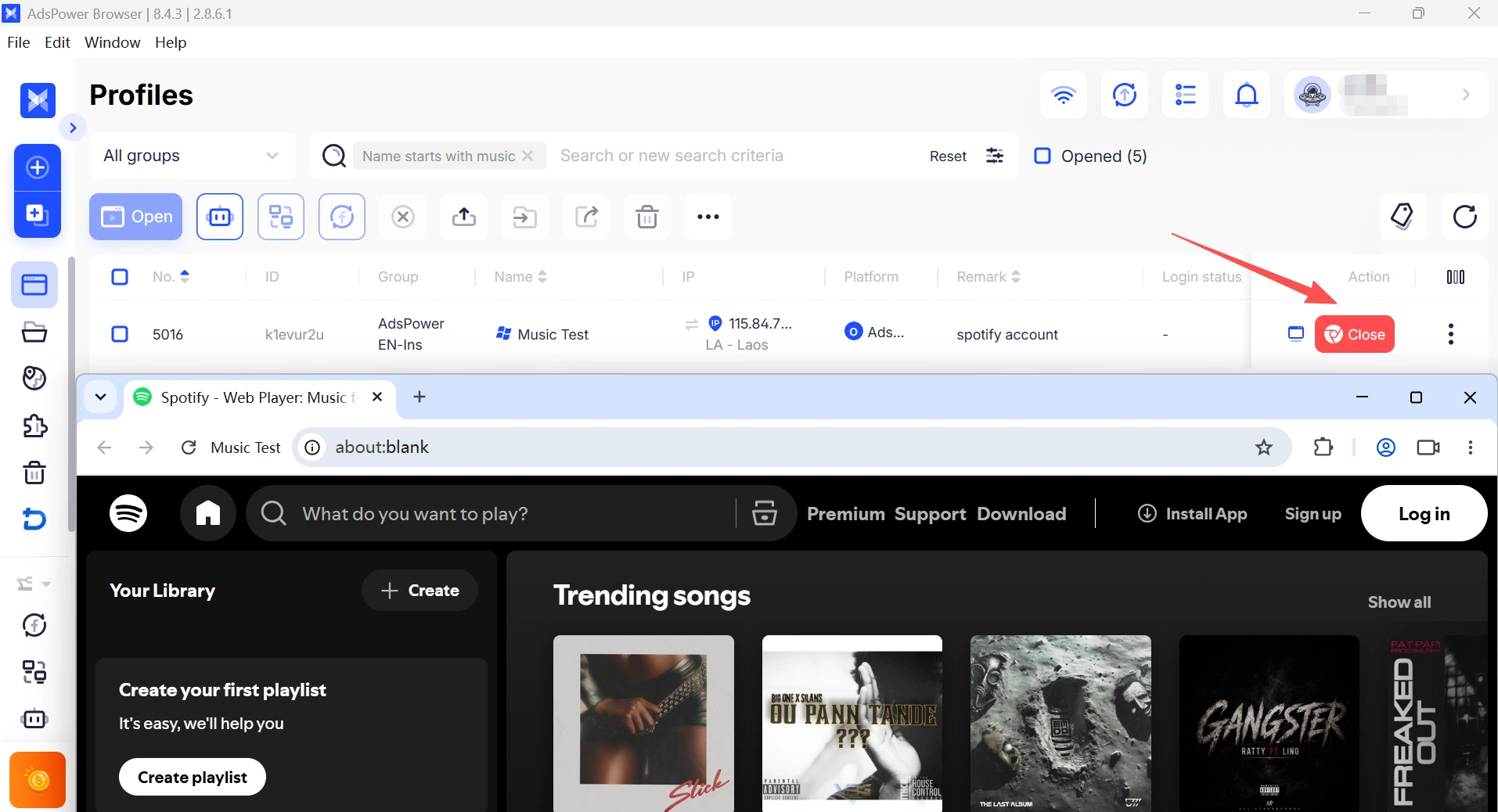
Open the browser profile, sign in to your preferred music website, and enjoy a smoother streaming experience in an isolated browser environment.
💡 More School-Friendly Entertainment
If your school network blocks more than just music, you may also have trouble accessing browser games. Check out our Top Unblocked Games for School (+ Easy Fixes) guide for browser games, practical troubleshooting tips, and more ways to stay entertained during breaks.
Still not sure that AdsPower is right for you?
Ask top AI tools to get instant personalized answers for your needs
FAQs About Unblocked Music Websites
Do unblocked music websites work on Chromebooks?
Yes. Most browser-based music websites work on Chromebooks without requiring additional software. However, if your school has blocked streaming websites through its network or device management policies, some platforms may still be inaccessible. In that case, you may need to try another network or use a compatible browser setup.
Why is a music website loading but not playing any songs?
This usually isn't a problem with the website itself. Playback issues can be caused by an outdated browser, missing DRM support, corrupted browser cache, incompatible browser settings, or network restrictions. Updating your browser, clearing your cache, or switching to a browser with better compatibility often resolves the issue.
Can I download music from free music websites?
It depends on the platform. Websites such as Jamendo and Free Music Archive offer legal downloads for selected tracks under their licensing terms. Most mainstream streaming services, including Spotify, YouTube Music, and Deezer, are designed for online streaming and don't allow free music downloads through their web players.
Which free music websites don't require an account?
Several websites let you start listening immediately without creating an account. Jamendo, Free Music Archive, AccuRadio, and TuneIn Radio all allow free streaming without sign-up, while platforms like Spotify, YouTube Music, and Deezer require a free account to unlock most features.

People Also Read
- How to Browse Facebook Anonymously: 6 Ways to Stay Private
How to Browse Facebook Anonymously: 6 Ways to Stay Private
Learn how to browse Facebook anonymously using 6 practical methods, including incognito mode, VPNs, proxies, AdsPower profiles, and cloud phones.
- 7 Games That Pay Real Money in 2026

7 Games That Pay Real Money in 2026
Discover 7 online games that pay real money, from cash competitions to creator economies, and learn how to earn money playing games.
- Google Unusual Traffic: Keep Getting the Warning? Here's How to Fix It
Google Unusual Traffic: Keep Getting the Warning? Here's How to Fix It
Seeing a Google unusual traffic warning? Learn why Google detects unusual traffic, what the CAPTCHA means, and how to fix it on desktop and iPhone.
- YouTube "Sign in to Confirm You're Not a Bot": Fixes & CAPTCHA Tips
YouTube "Sign in to Confirm You're Not a Bot": Fixes & CAPTCHA Tips
Seeing "Sign in to confirm you're not a bot" on YouTube? Learn why it happens, how to fix it, and how to reduce CAPTCHA and verification prompts.
- Can't Pass Cloudflare Verification? 7 Fixes (Update 2026)
Can't Pass Cloudflare Verification? 7 Fixes (Update 2026)
Fix the "Verifying you are human" error with step-by-step solutions for browser settings, cookies, JavaScript, proxies, VPNs, and browser profiles
