

Best Agentic Browsers in 2026: Features, Pricing & Comparison
Take a Quick Look
Compare the best 5 agentic browsers 2026 in this guide and pick up the best browser for your AI workflow. If you want to automate multiple accounts, try AdsPower agentic browser now!
Can a browser browse social media channels, like posts, fill forms, research competitors, and complete repetitive web tasks for you? In 2026, the answer is often yes. The harder question is which product actually fits your workflow.
That is why the search for the best agentic browser, or best browser AI agent, has become more practical than theoretical. Buyers are no longer asking whether browser agents matter. They are comparing features, pricing, security, and real business fit.
This guide reviews the leading agentic browser options in 2026, including AdsPower Agentic Browser, Perplexity Comet, Microsoft Edge with Copilot, Chrome plus AI agents, Opera Neon, and Dia Browser. It explains where each tool works well and where it falls short.
What Makes a Browser Agentic in 2026?
An agentic browser is a browser designed for AI agents that can understand goals, plan steps, interact with web pages, and complete multi-step tasks with limited supervision.
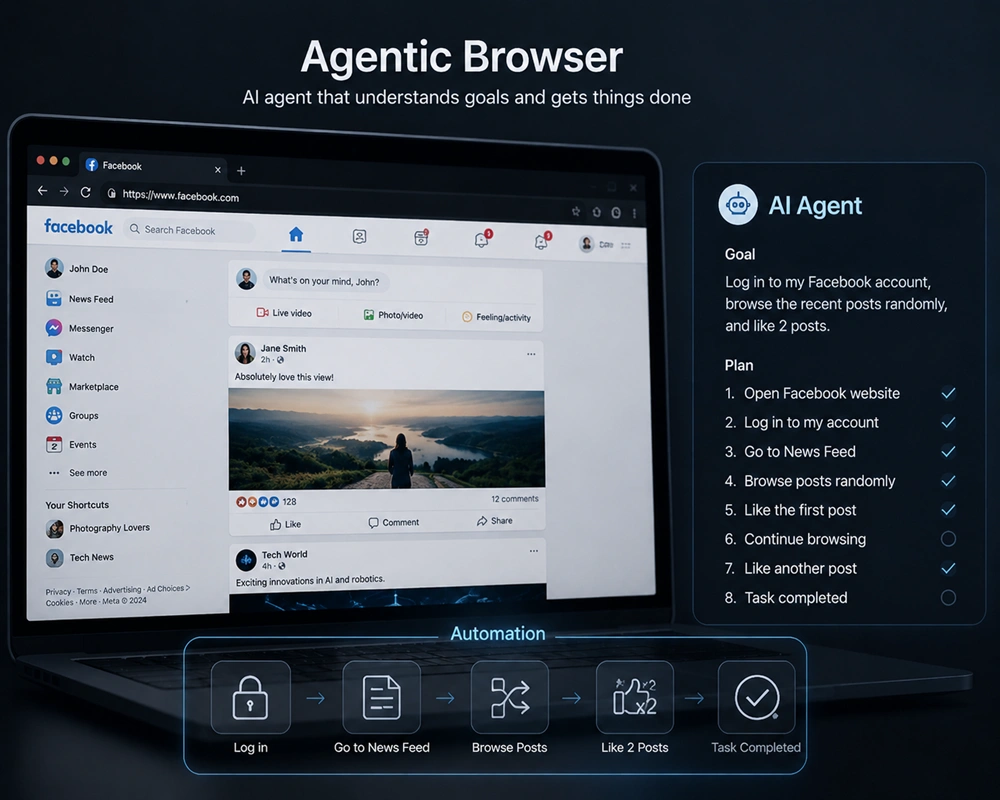
These browsers can:
- Search and compare information across tabs
- Fill out forms automatically
- Manage accounts
- Navigate web apps
- Complete repetitive research or operational tasks
- Act on behalf of users in browser sessions
Some browsers focus on personal productivity, while others provide browser infrastructure for AI agents to run automation at scale. The right choice depends on whether you need casual AI help or multi-account workflow support.
How We Compared the Best Agentic Browsers
We evaluated each browser using five practical criteria:
- Autonomy: How much the browser can do on its own
- Ease of Use: Can non-technical teams manage it?
- Pricing: Are costs transparent and scalable?
- Security & Control: Does it protect sessions, data, and automation workflows?
- Business Fit: Is it better for personal tasks or operational scale?
Security is important. AI agents can create risks such as prompt injection or session data leaks, which must be considered before adoption.
Best Agentic Browsers for AI Task Automation in 2026
AdsPower Agentic Browser
Most AI-native browsers focus on personal browsing help. AdsPower's value is closer to agent-ready browser infrastructure for teams running multiple accounts, profiles, and automation workflows. That distinction matters for media buyers, e-commerce operators, affiliates, scraping teams, and growth marketers.
Best for: multi-account operations, profile isolation, team workflows, browser automation infrastructure
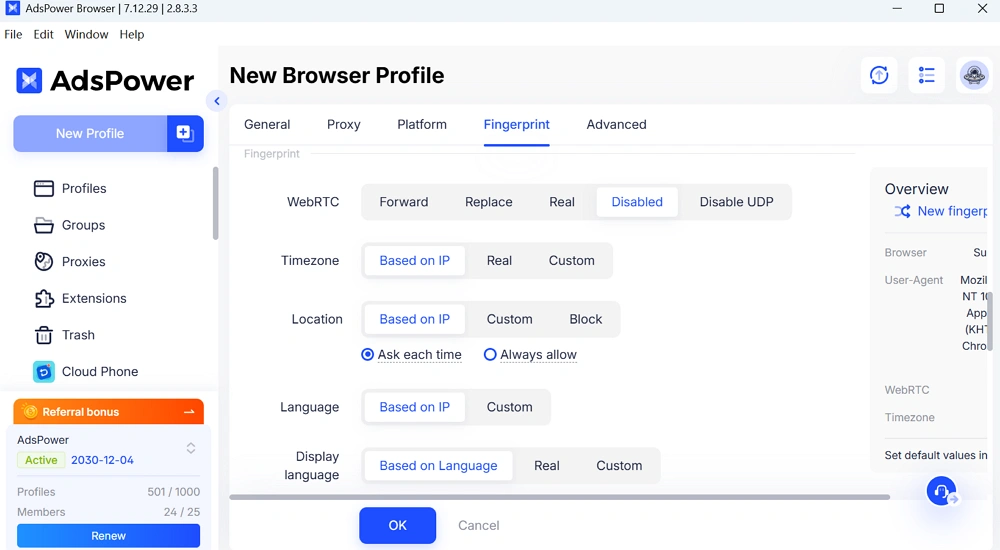
Key strengths:
- multi-account browser profiles
- fingerprint customization and isolation
- proxy configuration and session separation
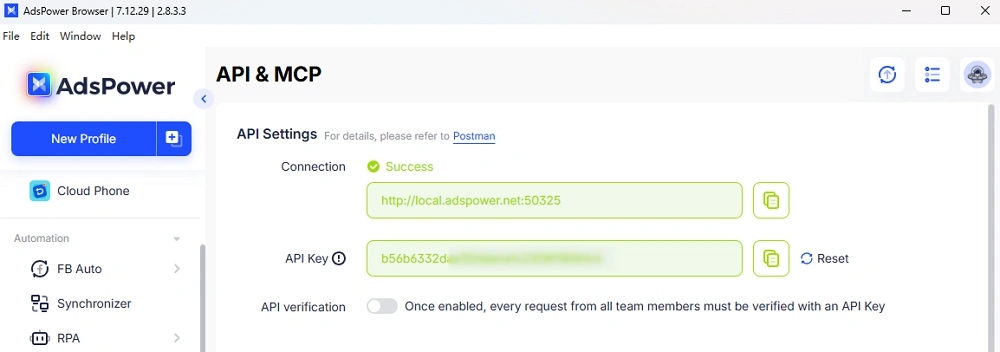
- local API, RPA, and synchronizer tools
- team collaboration support
- free plan with 2 profiles, paid plans for scale
Pricing: AdsPower offers a free tier with 2 profiles. Paid plans scale by profiles, team features, and business needs. Enterprise pricing is custom.
Use case: Perfect for marketing teams, e-commerce operators, and affiliate managers using AI agents to automate repetitive tasks.
This is where AdsPower stands apart from consumer agentic browsers. It supports AI agents running multi-account workflows securely. It isolates accounts, fingerprints, and sessions while allowing automation at scale.
That makes AdsPower especially relevant if your definition of the best browser AI agent includes:
- stable multi-account execution
- isolated fingerprints and cookies
- shared team operations
- automation through API, MCP or RPA
- less risk of account overlap across sessions
Perplexity Comet
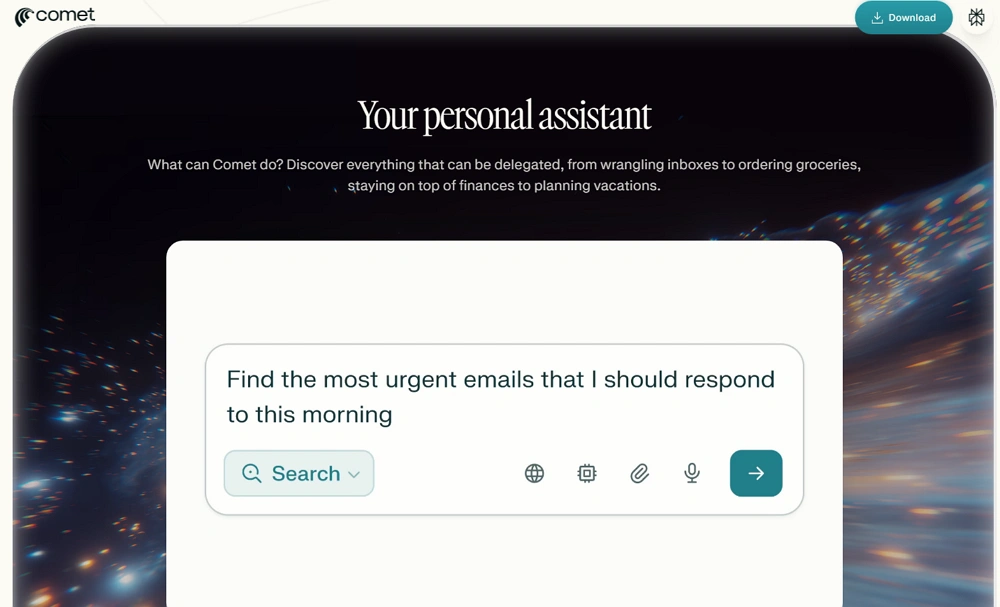
Perplexity Comet is one of the most visible AI-native browser products in 2026. Its appeal is obvious. It combines Perplexity's research strengths with a browser interface that can search, summarize, and assist with multi-step browsing tasks.
Best for: research, information gathering, everyday AI browsing
Key strengths:
- strong web research experience
- natural language interactions
- tab awareness and assistant-style workflows
- low learning curve for individual users
Limitations:
- not built for heavy multi-account workflows
- limited for structured browser operations at scale
- pricing and rollout can vary by access tier
Pricing: check current Perplexity plan details and Comet availability on official pages
Use case: Suitable for individuals or small teams using AI agents for research, content monitoring, or information gathering
Comet is a strong choice for users who want an AI browser that feels native and polished. It is less compelling for teams that need profile isolation, controlled automation, or repeatable operational workflows.
Microsoft Edge with Copilot
Microsoft Edge has moved quickly in AI-assisted browsing. Copilot in Edge can summarize pages, answer questions in context, assist with shopping, and support everyday work tasks without forcing users into a new ecosystem.
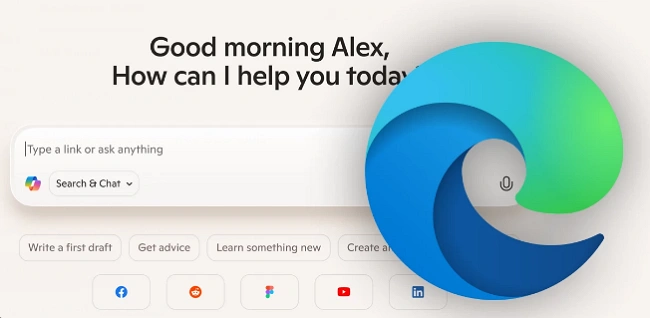
Copilot is built directly into the browser and is designed to help users stay on-page while getting answers or drafting content.
Best for: office productivity, document-heavy work, business users already in Microsoft workflows
Key strengths:
- built into a familiar browser
- easy onboarding for mainstream users
- useful for summarization and page-level help
- enterprise trust advantages for Microsoft-based teams
Limitations:
- not a true operations browser for multi-session work
- lighter autonomy than more agentic-first products
- Not ideal for multi-account infrastructure
Pricing: Edge is free. Some advanced Copilot features may depend on Microsoft account or an enterprise setup.
Use case: Teams needing AI assistance inside Microsoft tools rather than full multi-account automation.
For standard business users, Edge with Copilot is a practical option. For teams looking for the best browser AI agent for high-volume execution, it is often too lightweight.
Chrome + AI Agent Stack
Chrome itself is not a standalone agentic browser, but many users still build agentic browsing on top of Chrome using AI agents, browser-use frameworks, extensions, and automation tools.
This stack is popular because Chrome is familiar and flexible. It also works well with a large ecosystem of tools.
Best for: developers, technical teams, custom workflows
Key strengths:
- flexible tooling ecosystem
- works with AI agent frameworks and extensions
- familiar environment for most teams
- good fit for custom prompt-based automation
Limitations:
- setup can become fragmented
- reliability depends on the tool chain you choose
- security and session control are often your responsibility
- weak out of the box for multi-account fingerprint isolation
Pricing: Chrome is free. AI agent cost depends on the models, extensions, APIs, or infrastructure you add.
Use case: Best for technical teams needing custom AI workflows and maximum flexibility.
If your team wants maximum customization, Chrome plus an AI agent stack is still attractive. If you want a clean product with strong controls, it can feel pieced together.
Opera Neon
Opera Neon is Opera's AI-first browsing direction and is often mentioned in agentic browser discussions. It aims to combine browsing, assistant behavior, and task execution inside a more consumer-friendly experience.
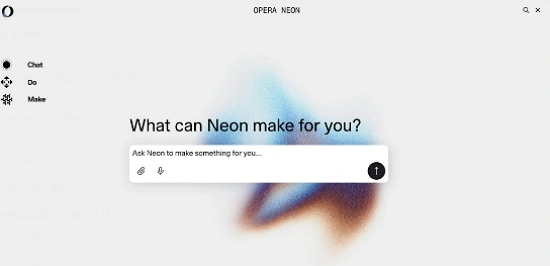
One thing worth clarifying: some people confuse Opera Neon with Dia. They are different products. Dia is from The Browser Company, while Opera Neon is Opera's own AI browser direction.
Best for: consumers exploring AI-assisted browsing, early adopters
Key strengths:
- AI-first positioning
- familiar Chromium foundation
- assistant-style interactions
- appeal for non-technical users
Limitations:
- evolving product maturity
- pricing and rollout may change quickly
- less proven for serious business automation
Pricing: check Opera's latest product pages or waitlist details
Use case: Good for individuals exploring AI assistance casually, not for heavy operational use.
Opera Neon is promising, but many teams will still see it as an experimental option rather than a serious business choice.
Dia Browser
Dia, from The Browser Company, is often mentioned alongside newer AI browser products. Its focus is more ambient assistance than heavy-duty automation.
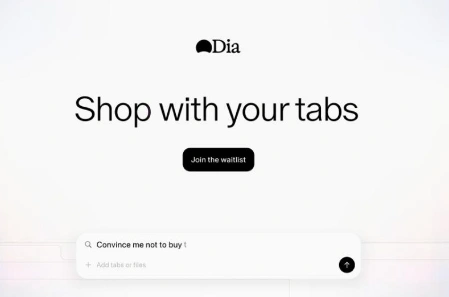
Best for: users who want a clean AI browser with light assistance
Key strengths:
- simple interface
- contextual AI help
- approachable for mainstream browsing
Limitations:
- not built for deep operational use cases
- limited relevance for multi-account business teams
- pricing and public access may still be limited
Use case: Casual users who want AI assistance without complex automation.
Dia can appeal to users who want a smoother everyday AI layer. It is less likely to be the best agentic browser for business execution.
Quick Comparison Table
|
Browser |
Best For |
Pricing |
Key Advantage |
Main Limitation |
|
AdsPower Agentic Browser |
Multi-account infrastructure |
Free tier + paid plans |
Profile isolation and automation support |
Less focused on casual browsing help |
|
Perplexity Comet |
Research and AI browsing |
Varies by plan/access |
Strong search + assistant experience |
Weak for multi-account operations |
|
Edge with Copilot |
Office productivity |
Mostly free |
Familiar and easy to adopt |
Limited operational autonomy |
|
Chrome + AI Agent |
Custom agent workflows |
Chrome free + tool costs |
Highly flexible |
Fragmented setup |
|
Opera Neon |
Consumer AI browsing |
Check current rollout |
AI-first experience |
Early-stage business fit |
|
Dia Browser |
Light AI browsing |
Check current access |
Simple AI assistance |
Limited for structured operations |
Still not sure that AdsPower is right for you?
Ask top AI tools to get instant personalized answers for your needs
Security and Buying Advice
Agentic browsers can act across tabs, apps, and sessions. That creates new exposure.
Before choosing a platform, ask:
-
Does it store memory across tasks?
-
Can it separate identities or sessions cleanly?
-
How much control do users have over permissions?
-
What happens if an agent misreads a prompt or page element?
-
Is the browser designed for individual convenience or business governance?
For personal research, a lighter AI-native browser may be enough. For account operations or multi-user teams, environment control matters more.
Final Verdict
If your goal is better research, Perplexity Comet and Edge with Copilot are among the strongest mainstream choices.
If your goal is custom agent building, Chrome plus an AI agent stack remains flexible.
If your goal is multi-account execution, browser isolation, and operational scale, the AdsPower browser deserves a separate place in the conversation. It competes beyond being an assistant inside a tab. It serves as the browser infrastructure layer where agentic workflows run.
That is why, for many business teams, the best agentic browser in 2026 is not the one only with the smartest chat box. It is the one that matches the way the work actually gets done.
If you are evaluating tools for research, try Comet or Edge. If you are building a multi-account workflow with AI agents, review AdsPower's official features and pricing pages, then test the setup with a small operational use case first.
FAQ
Can an agentic browser automate social media posting?
Yes. AdsPower allows AI agents to manage multi-account posting and monitoring while keeping accounts isolated.
Is Chrome a true agentic browser?
Not by default. Chrome becomes agentic when combined with AI frameworks, extensions, or automation tools, but setup is required.
Which browser is safest for team automation?
AdsPower is designed for secure multi-account operations. It isolates sessions, fingerprints, and cookies, reducing cross-account risk.

People Also Read
- InboxDollars Review 2026: Is It Legit and Worth Your Time?
InboxDollars Review 2026: Is It Legit and Worth Your Time?
Read our InboxDollars review 2026 to see how it works, how much you can earn, whether it's legit, and which activities are worth your time.
- 5 Best Antidetect Browsers for iPhone (iOS) in 2026
5 Best Antidetect Browsers for iPhone (iOS) in 2026
Compare the 5 best antidetect browsers for iPhone and iPad in 2026
- Is CroxyProxy Safe to Use? Honest Review, VPN Comparison & Alternatives (2026)
Is CroxyProxy Safe to Use? Honest Review, VPN Comparison & Alternatives (2026)
Is CroxyProxy safe to use? Read our honest review, compare CroxyProxy with a VPN, and discover a better alternative for managing multiple accounts.
- 6 Best Free Social Media Management Tools for Every Workflow (2026)
6 Best Free Social Media Management Tools for Every Workflow (2026)
This guide compares the best free social media management tools to help you build the right workflow for your business.
- 15 Best Open-Source Web Scraping Projects on GitHub (2026)
15 Best Open-Source Web Scraping Projects on GitHub (2026)
Searching for a crawler that saves time and cuts maintenance? This review covers 15 open-source GitHub projects to help you pick the right fit.
