

What Is an Agentic Browser? Definition, How It Works, and AI Use Cases (2026 Guide)
Take a Quick Look
An agentic browser is a browser environment designed for AI agents to perform tasks on websites automatically. It allows AI to execute actions like clicking, typing, and navigating pages in isolated, human-like environments, making it useful for automation, multi-account management, and scalable online workflows.
AI tools can plan tasks, generate ideas, and even write code. But when it comes to actually doing things on real websites, they often fall short. Pages change. Sessions expire. Accounts get flagged. What works in theory breaks quickly in practice.
This gap between thinking and doing is why more teams are looking at agentic browsers.
If you manage multiple accounts, run automation workflows, or experiment with AI agents, you need a setup that can handle real-world conditions. That means stable sessions, separate identities, and the ability to adapt when things change.
Agentic Browser Definition: What Is an Agentic Browser?
An agentic browser is a browser environment designed for AI agents to carry out tasks on the web with minimal human input. It combines a real browser, decision-making logic, and isolated environments for each task.
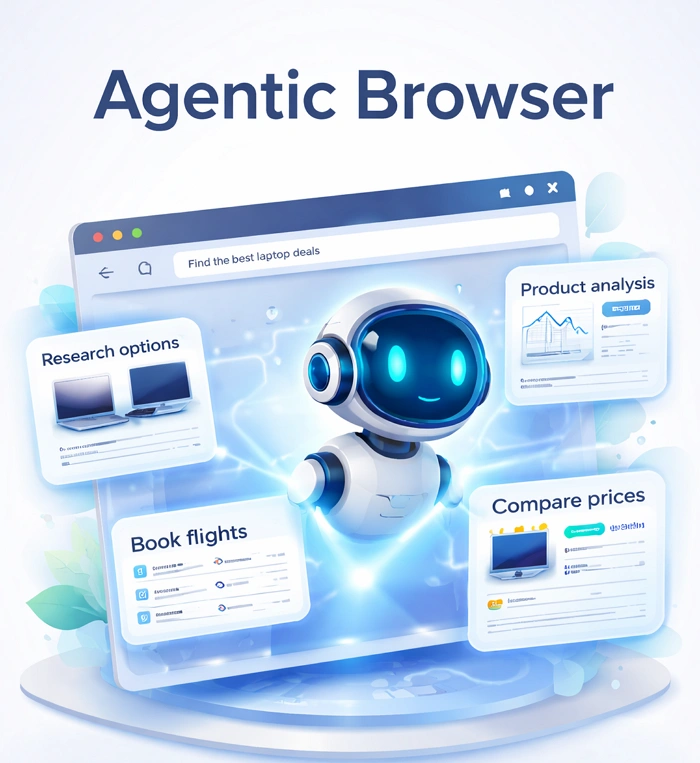
A simple way to think about it
Instead of:
- A human clicking through pages
- Or a script following fixed steps
You have:
- An AI agent that decides what to do
- A browser that lets it execute those actions safely
What makes it different
An agentic browser is not just automation. It is built for flexibility.
It allows agents to:
- Handle multi-step workflows
- Adjust when elements change
- Work across different accounts without overlap
This is especially useful in environments where platforms actively monitor behavior.
How Agentic Browser Works in Real AI Workflows
Agentic browsing is easier to understand when you look at how a task runs from start to finish.
From Goal to Action: How AI Agents Start Tasks
Everything begins with a goal. For examples:
- Register new accounts
- Collect product data
- Post content across platforms
The agent receives the goal and prepares to act.
How AI Plans Multi-Step Workflows
The agent breaks the goal into steps, like:
- Open a website
- Navigate to a signup page
- Fill in details
- Submit and verify
This planning step is handled by AI models that can interpret instructions and map out actions.
Execute Tasks In a Real Browser Environment
The agent then performs actions inside a real browser.
This includes:
- Clicking buttons
- Typing into forms
- Waiting for page loads
- Handling pop-ups
Because this happens in a full browser, the behavior is closer to a real user.
For a deeper look at how browsers expose automation capabilities, you can check the official Chromium DevTools Protocol documentation.
How Agents Adjust When Things Change
Websites are not static since layouts change and elements move.
An agentic system can:
- Detect missing elements
- Try alternative paths
- Retry failed steps
This makes it more reliable than rigid scripts.
Why AI Agents Struggle Without the Right Browser Environment
AI agents are strong at planning. Execution is where problems start.
The Gap Between AI Planning and Execution
Most AI systems can:
- Generate instructions
- Analyze workflows
But they cannot:
- Maintain stable sessions
- Avoid detection systems
- Manage multiple identities
Common Problems Without an Agentic Browser
If you run automation without proper setup, you will likely see:
- Accounts getting linked
- Frequent login issues
- Scripts breaking after small UI changes
- Increased detection from platforms
What an Agentic Browser Actually Solves
An agentic browser provides:
- Separate environments for each task
- Persistent sessions
- Real browser rendering
- Controlled identity signals
This allows AI agents to operate more consistently.
For more context on how AI agents function, resources from IBM offer a solid overview of AI agents.
Agentic Browser vs Traditional Browsers vs Automation Tools
Let's go on and compare the three approaches side by side.
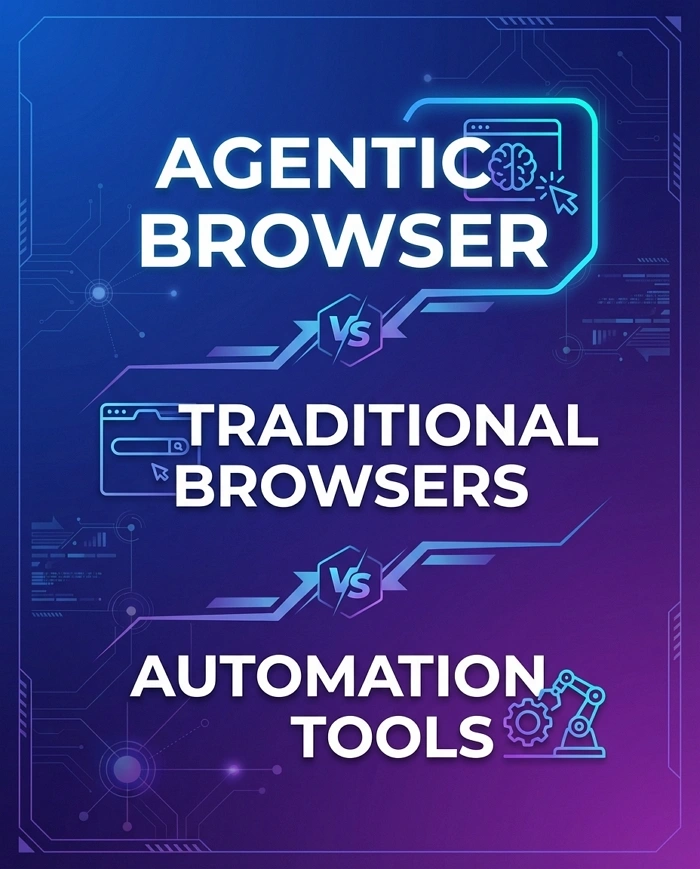
Traditional browser
- Built for human use
- No automation
- One session at a time
Automation tools
- Follow predefined scripts
- Limited flexibility
- Often fail when pages change
Agentic browser
- Designed for AI agents
- Adapts to changing conditions
- Supports multiple isolated environments
Quick comparison among agentic browsers, traditional browsers, and automation tools
|
Feature |
Traditional Browser |
Automation Tools |
Agentic Browser |
|
Main user |
Human |
Developer |
AI agent |
|
Flexibility |
Low |
Medium |
High |
|
Adaptability |
None |
Limited |
Strong |
|
Multi-account support |
Weak |
Moderate |
Strong |
|
Detection resistance |
Low |
Low |
Higher (with proper setup) |
What Powers an Agentic Browser Behind the Scenes
Agentic browsers rely on several layers working together. You do not need to build them yourself, but understanding them helps you use them better.
AI Agent Layer: Decision Making in Action
This layer handles:
-
Task planning
-
Decision-making
-
Error handling
It connects AI models with real actions.
Browser Control Layer: Interacting With Web Pages
This layer controls:
-
Navigation
-
Element interaction
-
Form input
It works directly with the page structure.
Fingerprint and Identity Management
Web platforms track users through signals such as:
-
Browser version
-
Device details
-
Screen resolution
-
Timezone
If multiple accounts share these signals, they may be linked.
Agentic browsers assign a unique identity to each session.
Proxy and Network Control
Each environment can use a different IP address, which will help:
-
Separate accounts
-
Match geographic locations
-
Reduce detection risks
Running Multiple Agents at the Same Time
Agentic systems run multiple workflows in parallel, each in its own isolated environment, allowing tasks to scale efficiently without conflicts, overlaps, or shared session risks.
Key Benefits of Agentic Browser for AI Automation
When configured properly, an agentic browser helps AI agents handle complex workflows more reliably across real web environments.
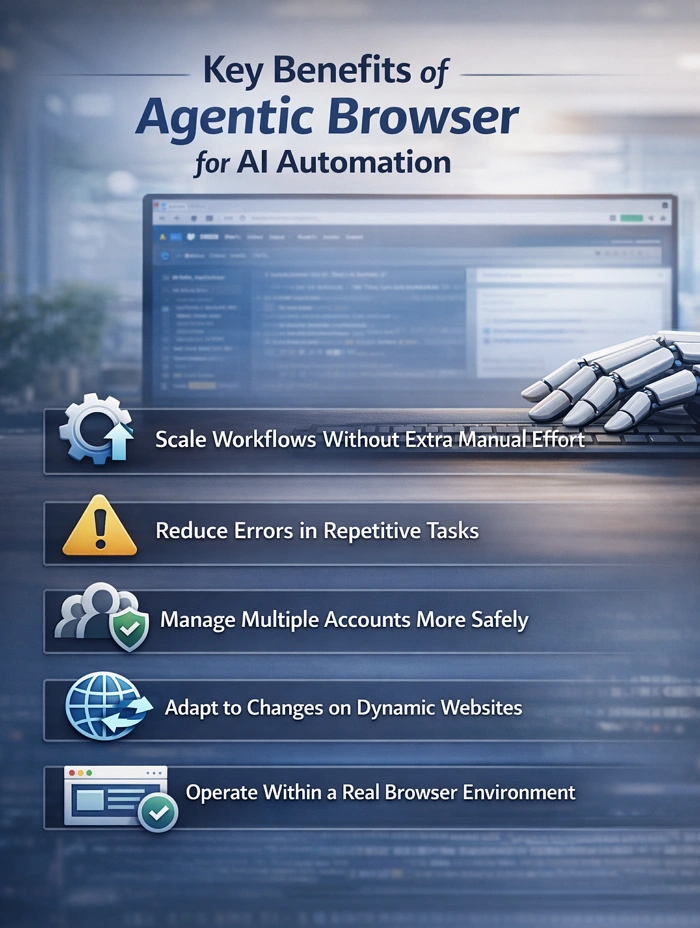
Scale Workflows Without Extra Manual Effort
Run multiple AI-driven tasks in parallel across different environments, allowing you to expand operations without increasing team workload.
Reduce Errors in Repetitive Tasks
AI agents follow consistent logic and execution steps, helping minimize manual mistakes in tasks like data entry, posting, or account setup.
Manage Multiple Accounts More Safely
Each task runs in an isolated browser profile, reducing the risk of account linking and improving long-term stability across platforms.
Adapt to Changes on Dynamic Websites
Agentic systems can adjust to layout updates or element changes, making workflows more resilient than fixed scripts or basic automation.
Operate Within a Real Browser Environment
Actions are executed in full browser sessions, improving compatibility and making interactions appear closer to real user behavior.
How AdsPower Supports Agentic Browsing at Scale
Agentic workflows need a stable execution layer. This is where the AdsPower browser fits in.
Creating Isolated Browser Environments for Each Task
AdsPower browser allows you to create multiple browser profiles. Each profile has:
- Its own fingerprint
- Its own cookies and storage
- Its own proxy settings
This setup keeps each account & task separate and running as a real user. Thus they won't be linked by the platform.
Supporting AI and Automation Tools in Practice
AdsPower can be used alongside automation tools or AI agents.
It provides:
- Stable sessions
- Controlled environments
- Reduced risk of account overlap
- Captcha solver for automation processes
In a typical setup:
- AI agent → plans and decides
- AdsPower → executes tasks in isolated environments
This division makes the system more reliable.
People Also Read:
How to Set Up AdsPower Agentic Browser for AI Agent Automation
Tip: Start with a small number of profiles. Test one workflow. Monitor behavior. Then scale gradually.
Sign up for AdsPower to get the free trial and set up a few browser profiles. Run a simple task first. This will give you a clear idea of how agentic browsing works in real conditions.
Getting Started With Agentic Browsing in 2026
If you want to try agentic browsing, keep it simple at the beginning.
Step 1: Define a clear task
Choose something repeatable, such as account setup or data collection.
Step 2: Prepare your environment
Use a browser that supports isolated profiles, such as AdsPower antidetect browser, which can work for both AI agents and real users.
Step 3: Connect your tools
Integrate your AI agent or automation tool with the browser environment.
Step 4: Run and observe
Watch how the workflow performs. Identify weak points.
Step 5: Improve and scale
Adjust your setup and expand gradually.
Final Thoughts
Agentic browsers are becoming a practical layer between AI systems and the web. They allow agents to move from planning to execution in a controlled way.
If your work involves automation, multi-account management, or AI-driven tasks, this approach is worth exploring. Start small, focus on stability, and build from there.
👉 Set up a test environment using AdsPower agentic browser and run a simple workflow. This hands-on step will help you understand how agentic browsing fits into your operations.

People Also Read
- Marketing Automation for Startups and Small Teams: How AdsPower AI Agents Automate Browser Workflows
Marketing Automation for Startups and Small Teams: How AdsPower AI Agents Automate Browser Workflows
Learn how AI Agents can automate repetitive browser-based marketing tasks across multiple accounts
- Best Private Search Engines in 2026: 5 Secure Alternatives to Google
Best Private Search Engines in 2026: 5 Secure Alternatives to Google
Looking for a more private way to search? Explore the 5 best private search engines in 2026 and see how DuckDuckGo, Brave Search, Startpage, and more
- Temp Gmail: How to Create a Temporary Gmail Account in 2026
Temp Gmail: How to Create a Temporary Gmail Account in 2026
Learn how to create a temp Gmail account, compare Gmail aliases and separate accounts, and manage multiple accounts with AdsPower.
- Understanding Persistent Browser Profiles for AI Agents: Why Do They Matter?
Understanding Persistent Browser Profiles for AI Agents: Why Do They Matter?
Learn why persistent browser profiles matter for AI agents, helping maintain sessions, browser consistency, account isolation, and reliable automation
- Kickass Torrents Alternatives: Movies, TV, Games & Safe Access (2026)
Kickass Torrents Alternatives: Movies, TV, Games & Safe Access (2026)
Kickass Torrents is no longer what it once was, but there are still alternatives for finding movies, TV shows, music, books, games, and software. This
