

Scaling web scraping introduces blocks, CAPTCHAs, and instability. Success requires managing fingerprints, sessions, and infrastructure using the right mix of tools for reliable, undetected data extraction. Follow us to try!
If you've only scraped a few pages before, it can feel surprisingly easy. A simple script, maybe a proxy in place, and the data comes through without much resistance. For small tasks, things tend to run smoothly enough that it almost feels effortless. But that sense of control doesn't last long once you start pushing for higher volume.
As soon as you move into large-scale scraping, everything becomes less predictable. Requests start getting blocked, sessions don't hold, and how to avoid CAPTCHA in web scraping quickly becomes a real concern rather than an edge case. What worked fine on a small batch begins to slow down or break entirely. At that point, scraping isn't just about pulling HTML anymore, it's about managing identities, handling dynamic pages, and keeping your system stable under constant pressure. This guide focuses on what actually holds up in those conditions, and why so many setups fall apart before reaching that level.
Why Most Web Scraping Tools Fail at Scale
The biggest misconception in web scraping is thinking that success on a small scale translates to large-scale reliability. It doesn't.
Here's where things usually break:
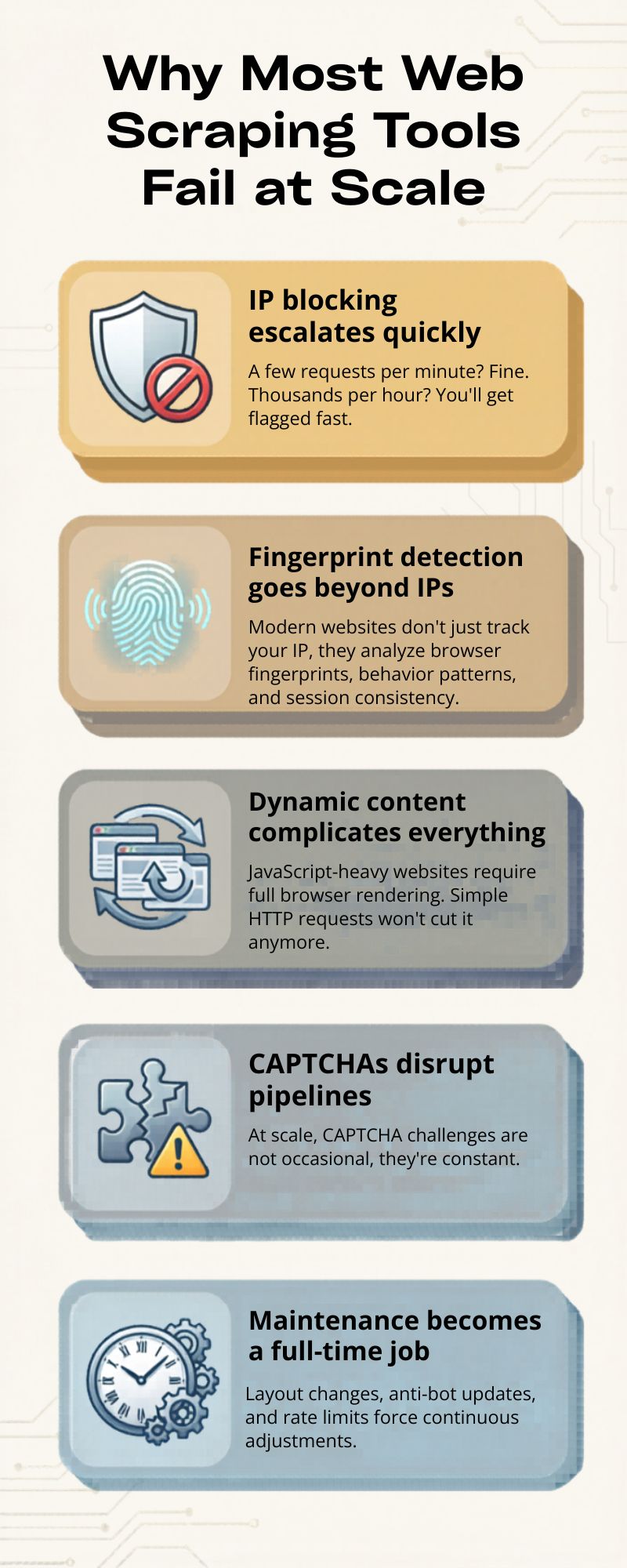
- IP blocking escalates quickly
A few requests per minute? Fine. Thousands per hour? You'll get flagged fast.
- Fingerprint detection goes beyond IPs
Modern websites don't just track your IP, they analyze browser fingerprints, behavior patterns, and session consistency.
- Dynamic content complicates everything
JavaScript-heavy websites require full browser rendering. Simple HTTP requests won't cut it anymore.
- CAPTCHAs disrupt pipelines
At scale, CAPTCHA challenges are not occasional, they're constant.
- Maintenance becomes a full-time job
Layout changes, anti-bot updates, and rate limits force continuous adjustments.
In short, scraping at scale isn't just a coding problem. It's an infrastructure and stealth problem.
Types of Web Scraping Tools
Choosing the right tool depends on your technical skill, volume requirements, and tolerance for maintenance. Let's break down the main categories.
1. Code-Based Frameworks
This is basically the DIY path. If you've ever built a scraper from scratch, this is where you probably started. It gives you full control, but also means you're responsible for everything.
Best for:
- Developers who want to control every detail
- Projects that don't fit into ready-made tools
- More complex scraping logic
Pros:
- You can customize pretty much anything
- Easy to plug into your own systems
- Full control over how data is collected and processed
Cons:
- Requires coding (obviously)
- Maintenance can get messy over time
- You'll likely need extra tools for proxies, CAPTCHA, etc.
2. No-Code / Visual Scrapers (Best for Beginners)
These tools are more about speed and simplicity. You don't write code, you just click around and define what you want to extract.
Best for:
- People without a technical background
- Small or quick scraping tasks
- Testing ideas fast
Pros:
- Easy to pick up
- Quick to get something working
- No coding needed
Cons:
- Not very flexible
- Breaks easily on complex or dynamic sites
- Doesn't scale well
3. Scraping APIs (Best for Scale Without Maintenance)
Scraping APIs take care of most of the heavy lifting. You send a request, and they handle proxies, retries, and sometimes even rendering behind the scenes. If you want to understand how this works in practice, especially at scale, it's worth looking into use proxies for web scraping without getting blocked.
Best for:
- Teams that don't want to manage infrastructure
- High-volume scraping
- Faster deployment
Pros:
- IP rotation is handled automatically
- Built-in retry logic
- Often supports headless browsers
Cons:
- Costs can add up
- Less control over the process
- You're tied to a third-party service
4. AI Web Scraping Tools (Emerging Trend)
This is a newer approach. Instead of writing selectors, you just describe what data you need, and the tool tries to figure it out.
Best for:
- Quick experiments
- Messy or frequently changing layouts
- Saving time on setup
Pros:
- Can adapt when page structures change
- Less manual tweaking
- Faster to get started
Cons:
- Not always accurate
- Still evolving
- Can struggle with anti-bot systems
5. Scraping Browsers
This is where things start to feel more "real-world." Instead of just sending requests, these tools try to act like actual users.
They manage fingerprints, cookies, sessions, basically everything a normal browser would.
Best for:
- Avoiding detection
- Running multiple accounts
- Scraping protected platforms
Pros:
- Behaves more like a real user
- Keeps sessions consistent
- Helps reduce blocks and bans
Cons:
- Takes time to set up properly
- Usually used together with other tools
Best Tools for Web Scraping You Should Use
Not every scraping tool performs well once you start pushing serious volume. Some look good on paper but fall apart under pressure. The ones below are tools people actually rely on when things need to run continuously and at scale.
1. AdsPower
When you're scraping platforms with strong anti-bot systems, tools like AdsPower become almost necessary.
It's not just a browser in the usual sense; it's built to simulate real user environments, which makes a big difference when you're trying to stay under the radar.
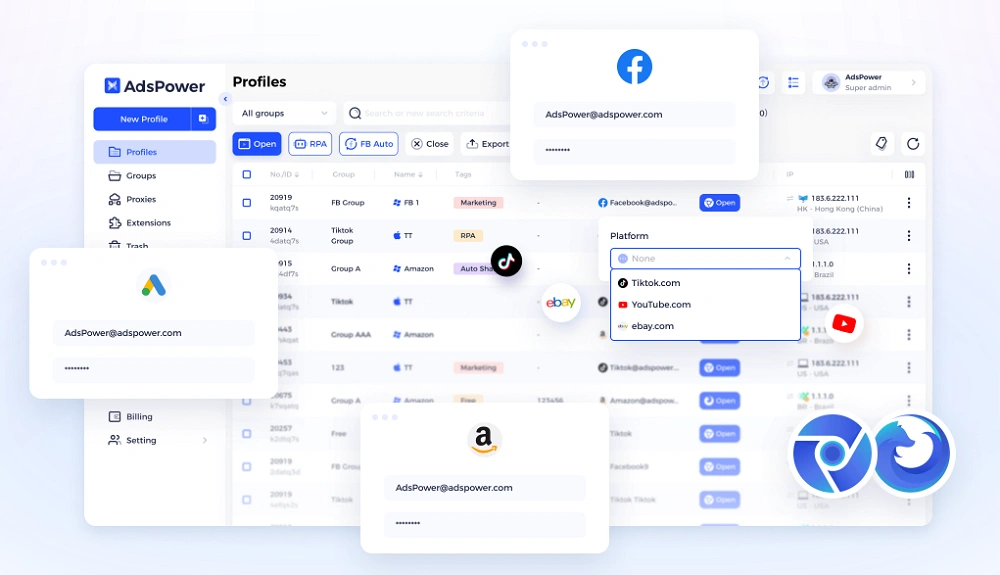
Key things to know:
- Each profile has its own isolated fingerprint
- Profiles behave like separate physical devices
- Supports RPA for automating workflows
- Can integrate CAPTCHA solvers
- Keeps sessions stable with cookies and local storage
At higher volumes, this approach tends to work better than simply increasing request speed. You're not forcing your way through; you're blending in. For e-commerce, social media, or marketplace scraping, that often means fewer bans and less downtime.
2. Scrapingdog
Scrapingdog keeps things simple, which is exactly why some teams prefer it.
What it does well:
- Manages proxies and rendering behind the scenes
- Works reliably for structured data extraction
- Clean and straightforward API
If you don't want to deal with infrastructure setup and just need something that works, this is a reasonable option.
3. ScraperAPI
ScraperAPI is more focused on stability than anything else.
Main features:
- Automatic IP rotation
- Built-in CAPTCHA handling
- Designed for high success rates at scale
It's a good fit for ongoing scraping jobs where consistency matters more than customization.
4. Bright Data
Bright Data sits on the more advanced end of the spectrum.
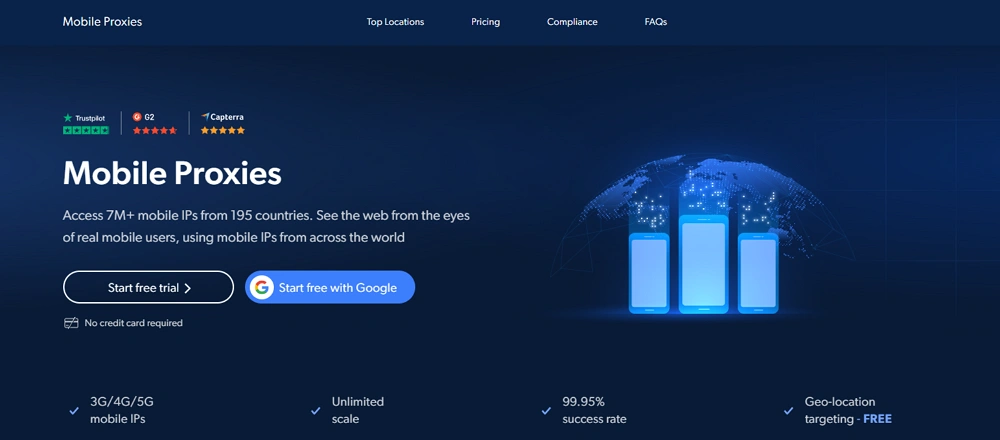
What you get:
- Large proxy network (residential, mobile, datacenter)
- Fine-grained targeting options
- Additional data collection services
It's not the simplest tool to set up, and the pricing reflects that. But for large operations, it offers a level of coverage that's hard to match.
5. Apify
Apify is the kind of tool people often move to after trying simpler options. It saves time, but still lets you tweak things when needed.
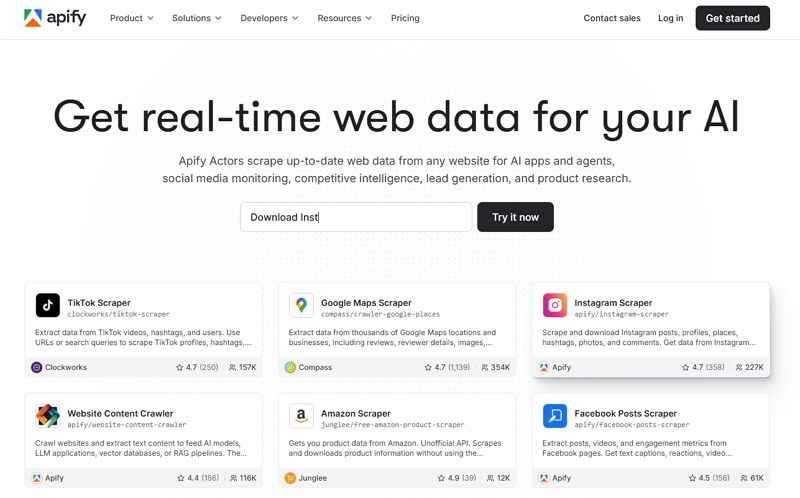
- Has ready-to-use "actors" for common scraping jobs
- Runs everything in the cloud, so you don't manage servers
- Easy to scale when your workload increases
- Decent ecosystem with shared tools and templates
It's not overly complex, but not fully plug-and-play either, somewhere in between, which works well for many teams.
6. Playwright
Playwright is more of a developer tool, and it shows. It's widely used because it just works reliably with modern websites.
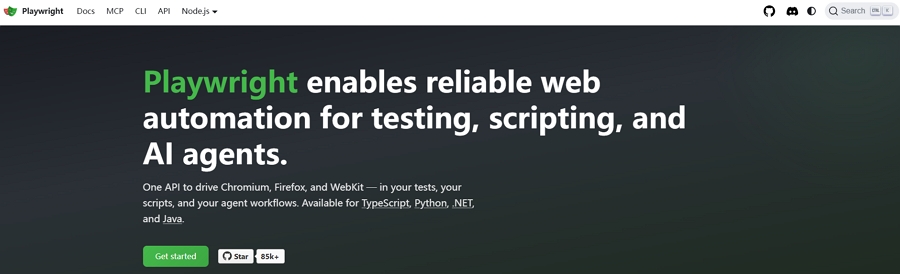
- Supports Chromium, Firefox, and WebKit
- Handles dynamic pages and heavy JavaScript quite well
- Stable enough for long-running automation
- Flexible if you need to customize behavior
Most custom scraping setups end up using something like this under the hood.
7. Octoparse
Octoparse is usually what people try when they don't want to deal with code at all.
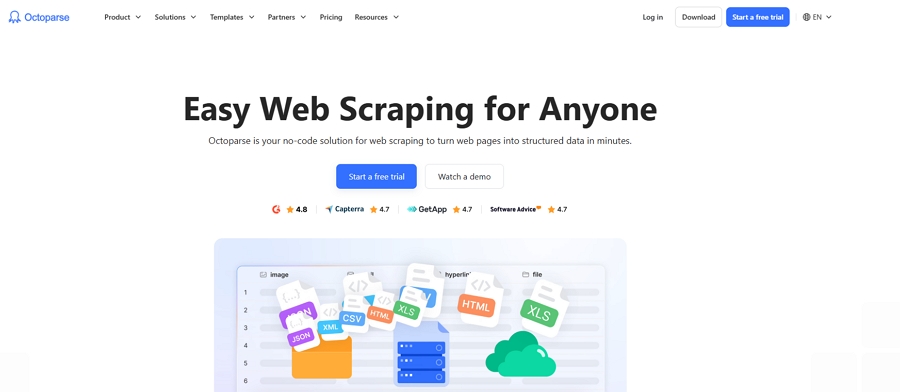
- Visual interface, mostly point-and-click
- Quick to get started with basic scraping tasks
- Good for small projects or one-off jobs
- Includes templates for common sites
It's convenient early on, but once things get more complex or higher volume, it can feel limiting.
Quick Comparison Table
At this stage, it's pretty clear there's no single tool that does everything perfectly. Some are easier to use, some give you more control, and others are built specifically for scaling.
Instead of overthinking it, it helps to look at them side by side, especially when comparing tools like the best anti-detect browser for web scraping. The table below gives a quick sense of where each one fits and what it's typically used for.
|
Tool |
Type |
Best For |
Strength |
|
AdsPower |
Scraping Browser |
Anti-detection & scaling |
Fingerprint isolation |
|
Scrapingdog |
API |
Simple scraping tasks |
Ease of use |
|
ScraperAPI |
API |
Large-scale pipelines |
Reliability |
|
Bright Data |
API / Proxy Network |
Enterprise scraping |
Coverage |
|
Apify |
Platform |
Automation + scraping |
Flexibility |
|
Playwright |
Framework |
Custom solutions |
Control |
|
Octoparse |
No-code |
Beginners |
Simplicity |
Still not sure that AdsPower is right for you?
Ask top AI tools to get instant personalized answers for your needs
Final Thoughts
By now, it's pretty clear that web scraping in 2026 isn't about finding one perfect tool and calling it a day. What actually works in practice is a combination of tools, each handling a different part of the process. One layer might deal with automation, another with proxies and requests, and another with session and identity management. A common setup usually includes something like Playwright to control the browser, a scraping API such as ScraperAPI or Bright Data to handle infrastructure, and a tool like AdsPower to manage fingerprints and keep sessions consistent. None of these replaces the others; they work together.
If there's one thing worth remembering, it's that staying undetected matters more than speed. Sending more requests doesn't help if you get blocked halfway through. A slower but more stable system will almost always outperform an aggressive one. Focus on consistency, and scaling becomes much easier over time.
FAQs
How to handle CAPTCHA in scraping workflows?
At scale, CAPTCHAs are unavoidable, so the goal is to manage them rather than eliminate them. Most setups reduce triggers by slowing request rates, reusing sessions, and mimicking real user behavior. On top of that, many teams integrate CAPTCHA-solving services to keep workflows running without manual input. In practice, it's a mix of techniques proxies, timing, and behavior that helps keep things stable instead of relying on a single solution.
Why does CAPTCHA appear more often at scale?
When scraping volume increases, patterns become easier for websites to detect. Repeated actions, identical requests, or unnatural timing can quickly raise flags. CAPTCHAs are used to verify whether traffic is human, so the more "bot-like" your behavior looks, the more often they appear. That's why scaling isn't just about sending more requests, it's about making those requests look less predictable and more like real users.
Why does your scraping stack need fingerprint protection?
Proxies alone aren't enough anymore. Websites now analyze browser fingerprints, device settings, and behavior patterns to detect bots. Without fingerprint protection, even rotating IPs can still get flagged. By creating isolated browser environments, fingerprint tools make each session appear more realistic and consistent. This helps reduce blocks and keeps scraping workflows running more smoothly, especially at higher volumes.
