AdsPower's latest update boosts fingerprint security, WebRTC privacy, and automation with RPA Plus. Upgrade your workflow, protect accounts, and explore new features—update AdsPower now!
The latest AdsPower monthly update delivers powerful improvements designed for professionals who manage multiple accounts at scale. This release focuses on stronger browser fingerprint protection, advanced WebRTC privacy controls, and a smarter automation experience with the new RPA Plus module. With Chrome 142 support, enhanced extension security, and cleaner team permission management, AdsPower helps reduce detection risks while improving workflow efficiency.
In this article, you'll discover what's new and how these upgrades can make your daily account operations faster, safer, and more reliable.
🔹 Kernel & Browser Improvements
Support for Chrome 142 kernel
Added compatibility with the latest Chrome 142 core to further improve browser fingerprint simulation accuracy and overall stability.

Firefox multi-monitor display fix
Resolved a split-menu display issue when using custom resolutions across multiple monitors in the Firefox kernel, ensuring a clean and consistent UI experience.
More secure extension management
Enhanced browser extension settings to provide stronger security and reduce risks from misconfigured or unsafe extensions.
🔹 Profiles Updates
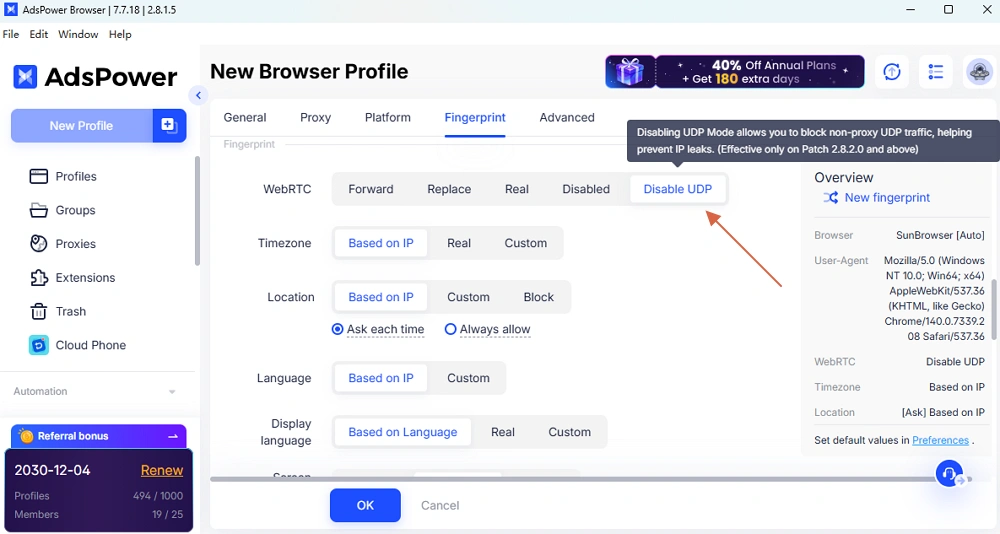
WebRTC: New "Disable UDP" option
Added support for disabling UDP in WebRTC. Since UDP is commonly used for fast, real-time data transfer and does not confirm packet delivery, it can expose real network characteristics. Disabling UDP helps prevent IP and network leaks, significantly improving profile security and anti-detection performance.
Smarter serial number generation
Optimized the profile "Serial Number" logic so values now increment by default, making environment management more organized and predictable.
🔹 Other Enhancements
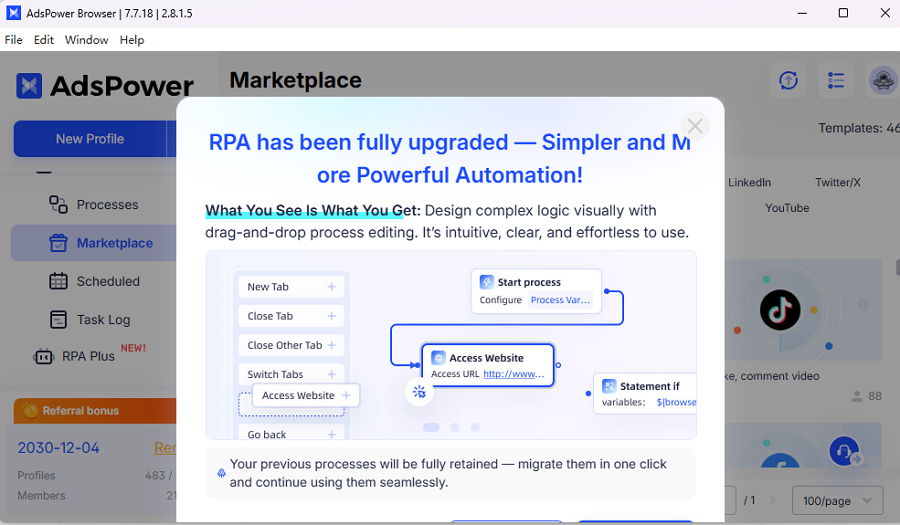
RPA Plus: New automation module
Introduced RPA Plus, a brand-new RPA module with a more intuitive interface and smoother interaction, making automation easier to build and manage.
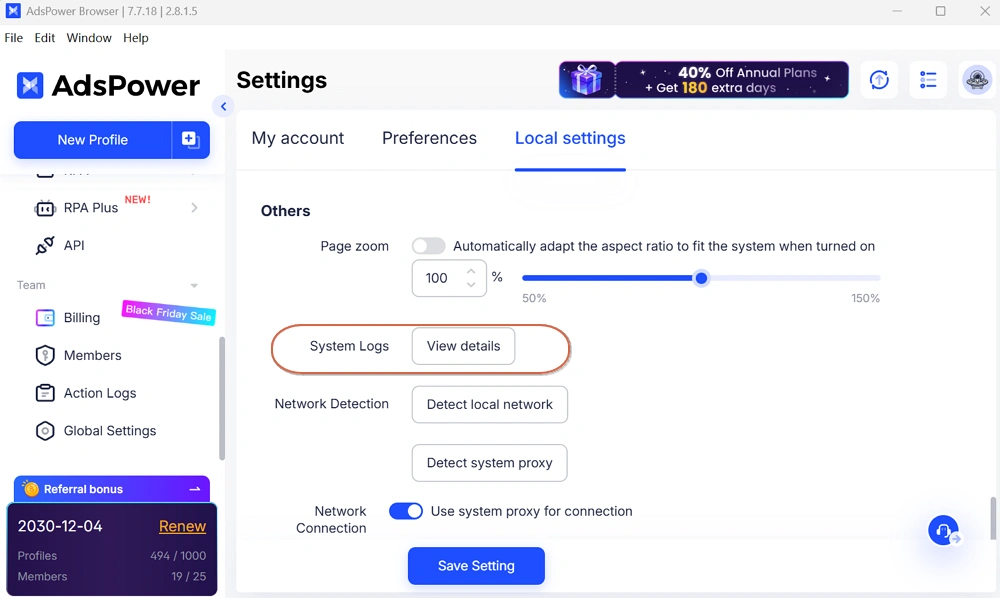
One-click log upload
Added an "System Logs" feature in Settings → Local Settings, allowing users to submit the last 7 days of usage logs with a single click for faster technical support.
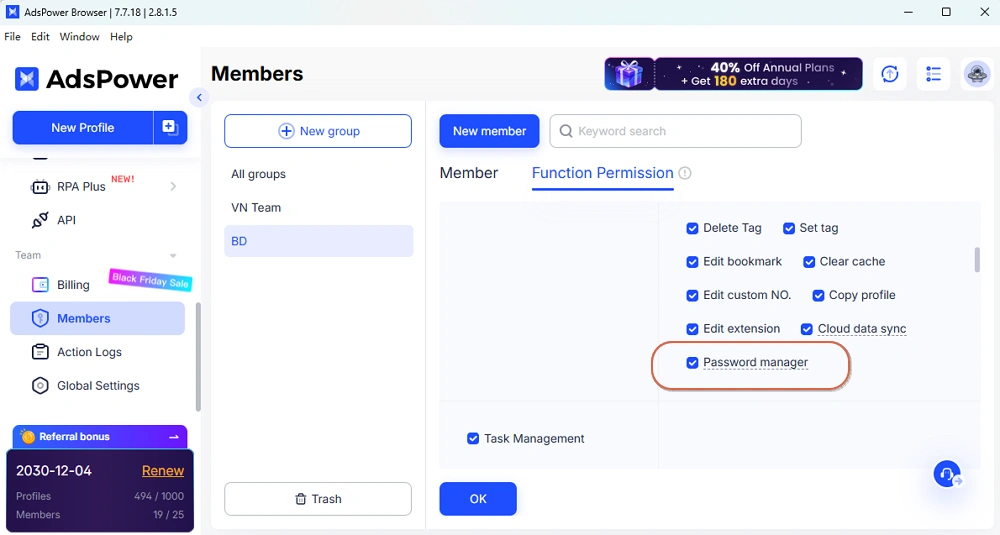
New Password Manager permission
Member Management now includes a "Password Manager" permission, available for kernel versions 141 and above, giving teams more granular access control.